-
Der CPL-Filter: Dieses analoge Kamera-Zubehör kann nicht durch Software ersetzt werden
In Zeiten KI-gestützter Bildbearbeitung gibt es ein analoges Kamera-Zubehör, das nach wie vor unersetzbar bleibt. Oft entscheiden nämlich nicht die Megapixel der Kamera über ein brillantes Landschaftsfoto, sondern ein unscheinbares Stück Glas auf dem Objektiv.
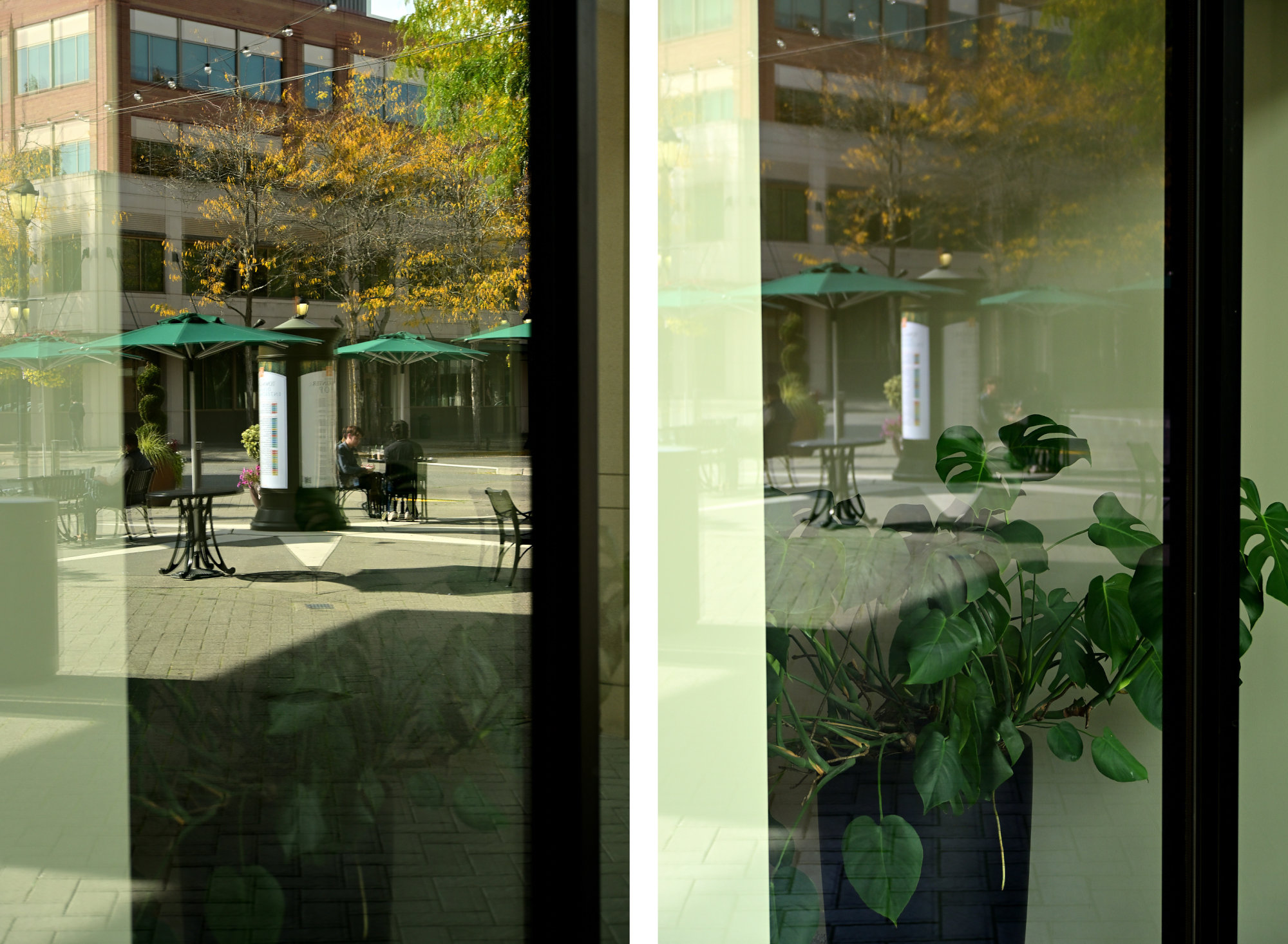
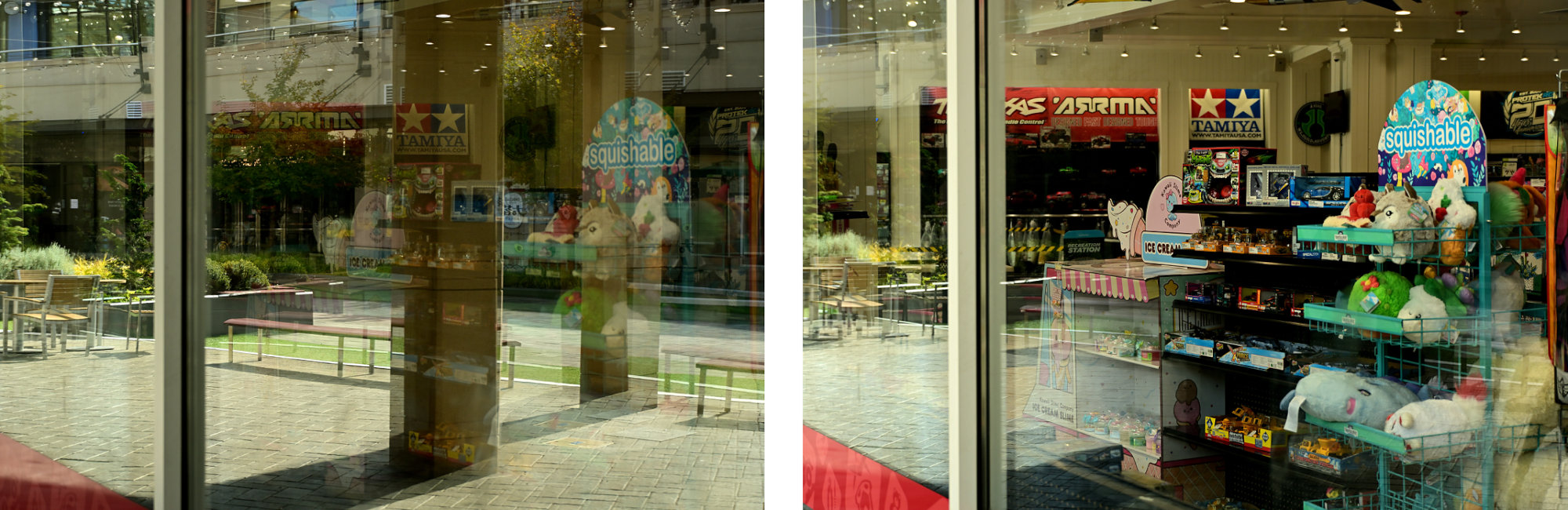
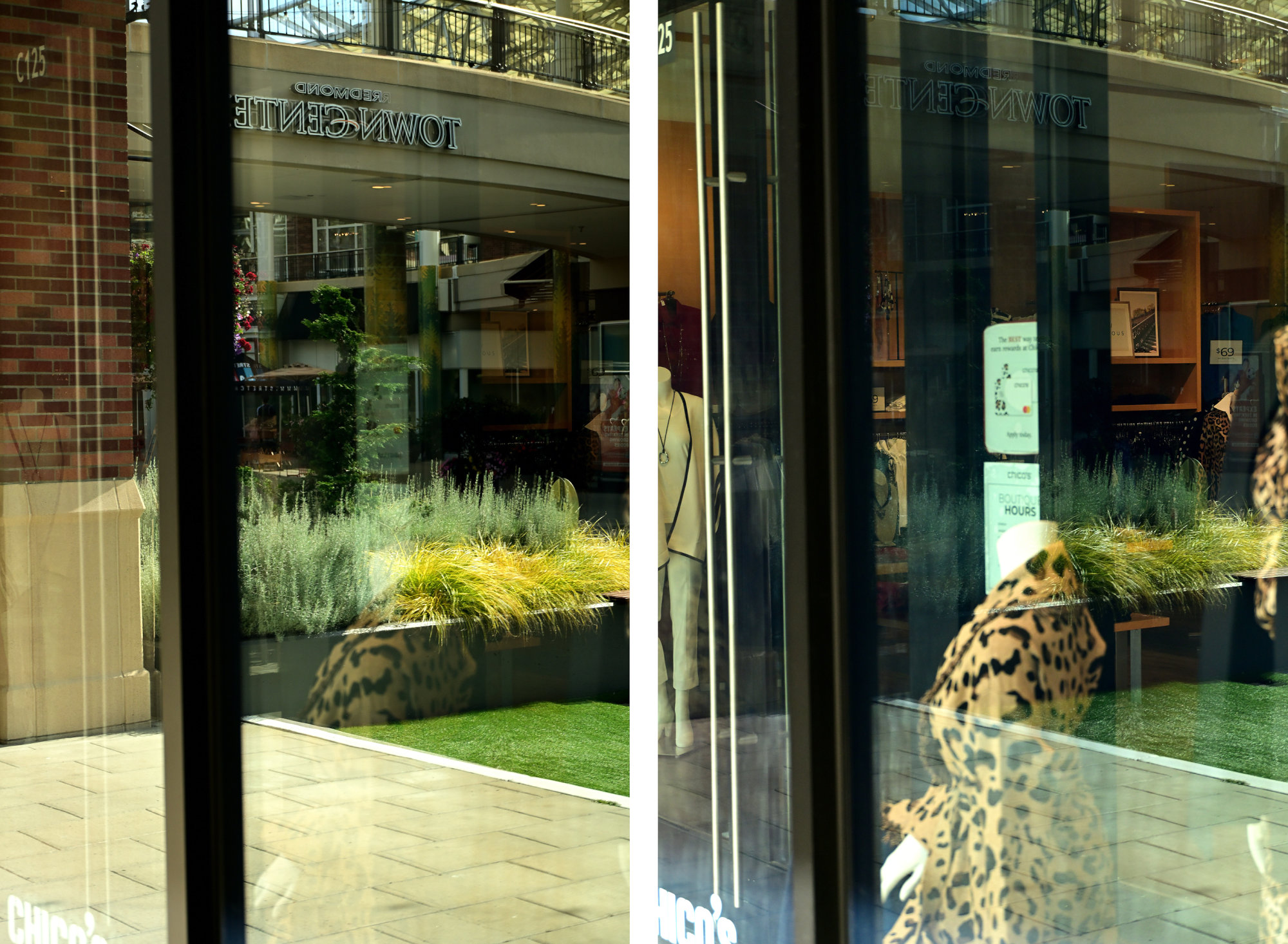
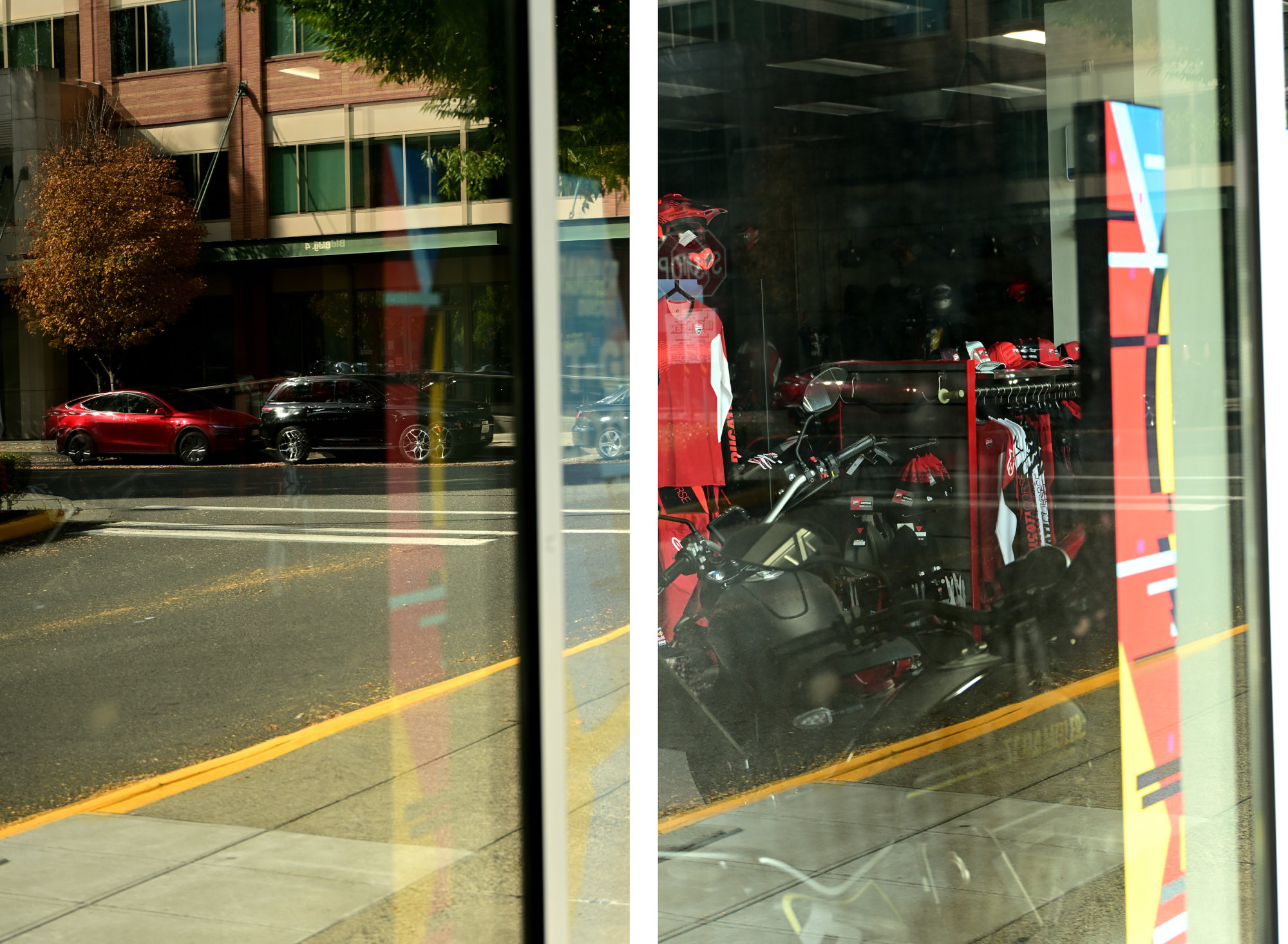
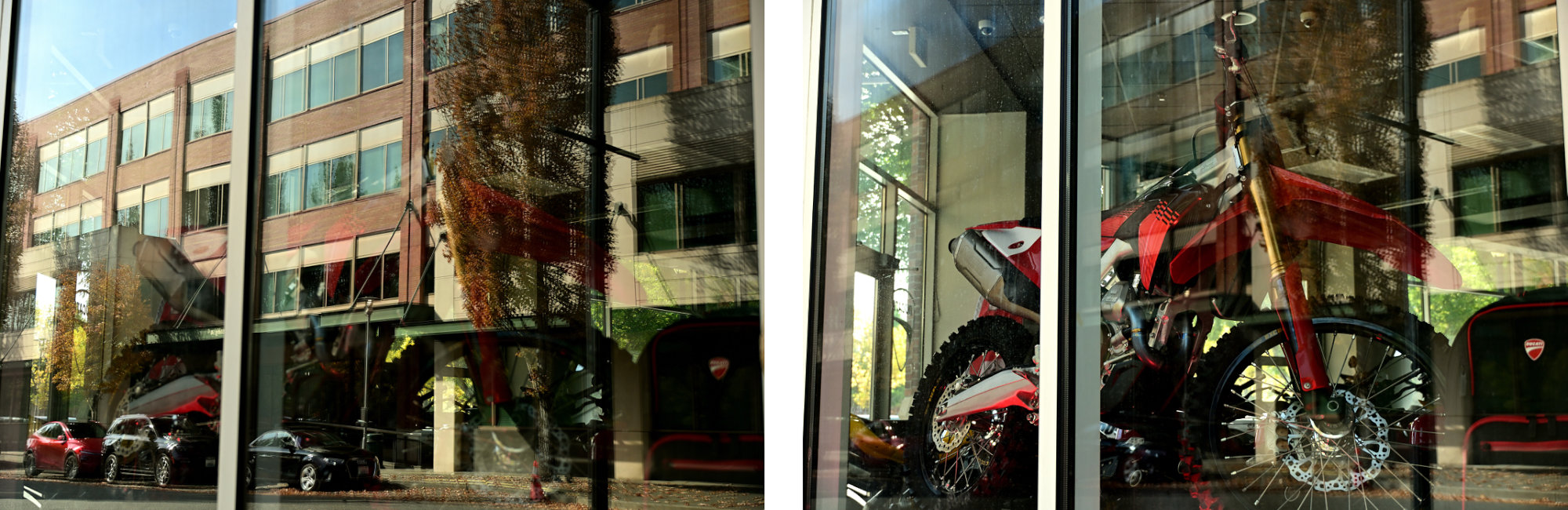
Wer glaubt, dass sich alles nachträglich in der Nachbearbeitung korrigieren lässt, stößt bei unerwünschten Spiegelungen an Grenzen, da diese Bildinformationen im Nachhinein einfach fehlen. Und niemand möchte ein Foto, bei dem eine KI die entfernte Spiegelung bloß fantasievoll simuliert, statt die echte Szene zu zeigen:
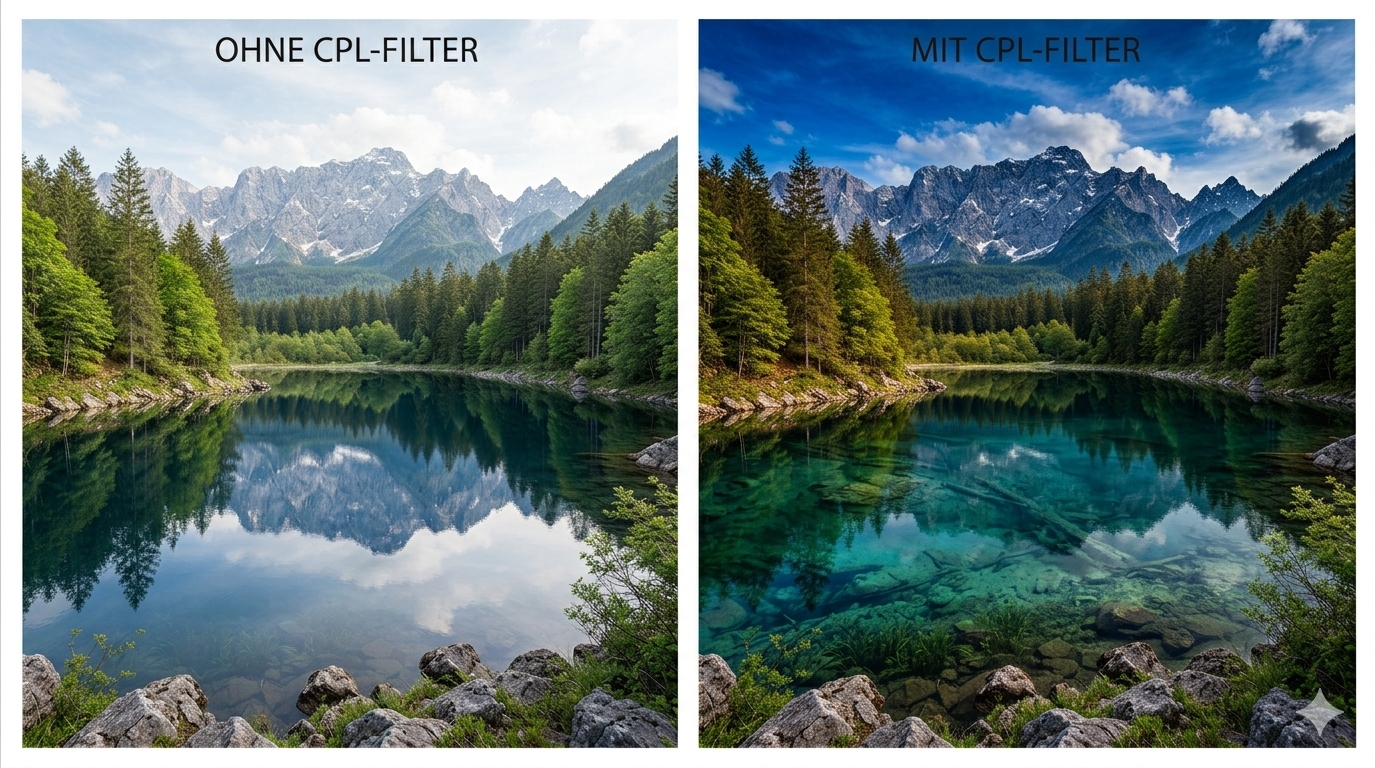
In der Landschafts- und Architekturfotografie lassen sich viele Effekte durch digitale Bildbearbeitung anpassen, doch beim CPL-Filter (zirkularer Polarisationsfilter) hört der Spaß auf. Da der Filter das Licht vor dem Sensor manipuliert, lassen sich die Effekte nachträglich nicht fehlerfrei rekonstruieren.
Ein Schatten, den es ohne dieses Glas für uns nicht gibt.
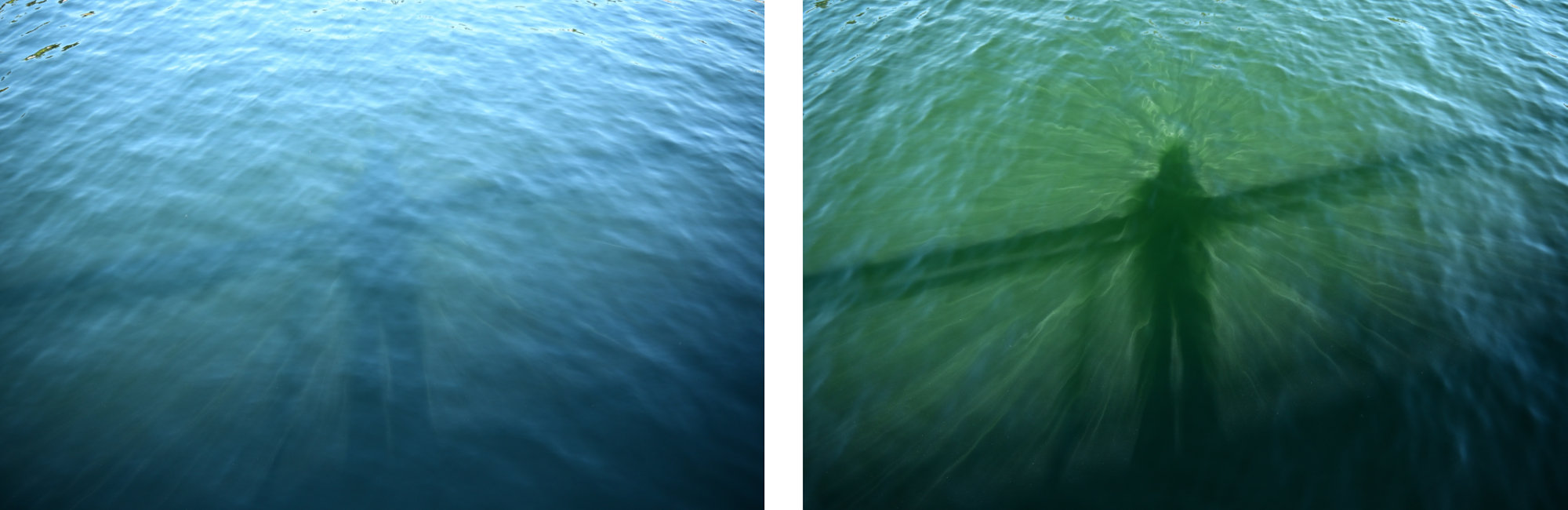
Was ist ein CPL-Filter?
CPL steht für Circular Polarizer. Optisch handelt es sich um einen Aufsatz aus zwei Glasscheiben in einem Metallgewinde, bei dem sich die vordere Scheibe kontinuierlich im Kreis drehen lässt.
Physikalisch gesehen funktioniert der Filter wie ein optisches Gitter für Lichtwellen. Normales Tageslicht schwingt unpolarisiert in alle Richtungen. Trifft es auf eine nicht-metallische Oberfläche (wie Wasser, Glas oder die Wachsschicht von grünen Blättern), wird es reflektiert. Durch diese Reflexion wird das Licht polarisiert, es schwingt danach überwiegend in einer Vorzugsrichtung. Genau dieses gerichtete Reflexionslicht blockiert der Filter, wenn er in den passenden Winkel gedreht wird.
Die optischen Auswirkungen und praktische Anwendung
Der Einsatz bewirkt drei zentrale Effekte:
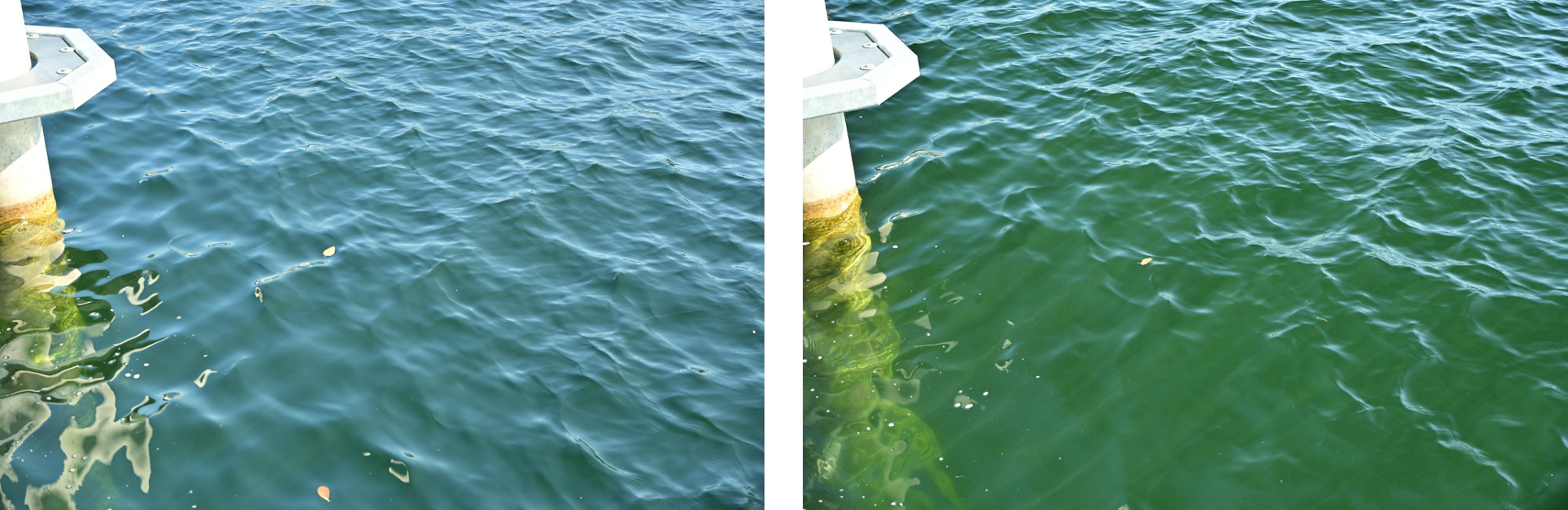
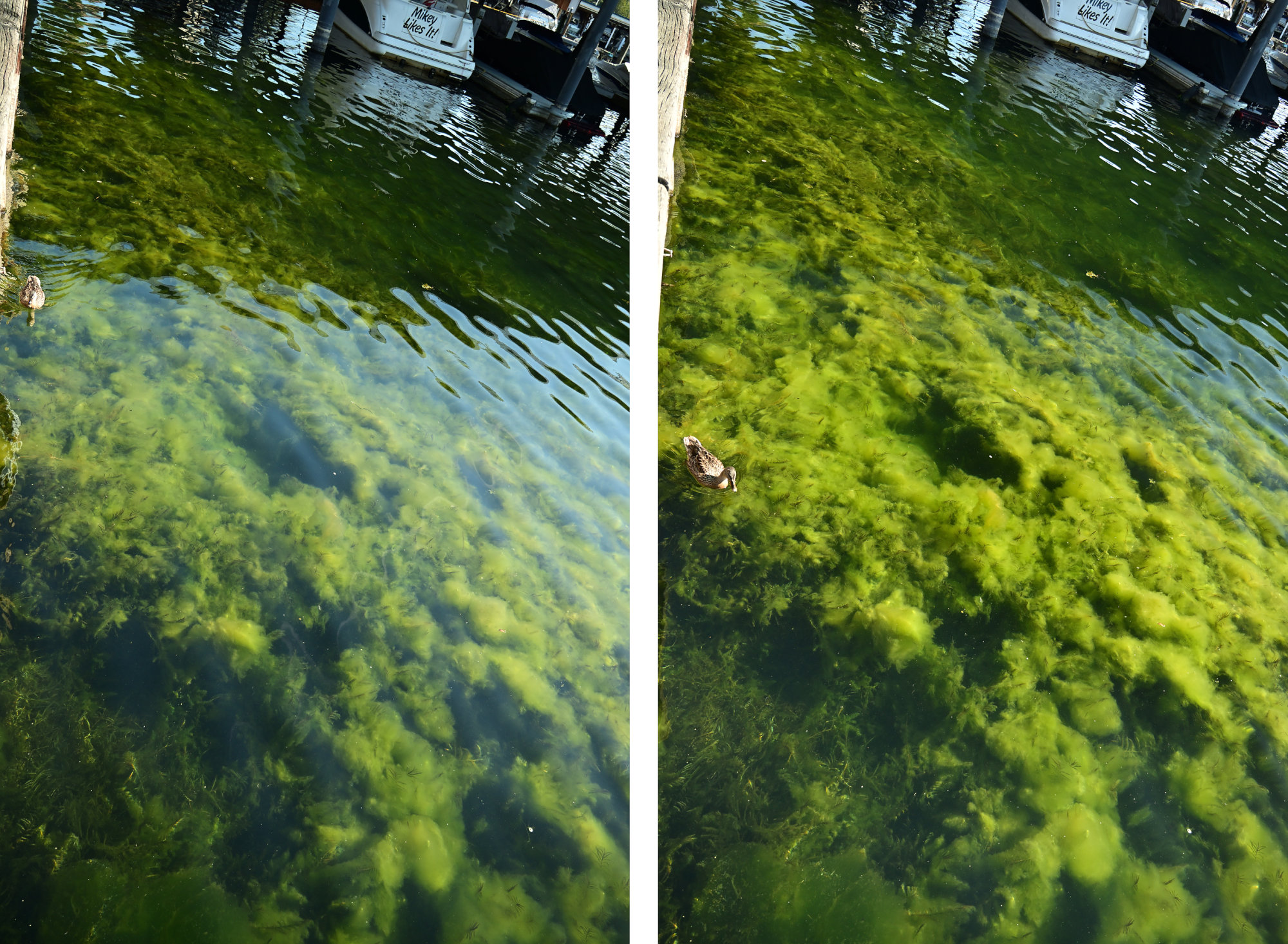
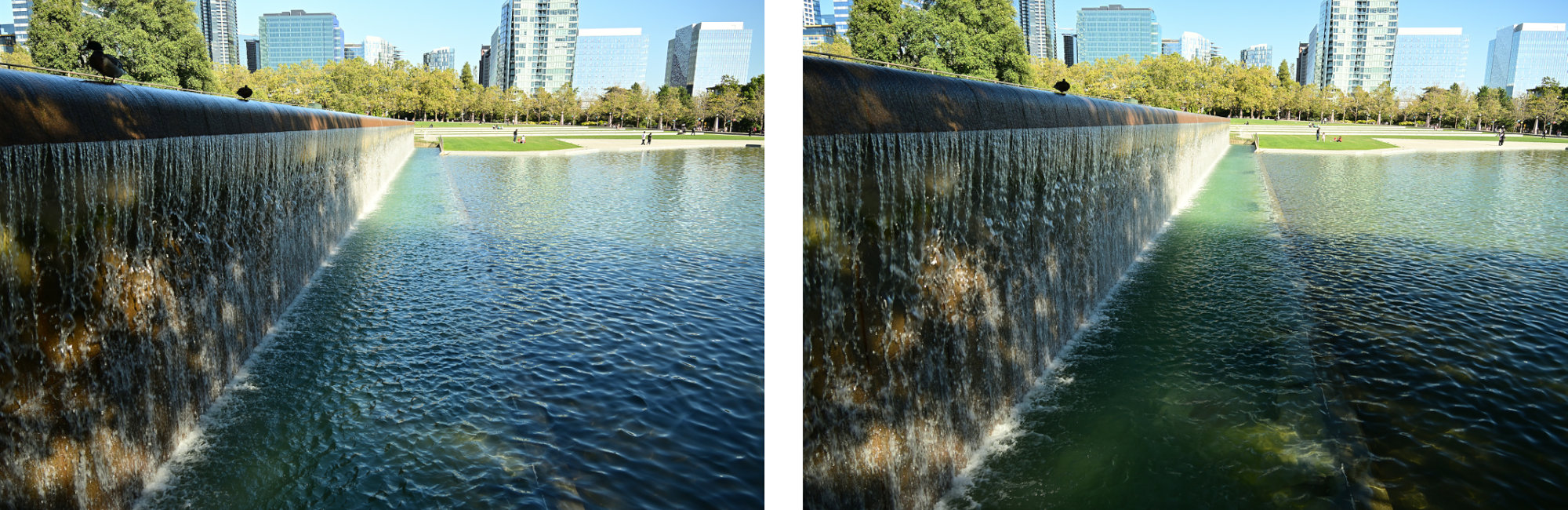
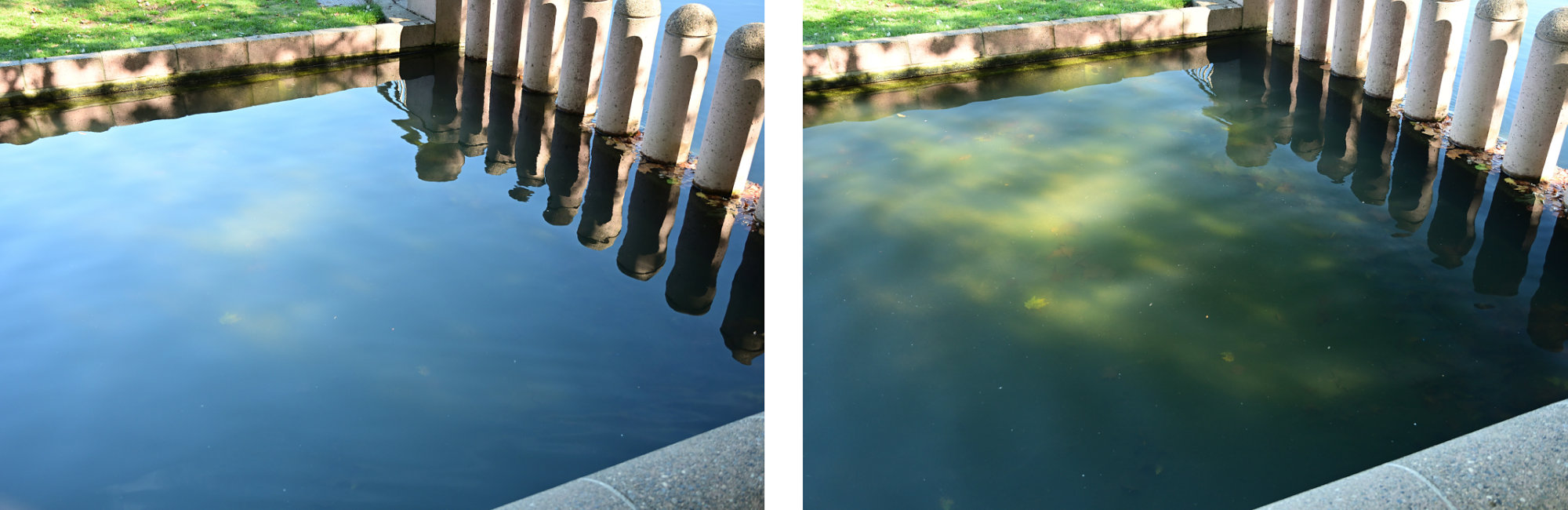
- Unterdrückung von Reflexionen: Spiegelungen auf Oberflächen werden ausgeblendet, wodurch beispielsweise der Grund eines Sees oder das Innere von Fenstern sichtbar wird.
- Erhöhung der Farbsättigung: Ein Lichtschleier auf Blättern, Gras oder nassen Steinen wird eliminiert, was das Grün intensiver wirken lässt (außer bei den Steinen).
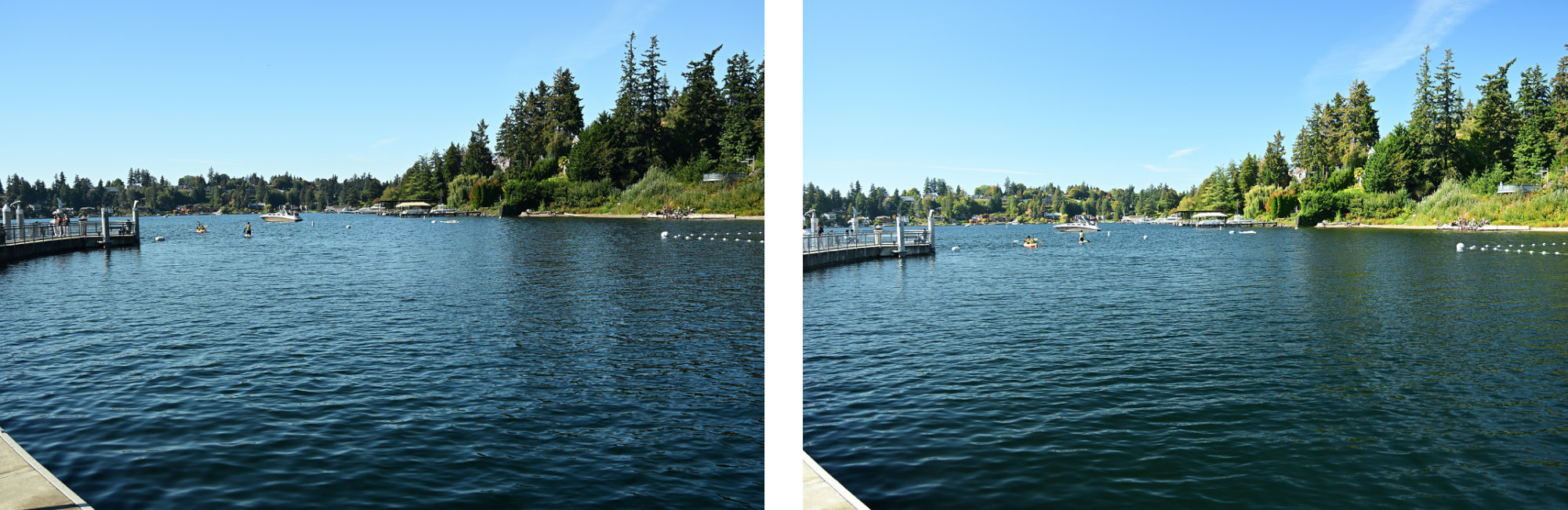
- Kontraststeigerung im Himmel: Dunstpartikel werden herausgefiltert, wodurch das Himmelsblau abdunkelt und Wolken kontrastreicher hervortreten.
Was in der Praxis beachten werden muss
Ein CPL-Filter ist nichts, das einmal aufschraubt und vergessen wird. Er verlangt ein wenig Aufmerksamkeit:
- Manuelle Justierung: Beim Wechsel vom Quer- ins Hochformat oder wenn sich der Winkel zur Sonne ändert, muss auch der vorderen Ring des Filters neu justiert werden. Ein kurzer Blick durch den Sucher oder auf das Display reicht: Einfach so lange drehen, bis die Spiegelung auf dem Wasser verschwindet oder der Himmel den dunkelsten Punkt erreicht.
- Der 90-Grad-Winkel zur Sonne: Die maximale Wirkung am Himmel wird erzielt, wenn im 90-Grad-Winkel zur Sonne fotografiert wird. Wer direkt in die Sonne oder mit der Sonne im Rücken fotografiert, verliert den Effekt am Himmel fast vollständig (die Farbintensivierung auf Blättern oder Wasser funktioniert trotzdem).
- Vorsicht bei Ultraweitwinkel-Objektiven: Bei extremen Weitwinkelobjektiven (z. B. unter 24mm Vollbild-Äquivalent) wird so viel Himmel auf einmal eingefangen, dass der Polfilter-Effekt ungleichmäßig wirkt. Das Resultat ist oft ein unschöner, dunkler Fleck mitten im ansonsten helleren Himmel. Hier sollte der Filter etwas feinfühliger dosiert und nicht komplett auf Anschlag gedreht werden.
- Physikalischer Lichtverlust: Das Filtern verringert physikalisch bedingt die Lichtmenge, meistens um 1 bis 2 Blendenstufen. Das bedeutet: Die Verschlusszeit verlängert sich. Bei strahlendem Sonnenschein ist das nebensächlich, aber in der Dämmerung oder im schattigen Wald muss die ISO angehoben oder ein Stativ benutzt werden.
Bereit für den Praxistest?
Eine Software-Nachbearbeitung kann viel, aber verlorene Bilddaten durch überstrahlte Reflexionen nicht rekonstruieren. Wer Spiegelungen eliminieren will, muss das Licht physikalisch filtern, bevor es den Sensor erreicht. Einzig die optische Qualität des Glases ist entscheidend und minderwertige Filter ruinieren nur die Bildschärfe und verfälschen die Farben.
Lass dich inspirieren: Weitere Vorher-Nachher-Vergleiche, die den Unterschied zeigen.
ohne CPL-Filtermit CPL-Filter
-
Mondfinsternis
Heute Nacht gab es oben am Himmel ein spannendes Alternativprogramm zum strahlenden Vollmond.
Traditionell wird der August-Vollmond auch als Störmond bezeichnet, und wenn sich die Erde genau zwischen Sonne und Mond schiebt und ihren Schatten wirft, sieht das Ganze gleich viel spannender aus. Wegen der partiellen Mondfinsternis hatte mir da mehr einen Sparmond mit dem charakteristischen hellen Rand. Weltweit passiert das zwar zwei- bis dreimal im Jahr, aber man muss ja trotzdem im richtigen Moment auch hinschauen.Ich habe mir kurzentschlossen die Nikon Z50II mit dem 50-250mm Objektiv geschnappt. Eigentlich gehört sich für Astrofotografie ja ein fettes Stativ. Dank gutem Bildstabilisator und ordentlich Luftanhalten ging das Ganze diesmal aber auch erstaunlich gut freihändig durch. Nach kurzer Zeit war der Moment dann auch schon wieder vorbei.
Der Erstkontakt:
1/25s f/6,31 ISO 6400/39° 50-250mm f/4,5-6,3 VR f=250mm/375mm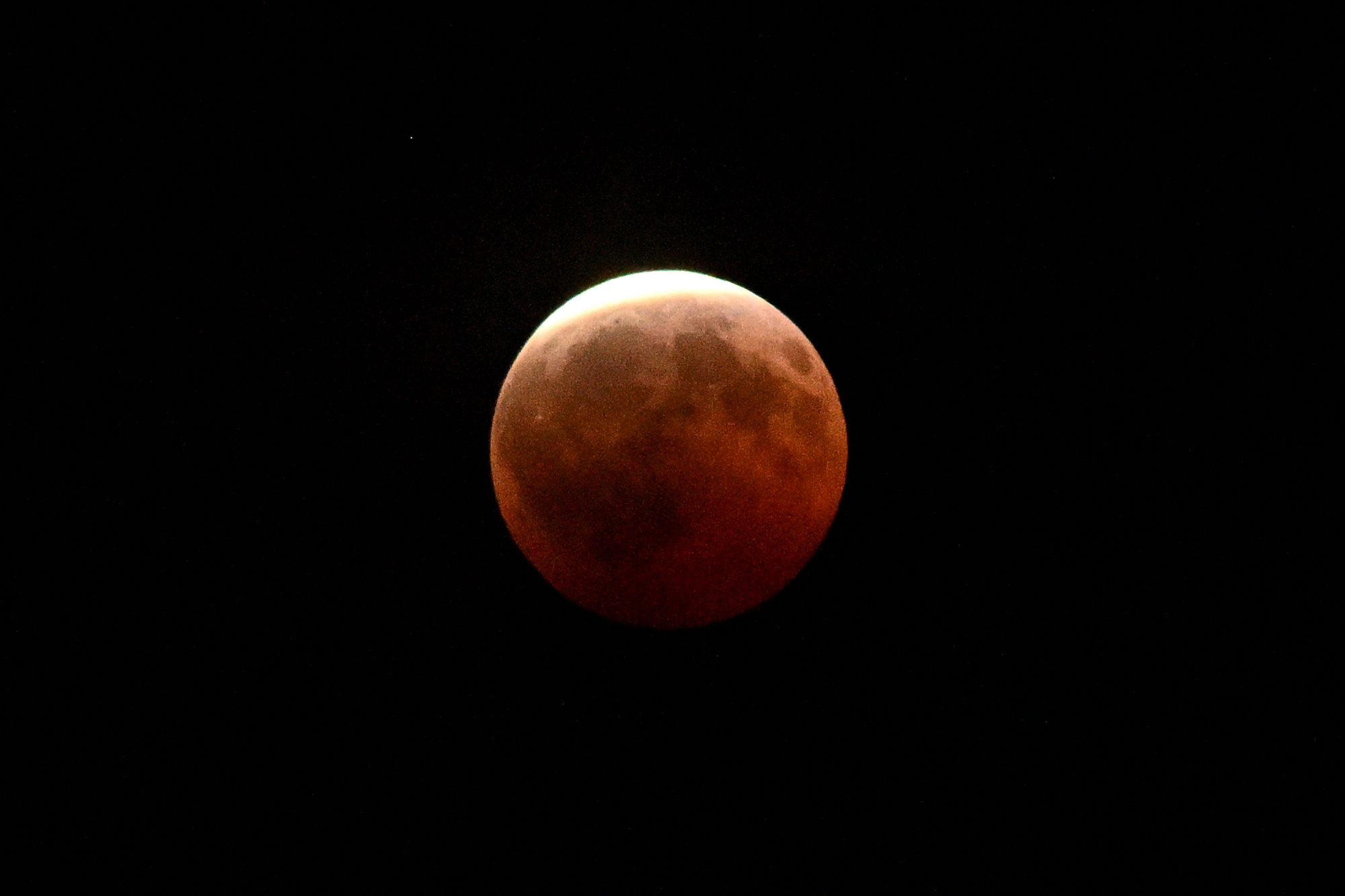
3 Minuten später:
1/25s f/6,3 ISO 2500/35° 50-250mm f/4,5-6,3 VR f=250mm/375mm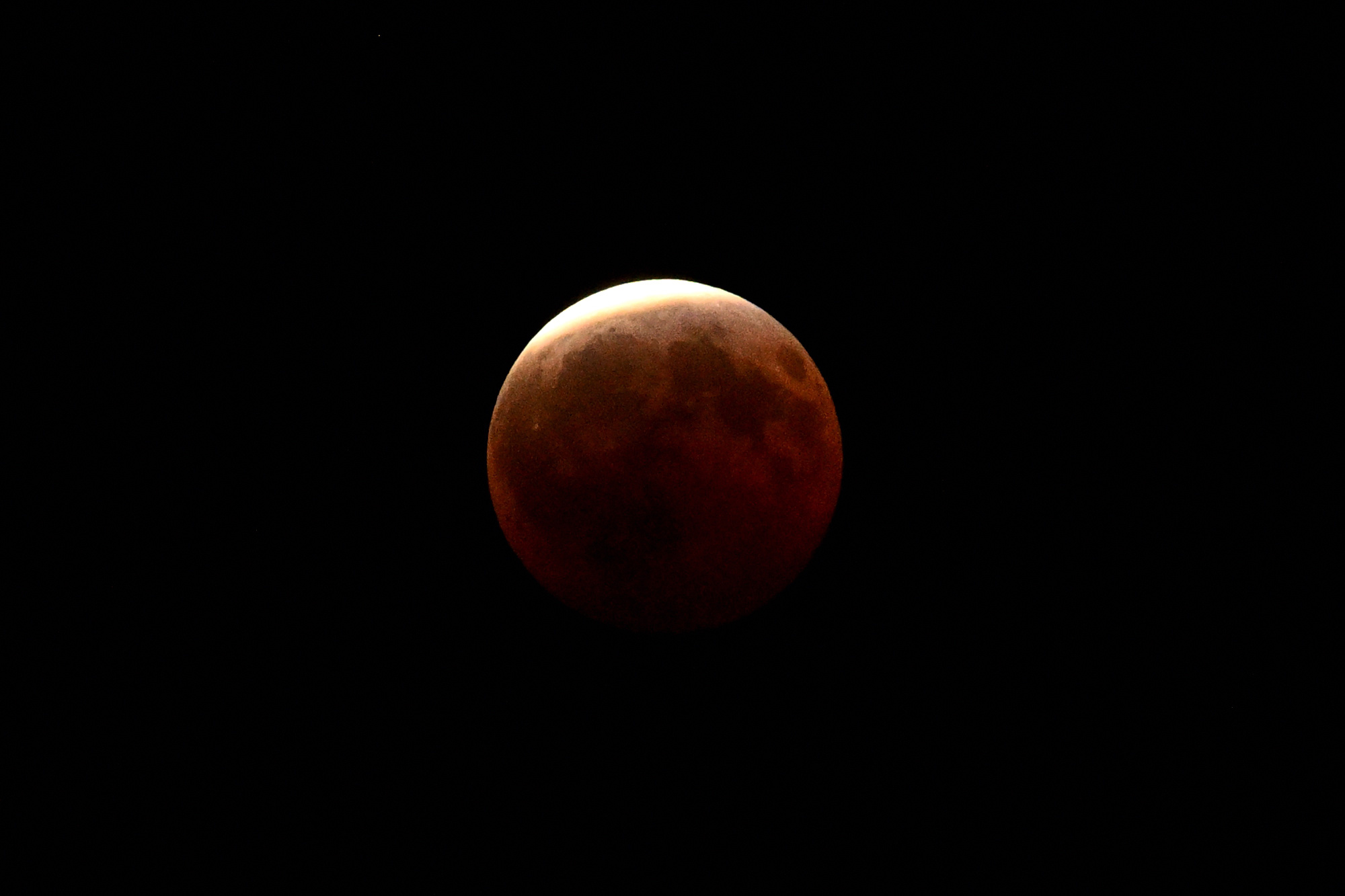
nochmal 3 Minuten später, immer noch da:
1/15s f/6,3 ISO 1250/32° 50-250mm f/4,5-6,3 VR f=250mm/375mm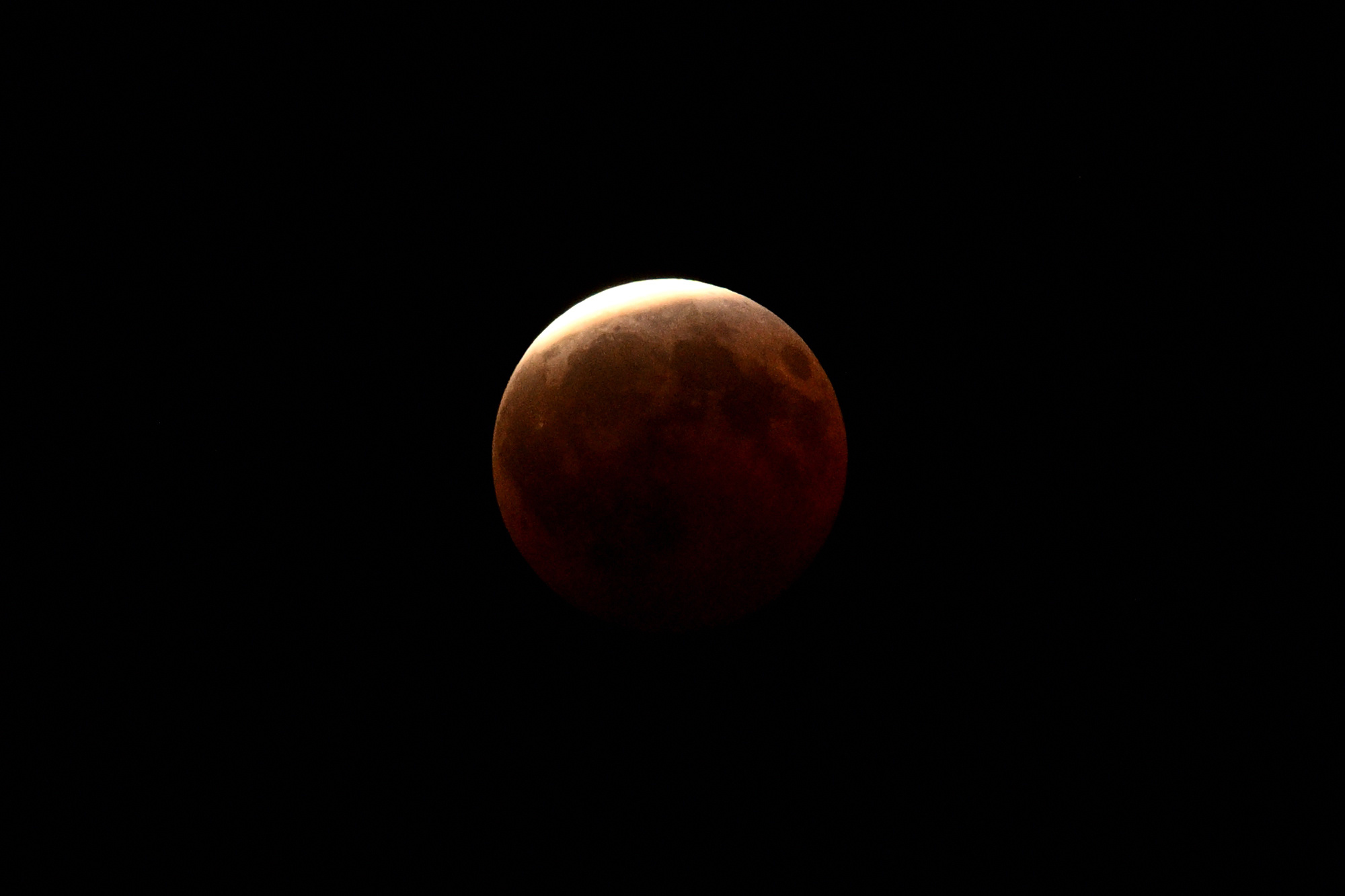
Viel länger hätte ich die Luft eh nicht anhalten können. Kurz darauf haben die Nachbarbäume die Sichtachse zensiert, weil sie wohl unbedingt auch mit aufs Bild wollten.
Aber die Finsternis ist nicht nur für Sternengucker spannend, sie verändert die ganze Natur:
🪲
Mistkäfer nutzen als weltweit einzige bekannte Lebewesen das schwache Lichtband der Milchstraße, um dank hochempfindlicher Facettenaugen nachts perfekt geradeaus zu navigieren. Weil das störende, helle Mondlicht plötzlich weggedimmt wird, sehen sie die Galaxie viel besser, legen den intergalaktischen Vorwärtsgang ein und rollen ihre Dungkugeln2 plötzlich dreimal schneller und präziser als in jeder normalen Vollmondnacht.🌋
Das rote Leuchten des Blutmonds ist die Summe aller Sonnenuntergänge der Erde. Die Atmosphäre wirkt wie ein gigantisches Prisma und projiziert das weltweite Abendrot direkt auf den Mond. Gleichzeitig sackt die Temperatur dort oben so schlagartig ab, dass der Mond schrumpft und messbare Mondbeben ausgelöst werden.⛵
Im Jahr 1504 rettete eine Mondfinsternis Christoph Kolumbus das Leben. Als die Ureinwohner auf Jamaika ihm keine Vorräte mehr geben wollten, drohte er ihnen an, Gott würde dem Mond das Licht stehlen. Als die Finsternis wie vorhergesagt eintraf, gaben die verängstigten Inselbewohner ihm sofort alles, was er brauchte.
-
Hab doch tatsächlich versucht, die Blende auf 2,8 hochzudrehen. Vollmond halt. ↩
-
Das Logistik-Unternehmen Dungtransport ist pure Lebensversicherung: Frischer Dung liefert wichtige Nährstoffe, sorgt am Haufen aber für ordentlich Gedränge. Um den Proviant nicht an die Konkurrenz zu verlieren, formen sie blitzschnell eine Kugel, flüchten auf dem absolut schnellsten Weg (daher die gerade Linie via Milchstraße) und vergraben das leckere Mittagessen als ungestörtes Festmahl oder exklusive Kinderstube für den Nachwuchs.
Mehr Details zu diesem Orientierungsverfahren gibt es im Wikipedia-Eintrag zum Mistkäfer und in der wissenschaftlichen Originalstudie von Marie Dacke auf ScienceDirect. ↩
-
-
June Solstice Moon 🔭🌓
June 21st, 2026, 19:193. Summer solstice: the Sun reached its northern limit, the day stretched as far as it could, and the Moon was already visible in the blue evening sky.
The day was clearly not finished. The sky was still blue, the trees were still in sunlight, and the Moon had already arrived.
Not bright enough to take over, not faint enough to ignore. Just early.
Another moon sighting. No agents on duty this time, but the sky was clearly being monitored: Zunehmender Halbmond 🌓🌛.
Taken handheld with my Z50 and the NIKKOR Z DX 50-250 mm 1:4,5-6,3 VR. The tripod stayed inside.
1/500s f/6,3 ISO 250/25° 50-250mm f/4,5-6,3 VR f=250mm/375mm
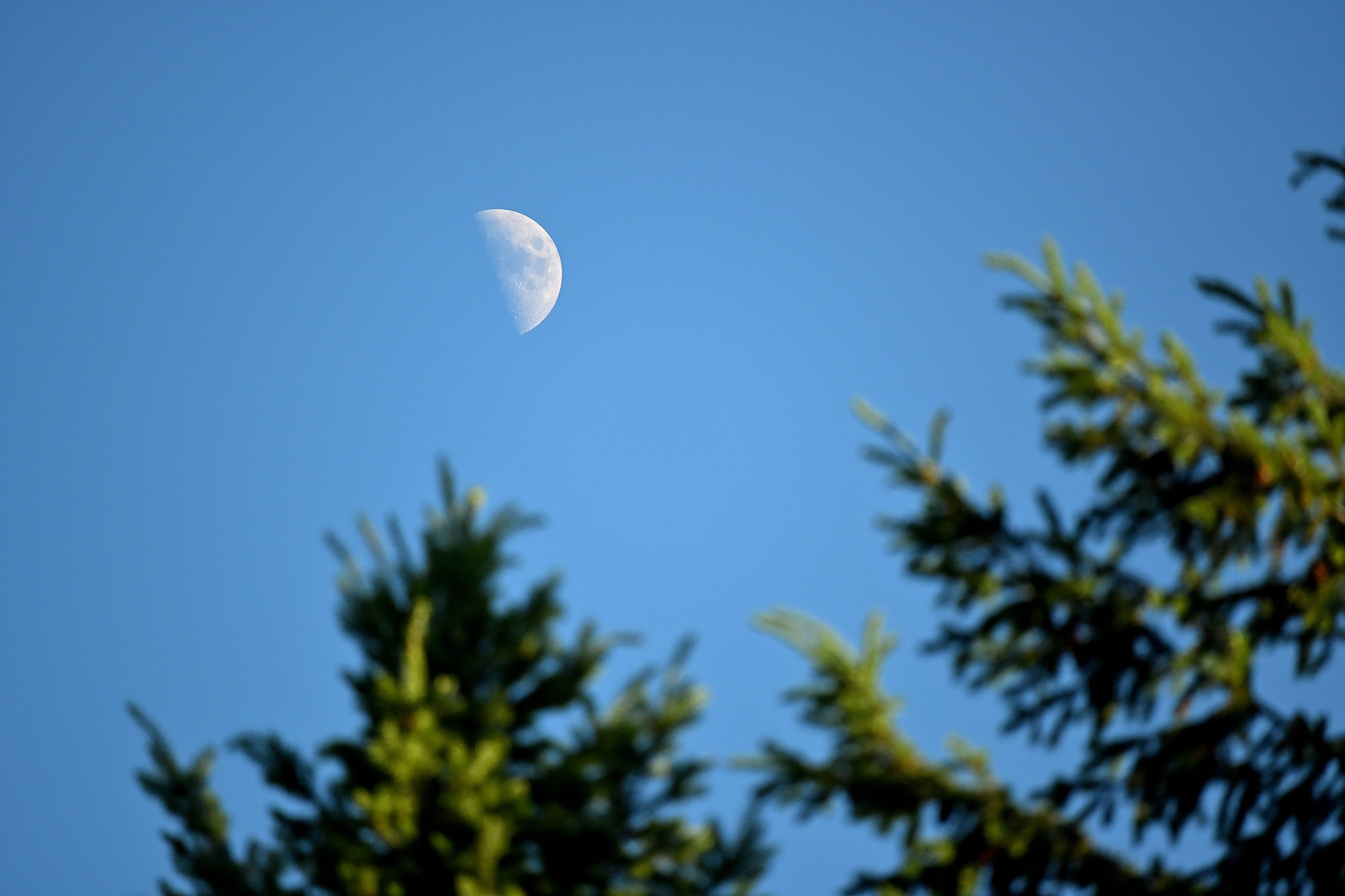
The second image is a crop from the original 5568 × 3712 photo. The crop is 1015 × 677 pixels.
The lens was at 250 mm on a Nikon Z50. With the 1.5× APS-C crop factor, the EXIF reports this as 375 mm in 35 mm equivalent terms.
The additional digital crop factor can be calculated from the diagonal ratio:
$$ c_\text{digital} = \frac{\sqrt{5568^2 + 3712^2}} {\sqrt{1015^2 + 677^2}} $$
$$ c_\text{digital} = \frac{6692}{1220} \approx 5.49 $$
So the cropped image has an effective 35mm-equivalent focal length of:
$$ f_\text{eq,crop} = 250\,\text{mm} \times 1.5 \times 5.49 $$
$$ f_\text{eq,crop} \approx 2057\,\text{mm} $$
Or, starting from the EXIF equivalent focal length:
$$ 375\,\text{mm} \times 5.49 \approx 2057\,\text{mm} $$
In framing terms, the result is about 2050 mm full-frame equivalent.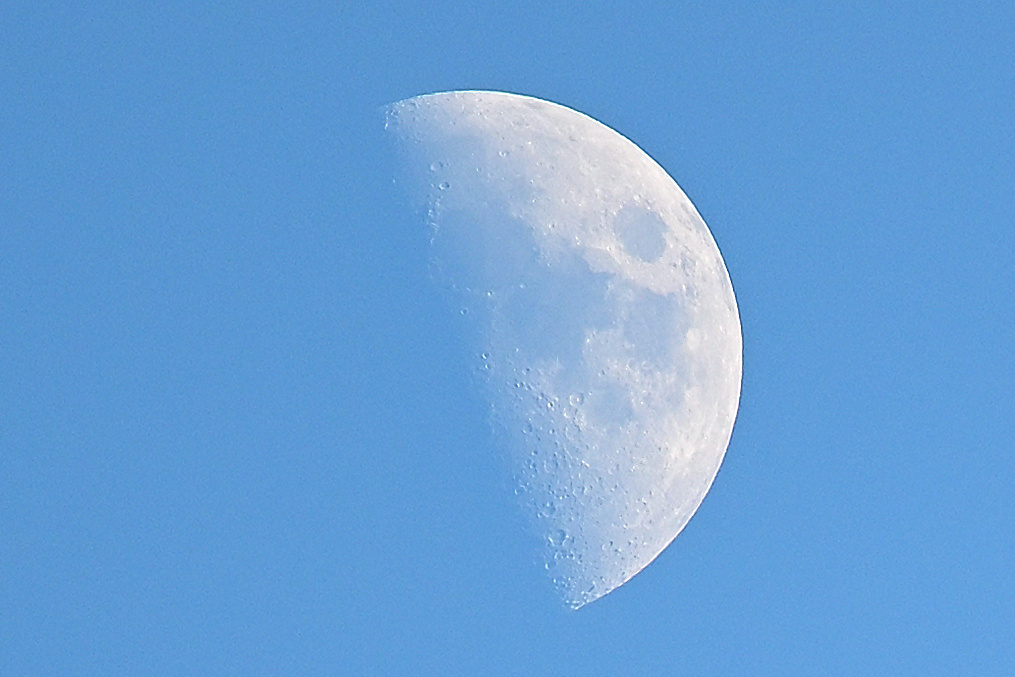
It started as 250 mm and ended up at 2050 mm. With one more zero and some cropping, the Z50 became a small handheld observatory for one evening.
-
19:19 is photo time. The solstice itself had already occurred at 01:24, when the Sun reached its northernmost declination and began its slow return south. ↩
-
-
Pike Place Fragments
On a bright Seattle day, Pike Place Market is every bit the postcard, but it keeps opening up in other directions too. The familiar sights are still there, of course, but the place also pulls toward the water, into side streets, through shop windows, and into small moments that are easy to miss. Somewhere between stairs, neon reflections, fish crates and narrow alleys, Pike Place slowly turns into something larger than its landmarks. These photos are a walk through those other sides of Pike Place, with good weather doing more than its fair share of the work.

Before the market takes over, the waterfront has already started the conversation.
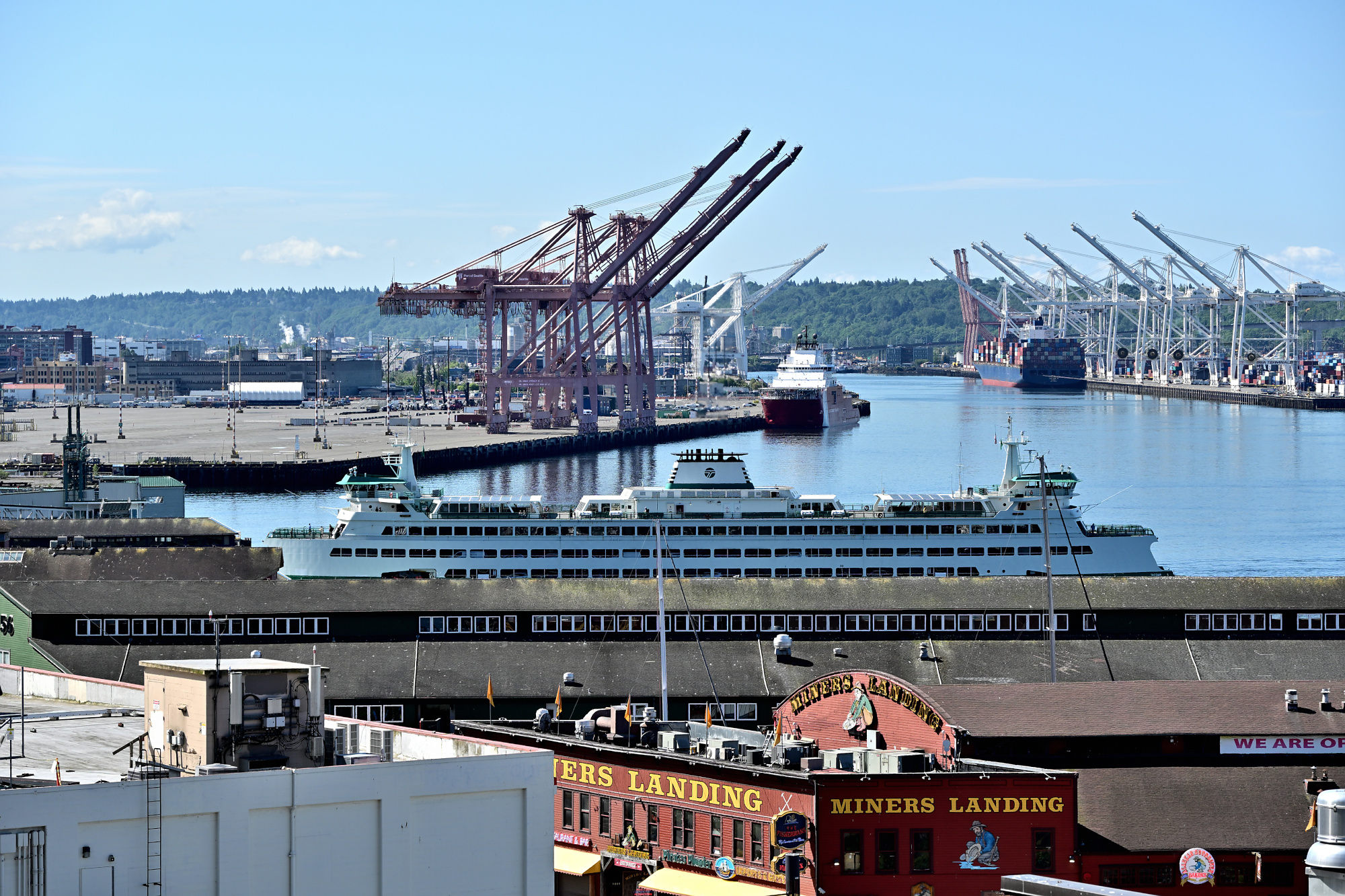
Sunshine, harbor cranes, and a ferry coming in from the Sound: Seattle starts the day looking busy.
1/400s f/7,1 ISO 100/21° 18-140mm f/3,5-6,3 VR f=68mm/102mm
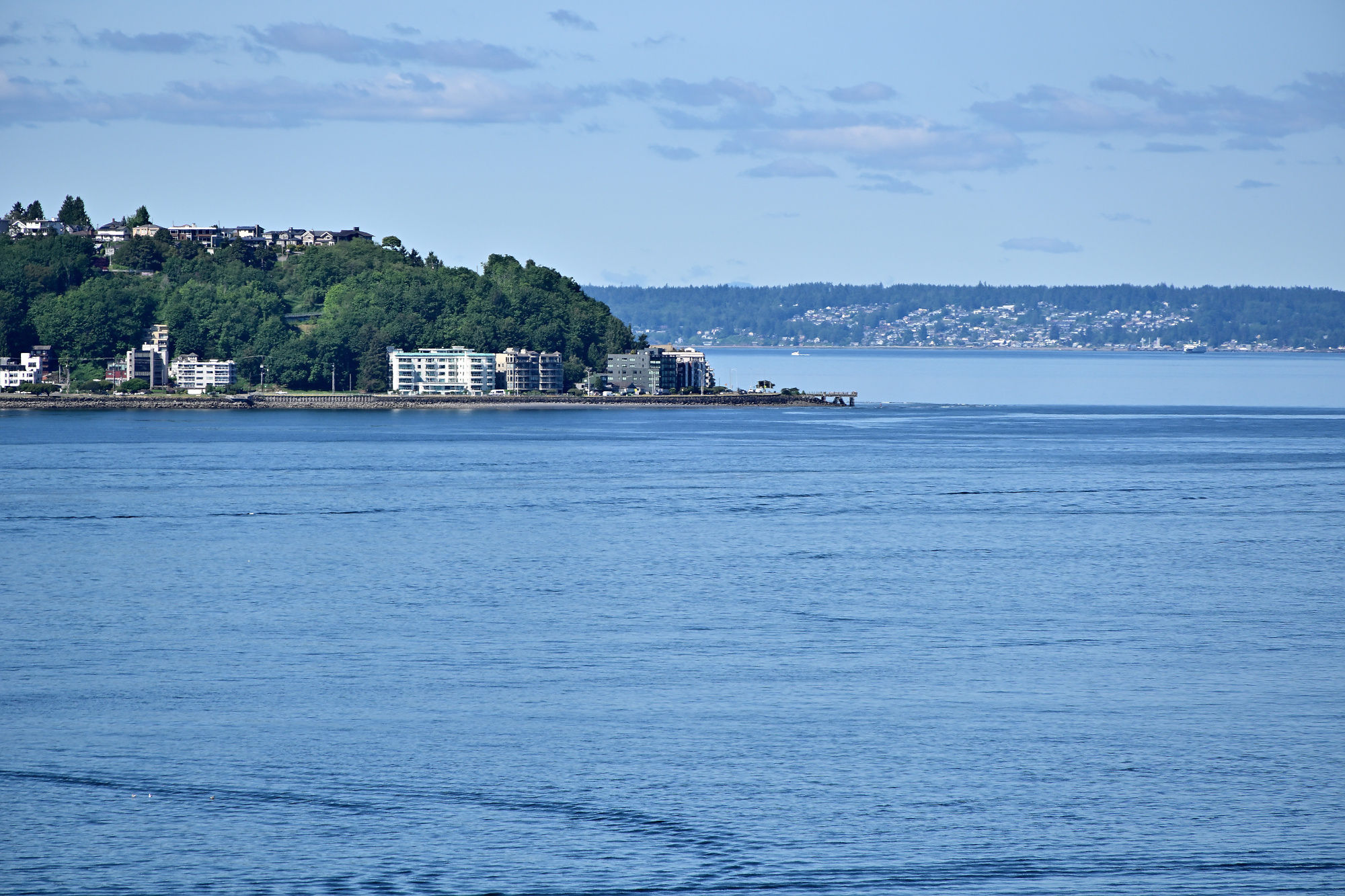
Puget Sound looks almost too relaxed here, considering how quickly the market picks up speed. From City View Park, this is also where Seattle lines up for its city views and panoramas.
1/640s f/6,3 ISO 100/21° 18-140mm f/3,5-6,3 VR f=140mm/210mm
A quiet stretch of blue, while the city keeps refusing to pause.
1/500s f/10 ISO 200/24° 18-140mm f/3,5-6,3 VR f=140mm/210mm
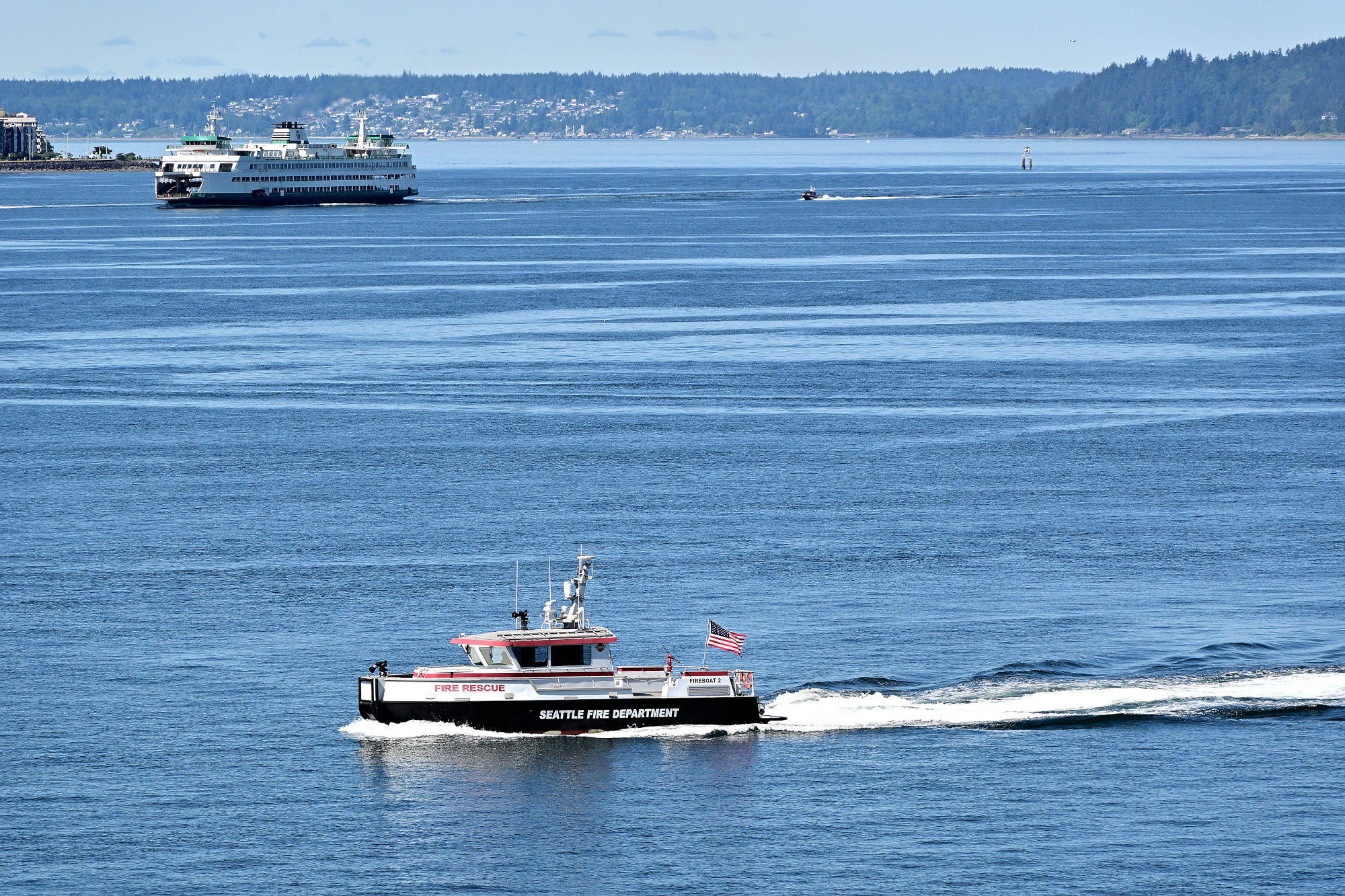
On the waterfront, something is always moving.
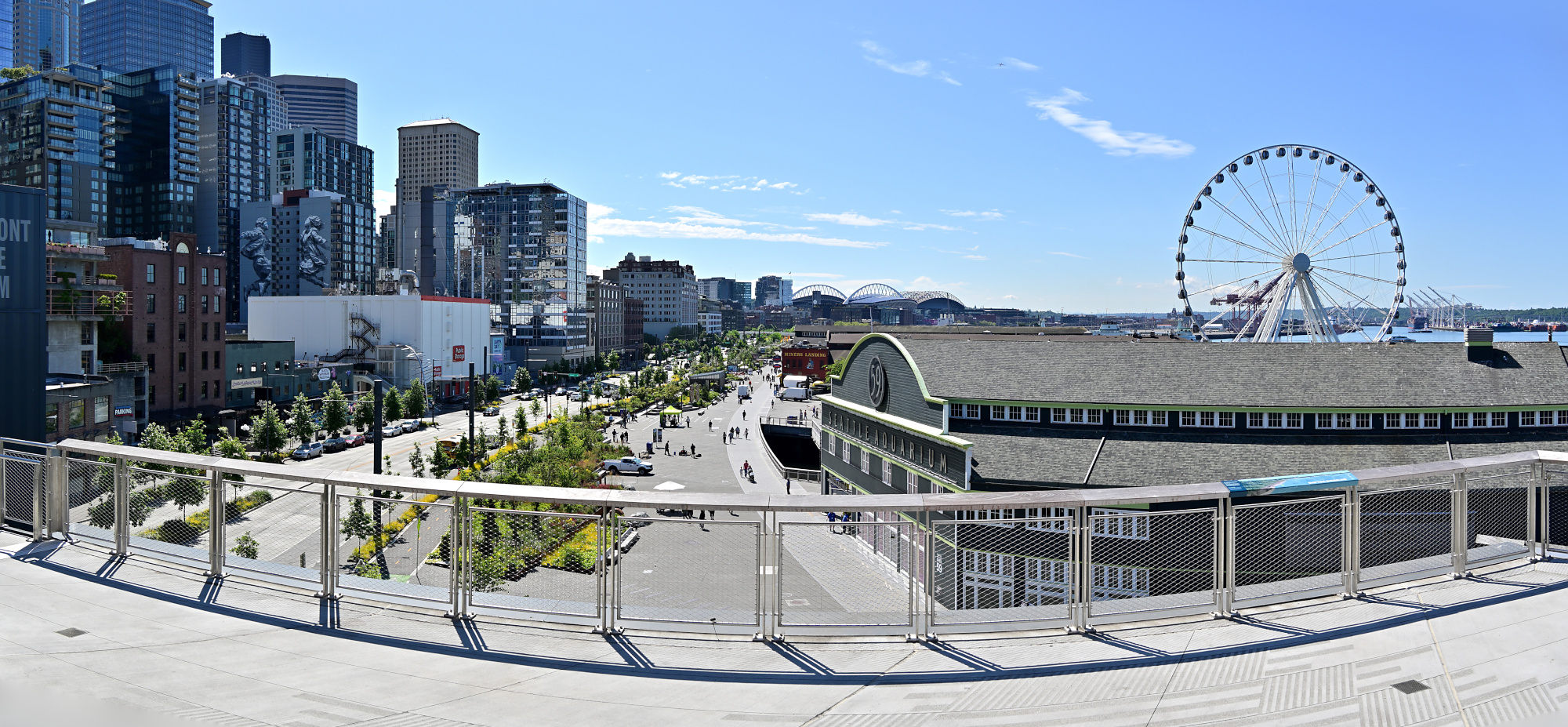
1/400s f/7,1 ISO 100/21° 18-140mm f/3,5-6,3 VR f=18mm/27mm
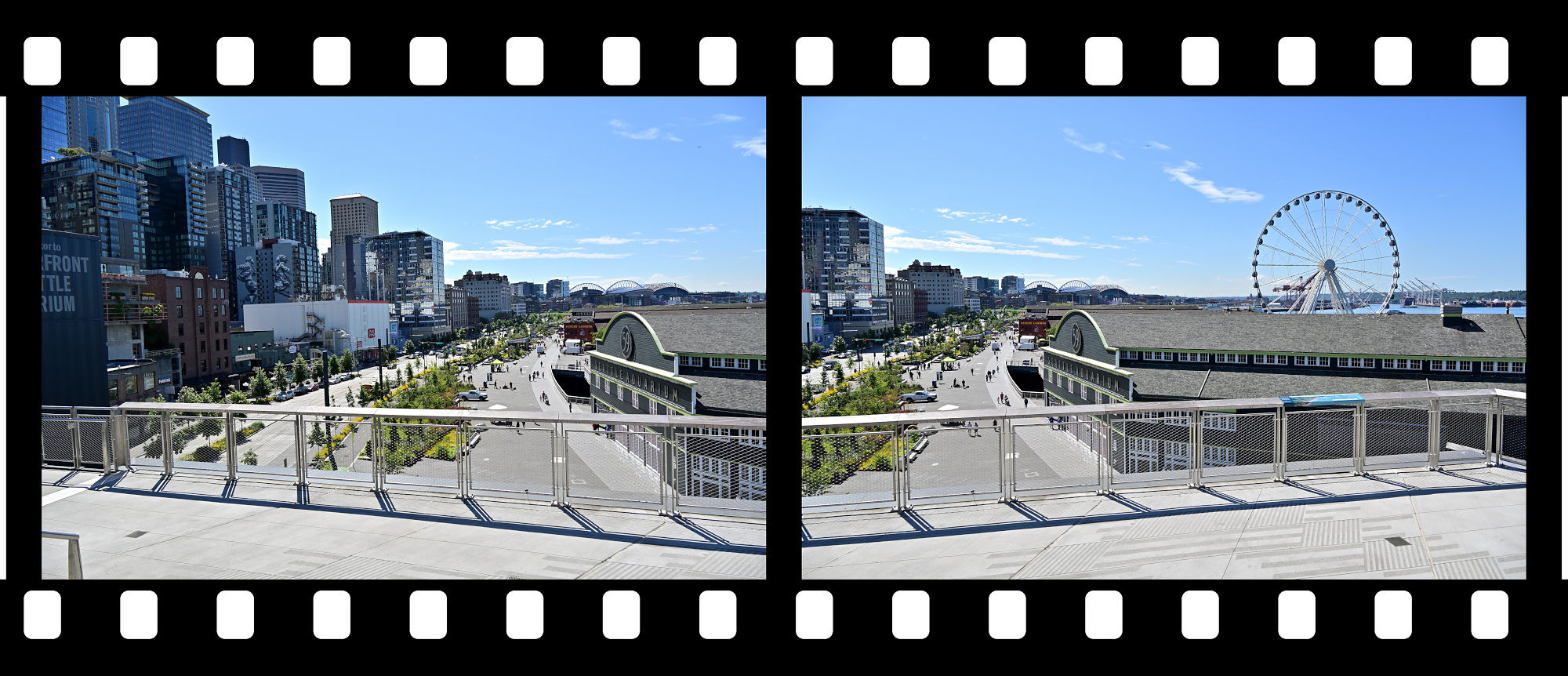
A closer look at the waterfront before the market takes over again.
1/400s f/7,1 ISO 100/21° 18-140mm f/3,5-6,3 VR f=70mm/105mm
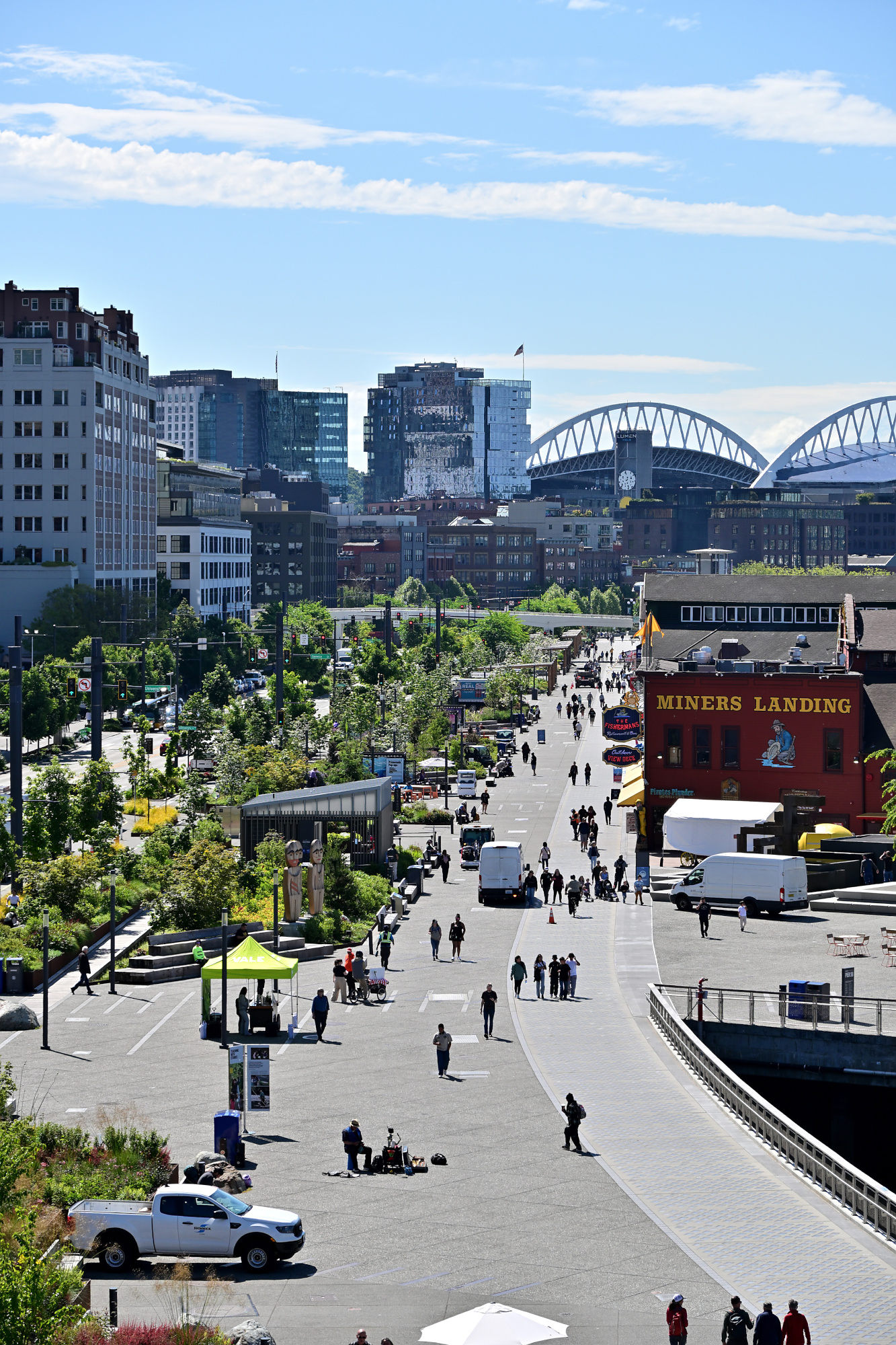
The market edge is all stairs, rails, rooftops, and the promise of something around the corner.
1/320s f/6,3 ISO 100/21° 18-140mm f/3,5-6,3 VR f=35mm/52mm
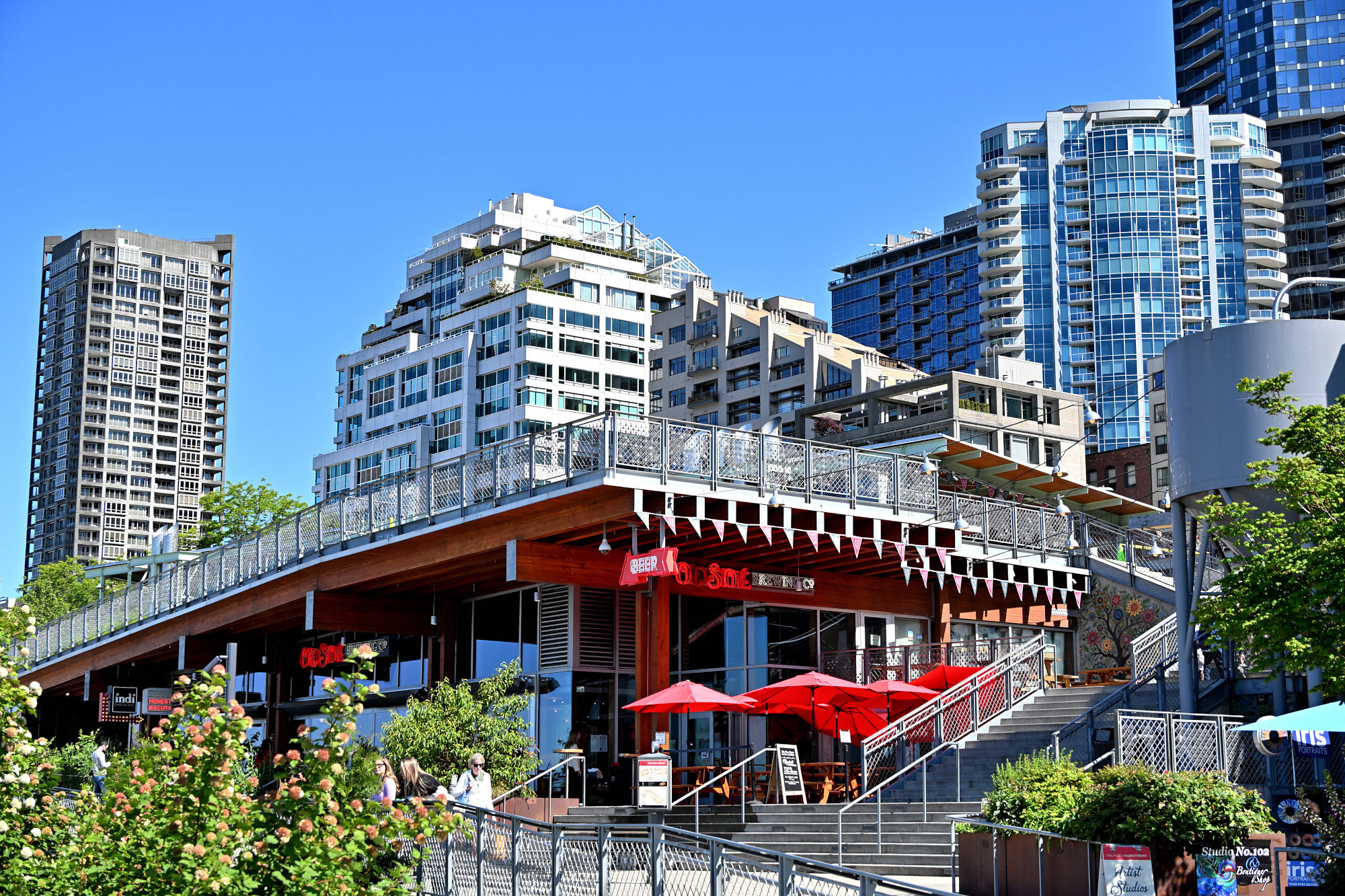
The famous red sign, seen from behind, still knows exactly how famous it is.
1/250s f/5,6 ISO 160/23° 18-140mm f/3,5-6,3 VR f=61mm/91mm
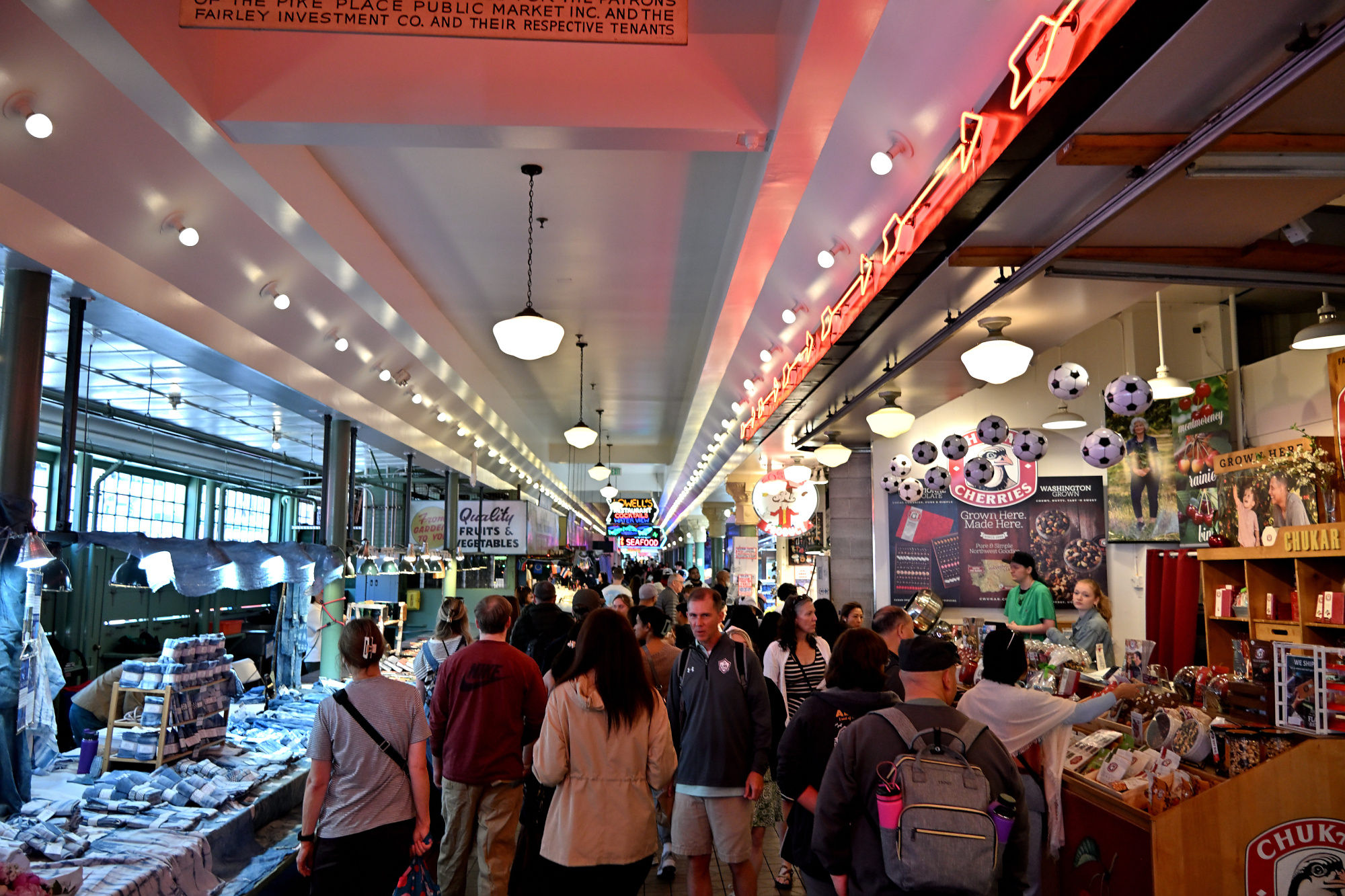
Inside the market, everything gets closer, brighter, and slightly less interested in personal space.
Inside, the market becomes a moving mix of lights, signs, and people with somewhere to be.
1/125s f/3,5 ISO 900 18-140mm f/3,5-6,3 VR f=18mm/27mm
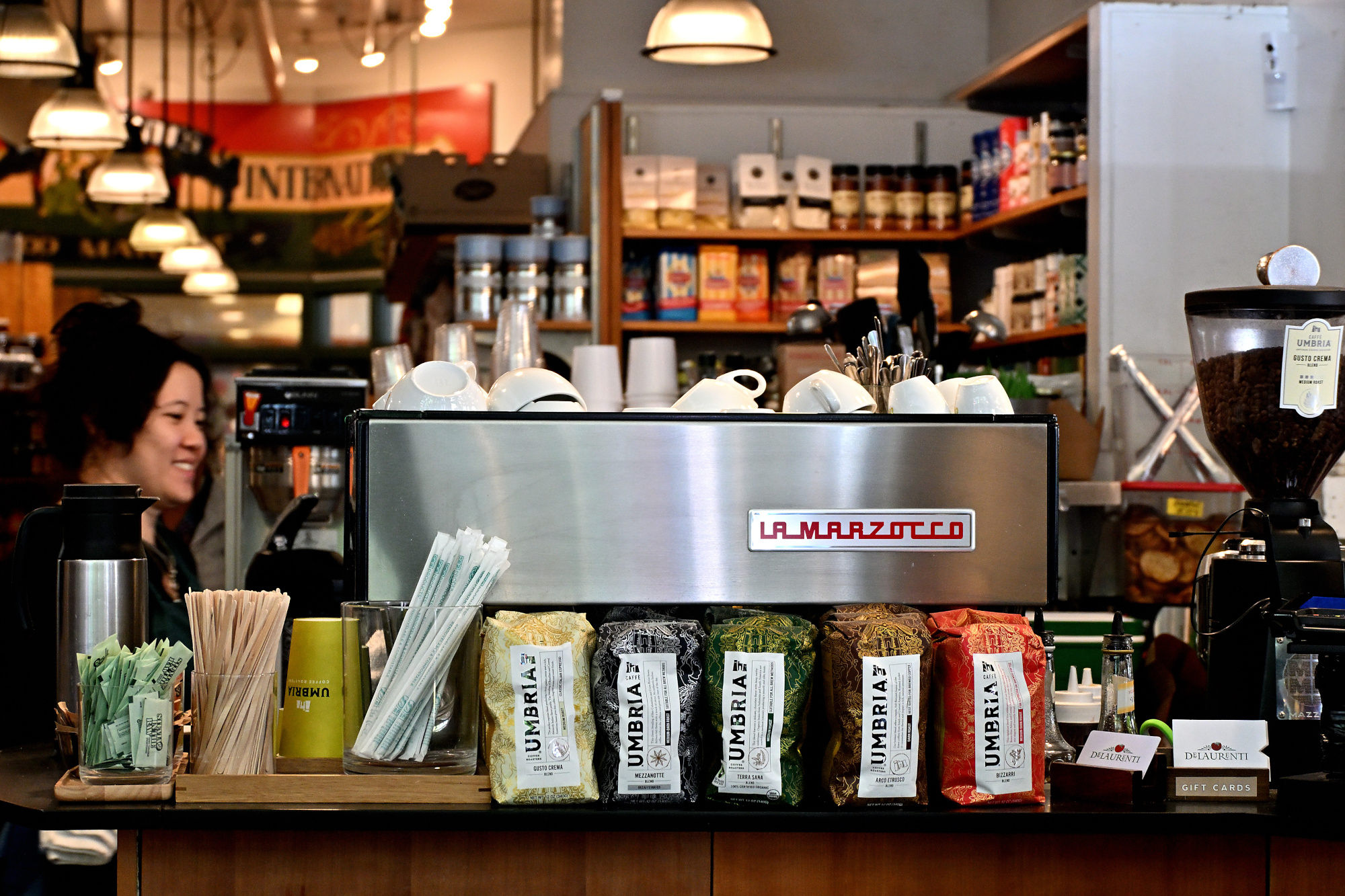
Coffee appears here less as a beverage and more as a basic Seattle utility.
1/125s f/5 ISO 1600/33° 18-140mm f/3,5-6,3 VR f=57mm/85mm
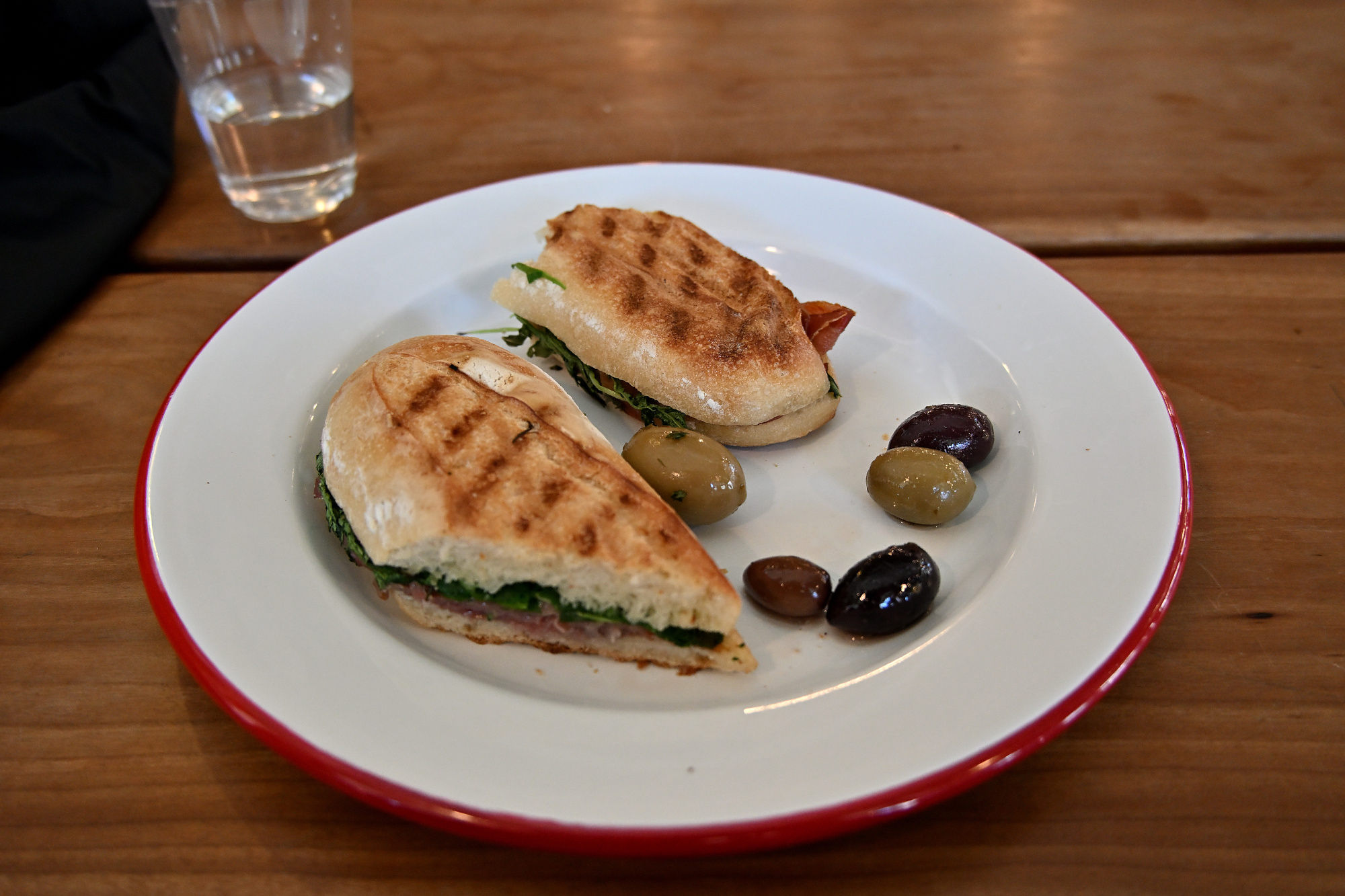
A small plate taking itself exactly as seriously as an Italian deli masterpiece should.
1/250s f/4 ISO 1100 18-140mm f/3,5-6,3 VR f=22mm/33mm
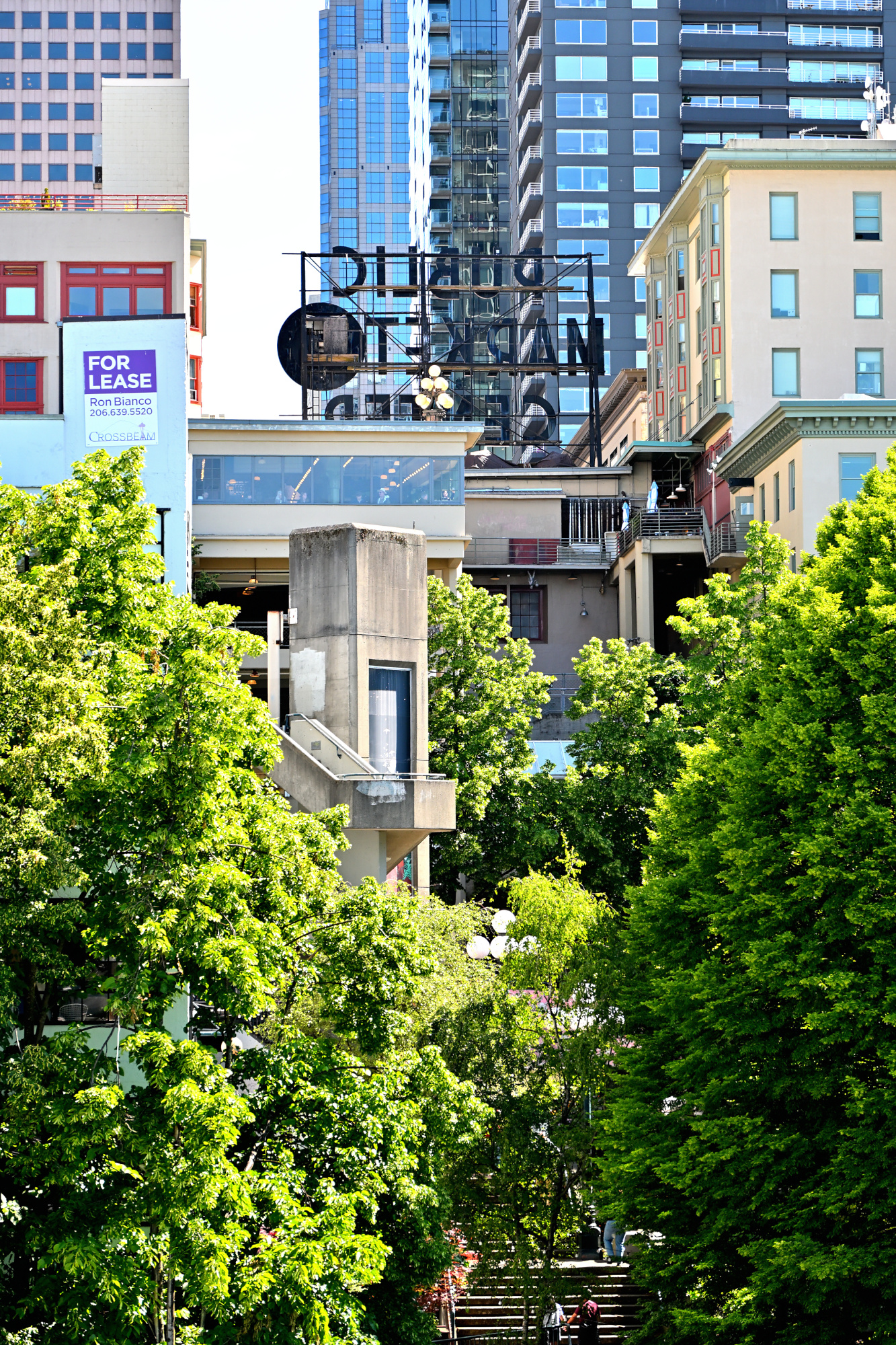
Outside for a moment, Pike Place remembers it has a sky.
Green space, blue sky, and the rare Seattle feeling that the weather is on your side.
1/320s f/6,3 ISO 100/21° 18-140mm f/3,5-6,3 VR f=18mm/27mm
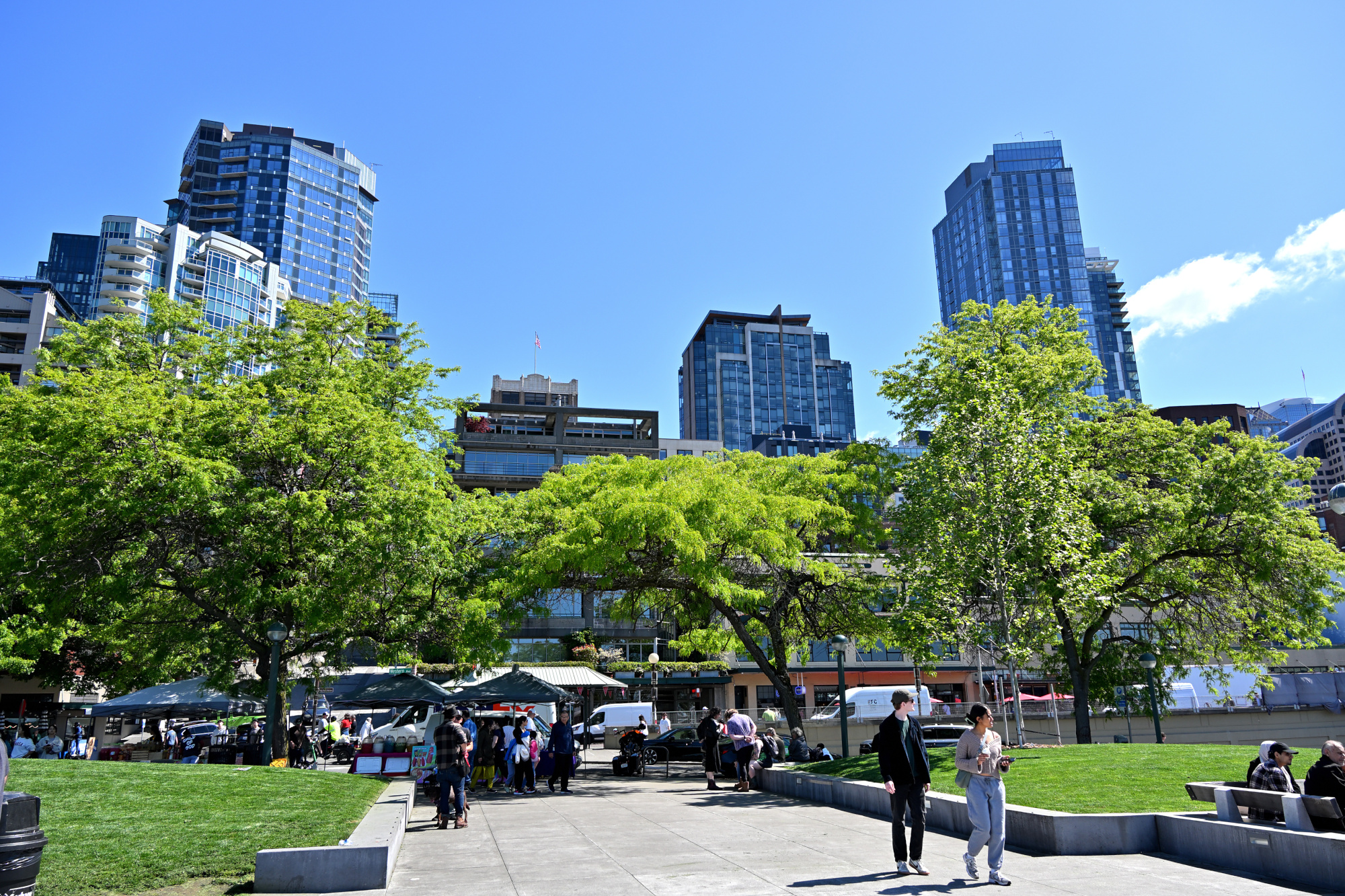
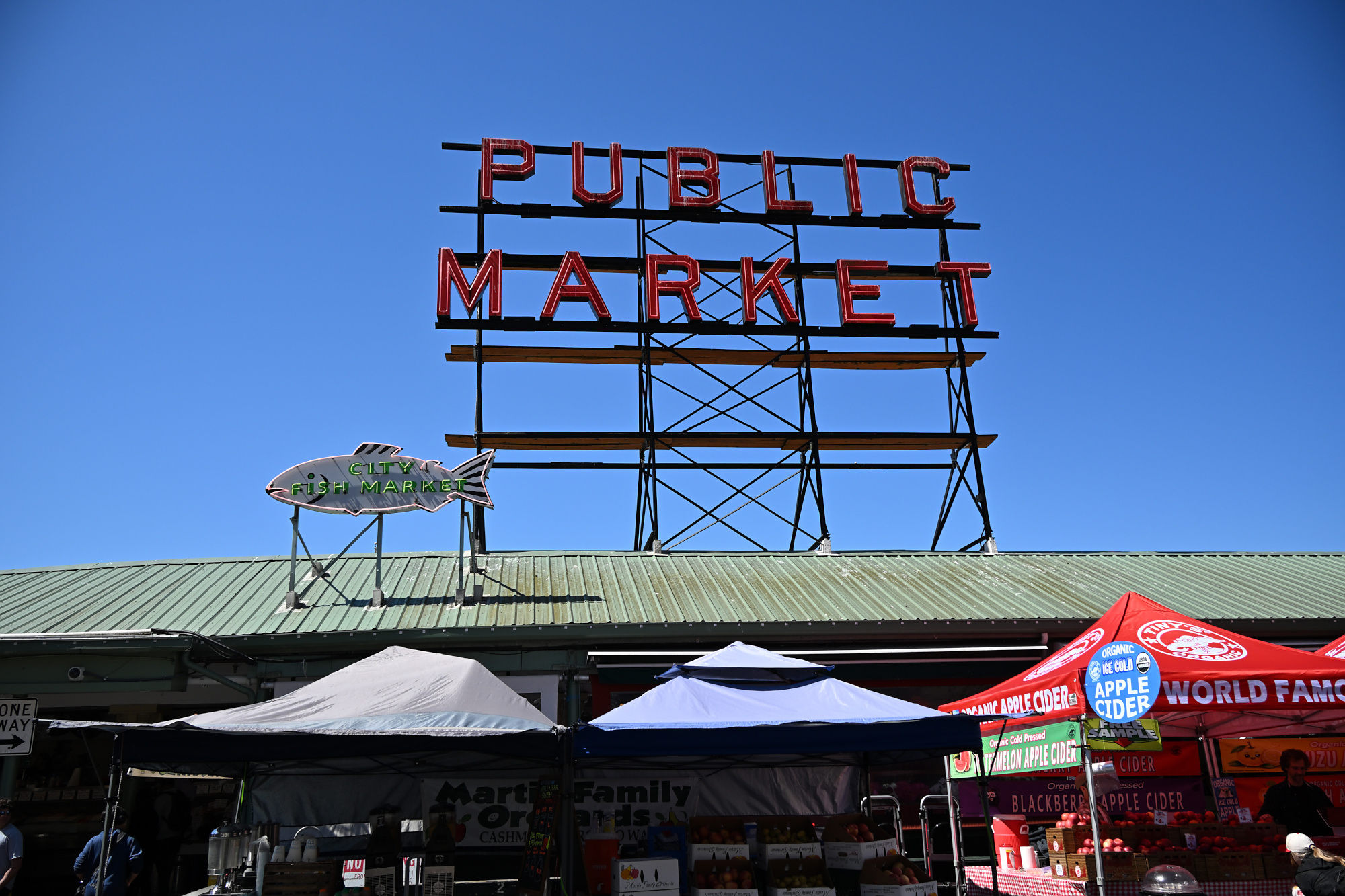
A second sign rises above the hall, making sure nobody forgets where they are.
1/400s f/7,1 ISO 100/21° 18-140mm f/3,5-6,3 VR f=18mm/27mm
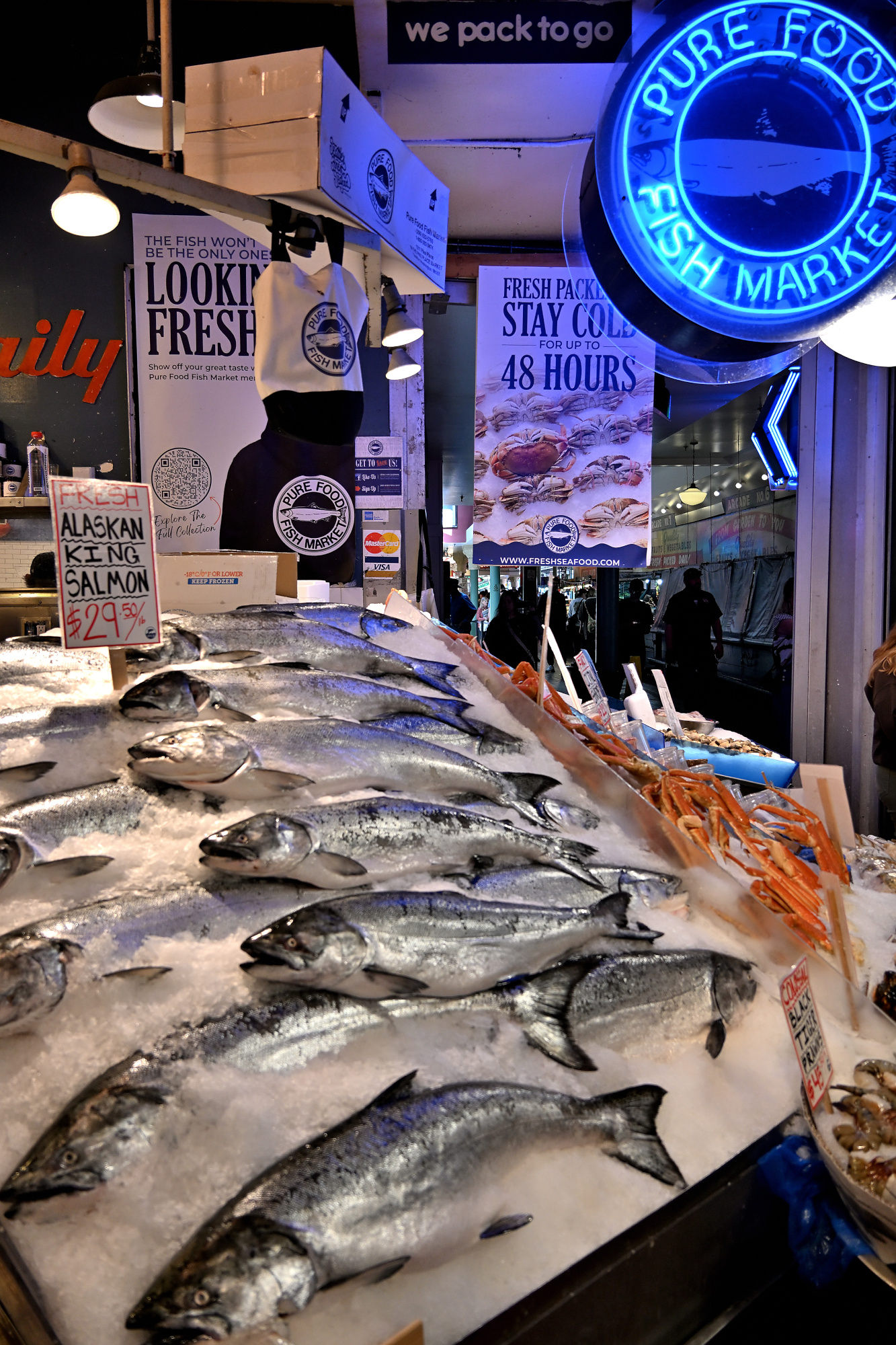
At the fish counter, Pike Place makes its case for the best seafood in the Pacific Northwest.
A fish shop corner doing several jobs at once, with no visible management structure.
1/160s f/3,5 ISO 400/27° 18-140mm f/3,5-6,3 VR f=18mm/27mm
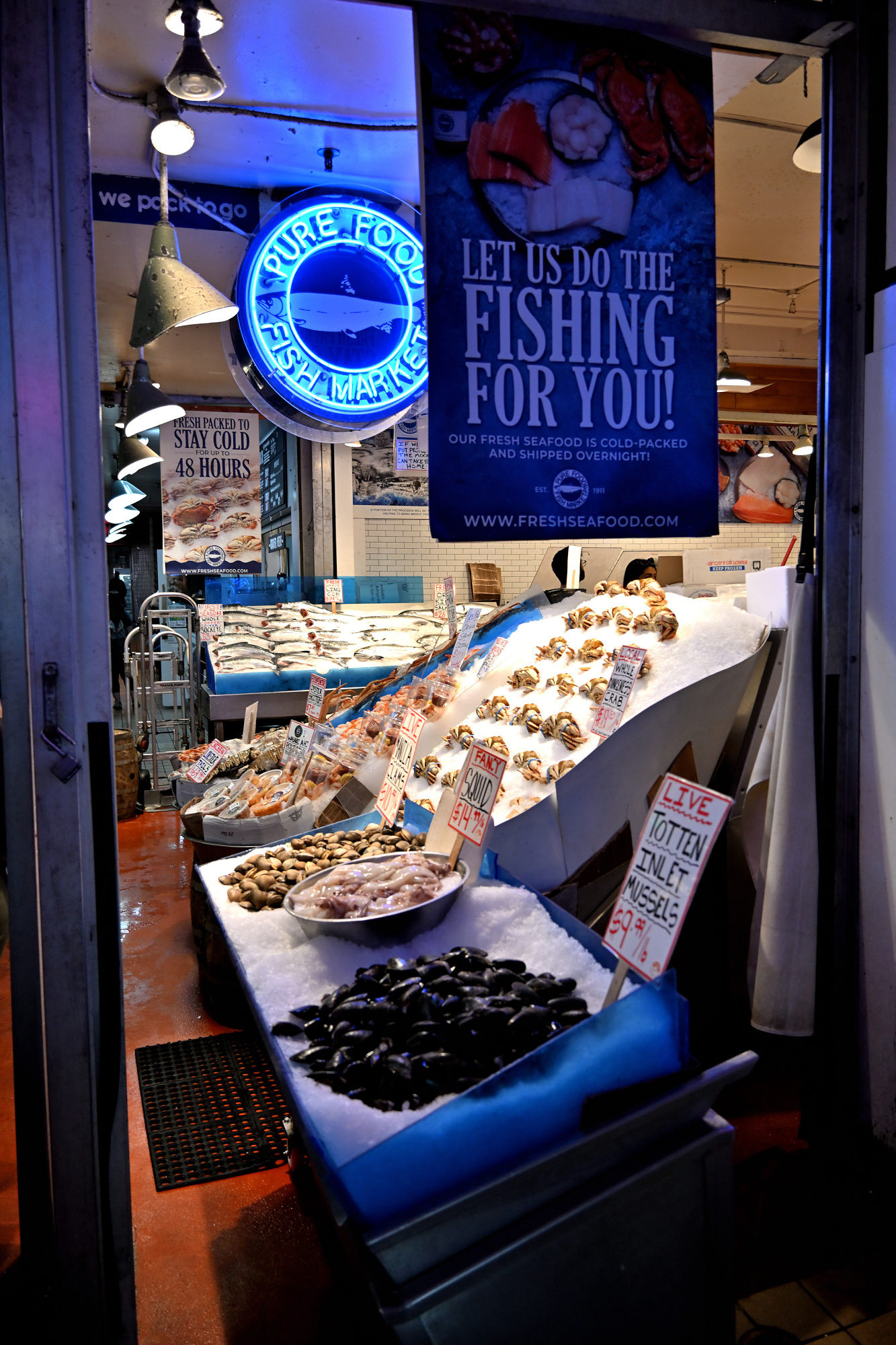
Blue signage, bright counters, and the clear sense that nobody here is under-selling the fish.
1/125s f/3,5 ISO 450 18-140mm f/3,5-6,3 VR f=18mm/27mm
The display is so orderly that the fish almost look like they have appointments.
1/125s f/4 ISO 500/28° 18-140mm f/3,5-6,3 VR f=32mm/48mm
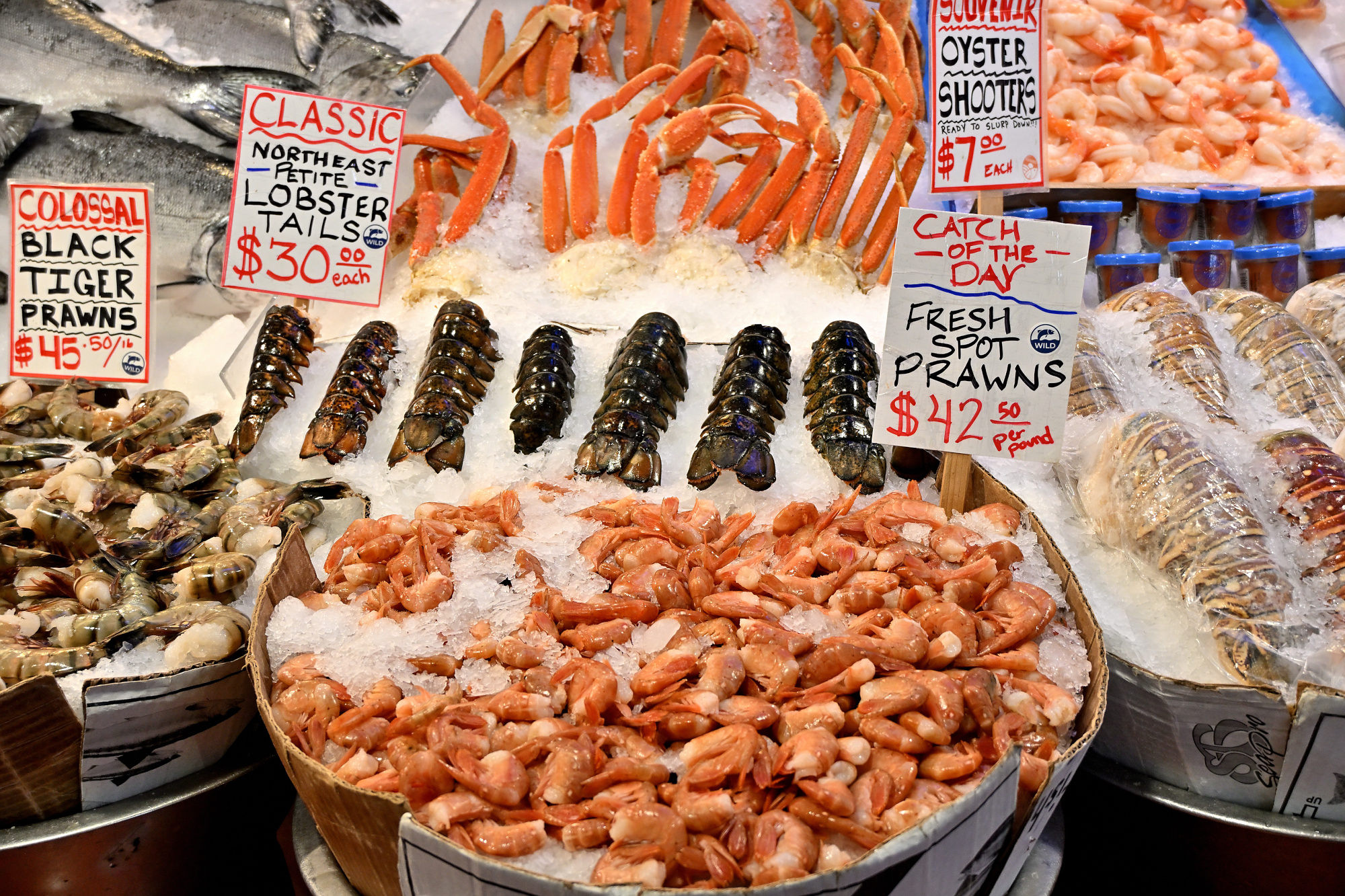
The counter is full, but nothing here seems in a hurry.
1/250s f/3,5 ISO 400/27° 18-140mm f/3,5-6,3 VR f=20mm/30mm
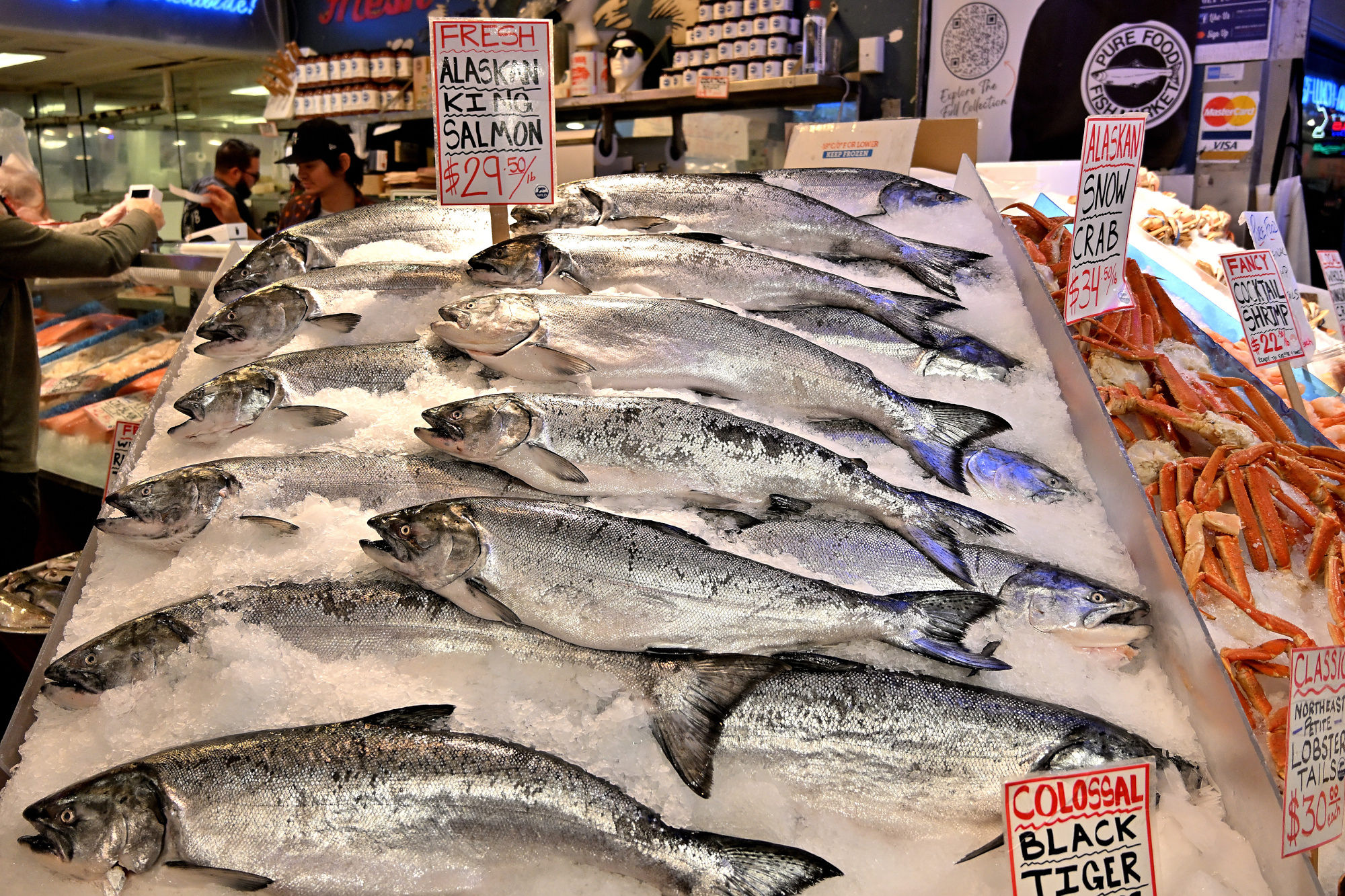
Here the whole display gets its moment, full but still holding itself together.
1/250s f/4 ISO 640/29° 18-140mm f/3,5-6,3 VR f=18mm/27mm
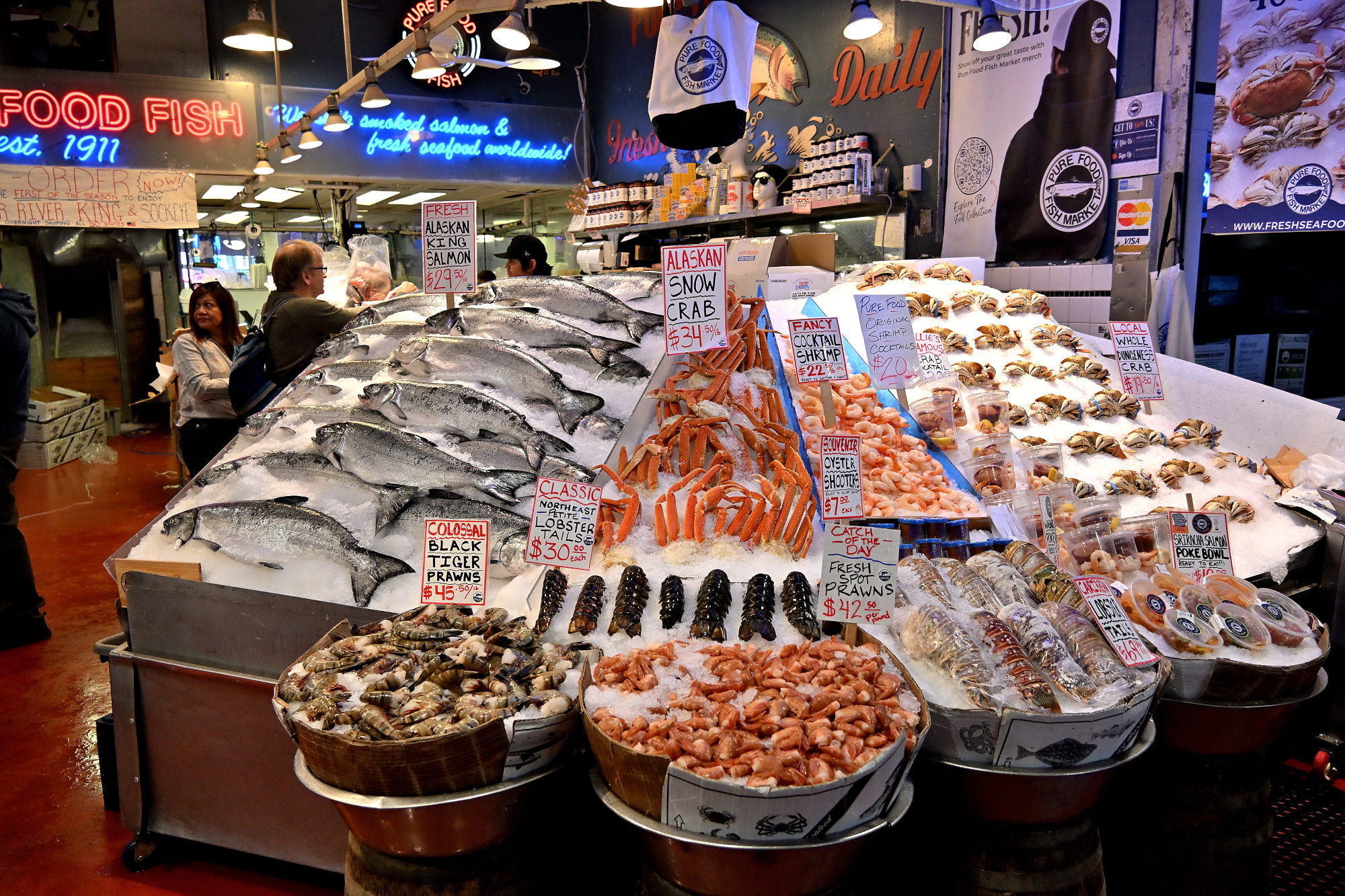
Smoked salmon in tidy rows, with the quiet confidence of being the best there is.
1/160s f/3,8 ISO 400/27° 18-140mm f/3,5-6,3 VR f=26mm/39mm
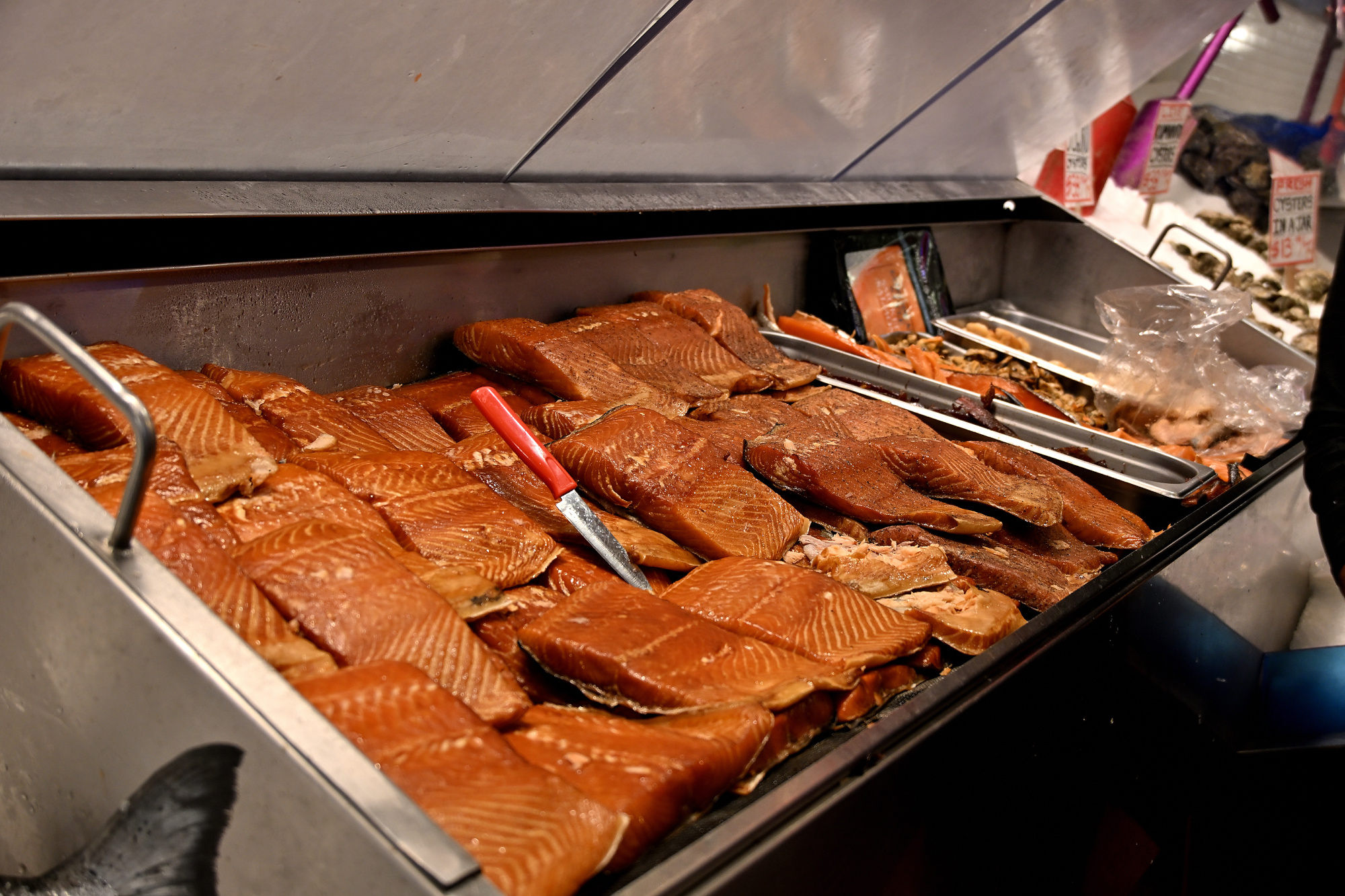
Away from the big fish counter, the market becomes a collection of smaller temptations and useful excuses.
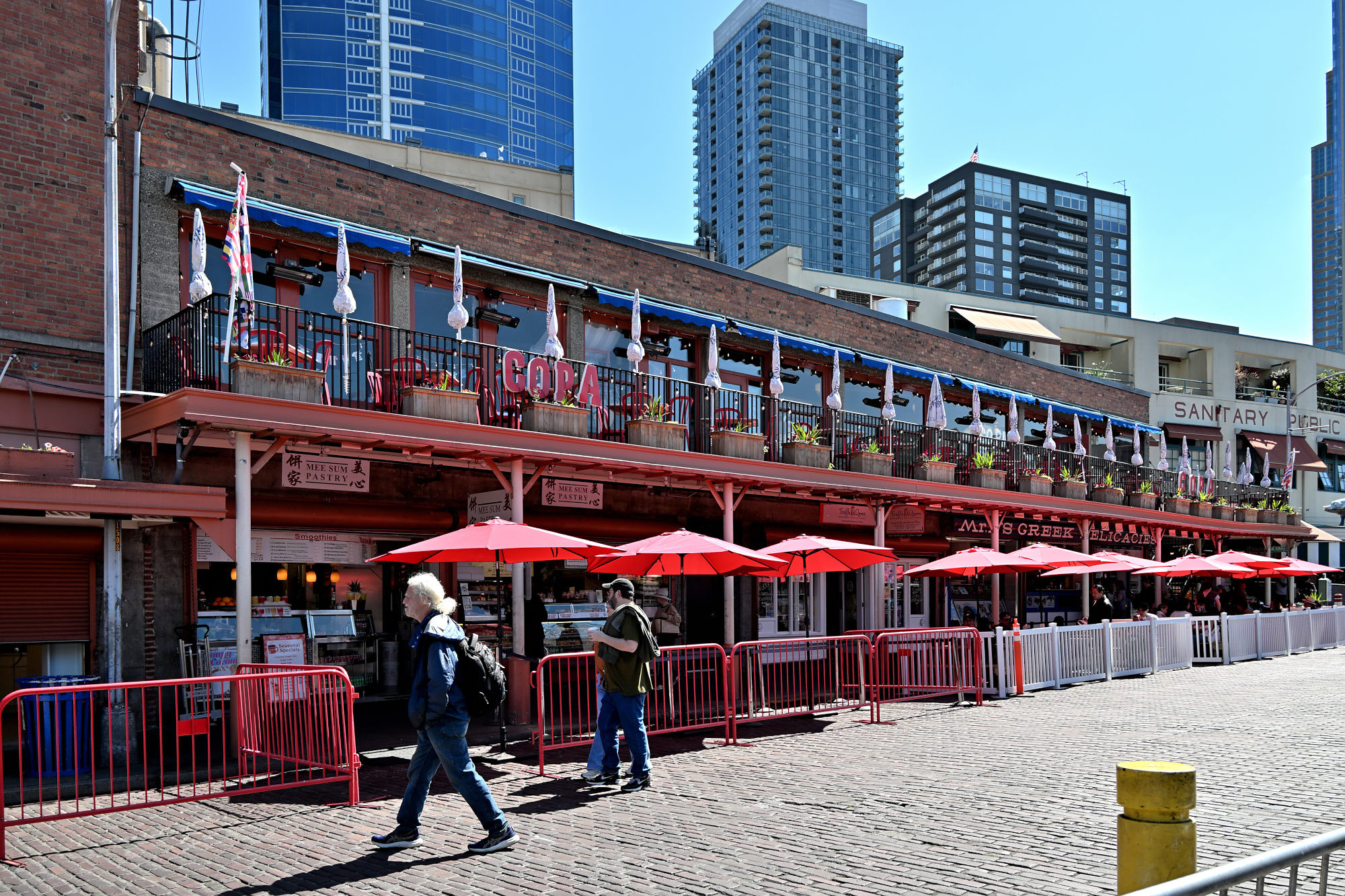
Red umbrellas, brick, and just enough shade to make the street feel briefly organized. Hidden in plain sight is a weekend refrain that has been part of this corner for decades.
1/250s f/5,6 ISO 110 18-140mm f/3,5-6,3 VR f=18mm/27mm
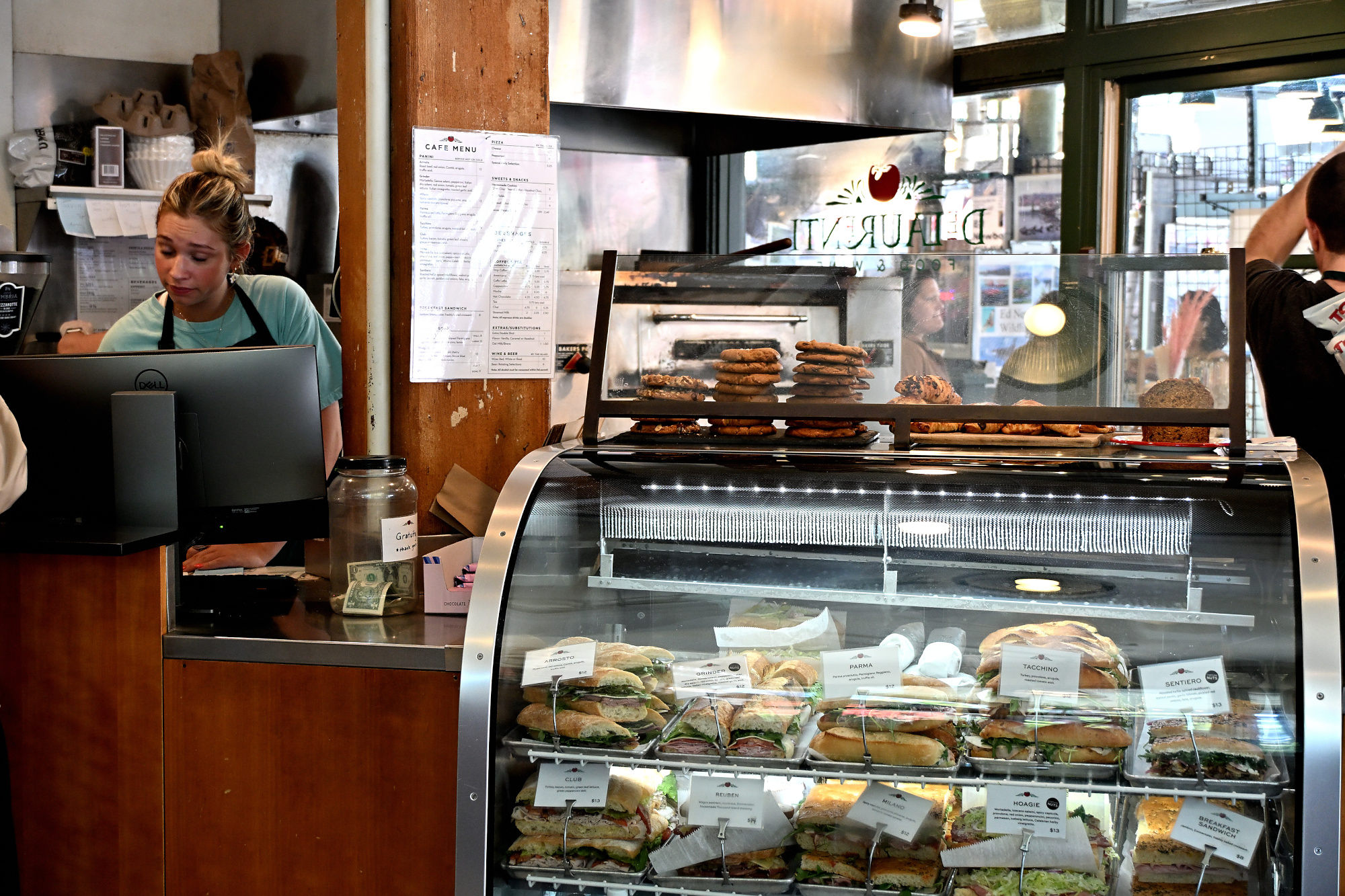
These Italian deli masterpieces wait here before their turn on the plate, already the best reason to come back.
1/125s f/4,2 ISO 900 18-140mm f/3,5-6,3 VR f=34mm/51mm
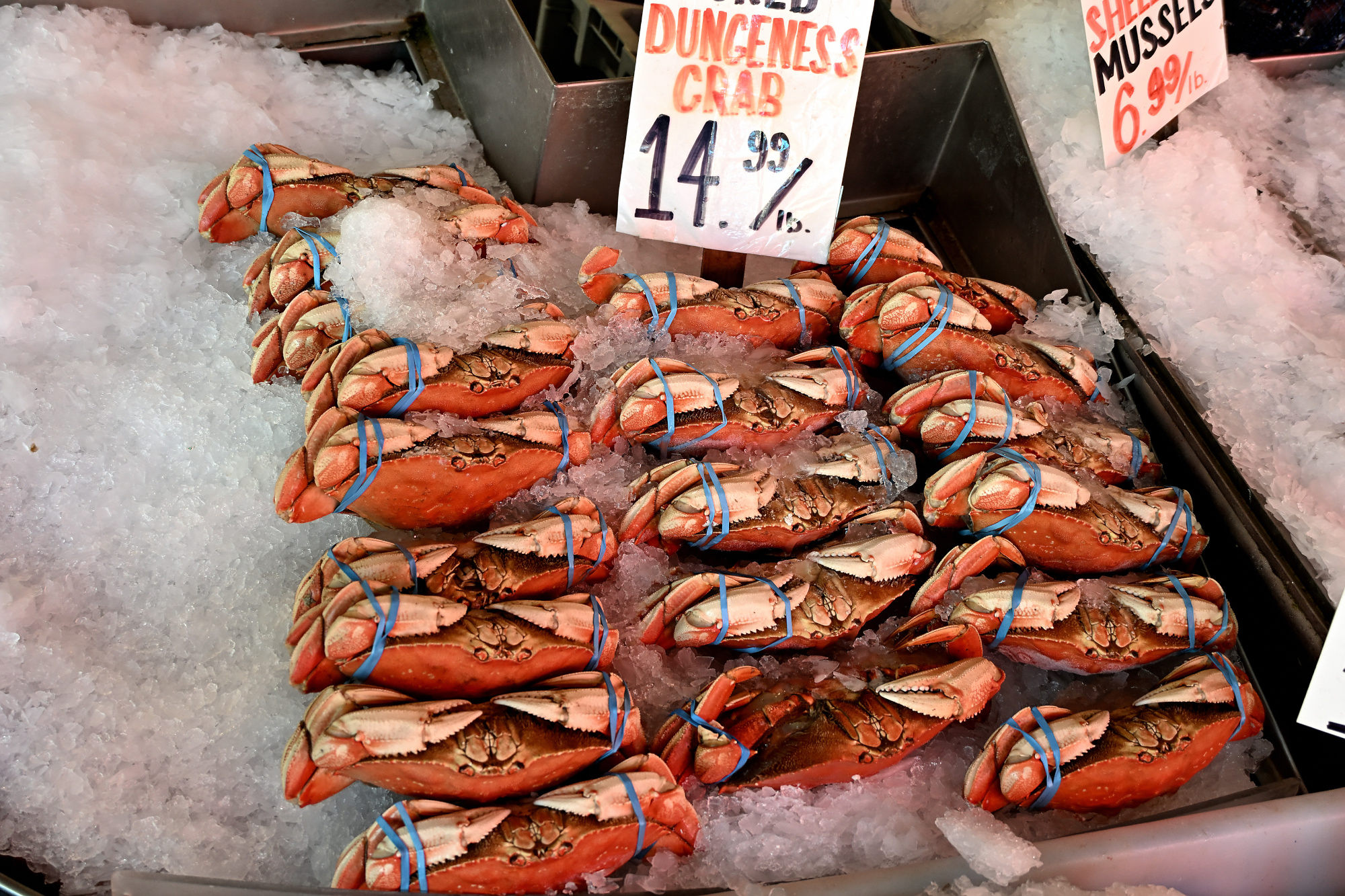
Another fish counter, because Pike Place apparently believes one seafood argument is not enough. The crabs look like they are waiting for a sponge, a starfish, and a squirrel to settle the business plan.
1/125s f/4 ISO 400/27° 18-140mm f/3,5-6,3 VR f=30mm/45mm
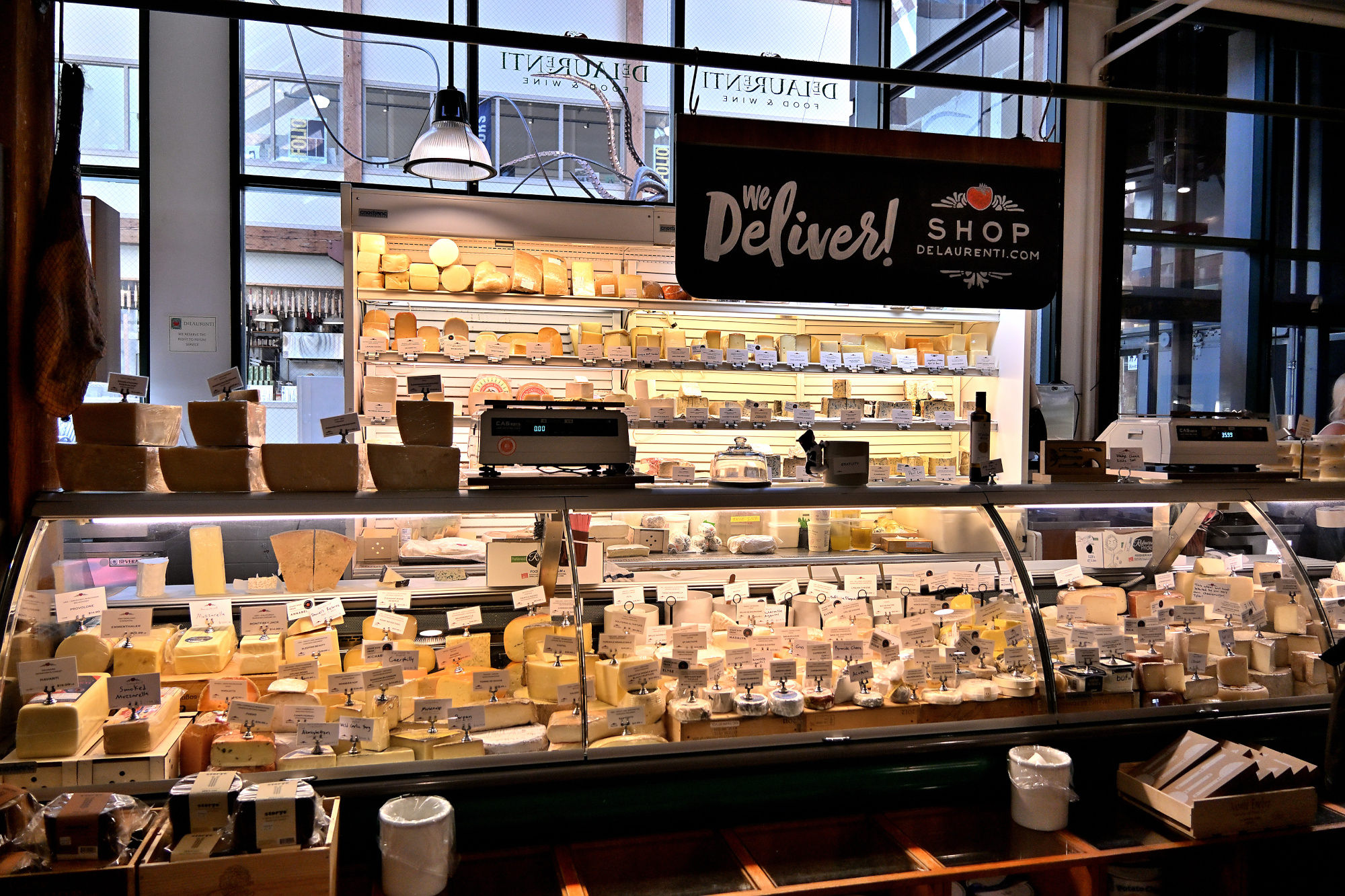
This is the kind of deli where leaving empty-handed starts to look like a personal failure.
1/250s f/4 ISO 400/27° 18-140mm f/3,5-6,3 VR f=18mm/27mm
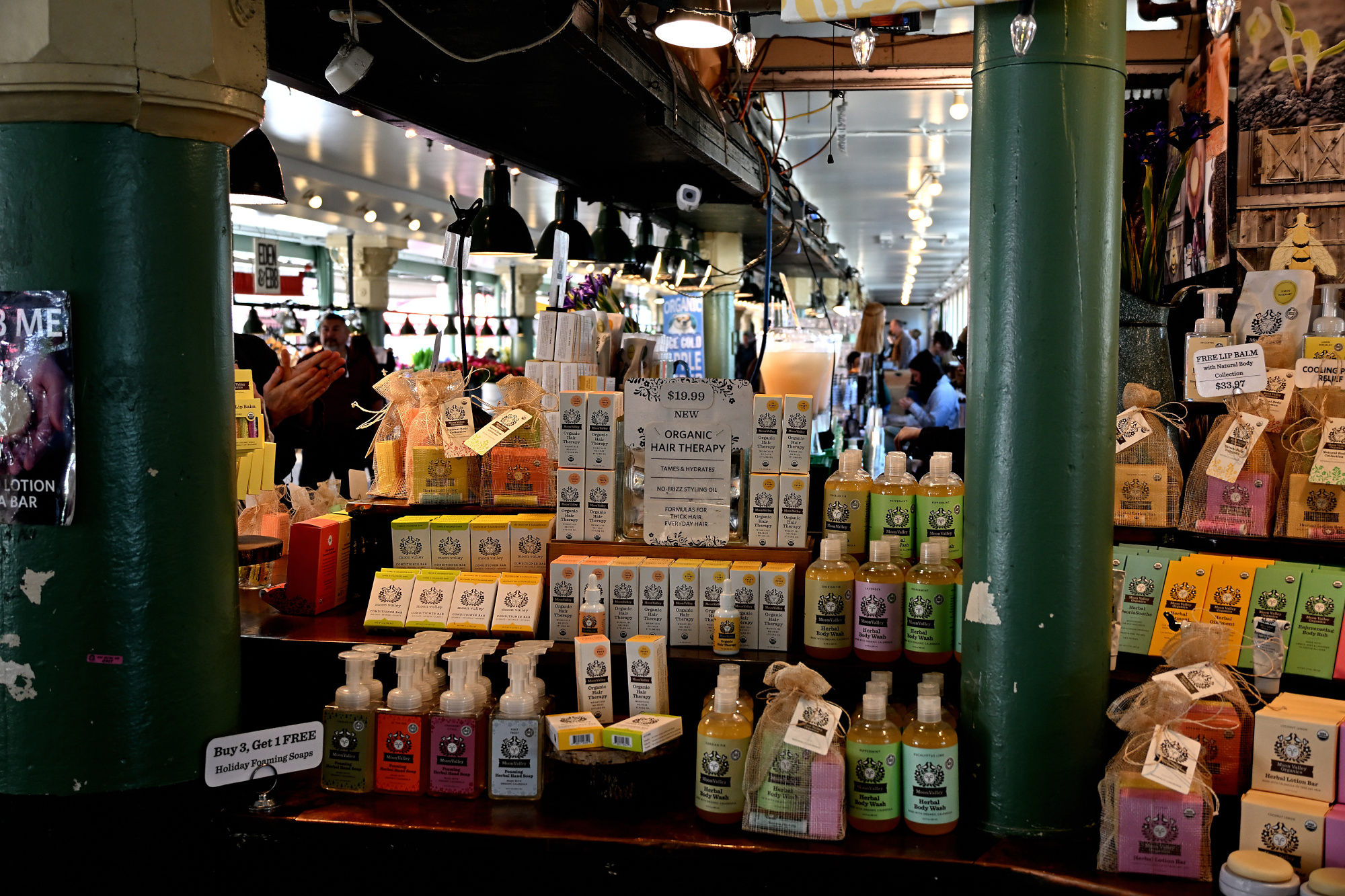
Soap on one side, honey on the other, and somehow the arrangement makes perfect market sense.
1/125s f/3,8 ISO 400/27° 18-140mm f/3,5-6,3 VR f=26mm/39mm
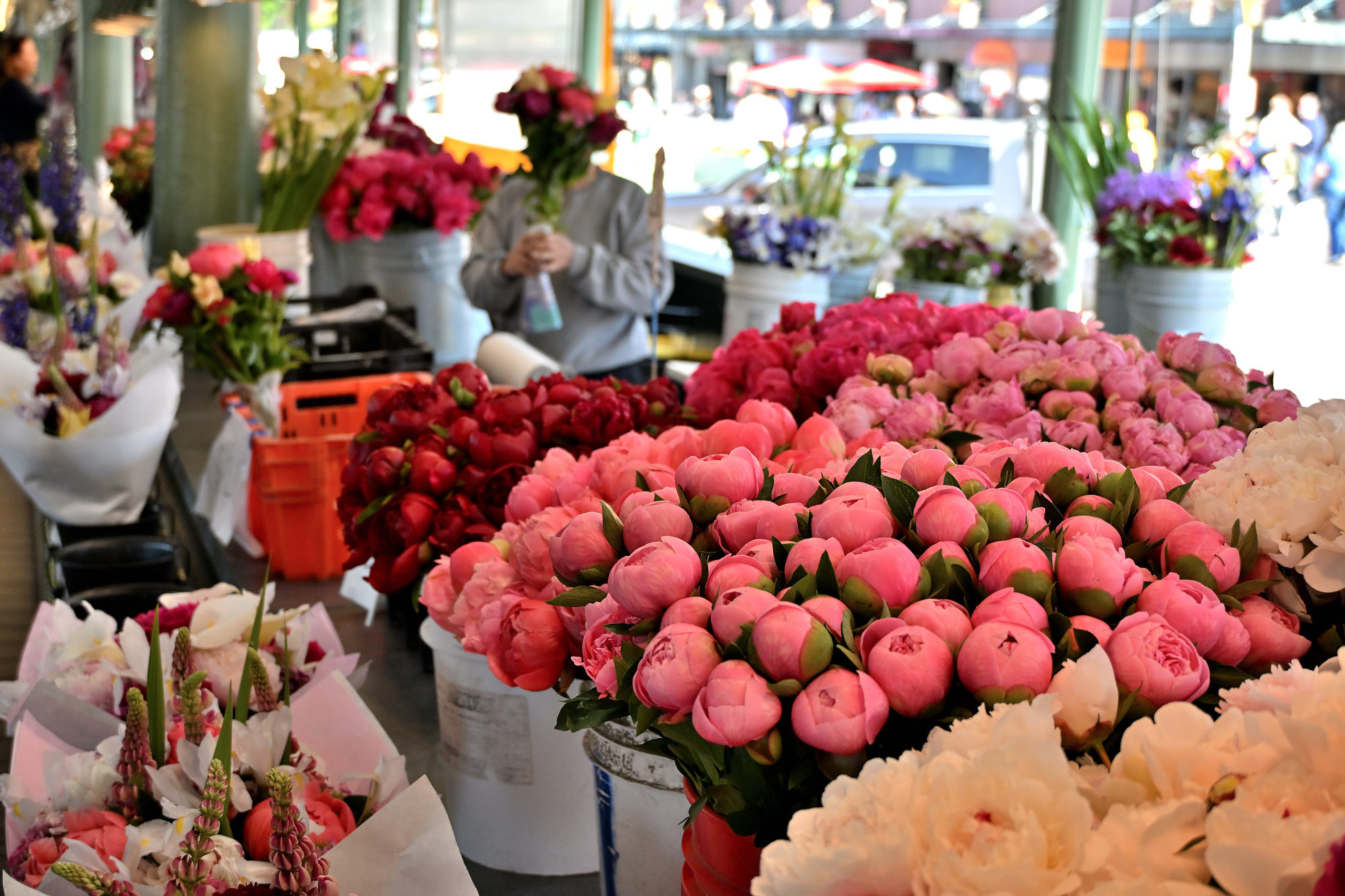
Every bouquet seems to be trying to outdo the one next to it.
1/200s f/4,2 ISO 400/27° 18-140mm f/3,5-6,3 VR f=34mm/51mm
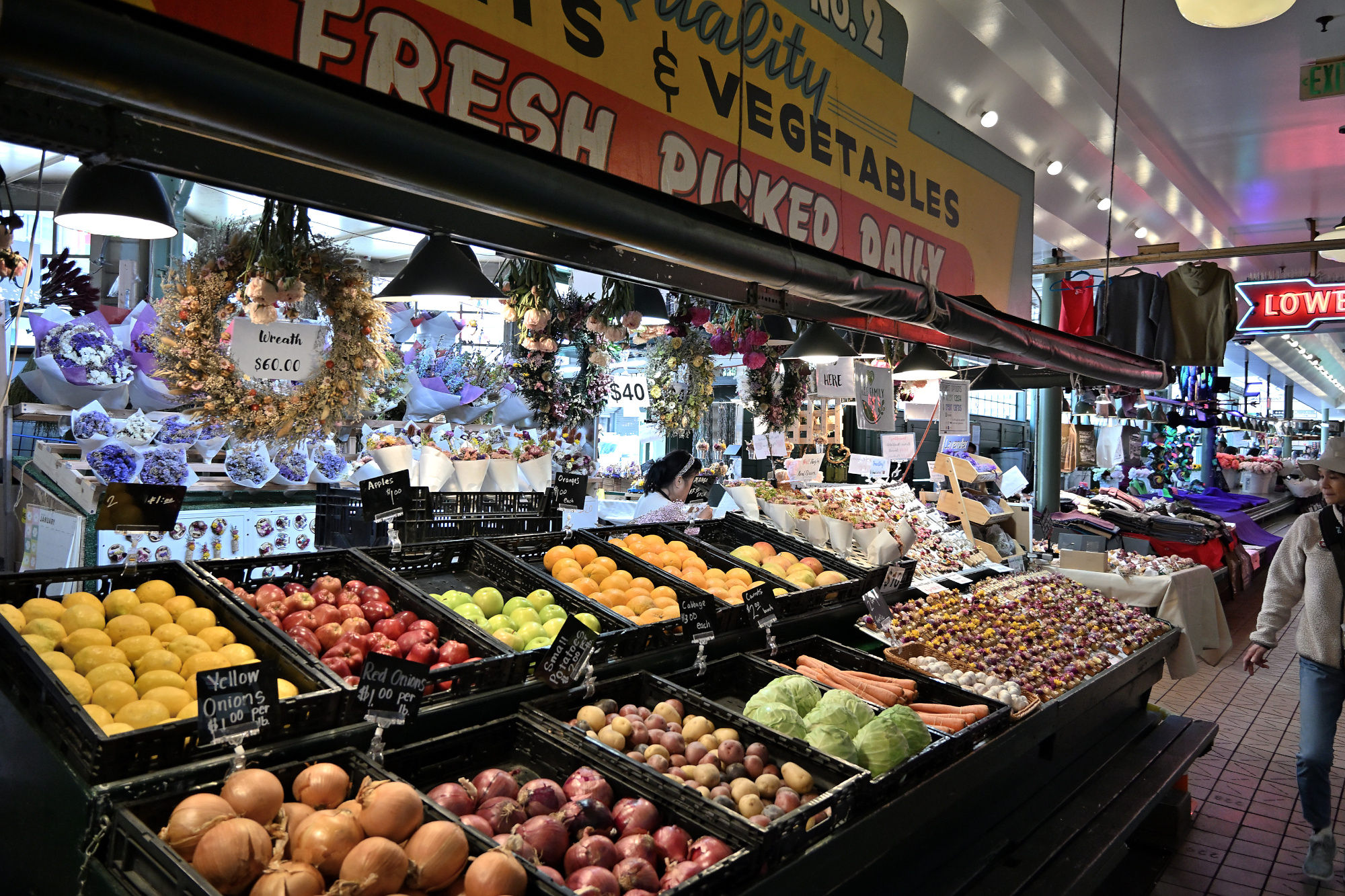
The produce stand has enough options to make a simple decision feel optimistic.
1/125s f/3,5 ISO 1250/32° 18-140mm f/3,5-6,3 VR f=18mm/27mm
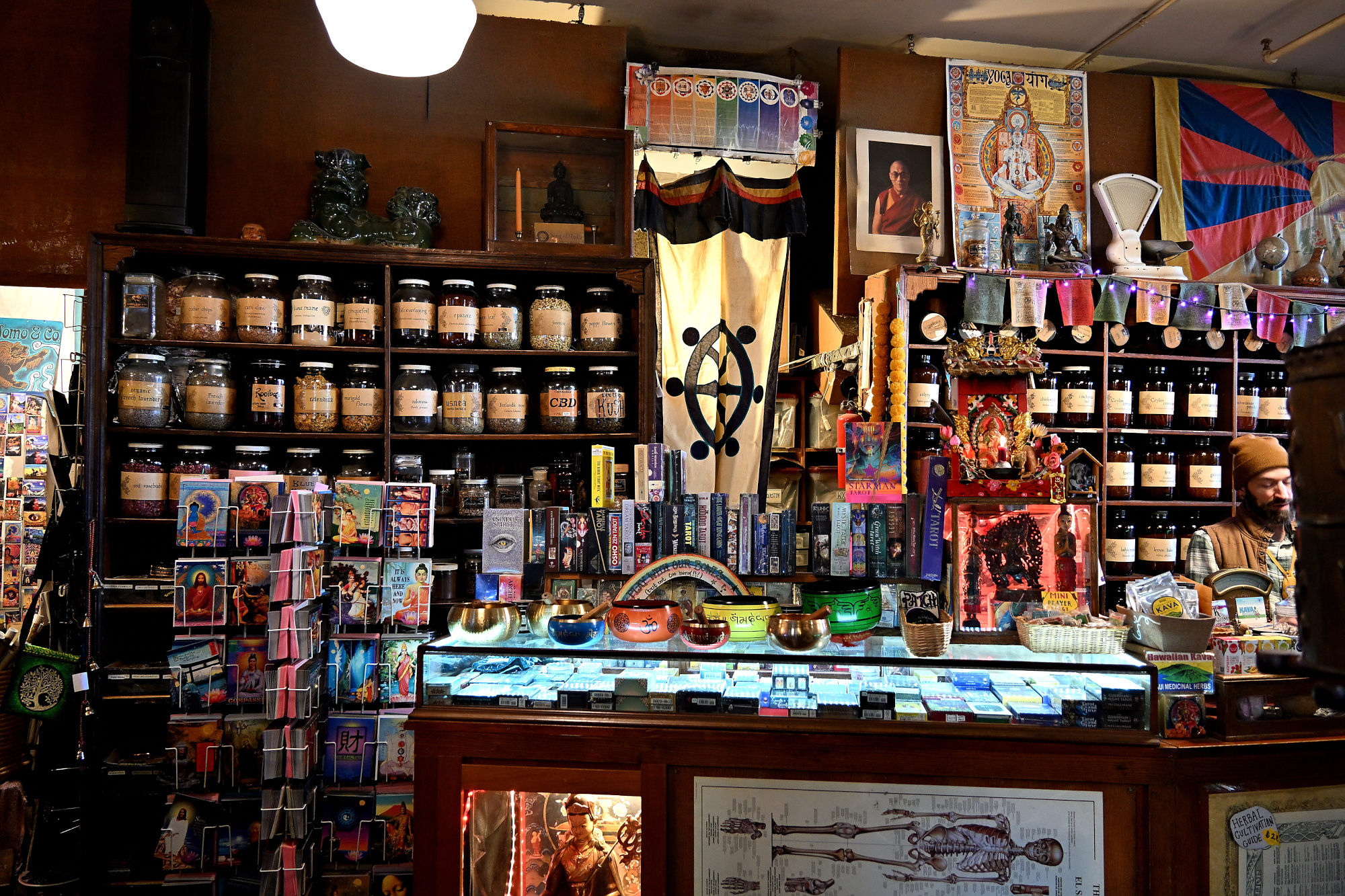
The shelves offer several small mysteries, most of them sealed in jars.
1/30s f/4 ISO 1100 18-140mm f/3,5-6,3 VR f=18mm/27mm
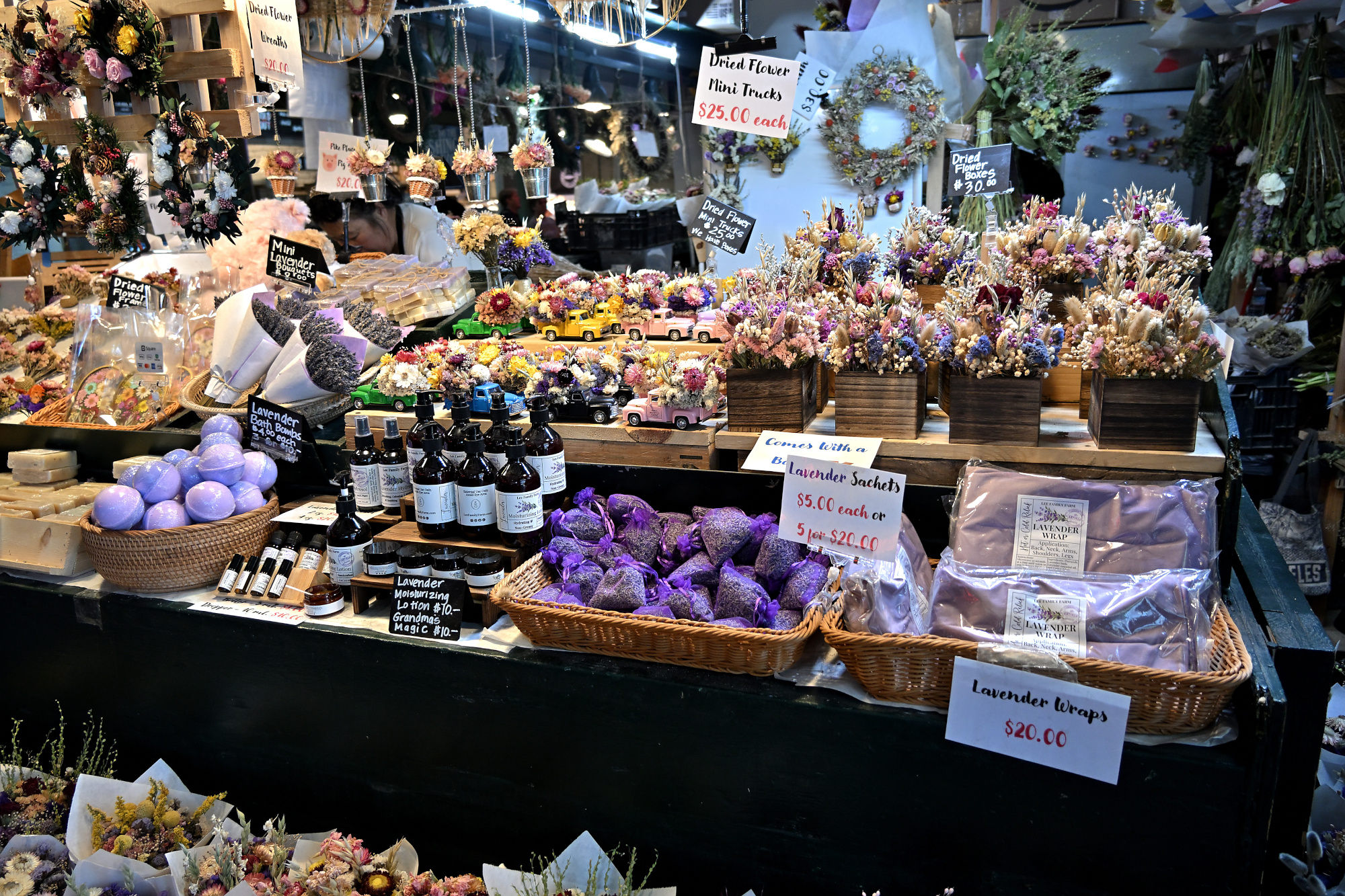
Dried flowers, making a quiet case for being just as beautiful.
1/125s f/3,5 ISO 800/30° 18-140mm f/3,5-6,3 VR f=18mm/27mm
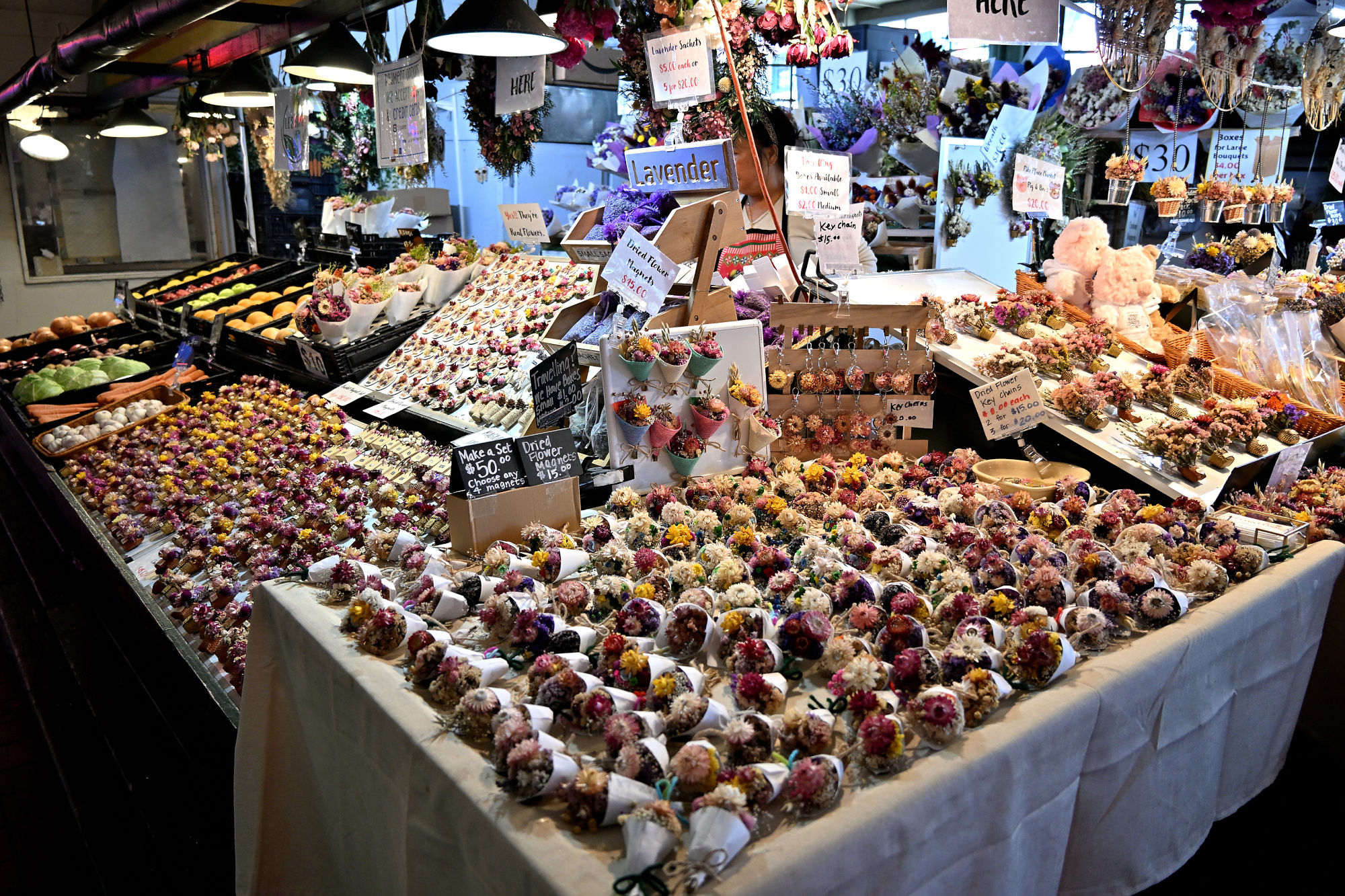
The dried bouquets keep making their quiet case.
1/125s f/3,5 ISO 800/30° 18-140mm f/3,5-6,3 VR f=18mm/27mm
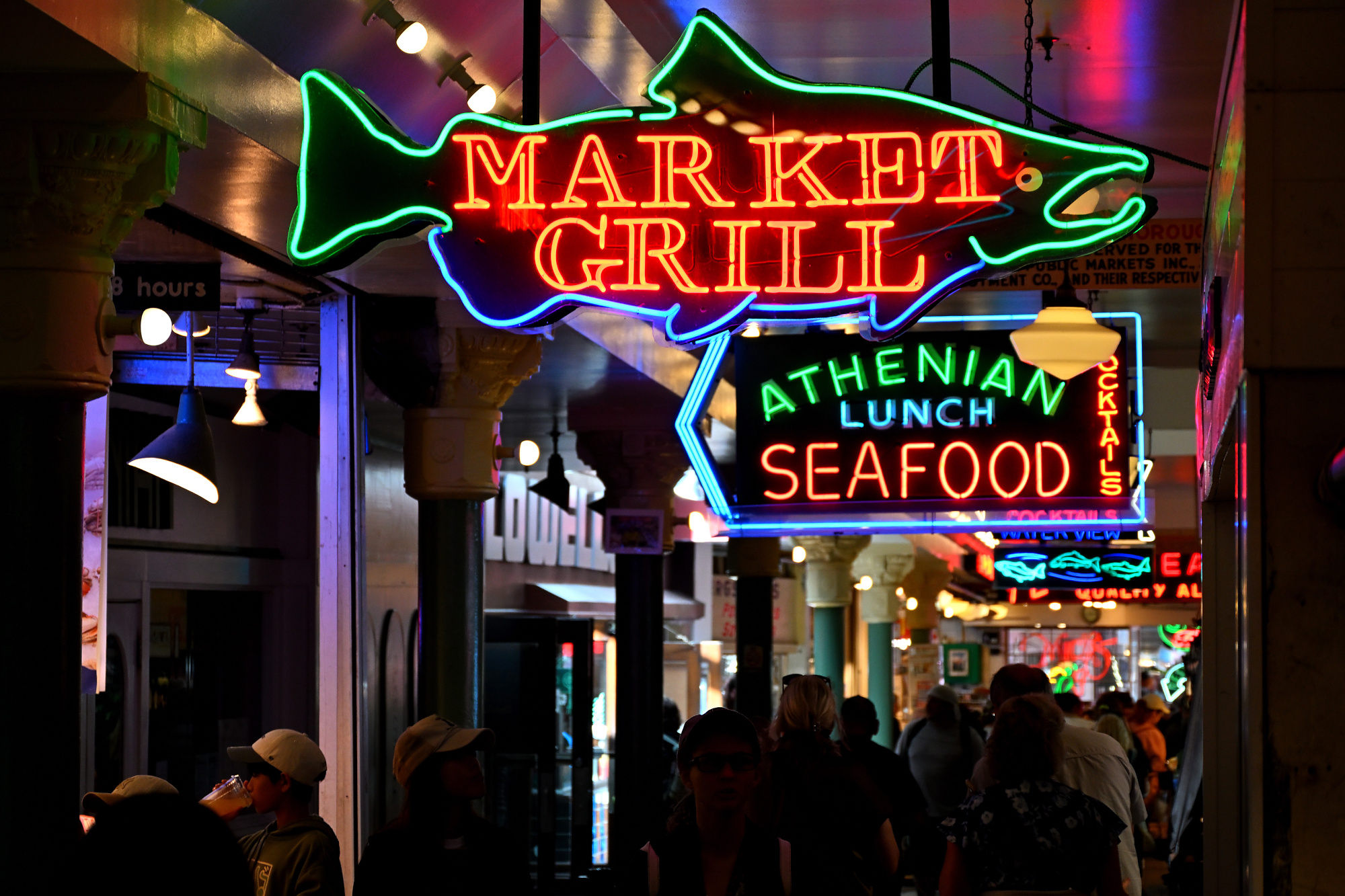
The neon fish sign has no interest in being subtle, which is probably for the best.
1/125s f/5,3 ISO 720 18-140mm f/3,5-6,3 VR f=77mm/115mm
Eventually Pike Place opens back out toward streets, water, and light.
The Seattle Aquarium keeps watch over Puget Sound.
1/250s f/5,6 ISO 100/21° 18-140mm f/3,5-6,3 VR f=48mm/72mm
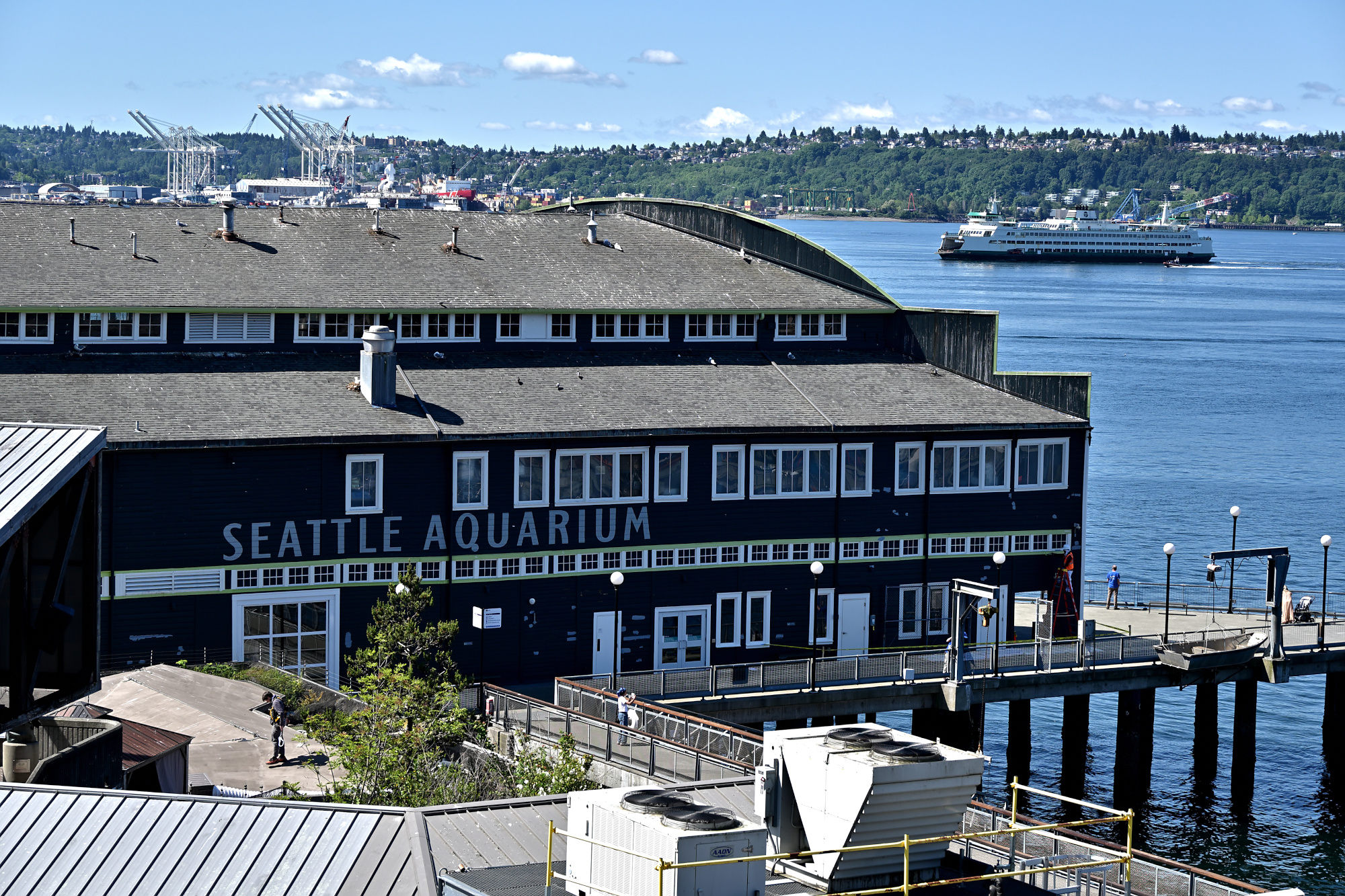
The waterfront drops away below, because Seattle likes its views with a little vertical planning.
1/250s f/5,6 ISO 125/22° 18-140mm f/3,5-6,3 VR f=51mm/76mm
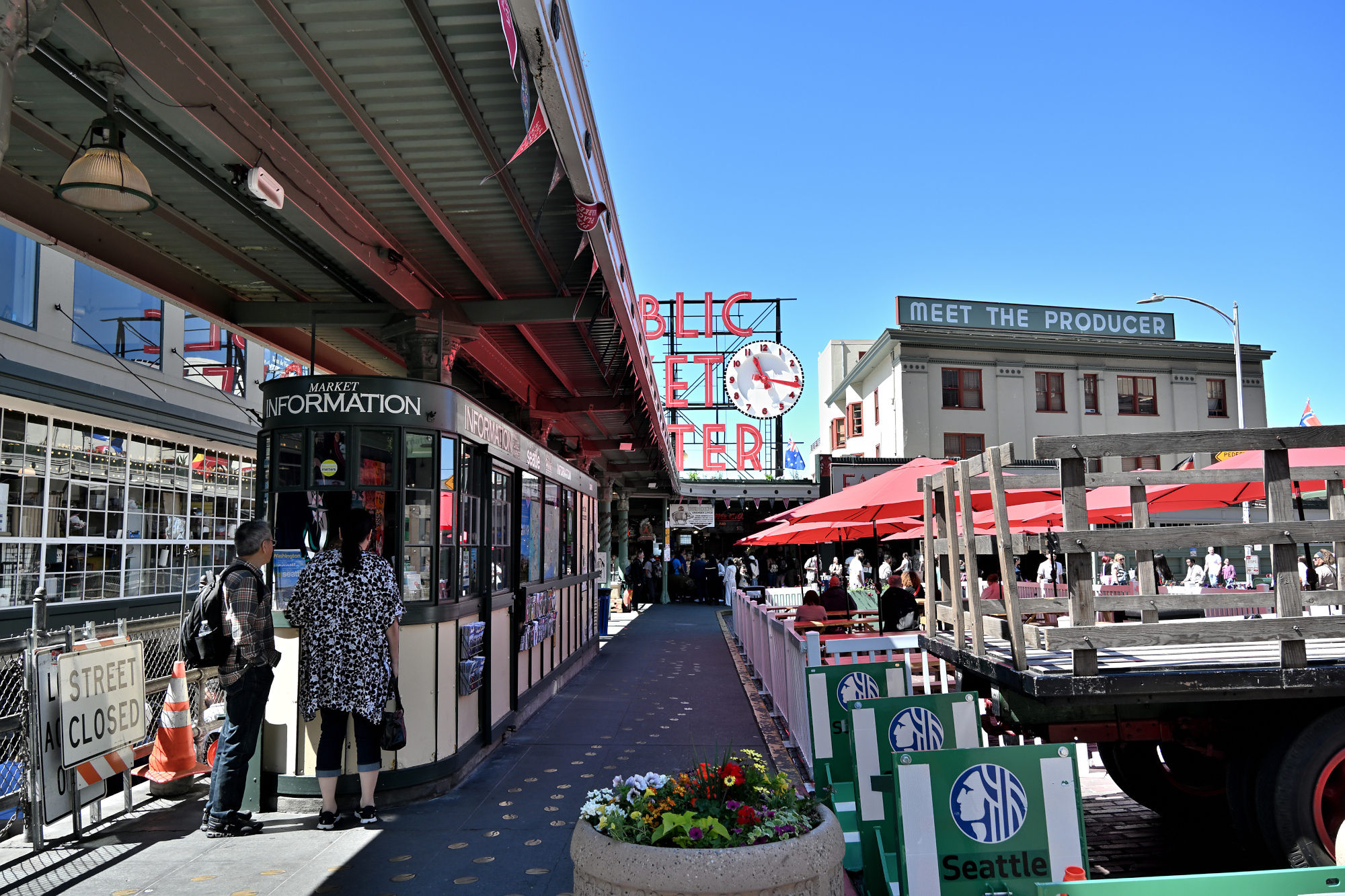
Back at the main market square, Pike Place does not need the whole sign to be recognizable.
1/250s f/5,6 ISO 200/24° 18-140mm f/3,5-6,3 VR f=18mm/27mm
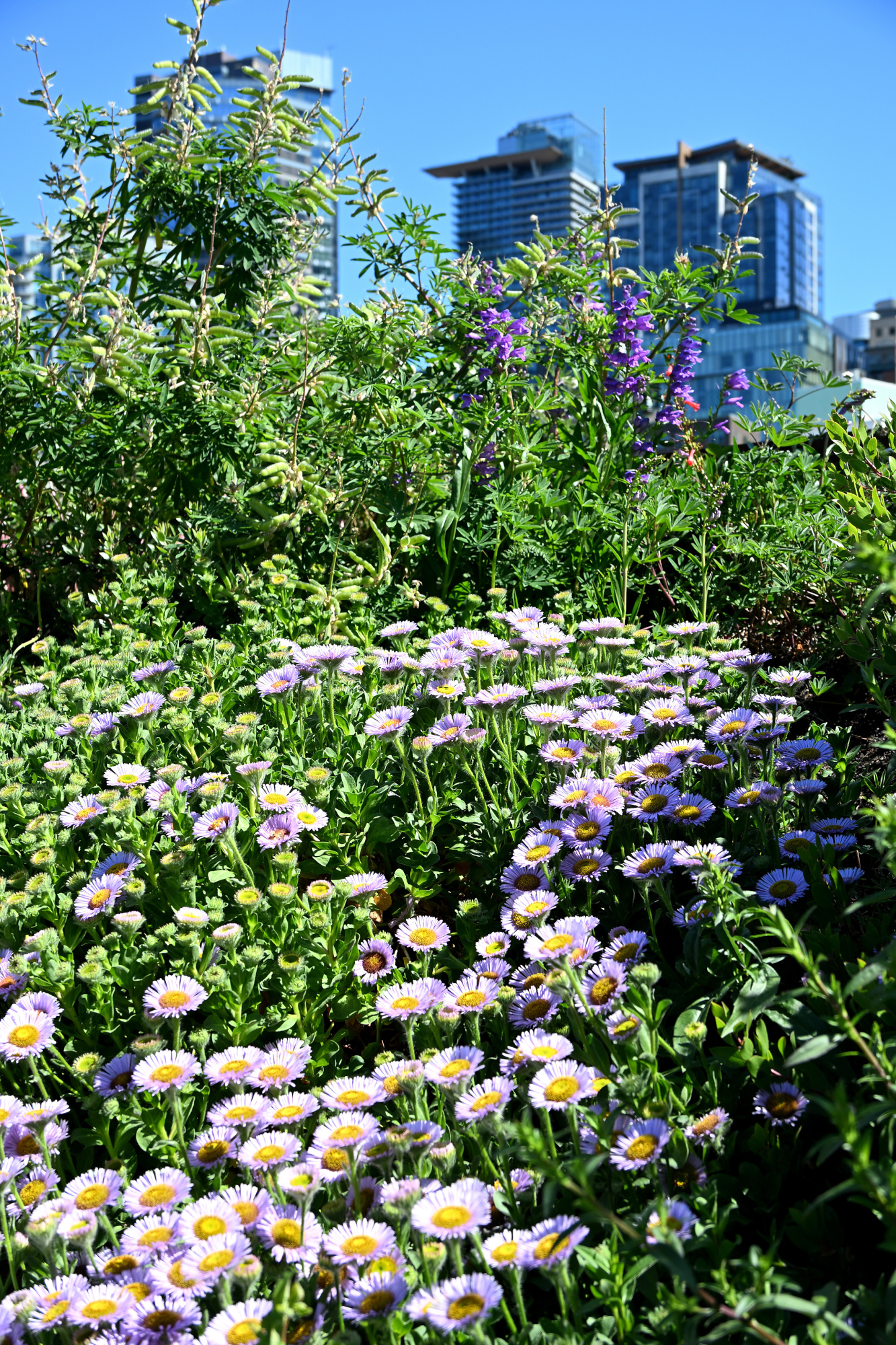
Down by the water, the city finally leaves a little space between things.
1/500s f/8 ISO 100/21° 18-140mm f/3,5-6,3 VR f=85mm/127mm
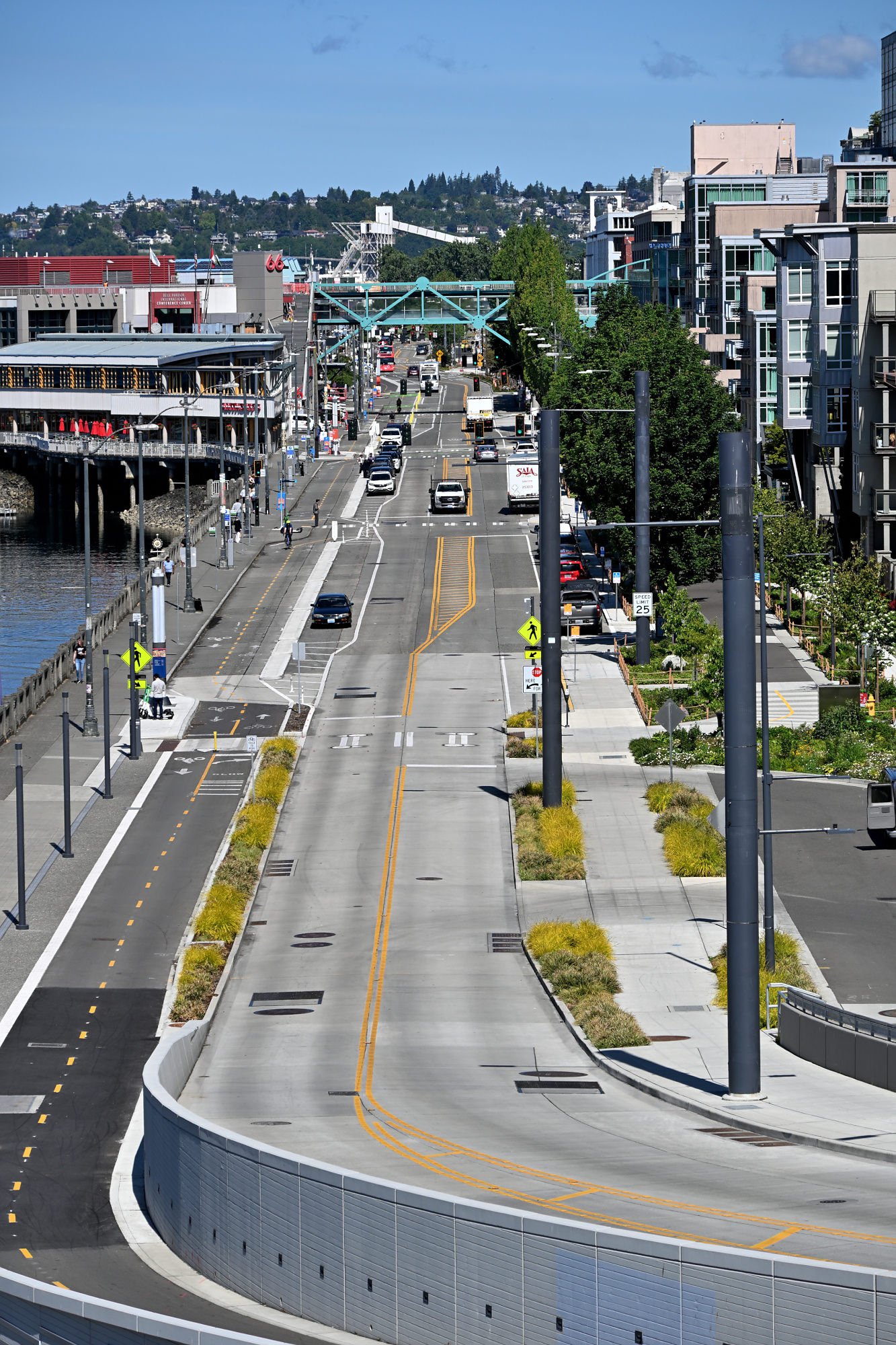
Green, blue, and concrete doing their best to make infrastructure look relaxed.
1/320s f/6,3 ISO 100/21° 18-140mm f/3,5-6,3 VR f=31mm/47mm
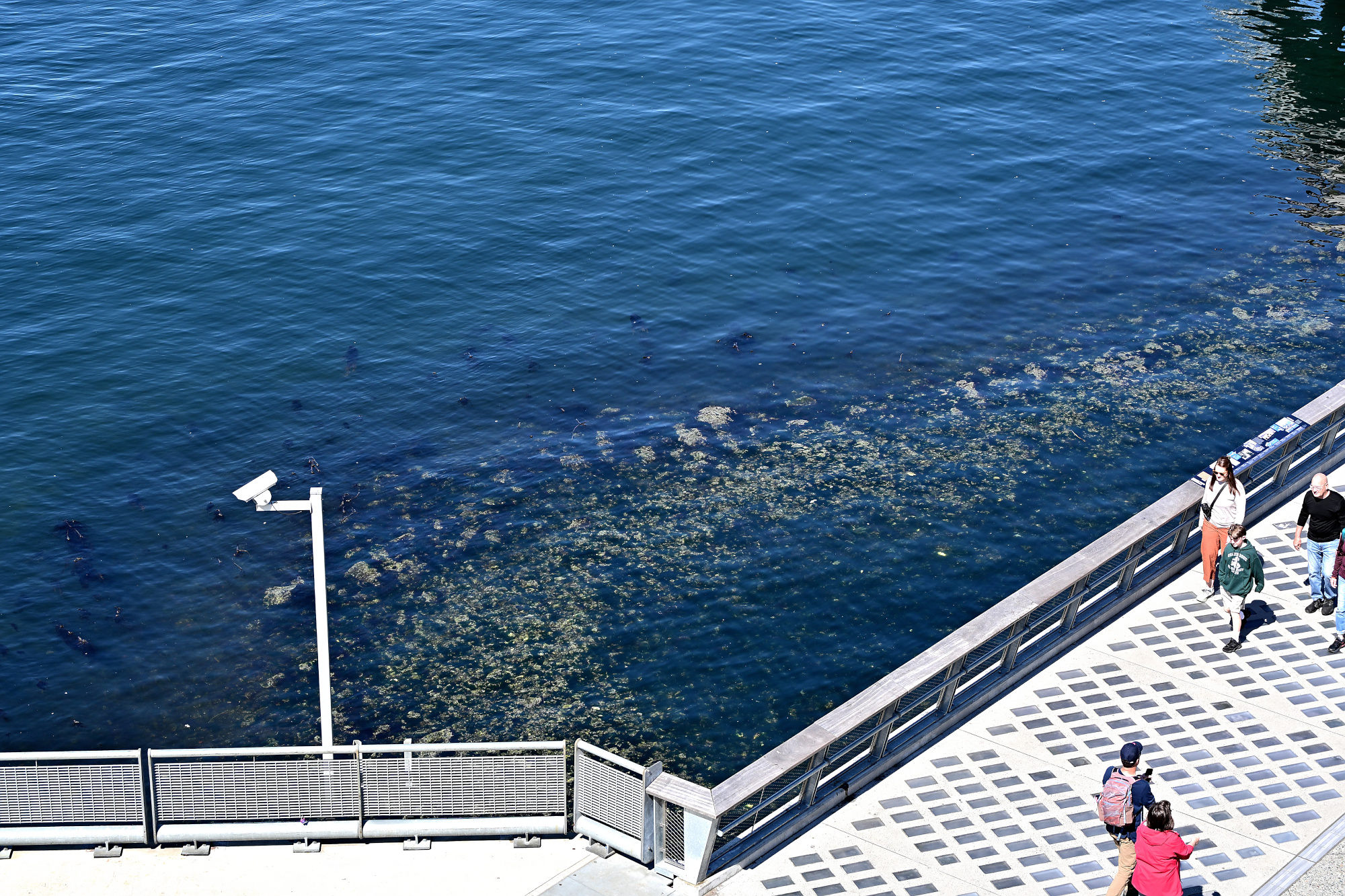
One last stretch of water, because some endings are better when they keep things simple.
1/500s f/11 ISO 200/24° 18-140mm f/3,5-6,3 VR f=130mm/195mm
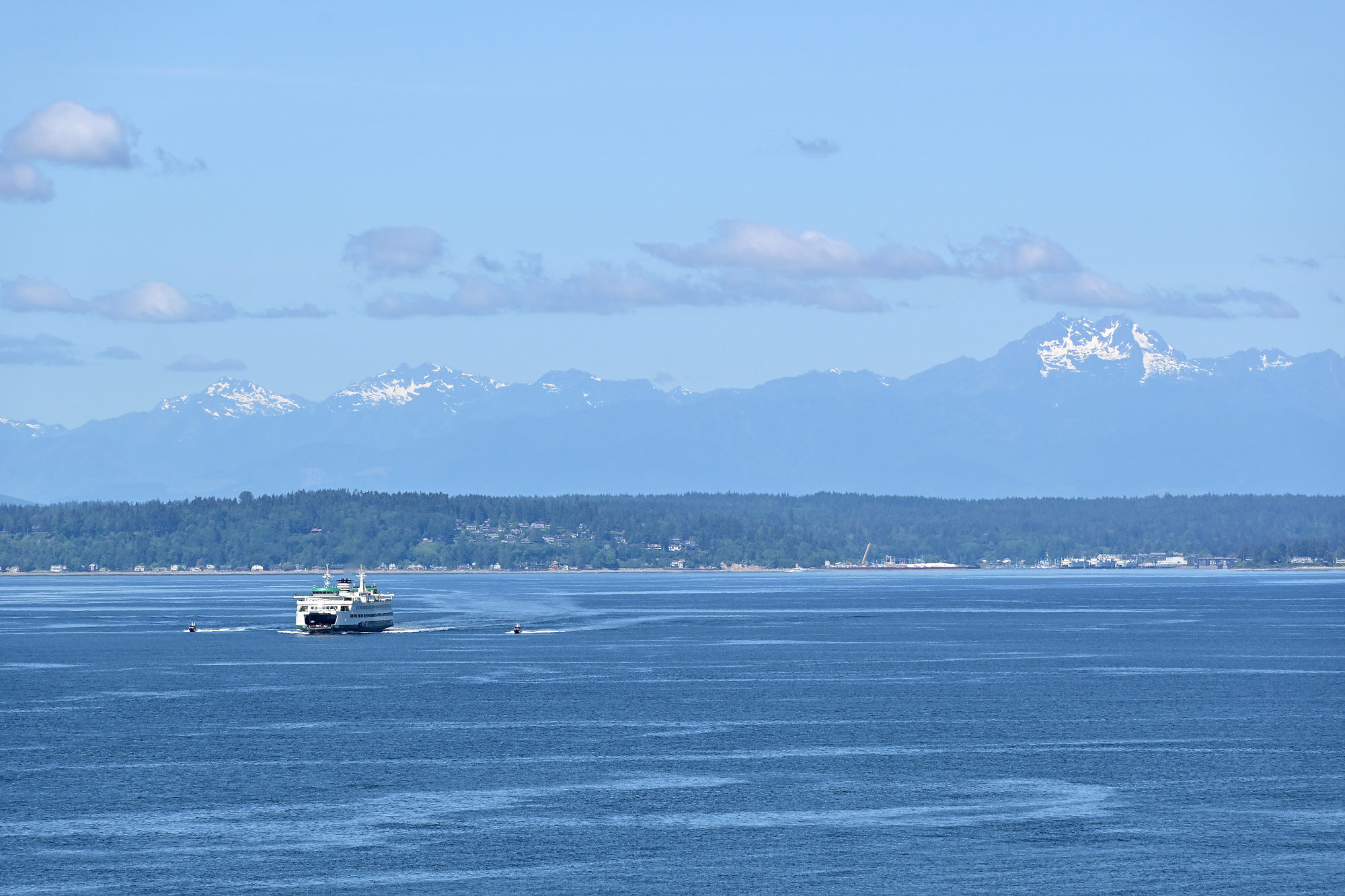
Taken with my Nikon Z50II.
-
Kirschstreusel 🍒🥧
Sonntag. Ein Ablauf, der sich nicht anmeldet.
Der Ofen ist schon auf Temperatur, bevor überhaupt entschieden ist, ob das Ergebnis dokumentiert werden soll. Der Kirschstreusel ist zu diesem Zeitpunkt noch eher ein Versprechen. Die Oberfläche unfertig, die Struktur noch im Übergang. Die Hitze beginnt langsam Ordnung zu schaffen.
Währenddessen passiert etwas, das sich so nicht wiederholen lässt. Die Streusel verändern ihre Farbe nur wenig, von trocken zu goldbraun, mit diesem kurzen Punkt davor, an dem die Textur kippen würde. Messen kann man den Moment nicht wirklich. Man erkennt ihn eher.
1/250s f/2,8 ISO 3200/36° 16-50mm f/2,8 VR f=31mm/47mm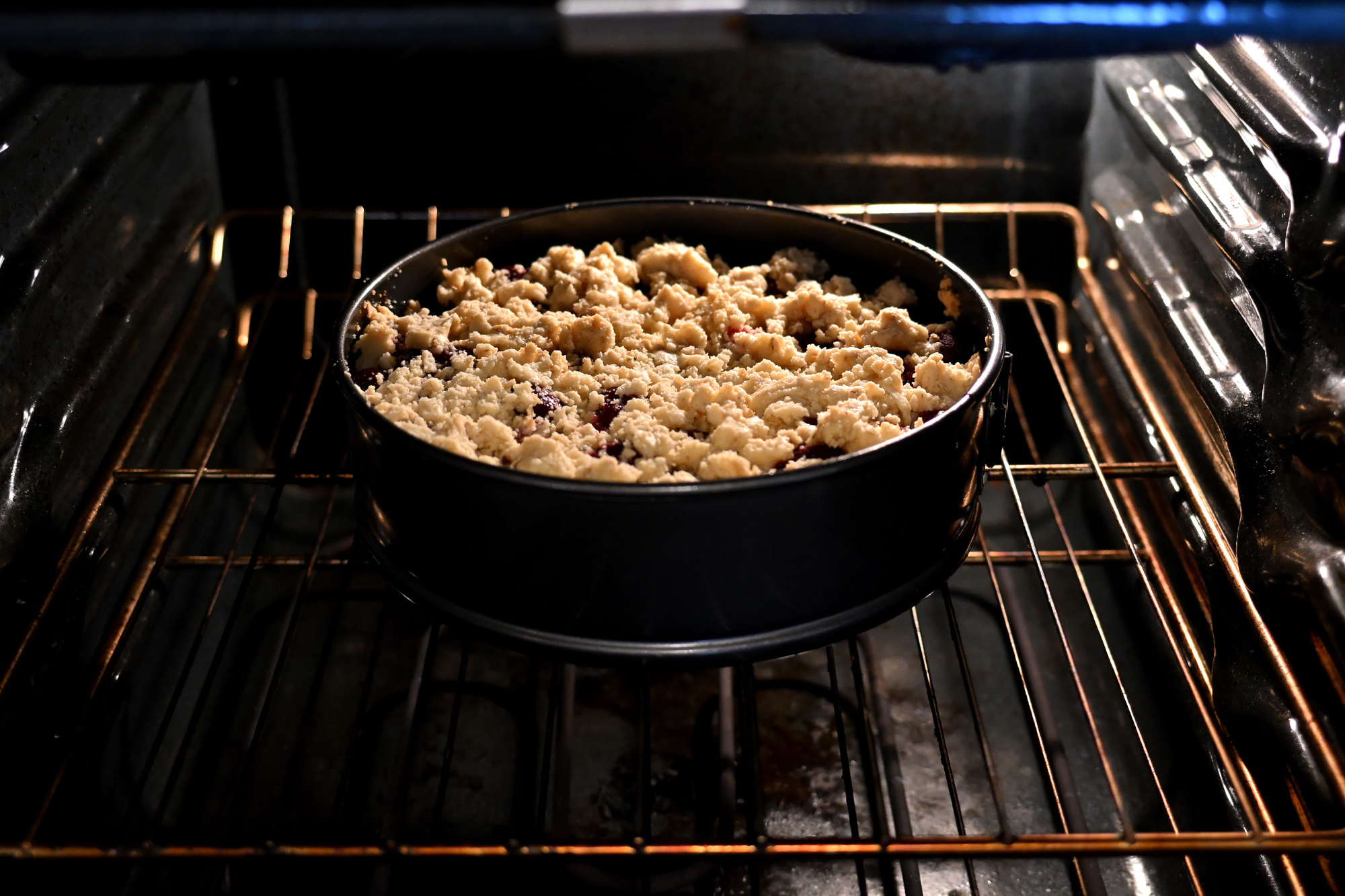
Danach kommt die Phase, in der alles noch zusammenhält. Der Kuchen bleibt in der Form, als müsste er selbst kurz prüfen, ob er stabil genug ist, um als Objekt zu existieren. Die Kirschen haben dabei ihre eigene Dynamik. Was vorher locker geschichtet war, ist jetzt gebunden, aber nicht starr. Oberfläche und Inneres passen langsam zusammen.
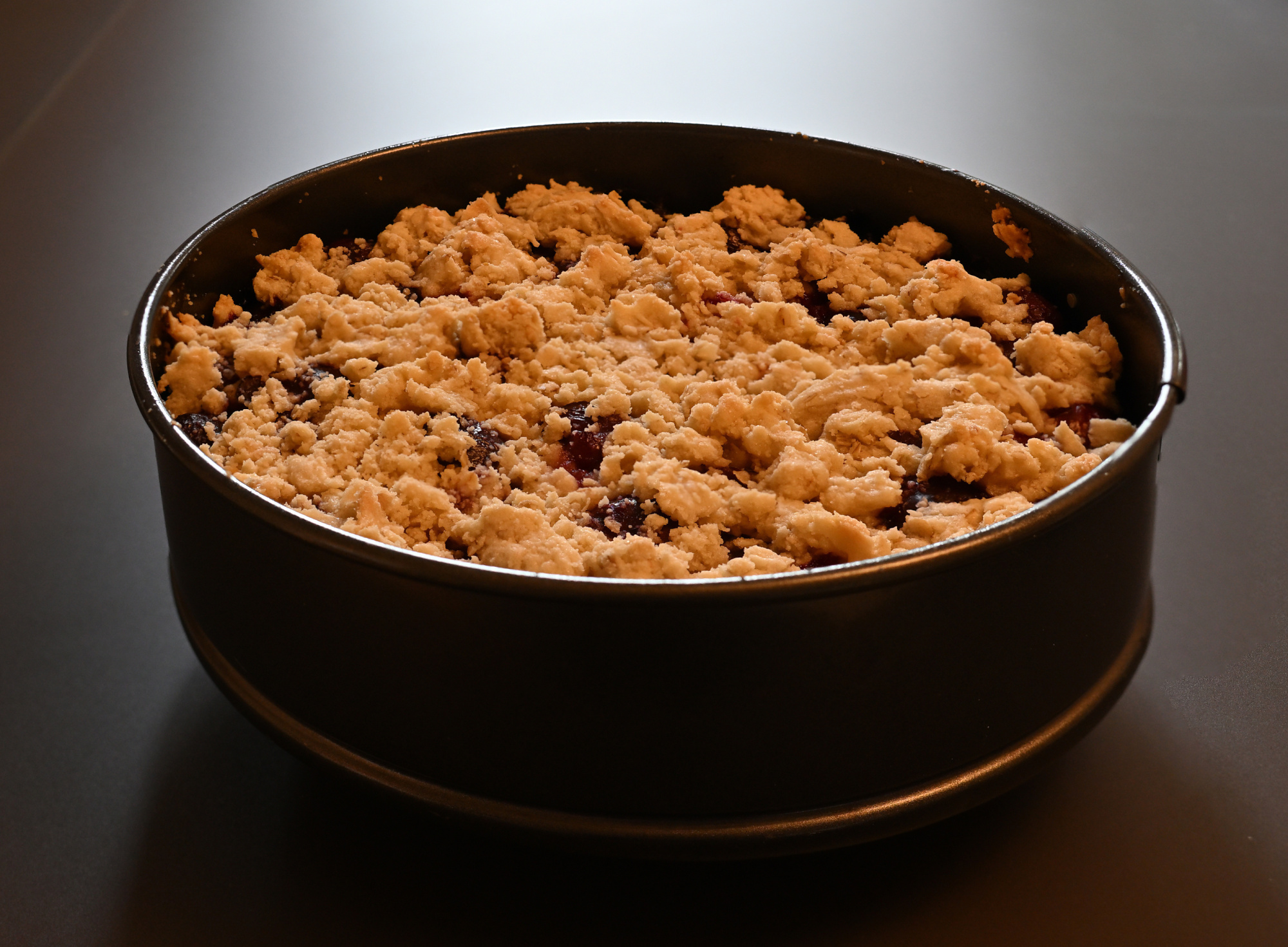
Erstellt mit Focus stacking
1/50s f/5 ISO 1000/31° 16-50mm f/2,8 VR f=33mm/49mm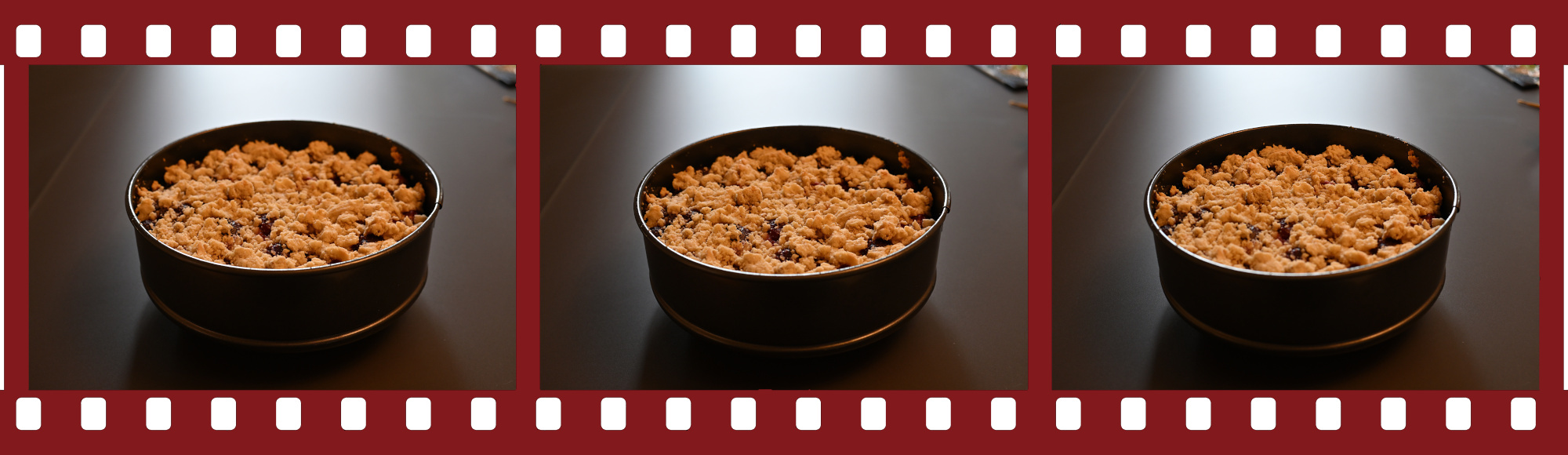
Auf dem Teller ist es wieder ein Übergangszustand. Abkühlen klingt passiv, ist es aber nicht. Dampf verschwindet, die Struktur zieht sich minimal zurück, Spannungen lösen sich. Die Oberfläche verliert etwas Glanz und gewinnt dafür an Klarheit. Ein kurzer Moment, in dem sich entscheidet, ob etwas als Bild bestehen bleibt oder nur als Erinnerung.
Erst mit dem ersten Schnitt wird es eindeutig. Die innere Struktur wird sichtbar. Schichtung, Verteilung, kleine Unregelmäßigkeiten, die vorher unsichtbar waren. Keine perfekte Geometrie, aber eine, die funktioniert.
und nimmt sich einen moment zeit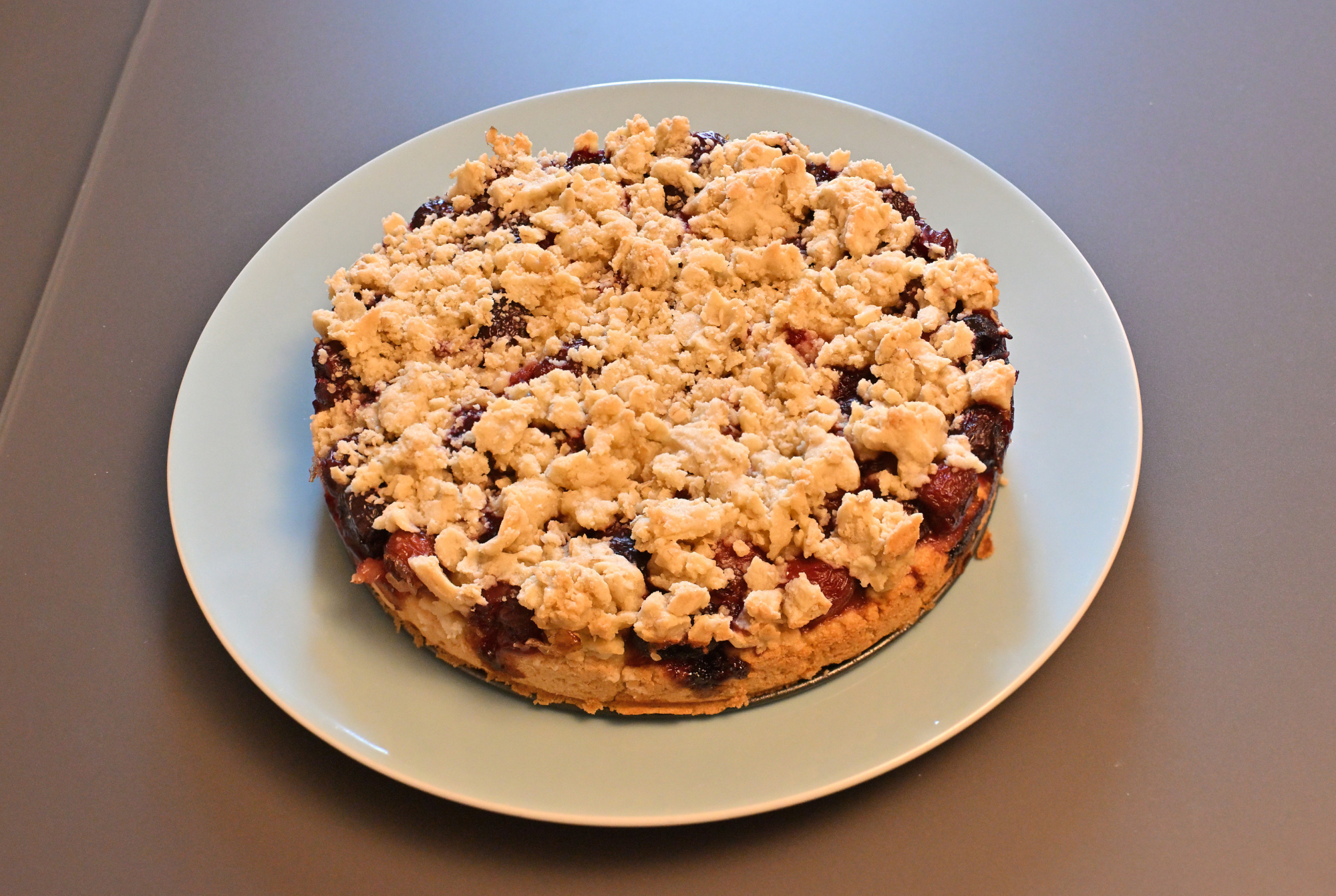
Das auch mit Focus stacking
1/50s f/5 ISO 1000/31° 16-50mm f/2,8 VR f=33mm/49mm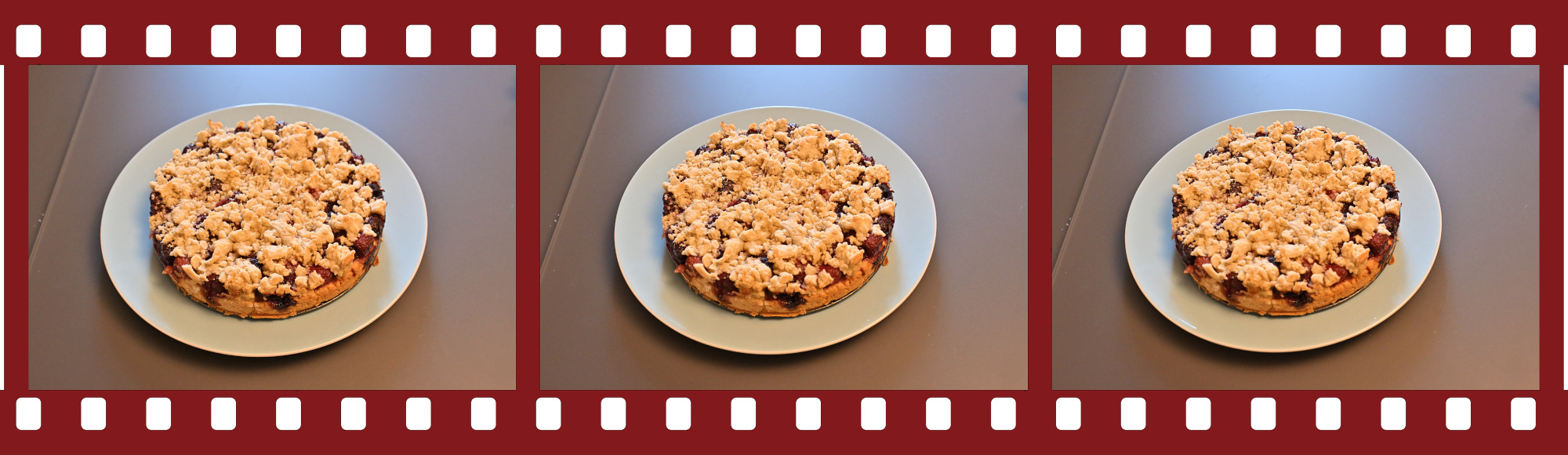
und wartet kurz bevor es weitergeht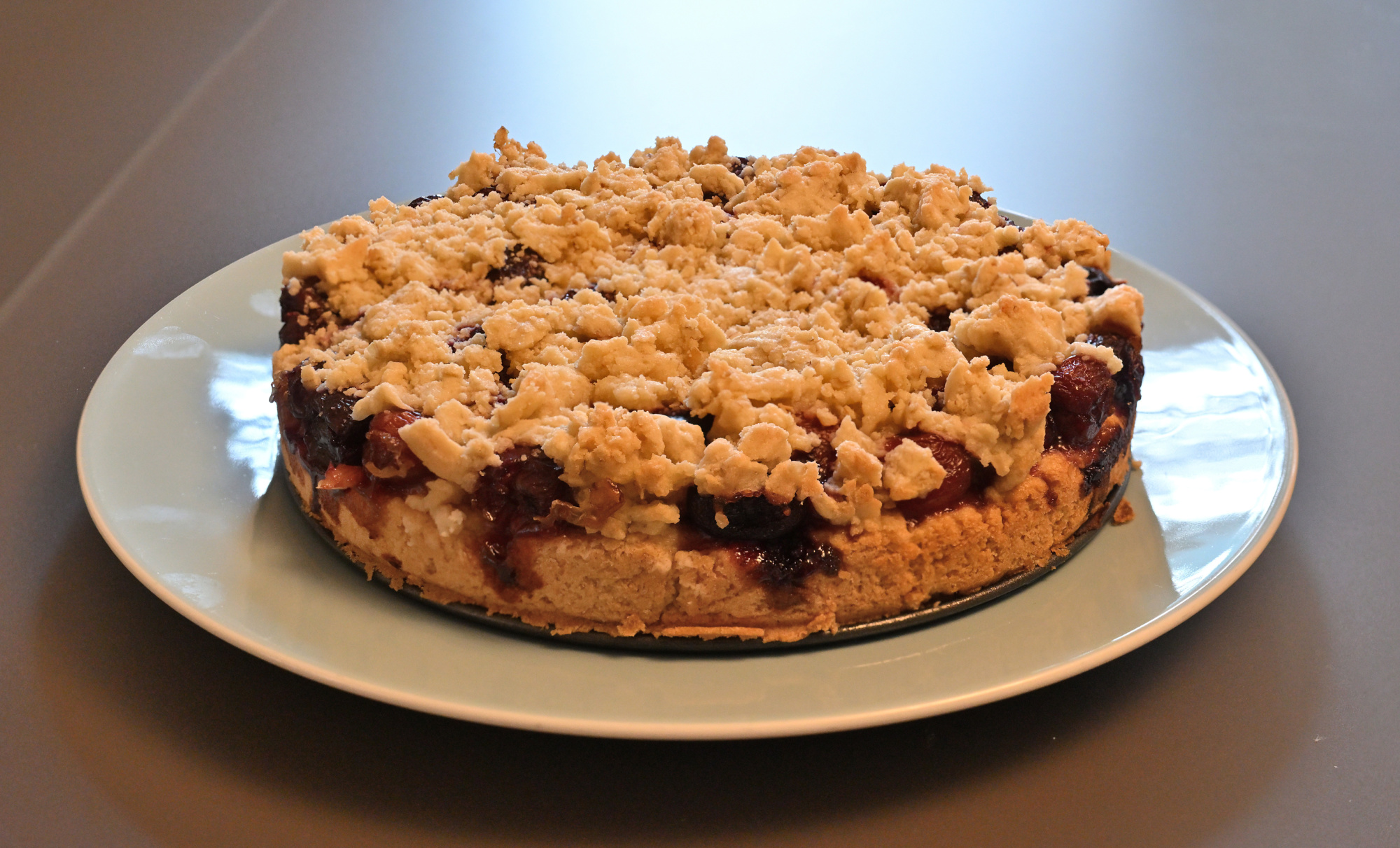
Und das auch
1/50s f/5 ISO 1000/31° 16-50mm f/2,8 VR f=33mm/49mm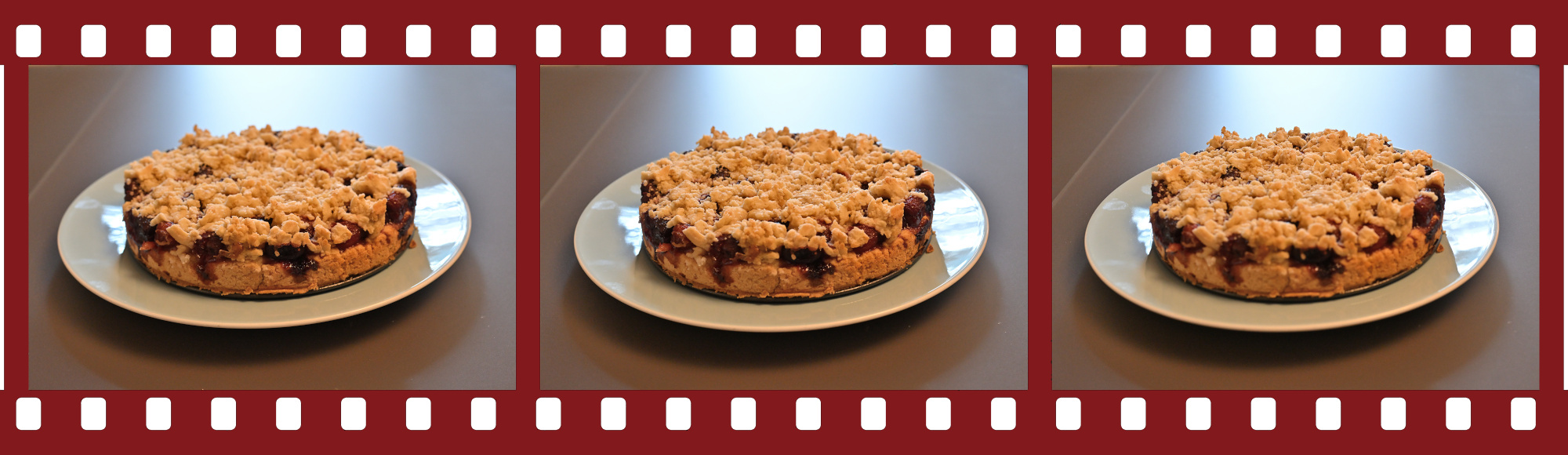
und passt jetzt schon fast vollständig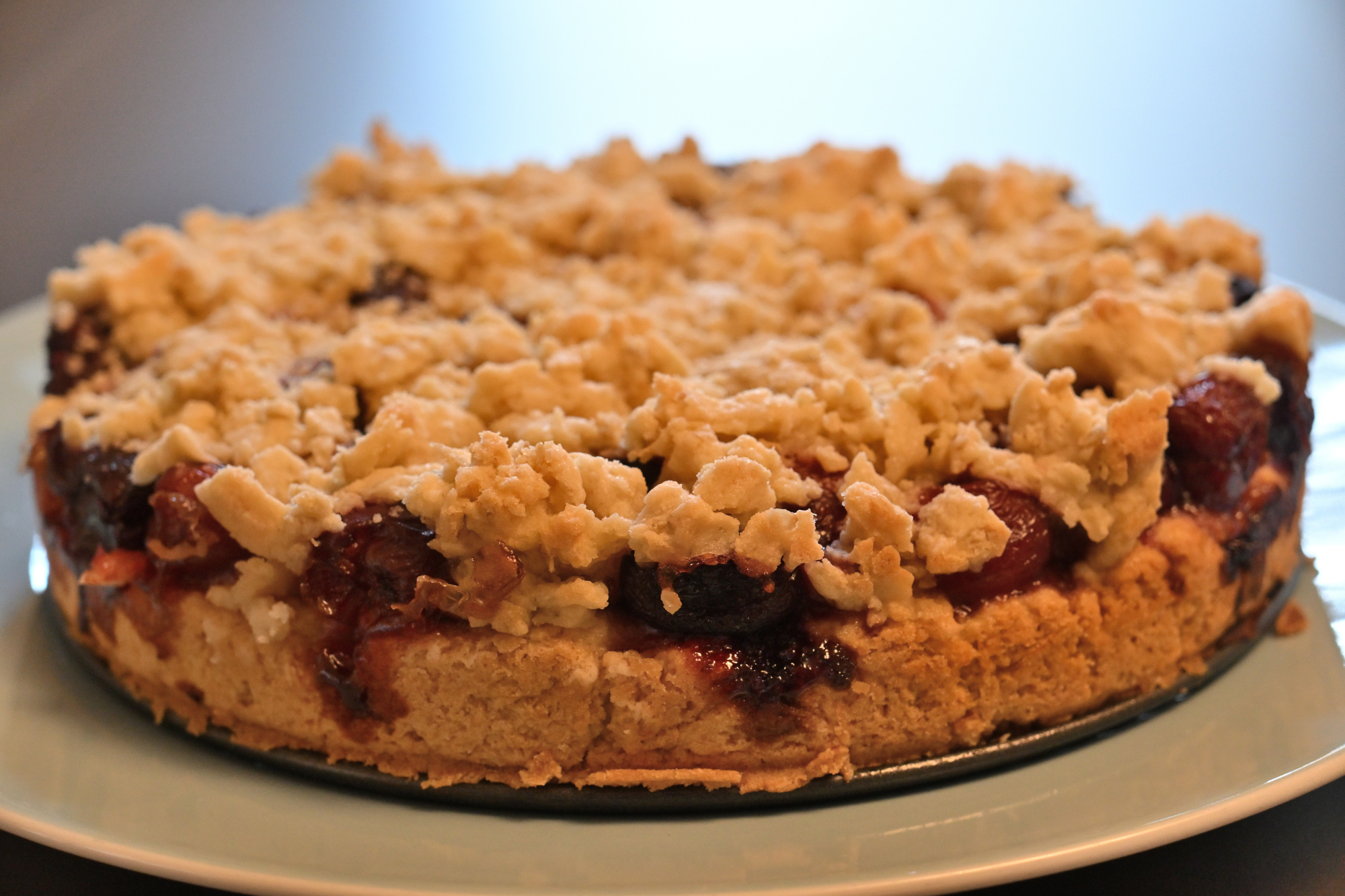
und übernimmt jetzt einfach4
1/100s f/2,8 ISO 100/21° 16-50mm f/2,8 VR f=41mm/61mm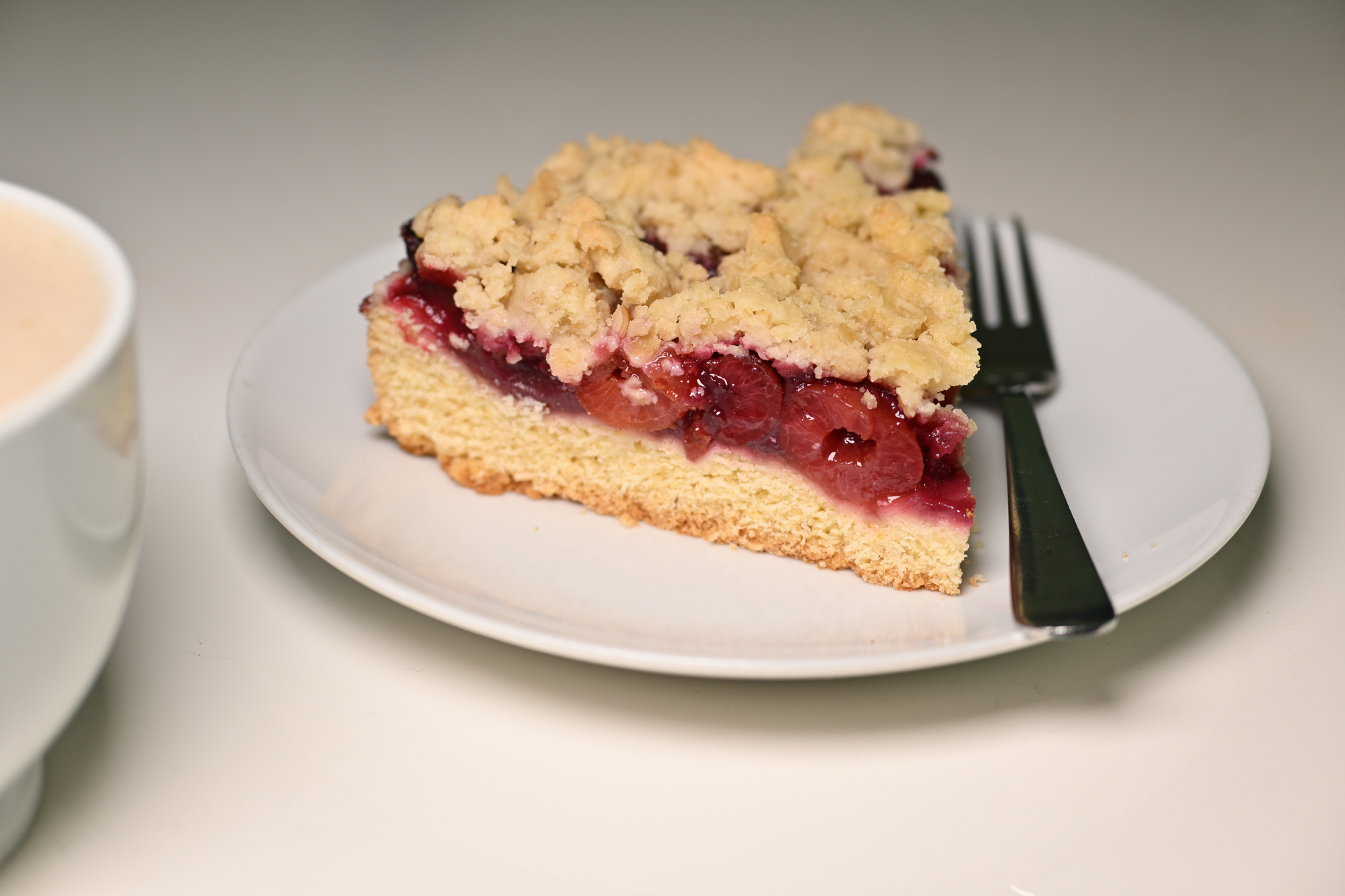
Kaffee trifft Kuchen ohne große Planung. Das Stück ist noch leicht warm, der Kaffee etwas zu heiß, aber das gleicht sich schnell aus. Man probiert kurz, schaut hin, und es passt. Auf dem Teller liegt noch ein zweites Stück. Erst einfach nur da, dann doch angeschnitten.
Für einen besonderen Sonntag genau richtig. Es bleibt eben nicht bei einem Stück.
-
Der Kuchen war diesmal pünktlich beim Shooting. Die Maske saß nicht immer, und bei der Pose gab es offenbar mehrere Meinungen.
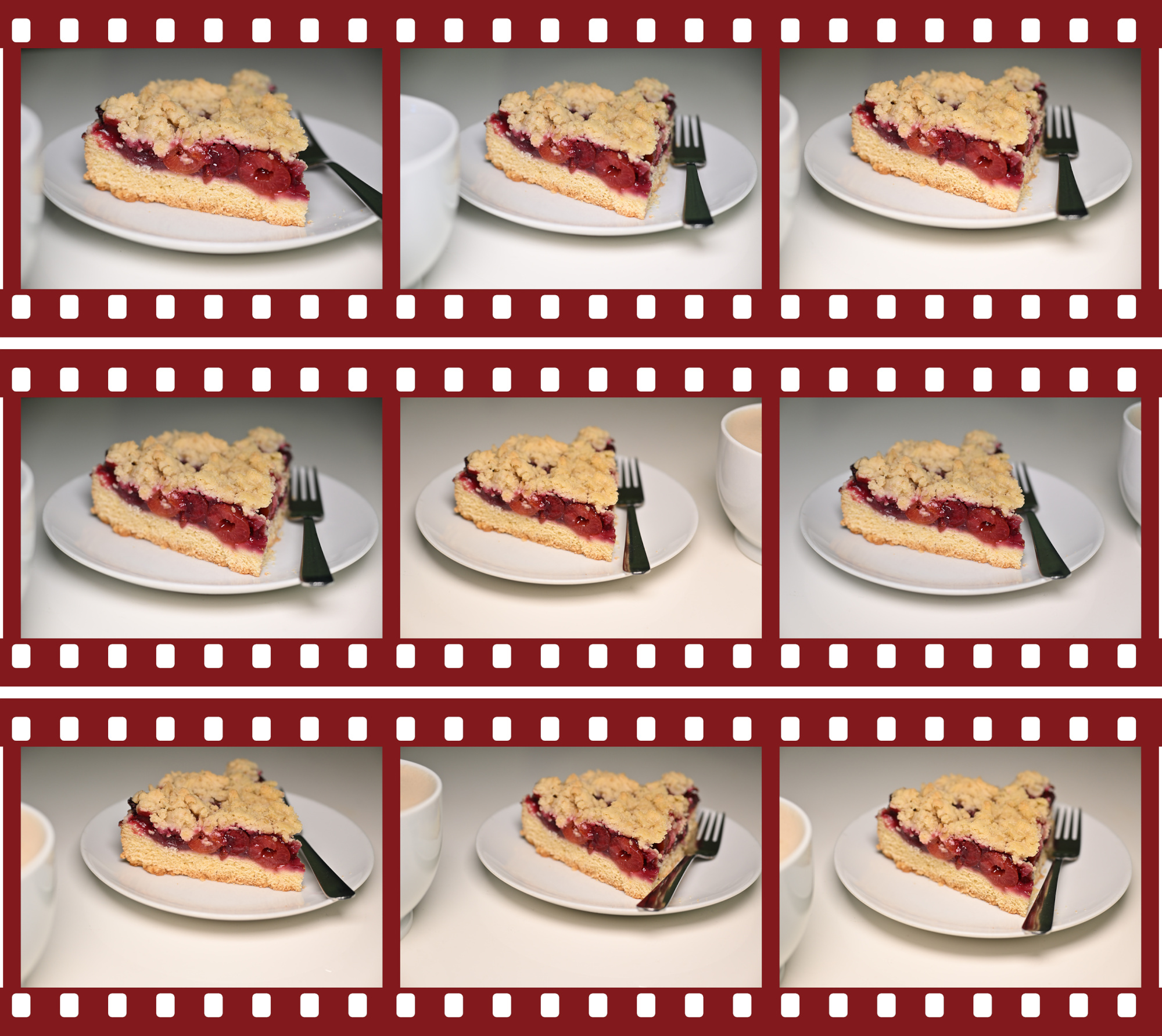
↩
-
Seite 1 von 12
Ältere Beiträge →