-
Obstkuchen zum Sonntagskaffee 🫐🍓
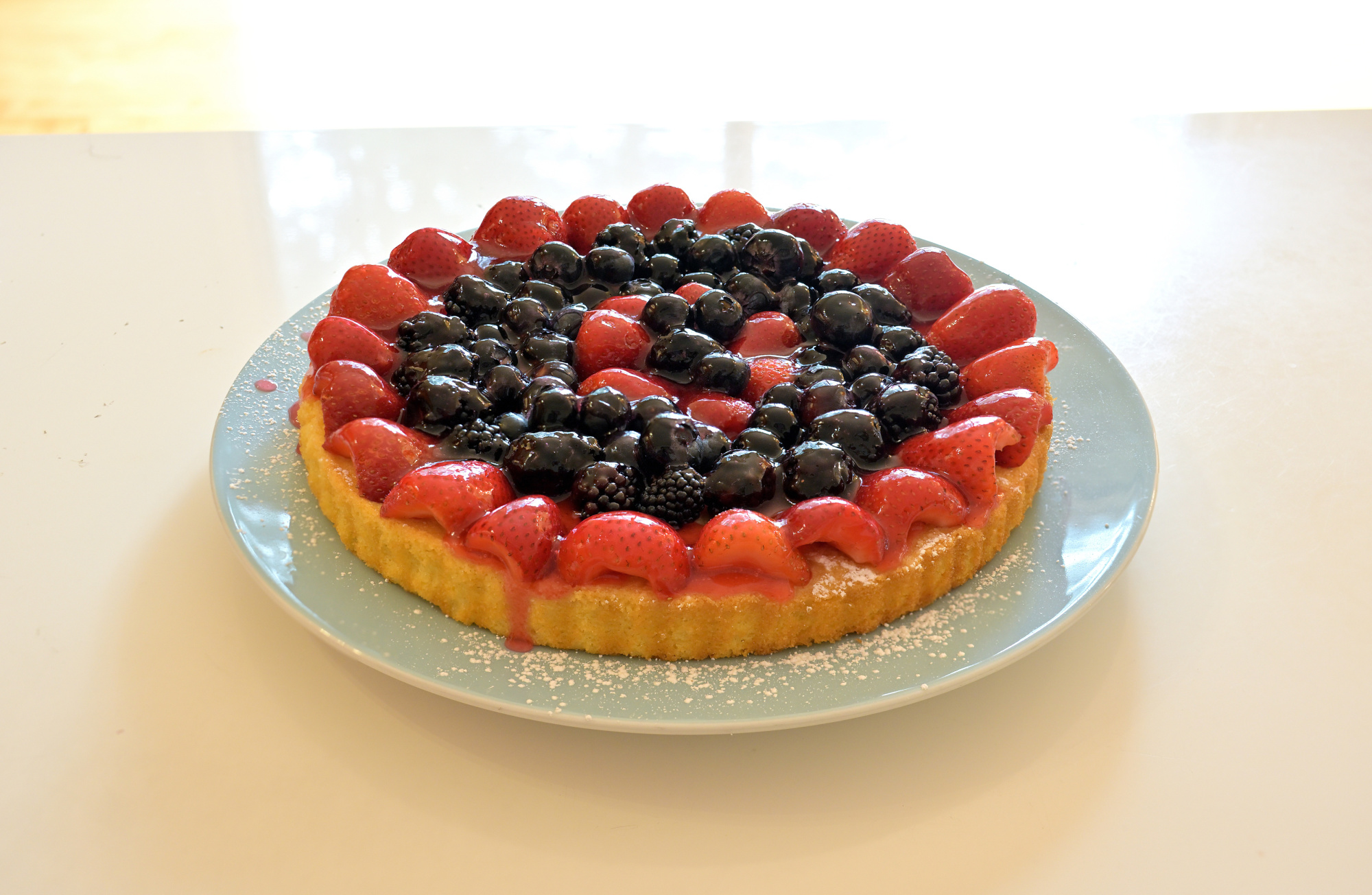
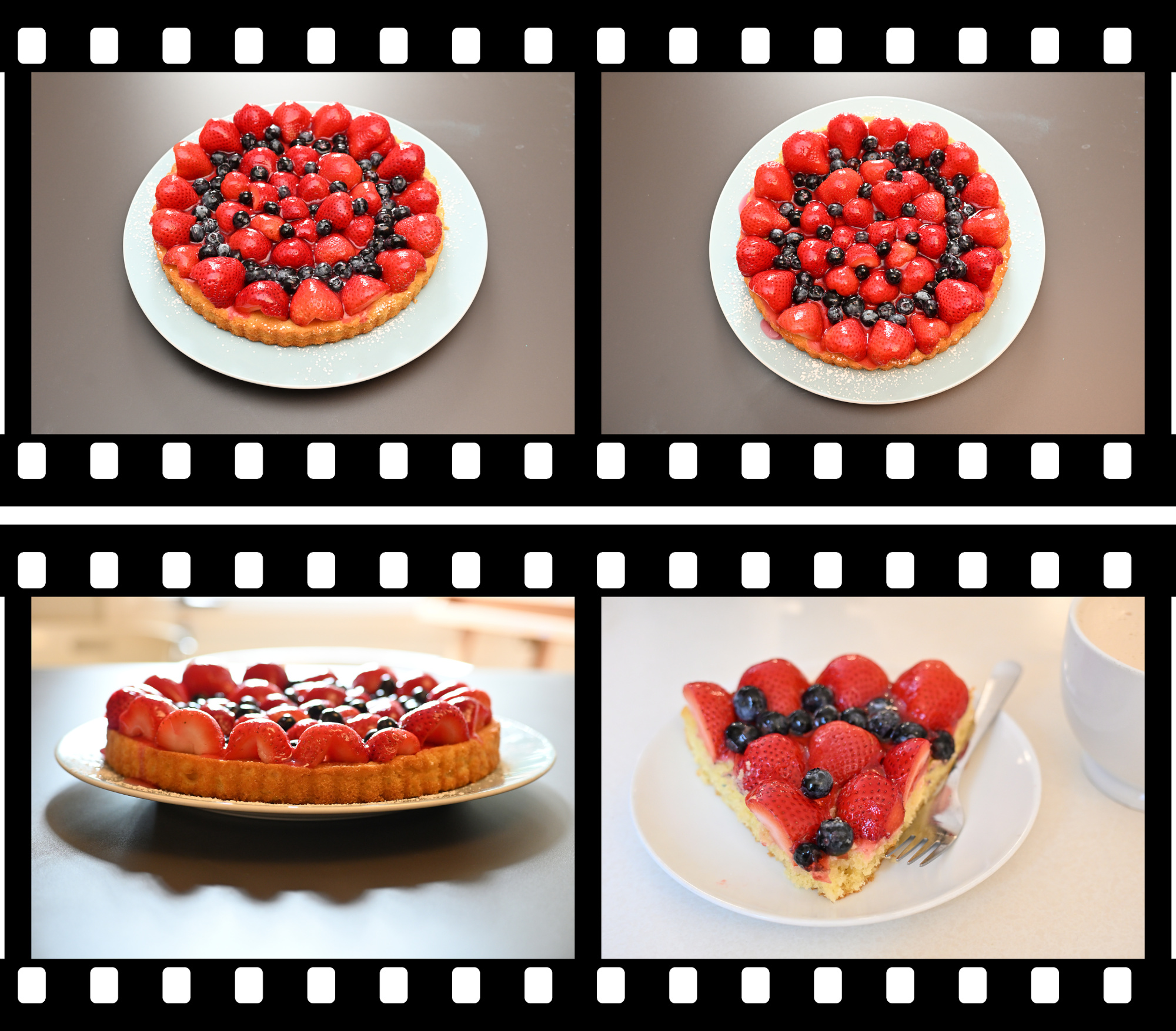
Sonntagskaffee und ein Obstkuchen mit Erdbeeren, Brombeeren und Blaubeeren.
Der Beerenmix wirkt auf dem Foto genauso gut wie auf dem Teller. Das Erdbeerrot setzt den Akzent, die dunklen Beeren bringen Tiefe, und die Struktur des Kuchenbodens hält das Bild zusammen. Genau so ein Motiv, das man gern etwas länger anschaut.
1/30s f/4 ISO 250/25°
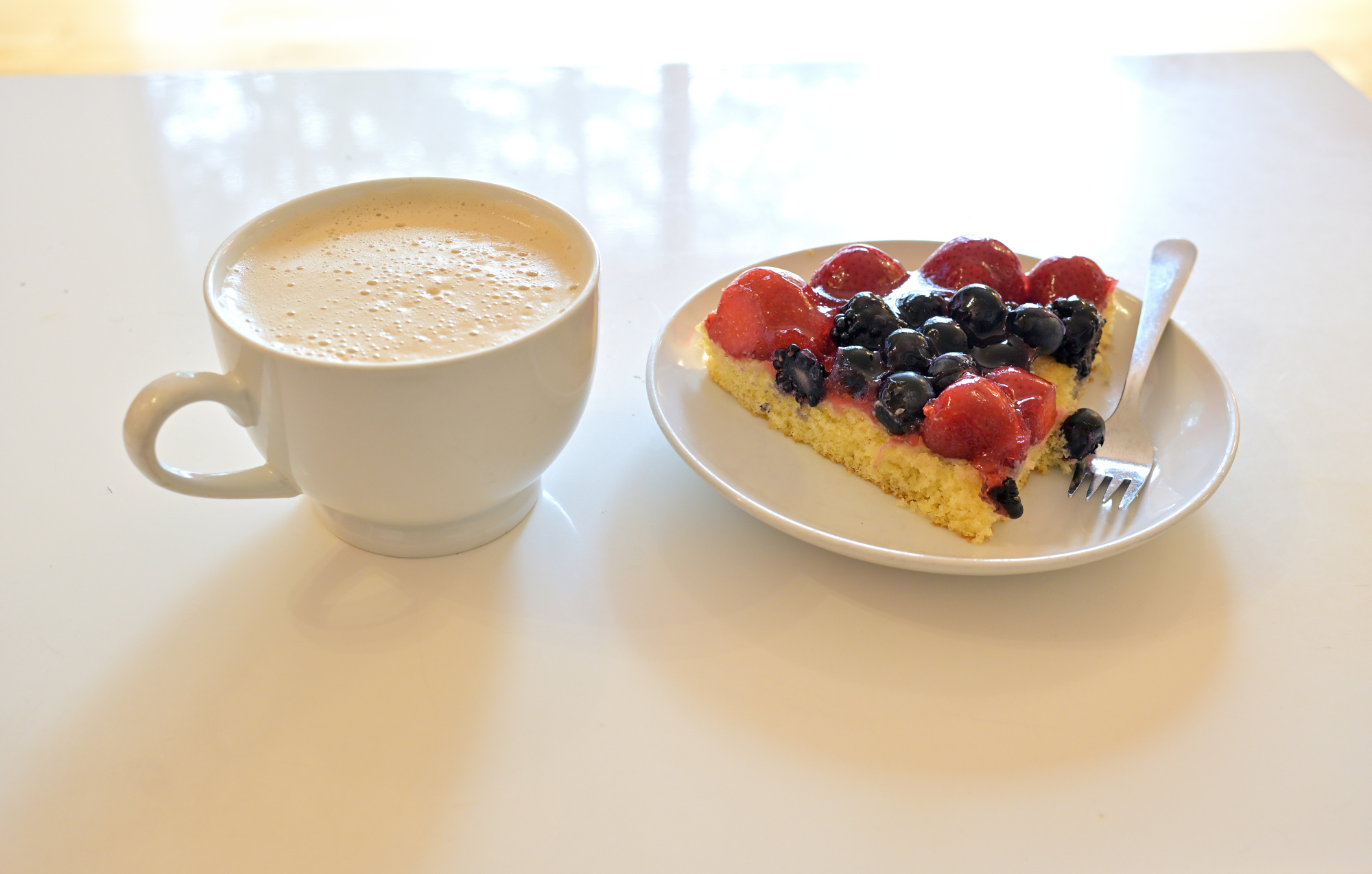
Dazu gehört natürlich auch ein Kaffee.
1/30s f/4 ISO 250/25° 16-50mm f/2,8 VR f=27mm/40mm
Wie das Bild entstanden ist: Fokus-Stacking mit 5 Aufnahmen
Damit die Details von vorne bis hinten scharf sind, habe ich das Kuchenfoto als Fokus-Stack aufgenommen. Dafür habe ich fünf Aufnahmen gemacht, jeweils mit einem anderen Fokuspunkt, also unterschiedlichen Schärfeebenen. So lässt sich die Schärfe gezielt über das Motiv verteilen, ohne dass man die Blende extrem schließen muss oder unnötig lange Belichtungszeiten riskiert.

Anschließend habe ich die Serie in PTGui zusammengesetzt. Das Programm richtet die Einzelbilder sauber aus und überlagert sie. Am Ende entsteht ein Foto, das über die ganze Tiefe hinweg klar wirkt.
Im PTGui-Screenshot sieht man, wie die fünf Aufnahmen übereinander ausgerichtet sind. So entsteht daraus das durchgehend scharfe Bild.
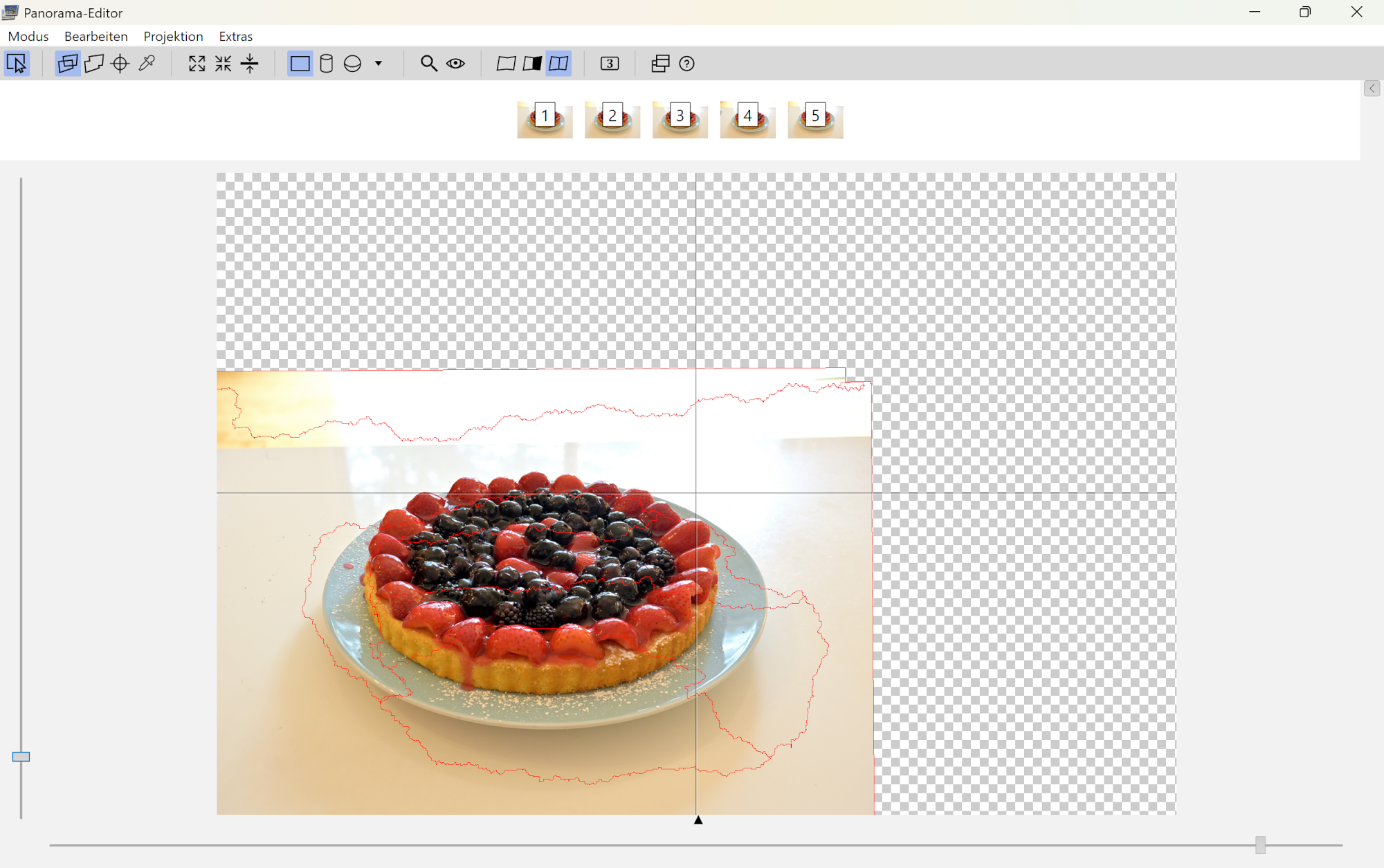
Siehe Combine pictures with PTGui, Focus stacking
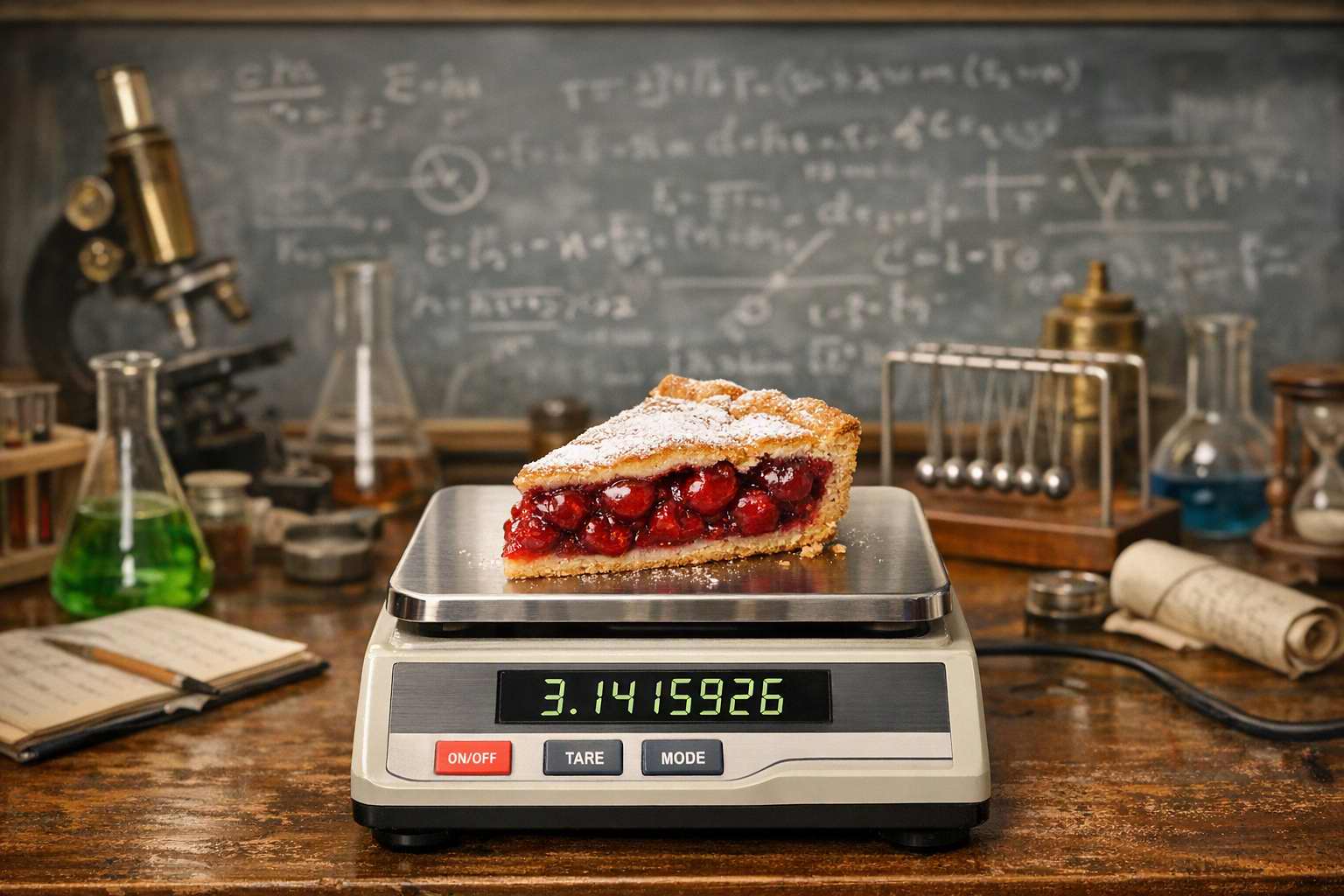
Ein reproduzierbares Experiment. Engpässe beim Versuchskuchen waren nicht zu erwarten.
-
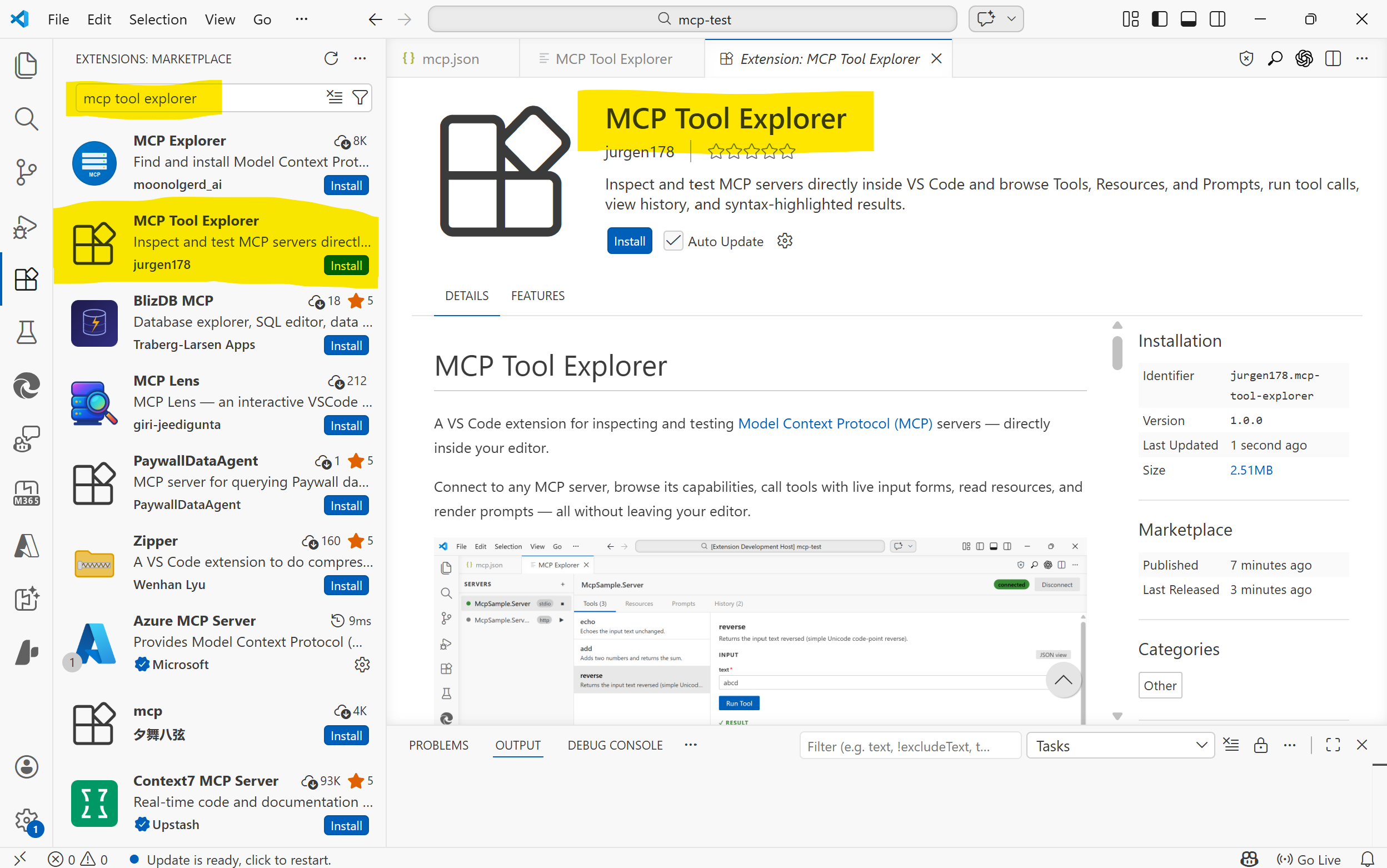
MCP Tool Explorer
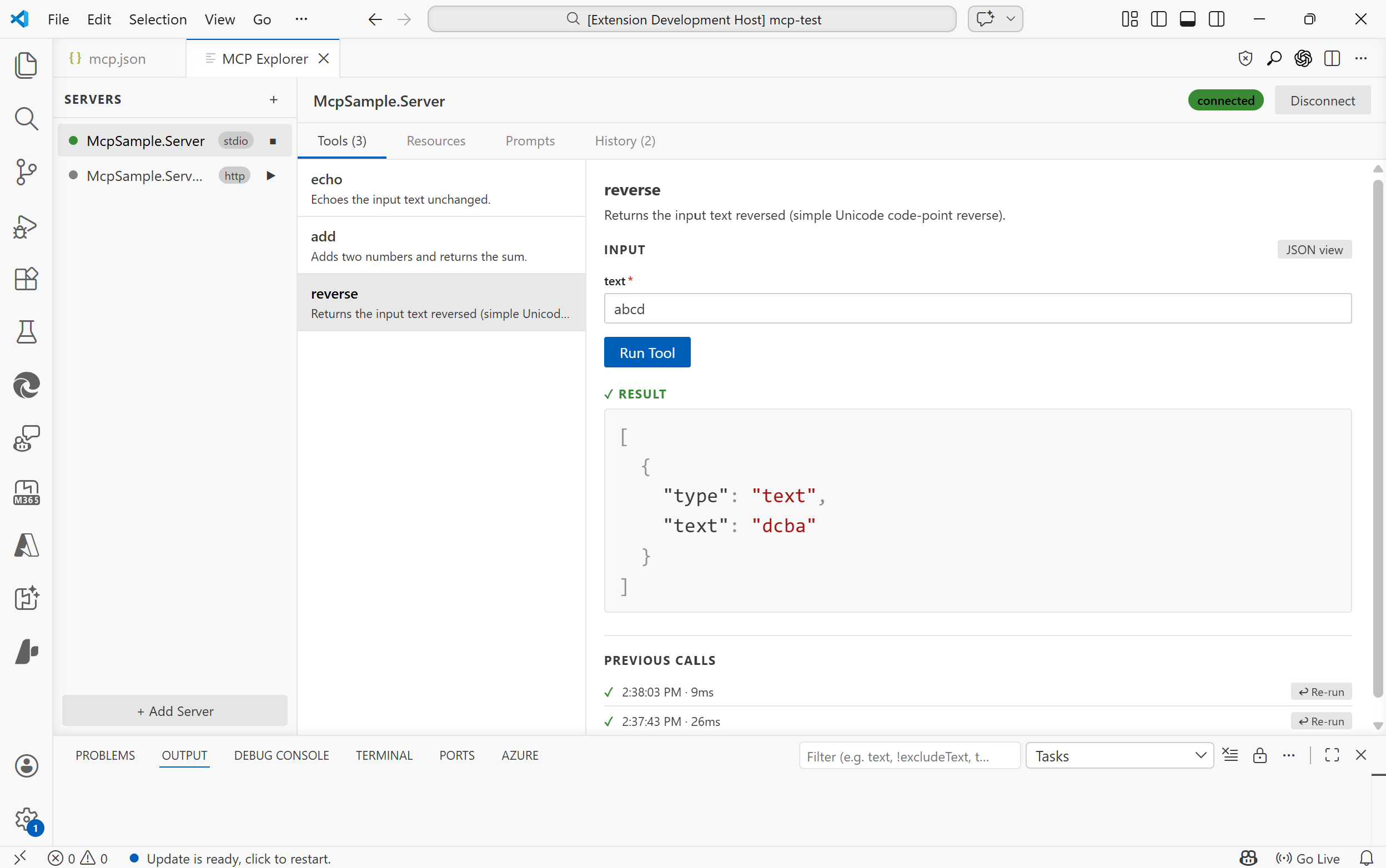
To work with Model Context Protocol (MCP) servers, I created a VS Code extension for inspecting and testing.
This extension connects to any MCP server, browse its capabilities, call tools with live input forms, read resources, render prompts, inspect notifications, and review connection traffic. All without leaving your editor.
Supports MCP Apps: tools that ship an interactive UI rendered directly inside the explorer.
https://github.com/jurgen178/mcp-tool-explorer
Features
Server Management
- Auto-discovery: automatically finds servers defined in
.vscode/mcp.jsonor themcp.serversworkspace setting - Manual registration: add any server on the fly via the Add Server dialog
- All three transports:
stdio,SSE, andStreamable HTTP - Capability indicators: each connected server shows T / R / P badges: green = items available, dimmed = declared but empty, hidden = not supported
Tools
- Browse all tools exposed by a server with their descriptions and parameter schemas
- Form view: auto-generated input form with type-aware fields (text, number, boolean toggle, enum select), including nested object fields
- JSON view: write raw JSON arguments with live validation hints (missing required fields, unknown properties)
- Run tools and see syntax-highlighted results; press Ctrl+Enter to run without leaving the keyboard
- Filter: a search bar appears above the tool list when a server exposes 10 or more tools
- Previous calls: the last 6 calls per tool are shown inline with one-click re-run
- The first available tool is automatically selected when a server connects
MCP Apps
Tools can declare a
ui://resource URI in their_meta.ui.resourceUrifield (MCP spec 2026-01-26). When such a tool is called, the explorer loads its HTML UI in a sandboxed iframe directly below the result, with no browser, no external window.The iframe communicates with the MCP server through the explorer's built-in JSON-RPC 2.0 bridge: it can call
tools/callandresources/readback against the server in real time, enabling fully interactive experiences like live regex visualizers, fractal renderers, or code diff viewers.Tools with an MCP App UI are marked with an MCP App badge in the tool list.
Resources
- List all resources and read their contents
- Results rendered with syntax highlighting
- Filter: a search bar appears when a server exposes 10 or more resources
- Resource list updates can be refreshed automatically when the server emits
notifications/resources/list_changed
Prompts
- Browse and render prompts with argument input support
- Filter: a search bar appears when a server exposes 10 or more prompts
- Prompt list updates can be refreshed automatically when the server emits
notifications/prompts/list_changed
Notifications & Events
- A dedicated Events tab shows incoming server notifications such as logging messages, progress updates, resource updates, and list-change notifications
- Related notifications can be visually grouped when they originate from the same server-side activity
- Streamable HTTP servers can surface server-initiated events, including out-of-band notifications over the standalone SSE stream
Saved Tests
- A dedicated Tests tab lets you save and replay tool calls as named test cases
- Organise tests into named groups
- Run individual tests or all tests in a group at once and see pass / fail results inline
- Tests are saved to
mcp-tests.jsonin the workspace root and automatically reloaded when the file changes - Supports both Form view and JSON view for test arguments; press Ctrl+Enter to run
Request History
- A dedicated History tab records every tool call, resource read, and prompt render
- See timestamp, duration, status (success / error), and expand to inspect the request arguments and response
- Re-run any past tool call directly from the timeline
Connection Diagnostics
- A dedicated Log tab records MCP transport activity for troubleshooting
- For HTTP-based servers, request and response details are captured to help diagnose initialization, fallback, auth, and notification-delivery issues
- Actionable hints are shown for common errors (host not found, connection refused, TLS issues, HTTP 4xx/5xx, invalid URL scheme)
- HTML error pages (e.g. IIS error responses) are automatically stripped to show only the relevant title
- In-progress connections can be cancelled at any time with the Cancel button
JSON Viewer
- Syntax-highlighted JSON output (keys, strings, numbers, booleans, nulls each in distinct colours)
- Copy to clipboard button appears on hover over any result
Getting Started
Installation
Install from the VS Code Marketplace, or build from source (see Building).
Test Server
If you want to try the extension against a ready-made MCP server, see mcp-test-server. It is useful for quickly validating tool calls, resources, and prompts while testing the explorer. A publicly reachable test endpoint is also available at https://bitfabrik.io/mcp.
Opening the Explorer
- Run
MCP: Open MCP Tool Explorerfrom the Command Palette (Ctrl+Shift+P)
Auto-discovery
If your workspace has a
.vscode/mcp.jsonfile, servers are discovered automatically when the extension activates. Example:{ "servers": { "my-stdio-server": { "type": "stdio", "command": "node", "args": ["./server/index.js"] }, "my-http-server": { "type": "http", "url": "http://localhost:3000/mcp" } } }Adding a Server Manually
Click + Add Server in the sidebar and fill in the connection details:
- stdio servers support
command,args(quote arguments that contain spaces),env, and an optional working directory (cwd) - HTTP / SSE servers support a
urland optional requestheaders
Manually added servers persist for the lifetime of the VS Code window.
Transports
Type Config key Description stdiocommand,args,env,cwdSpawns a local process httpurl,headersStreamable HTTP (MCP 2025-03 spec) sseurl,headersServer-Sent Events (legacy) For
stdioservers, the working directory defaults to the workspace root so relative paths incommandresolve correctly.
Building
# Install dependencies
npm install

# Build (webview + extension)
npm run build
The webview is a Vite + React app located in
webview-ui/. Runningnpm run buildat the root builds both the webview and the extension host automatically.
Project Structure
src/
  extension.ts              # Extension entry point
  types.ts                  # Extension-side types
  mcp/
    McpClientManager.ts     # MCP client connections (all transports)
    McpConfigDiscovery.ts   # Server auto-discovery
  panels/
    McpToolExplorerPanel.ts # WebView panel & message bridge
webview-ui/
  src/
    App.tsx                 # Root component & state management
    components/
      Sidebar.tsx           # Server list & connection controls
      ToolsPanel.tsx        # Tools tab
      ResourcesPanel.tsx    # Resources tab
      PromptsPanel.tsx      # Prompts tab
      EventsPanel.tsx       # Notifications and events tab
      HistoryPanel.tsx      # History timeline tab
      ConnectionLogPanel.tsx # Transport and connection log tab
      JsonViewer.tsx        # Syntax-highlighted JSON renderer
      AddServerModal.tsx    # Add Server dialog
Requirements
- VS Code 1.85 or later
- Node.js 18+ (for building from source)
- Auto-discovery: automatically finds servers defined in
-
How Much Pi Do We Really Need
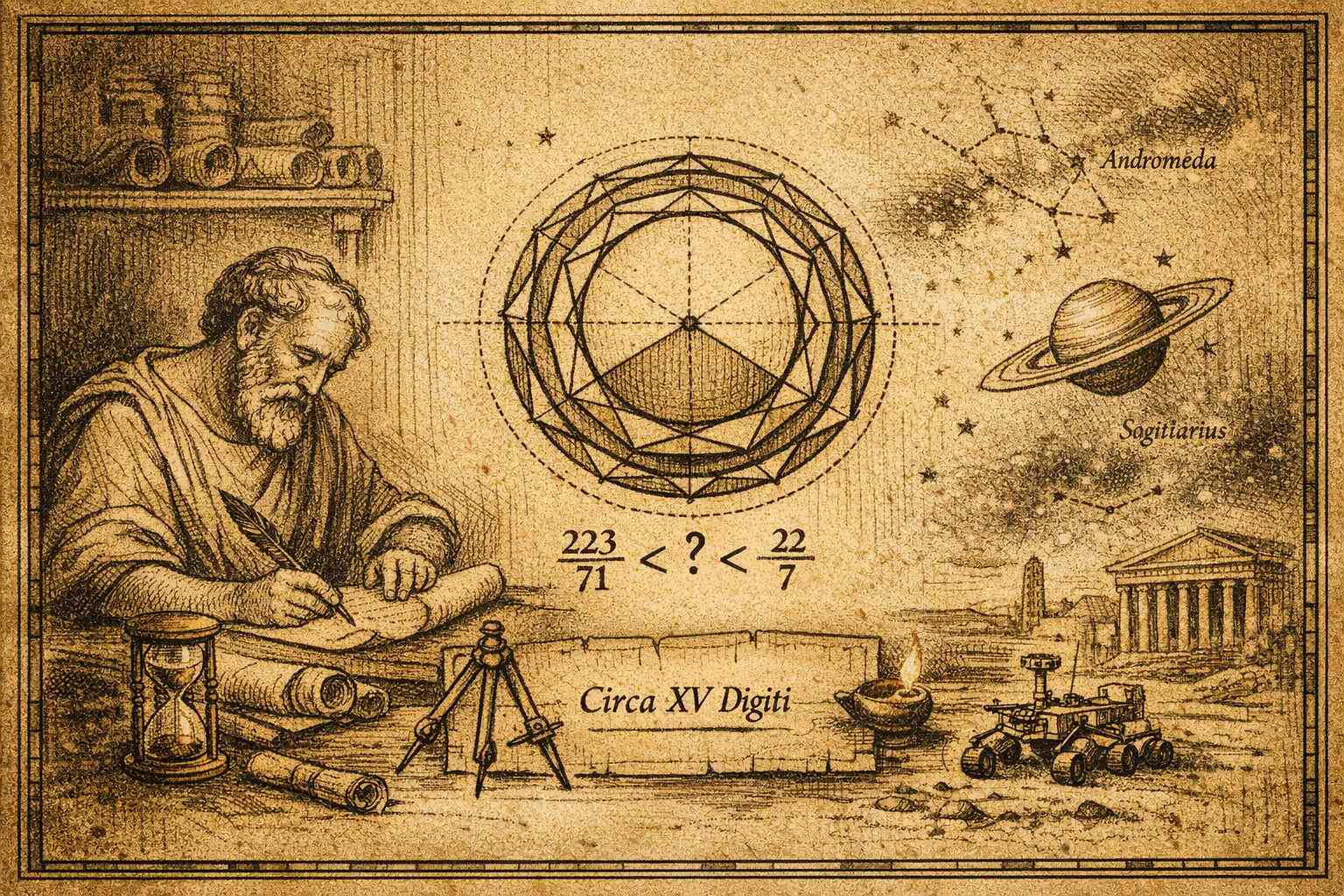
More than two thousand years ago, Archimedes2 tried to calculate the circumference of a circle. It was already known that larger circles have both a larger diameter and a larger circumference, but it was not clear whether the ratio between them would always remain the same.
By enclosing a circle between polygons with an increasing number of sides, he was able to show that this ratio is the same for every circle, and that its value can be bounded within steadily tightening intervals. Using a polygon of 96 sides, he proved that the value is contained in the interval
$$\frac{223}{71} < \pi < \frac{22}{7}$$
Archimedes narrowing the bounds
After Euler adopted the notation in 1736, the world denoted this value as $\pi$ 3
As an irrational number, its decimal expansion never repeats and never ends. And the search for more digits has never stopped.
This raises a simple question.
How many of those digits do we actually need to describe something real?
The circumference of a circle provides exactly that test.
The circumference of a circle is
$$C = \pi D$$
So any inaccuracy in $\pi$ directly affects the result.
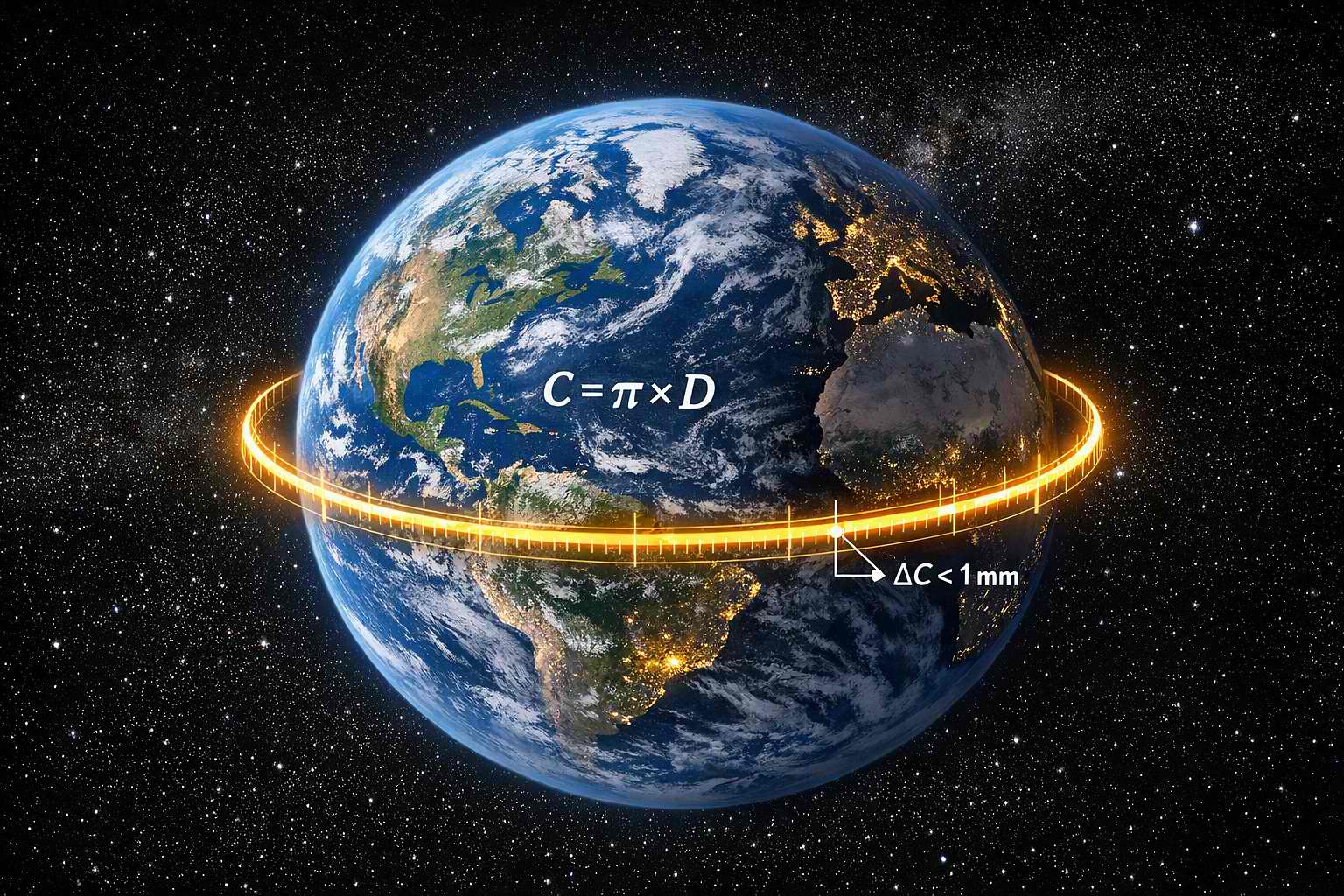
Example: The Earth
The diameter of the Earth is approximately
$$D_{Earth} \approx 12742\ km$$
We want the circumference to be correct within
$$1\ mm = 0.001\ m$$
This means the allowed error in the circumference is
$$\Delta C \leq 0.001\ m$$
Since
$$C = \pi D$$
any error in $\pi$ causes
$$\Delta C = D \cdot \Delta \pi$$
So the required accuracy of $\pi$ must satisfy
$$D \cdot \Delta \pi \leq 0.001$$
Solving for $\Delta \pi$ leads to
$$\Delta \pi \leq \frac{0.001}{12742\cdot1000}$$
$$\Delta \pi \leq 7.85 \times 10^{-11}$$
That corresponds to roughly 10 decimal places of $\pi$. Using 10 places results in an error of about $10^{-11}$, which is within the required bound.
So if you use
$$\pi_{10} = 3.1415926536$$
you can calculate the circumference of the entire Earth with an error smaller than one millimeter.
Example: A Pizza
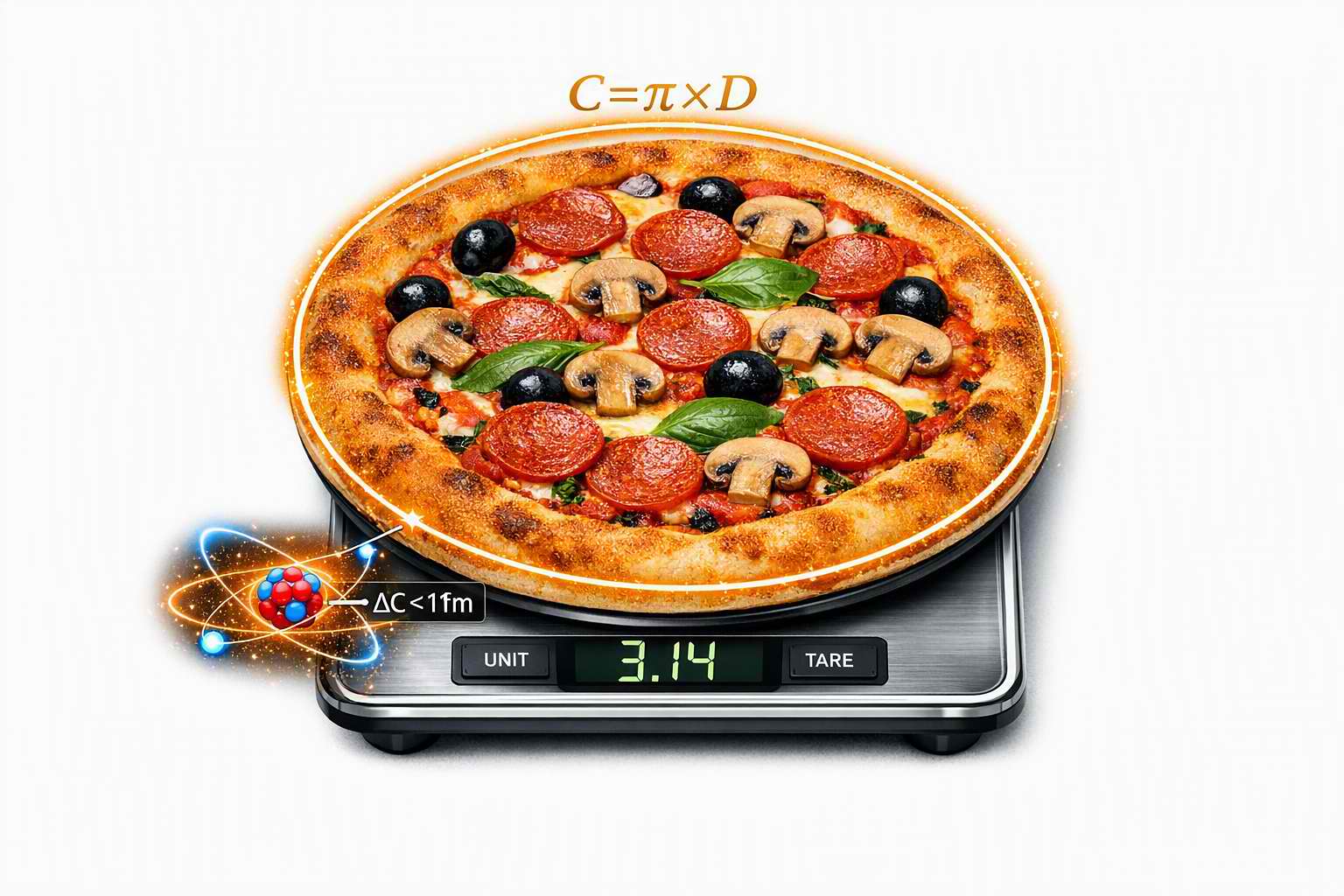
The diameter of a pizza is approximately
$$D_{Pizza} \approx 0.30\ m$$
This time we set the target accuracy to the diameter of an atomic nucleus
$$1\ \text{fm} = 10^{-15}\ m$$
Applying the same formula leads to
$$\Delta \pi \leq \frac{10^{-15}}{0.30}$$
$$\Delta \pi \leq 3.3 \times 10^{-15}$$
That corresponds to roughly 15 decimal places of $\pi$.
So if you use
$$\pi_{15} = 3.141592653589793$$
you can calculate the circumference of a pizza with an error smaller than the diameter of an atomic nucleus.
Example: The Observable Universe
Now let us scale things up.
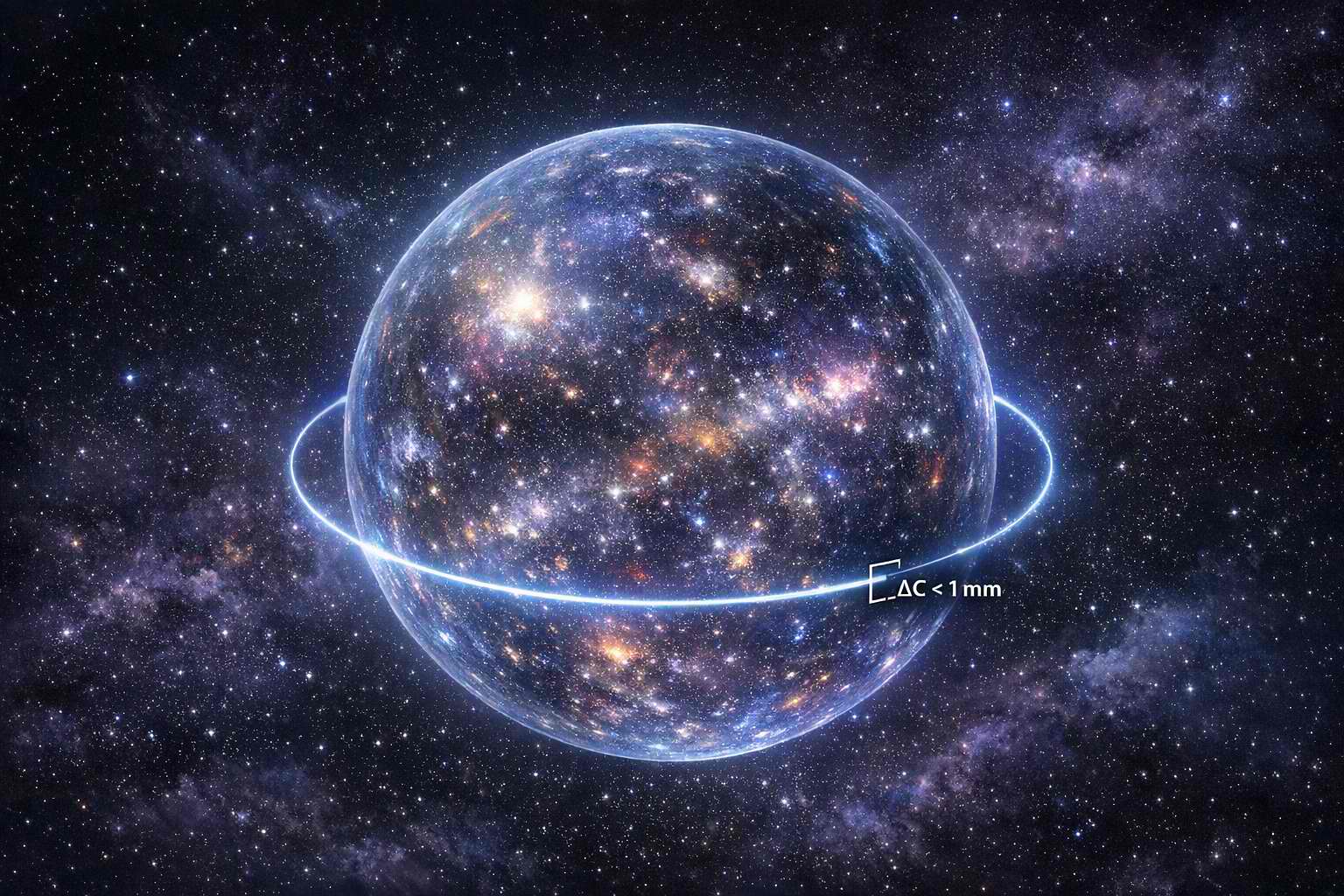
The diameter of the observable universe is estimated at roughly
$$D_{Universe} \approx 8.8 \times 10^{26}\ m$$
Using the same formula with a target accuracy of 1 mm, as in the Earth example, leads to
$$\Delta \pi \leq \frac{0.001}{8.8 \times 10^{26}}$$
$$\Delta \pi \leq 1.14 \times 10^{-30}$$
That corresponds to roughly 30 decimal places of $\pi$.
So if you use
$$\pi_{30} = 3.141592653589793238462643383279$$
you can calculate the circumference of the entire observable universe with an error smaller than one millimeter.
Conclusion
Ten digits of $\pi$ are enough for planetary scale.
Fifteen digits are enough to measure a pizza to the width of an atomic nucleus.
Thirty digits are enough for cosmic scale.
Beyond that, the digits describe no physical quantity we can measure, only the internal consistency of mathematics itself.
Fifteen digits are also exactly what NASA uses to navigate spacecraft across the solar system, the same precision that measures a pizza to the width of an atomic nucleus.
They have not yet missed a planet.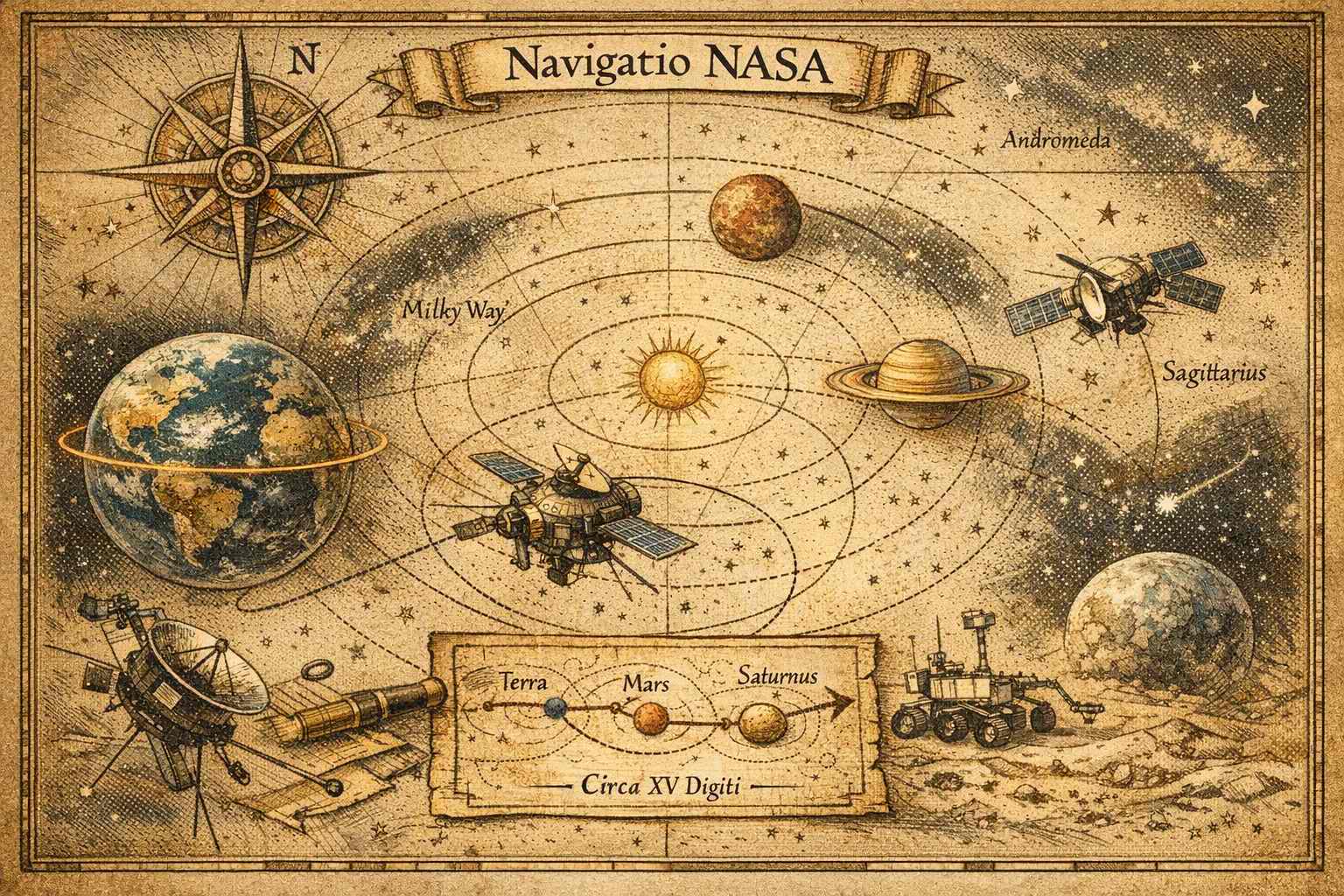
Interplanetary navigation with finite precision
See also Engineering Pi Day
-
The lab has seen many upgrades.
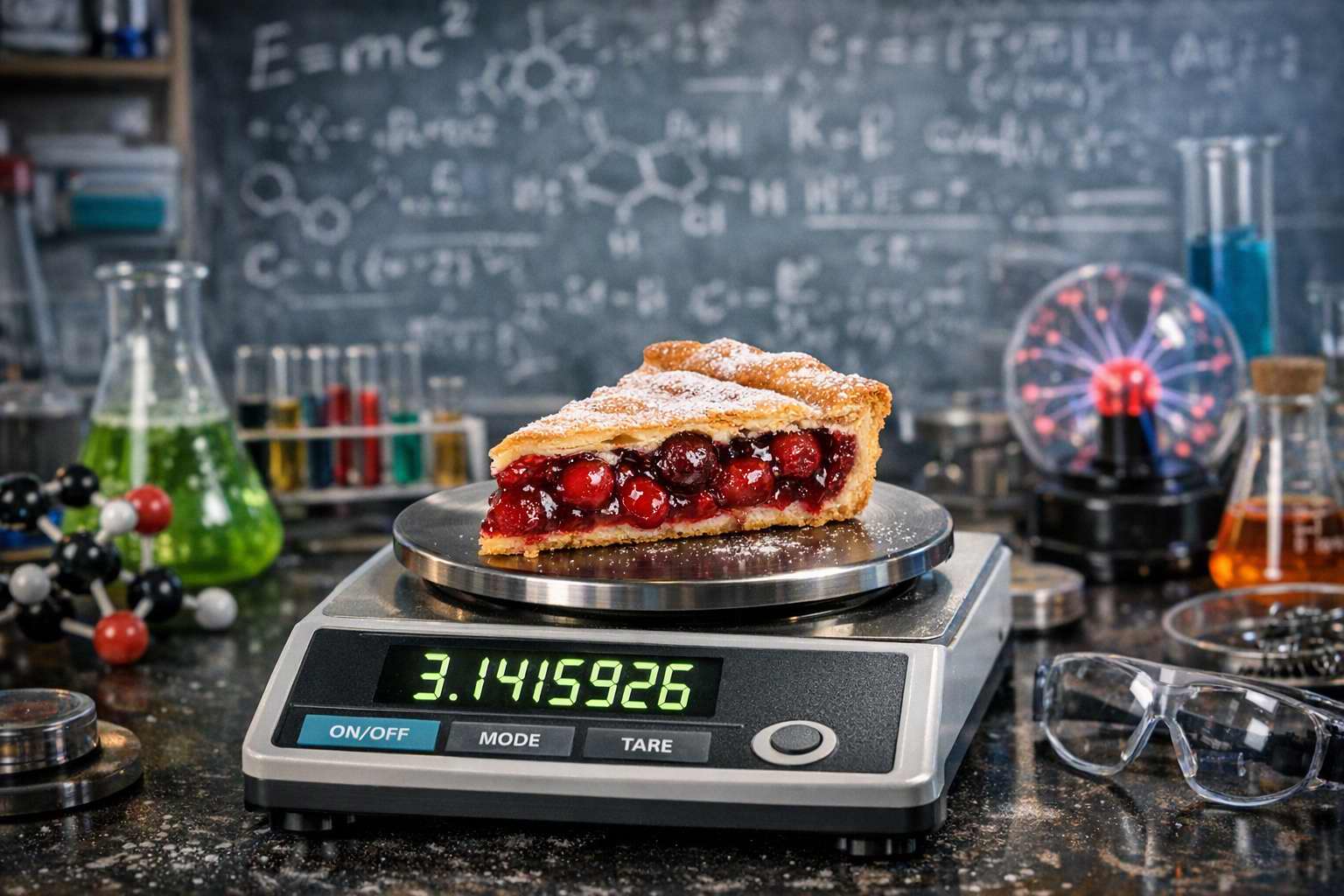
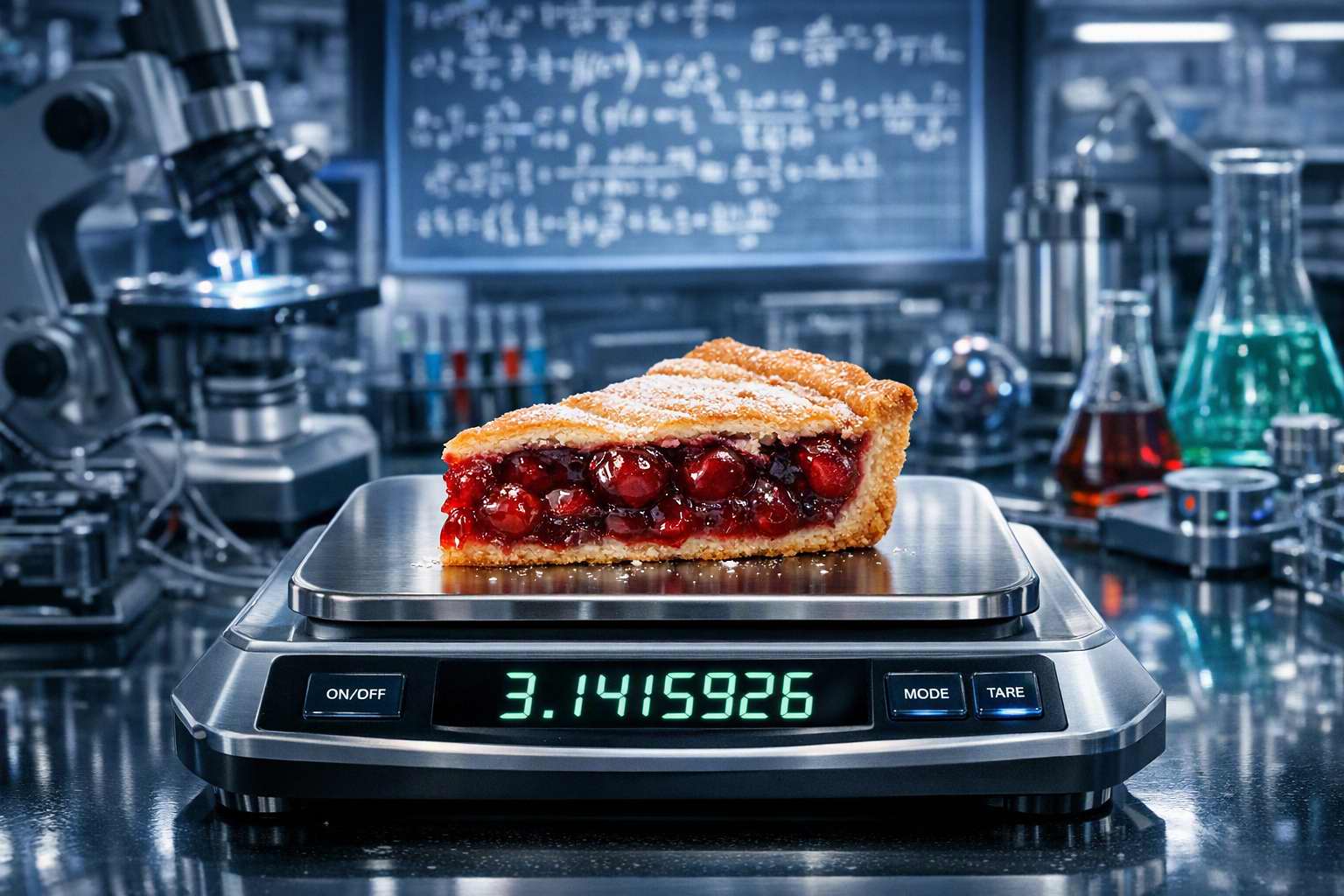
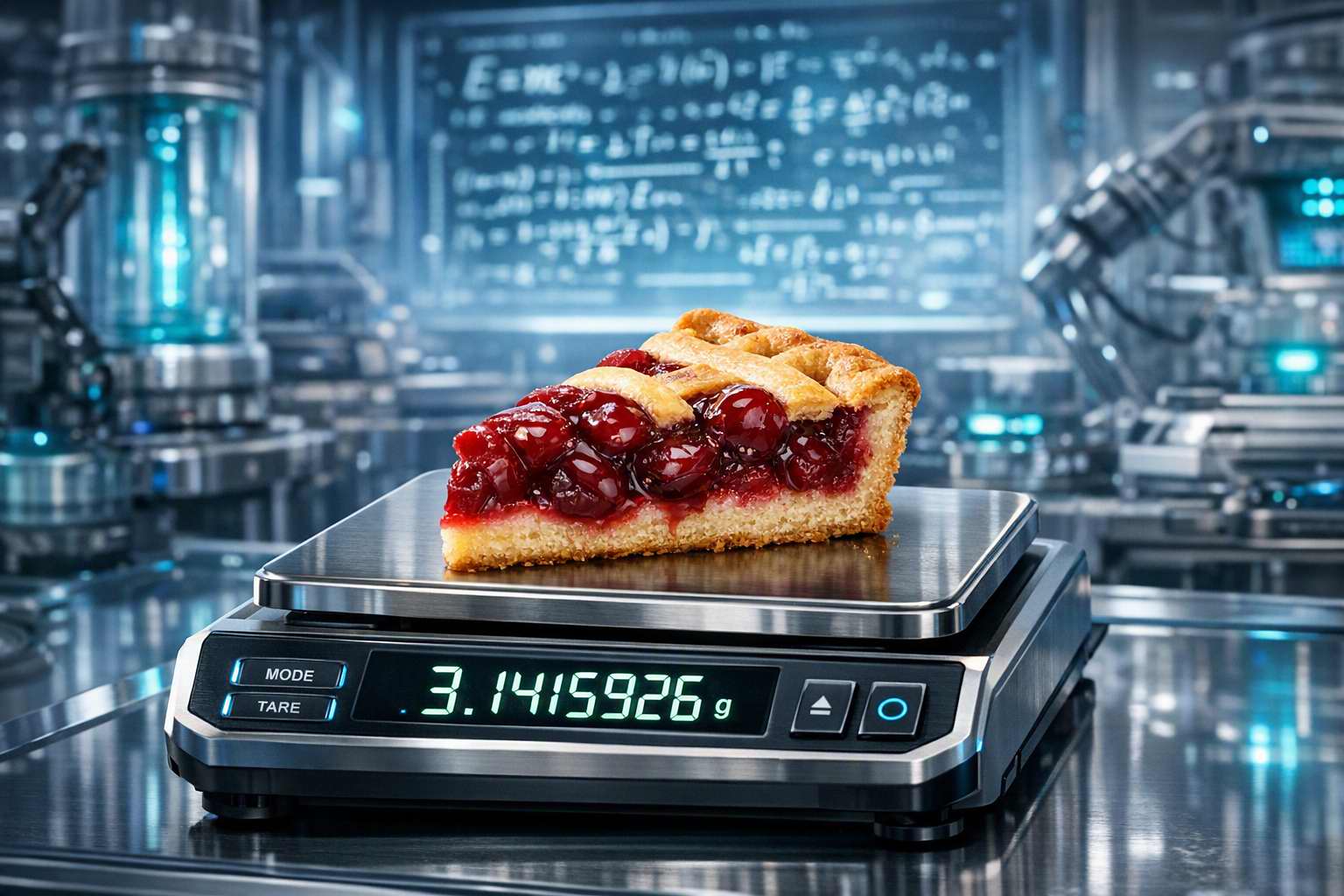 The Pie remained entirely indifferent.
Even they could not find a pattern.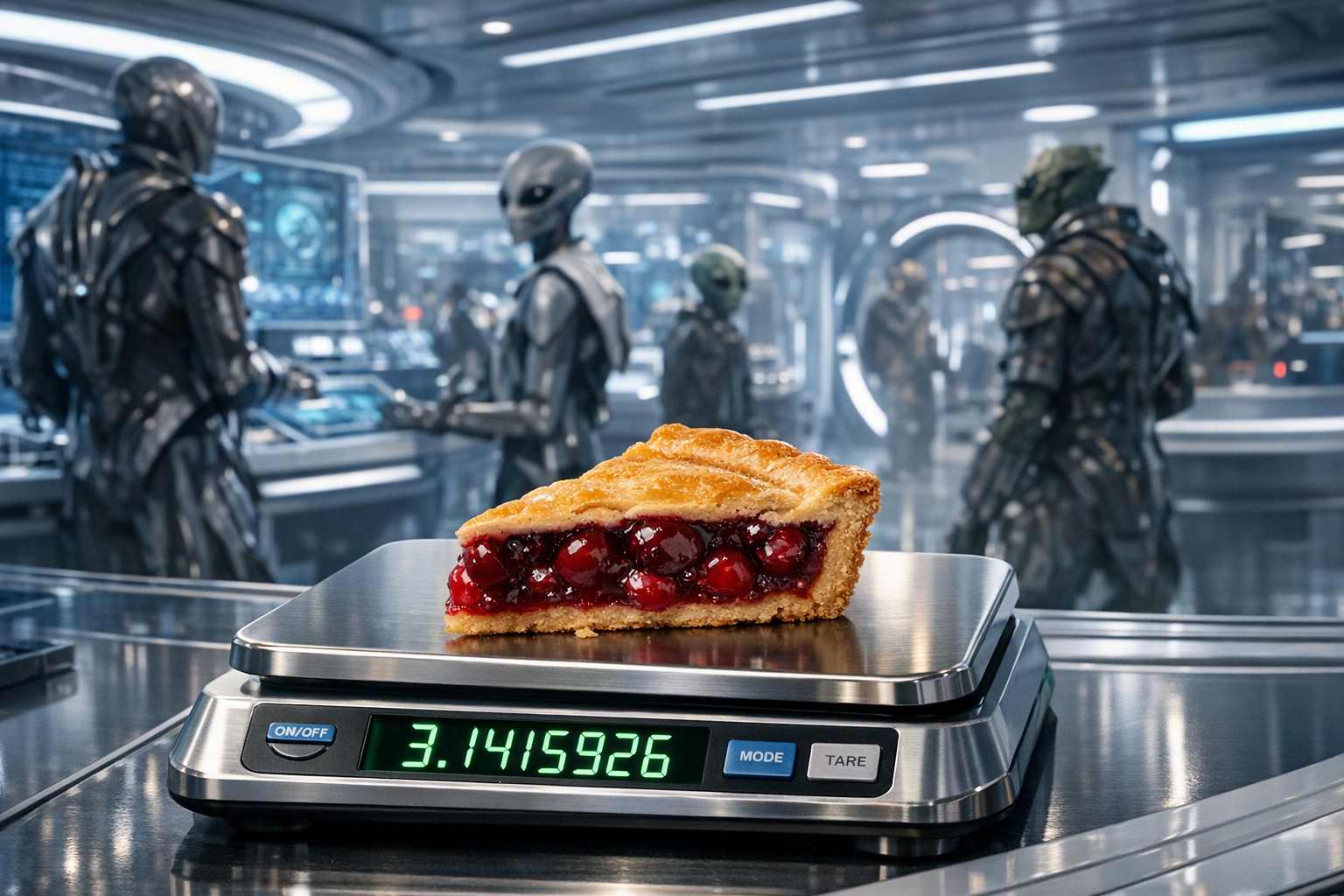
Archimedes' office, circa 250 BC. The Pie was already indifferent.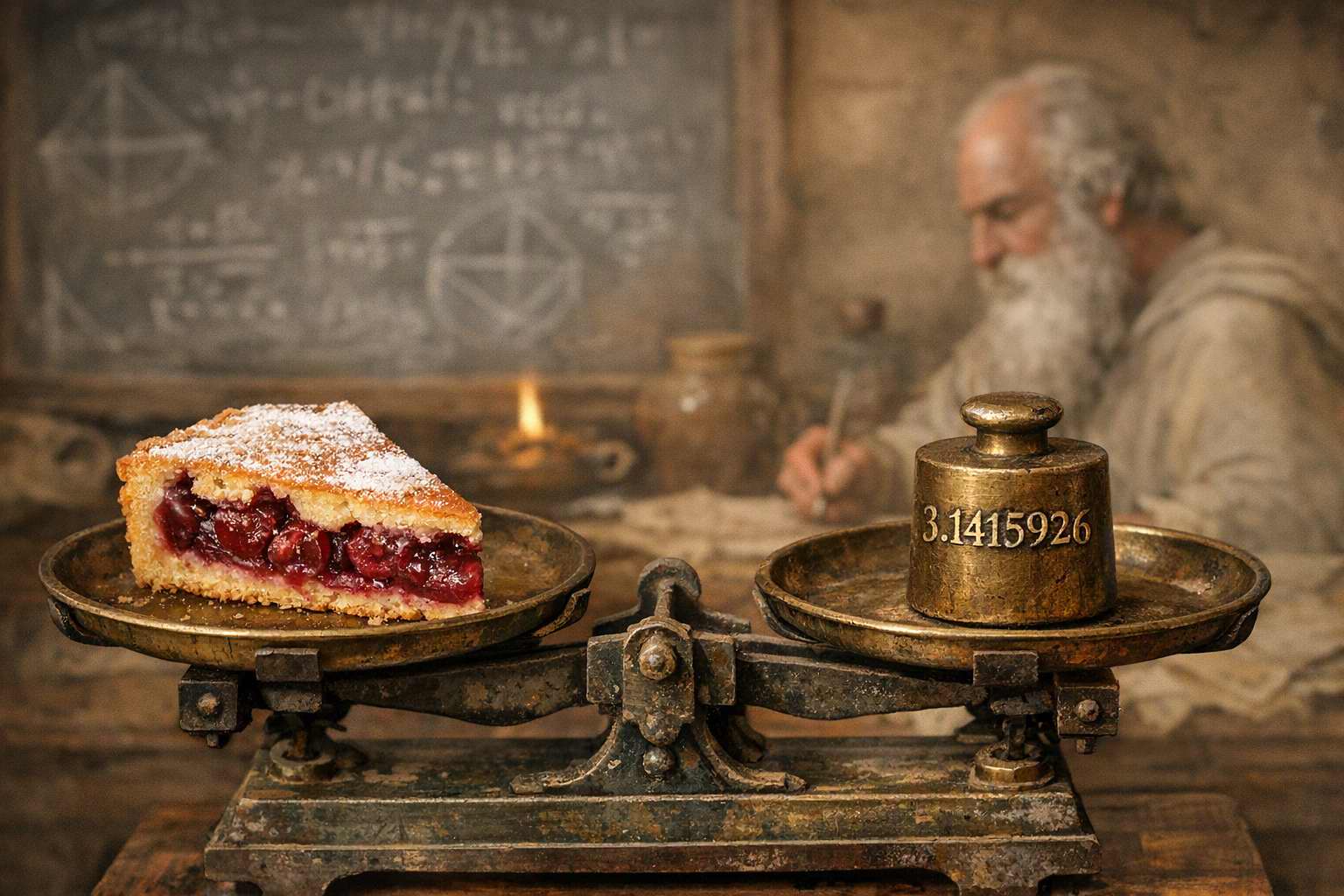 ↩
↩ -
Archimedes of Syracuse (c. 287-212 BC) derived his bounds on π in Measurement of a Circle. A result that stood as the standard approximation for centuries. ↩
-
$$\pi_{314}=3.14159265358979323846264338327950288419716939937510582097494459230781640628620899862803482534211706798214808651328230664709384460955058223172535940812848111745028410270193852110555964462294895493038196442881097566593344612847564823378678316527120190914564856692346034861045432664821339360726024914127372458700660631$$ ↩
-
-
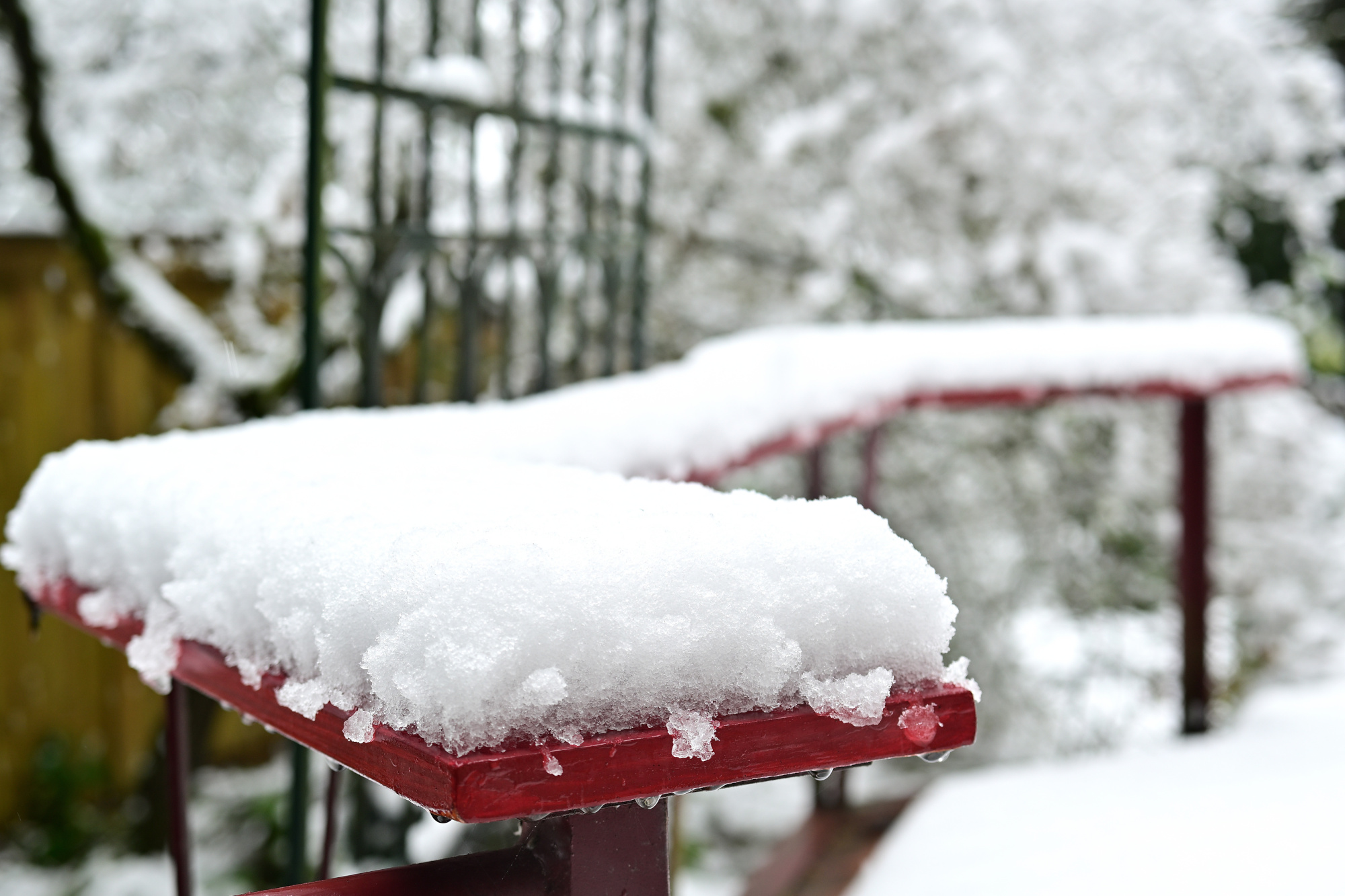
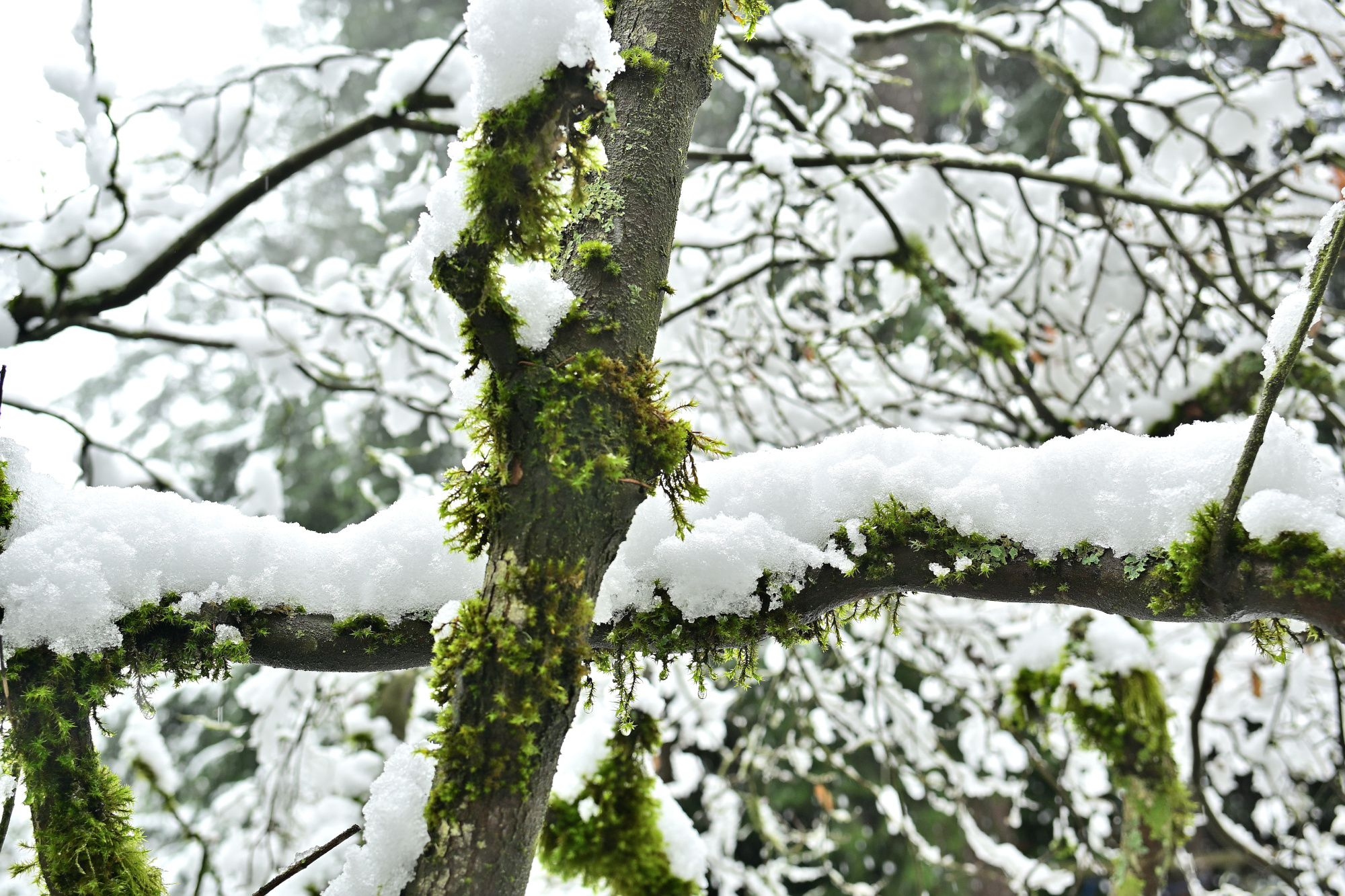
Märzschnee
1/125s f/3,5 ISO 100/21° 16-50mm f/2,8 VR f=28mm/42mm
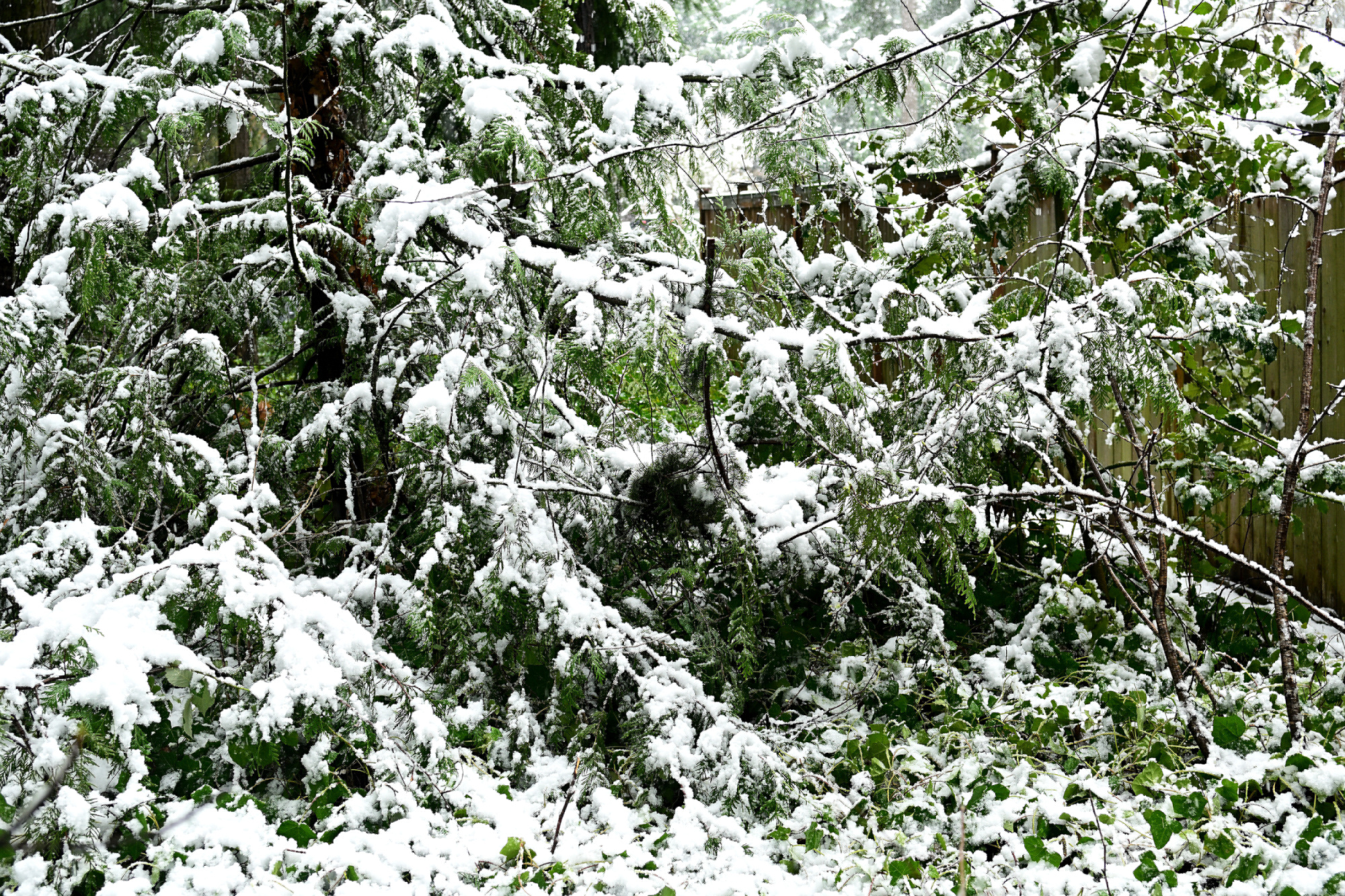
1/125s f/3,5 ISO 100/21° 16-50mm f/2,8 VR f=50mm/75mm
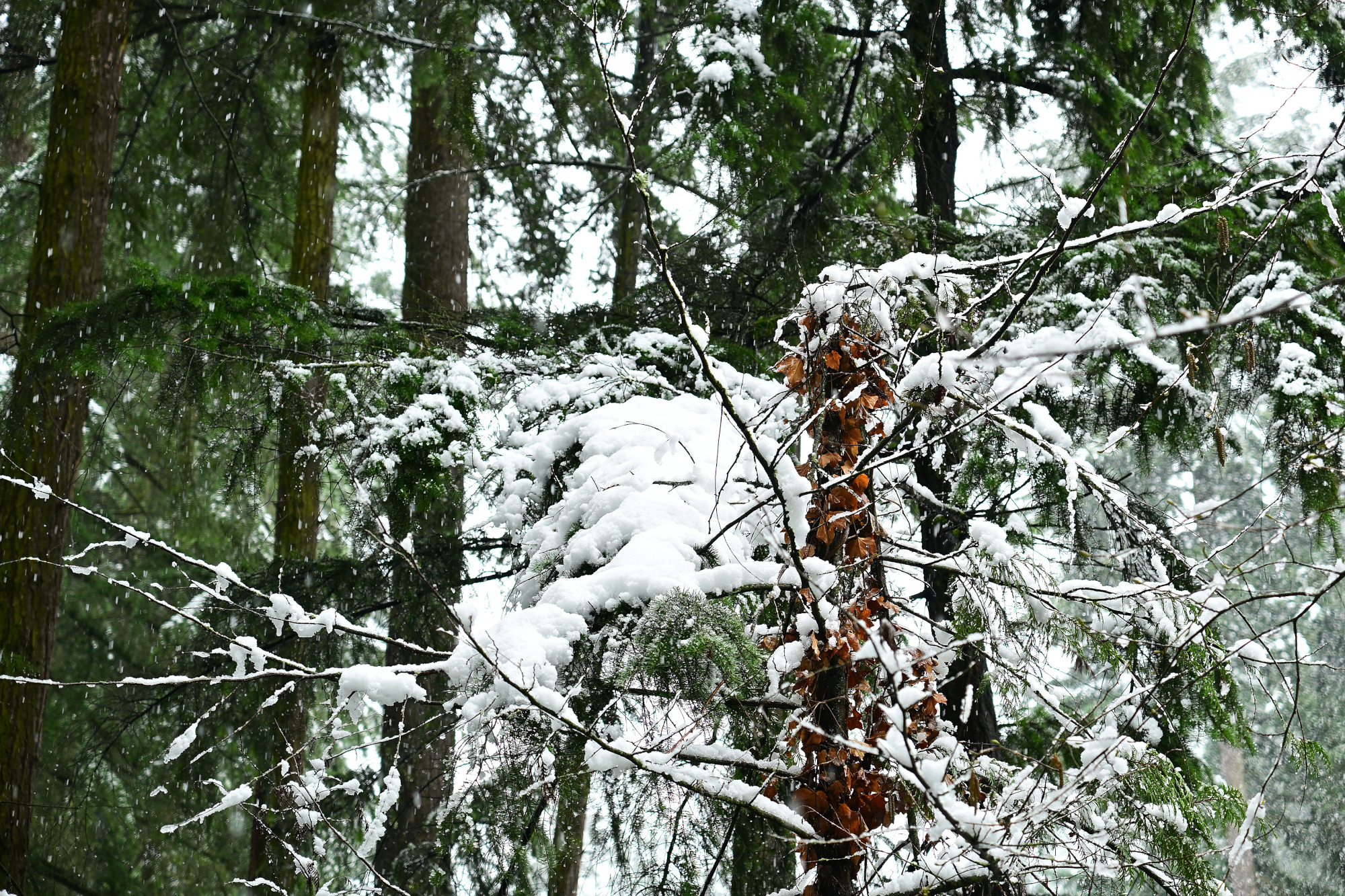
1/125s f/3,5 ISO 100/21° 16-50mm f/2,8 VR f=35mm/52mm
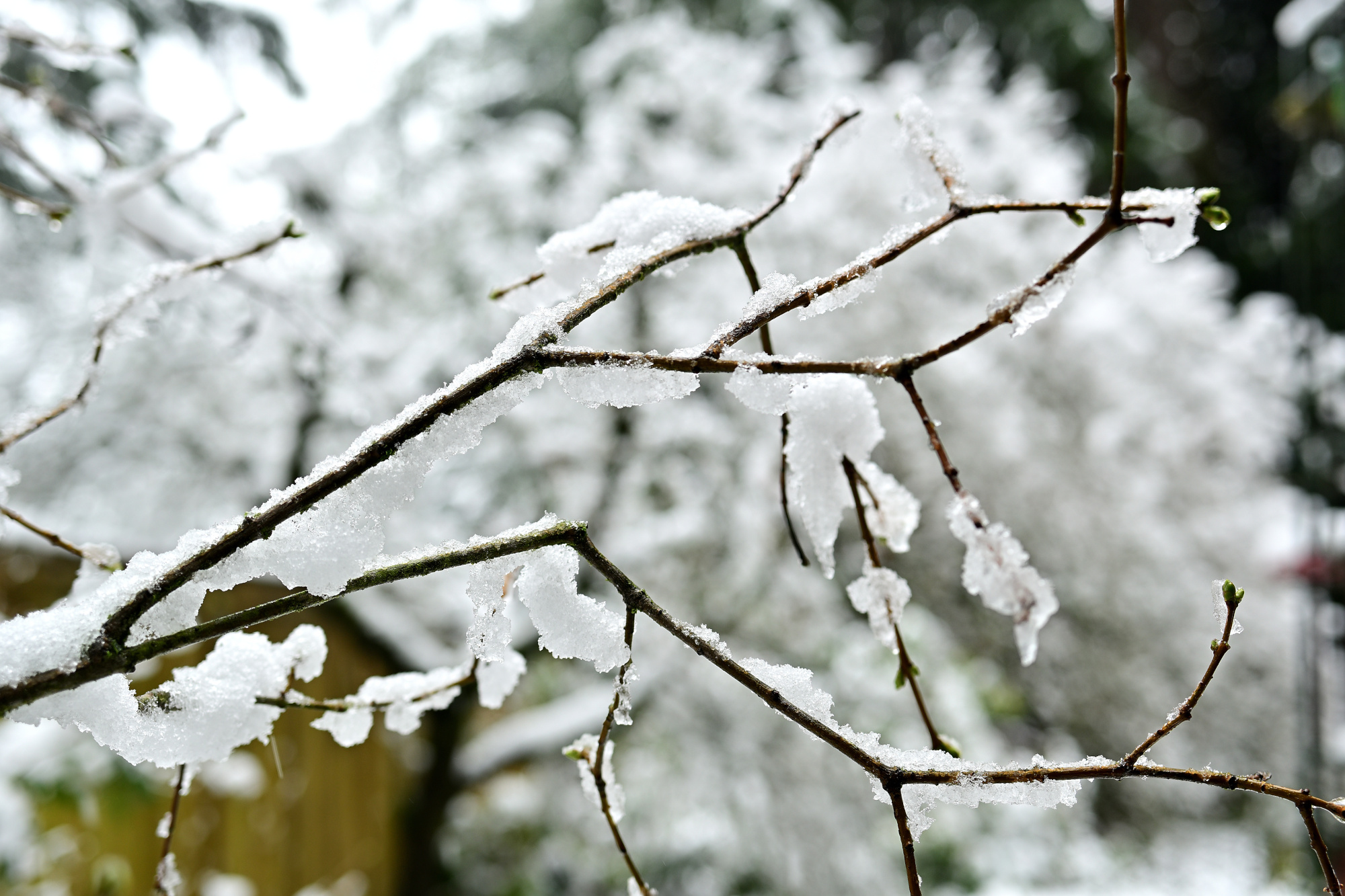
1/125s f/3,5 ISO 100/21° 16-50mm f/2,8 VR f=35mm/52mm
Lossless Minecraft Version
1/125s f/3,5 ISO 100/21° 16-50mm f/2,8 VR f=30mm/45mm

1/125s f/3,5 ISO 100/21° 16-50mm f/2,8 VR f=50mm/75mm

1/100s f/6,3 ISO 100/21° 16-50mm f/2,8 VR f=23mm/34mm
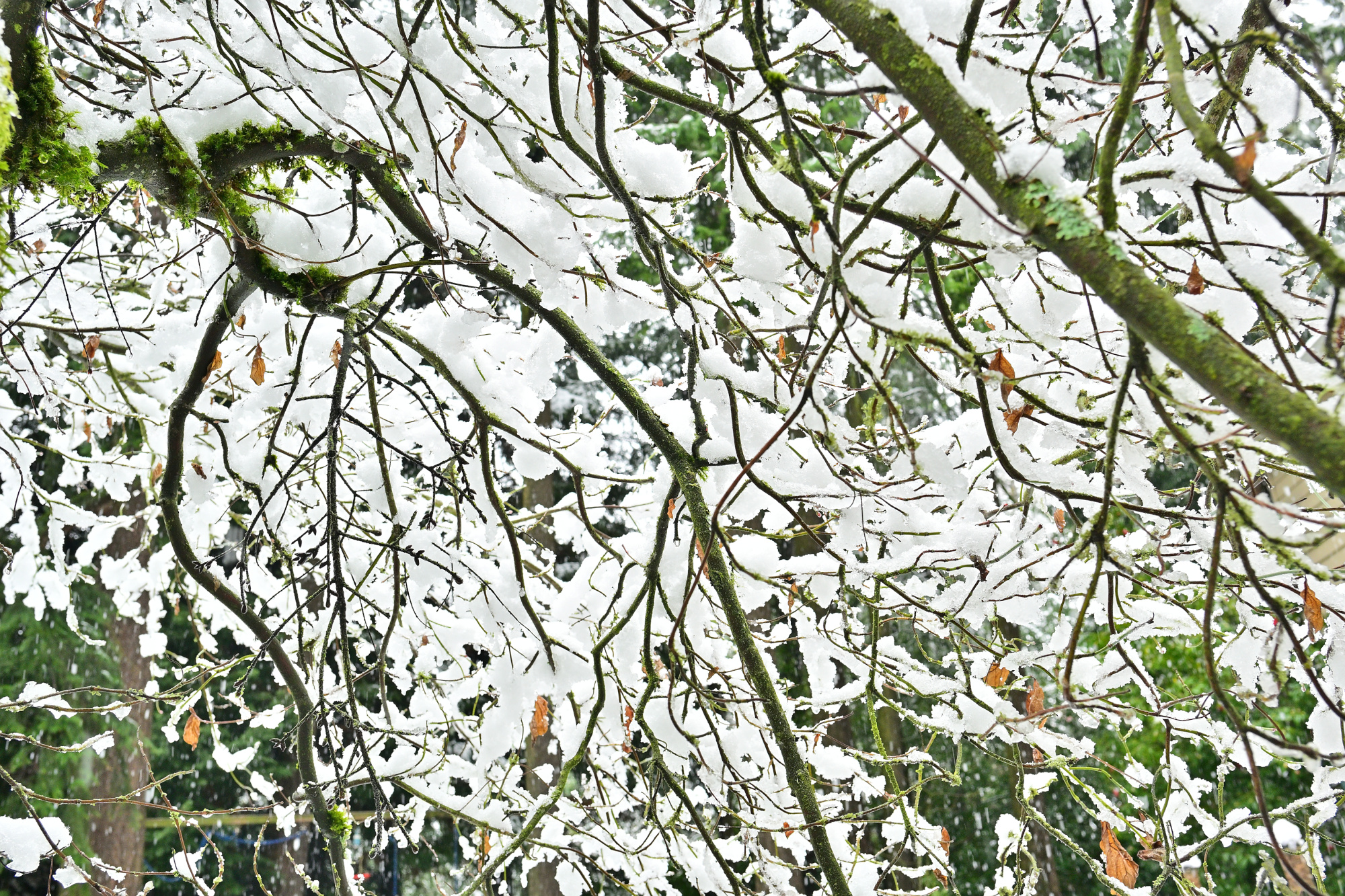
1/160s f/4 ISO 100/21° 16-50mm f/2,8 VR f=29mm/44mm
Architektur im Kleinen: Katzentreppe
1/60s f/6,3 ISO 100/21° 16-50mm f/2,8 VR f=20mm/30mm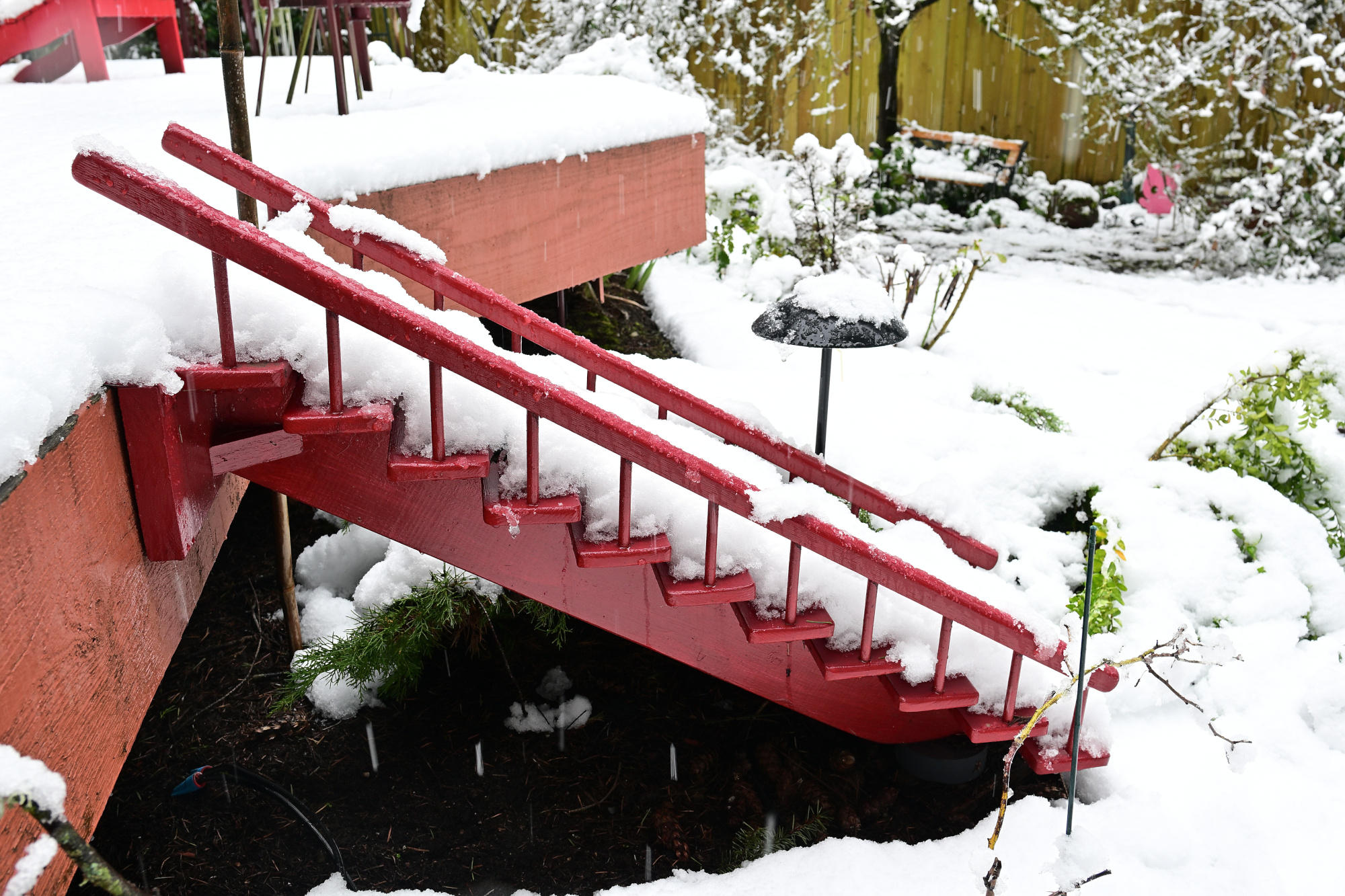
1/40s f/3,2 ISO 100/21° 16-50mm f/2,8 VR f=50mm/75mm
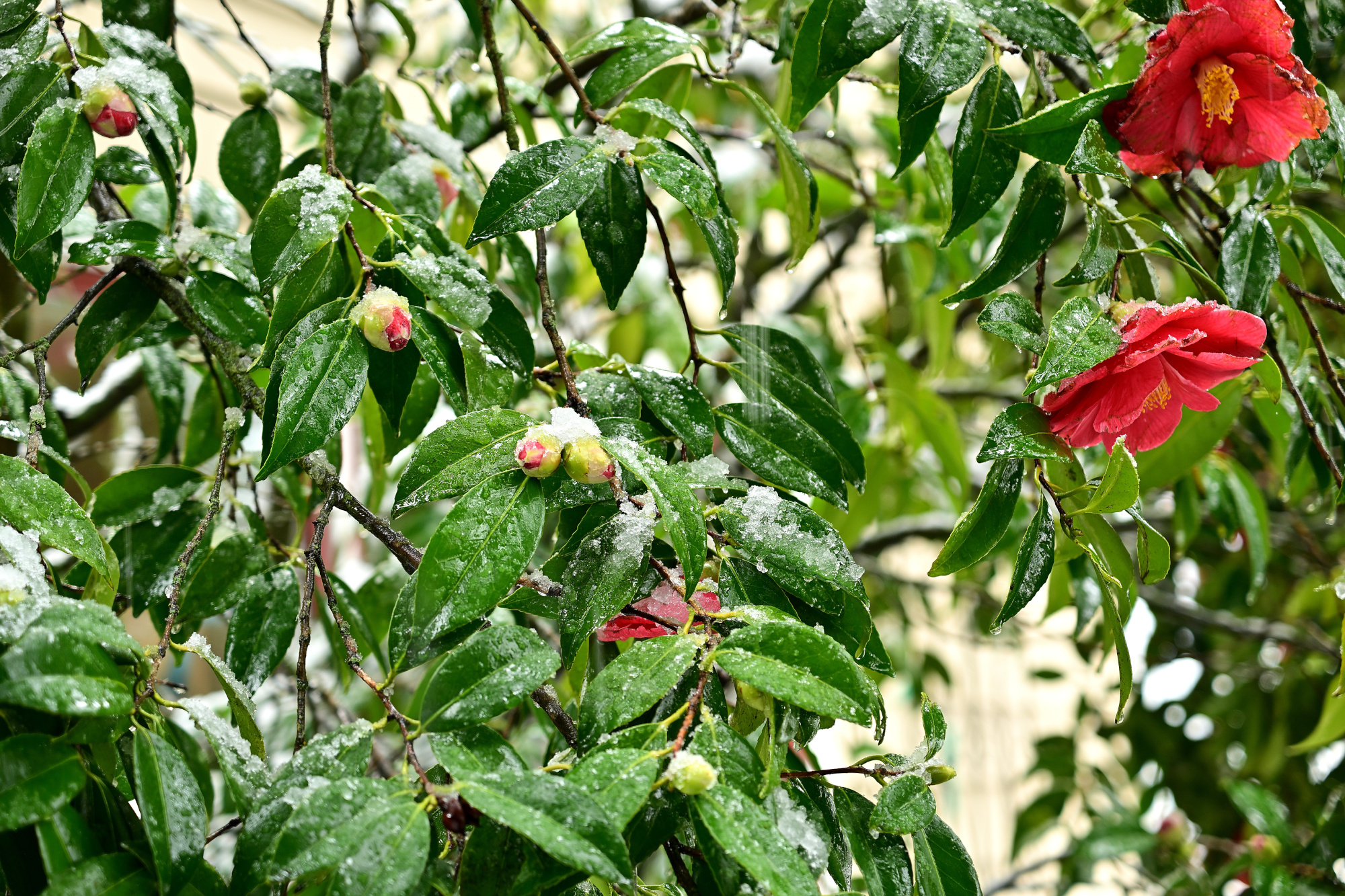
1/160s f/2,8 ISO 100/21° 16-50mm f/2,8 VR f=50mm/75mm
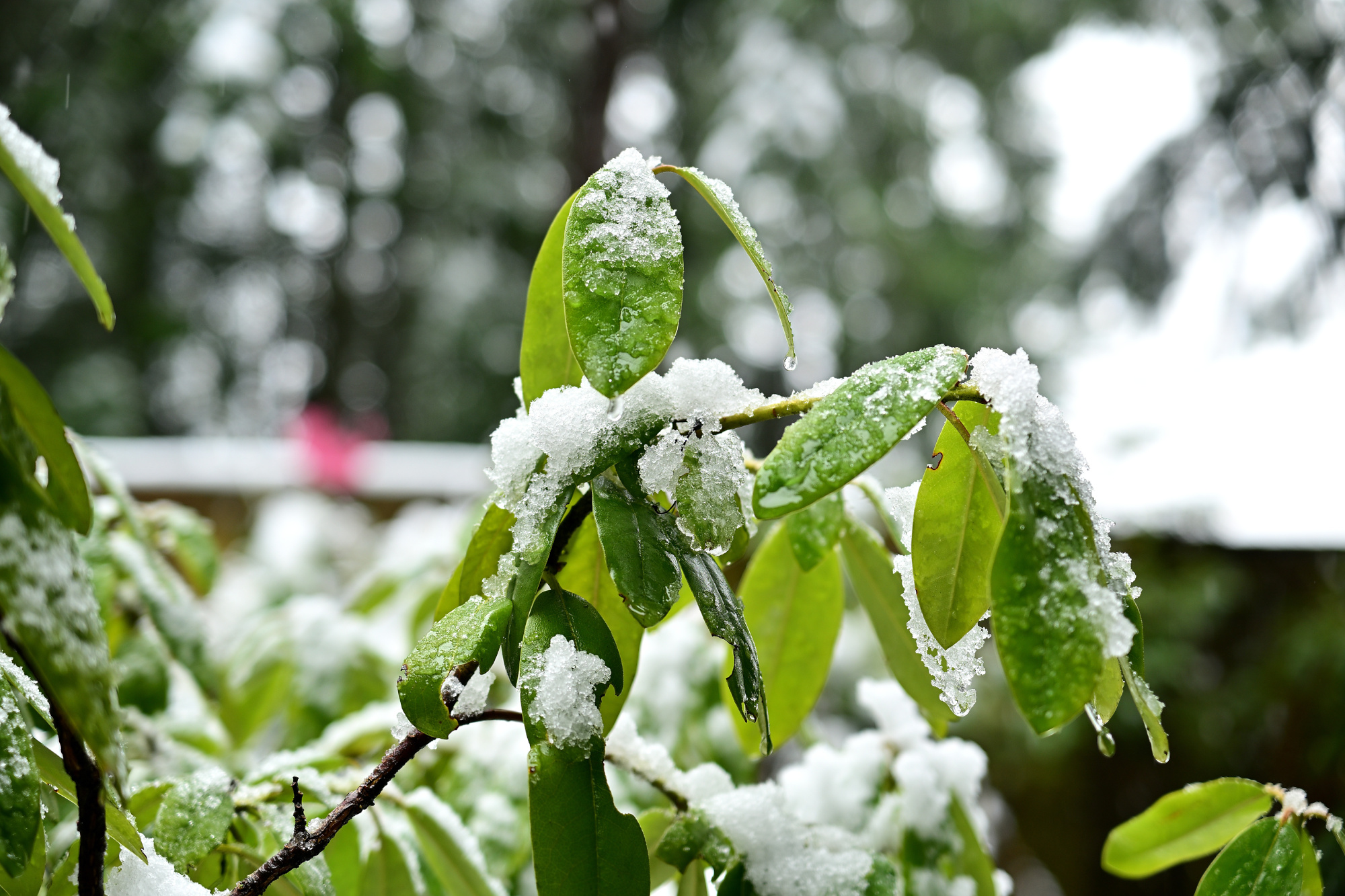
1/400s f/2,8 ISO 100/21° 16-50mm f/2,8 VR f=37mm/55mm
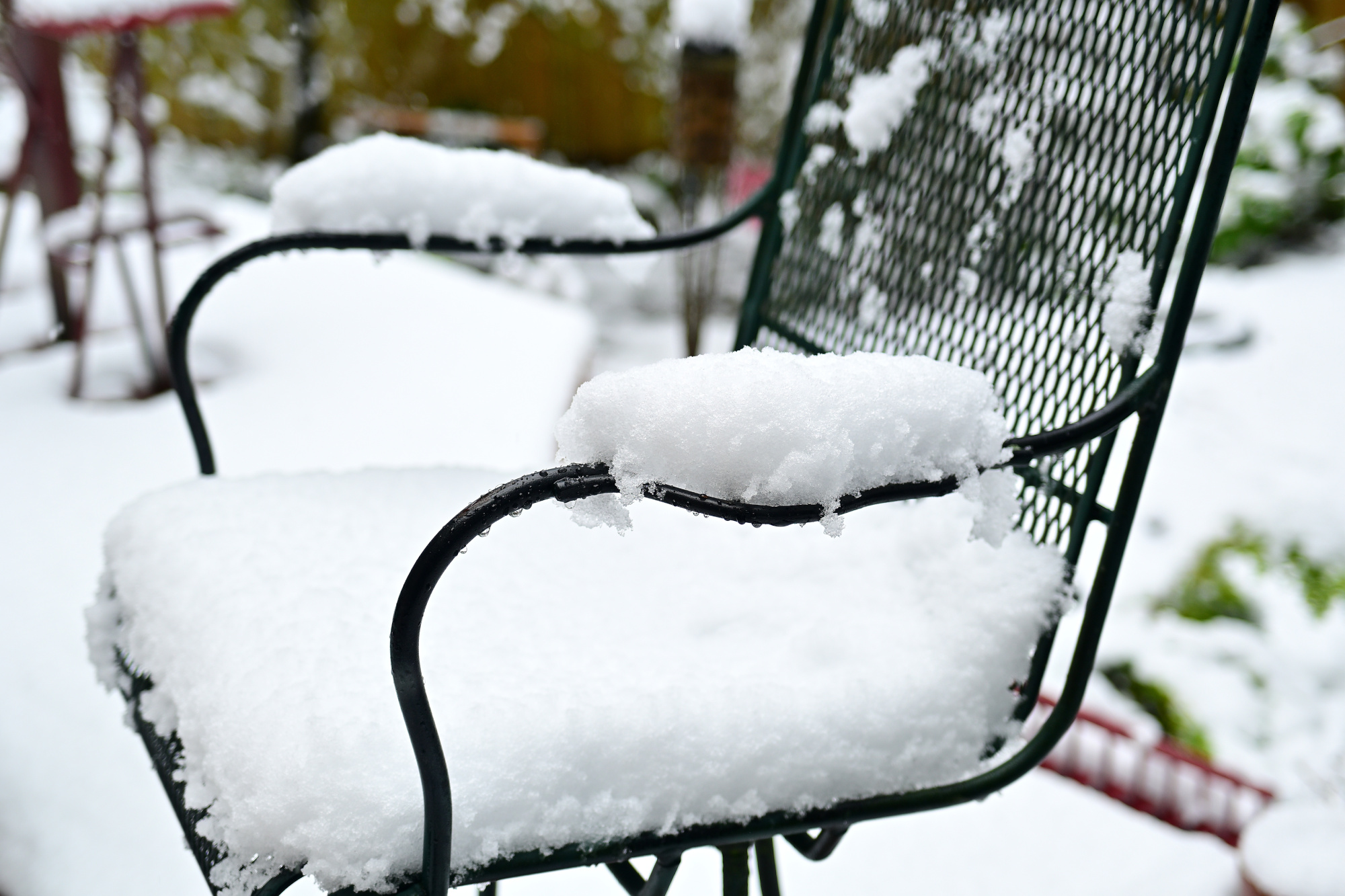
1/160s f/4,5 ISO 100/21° 16-50mm f/2,8 VR f=26mm/39mm
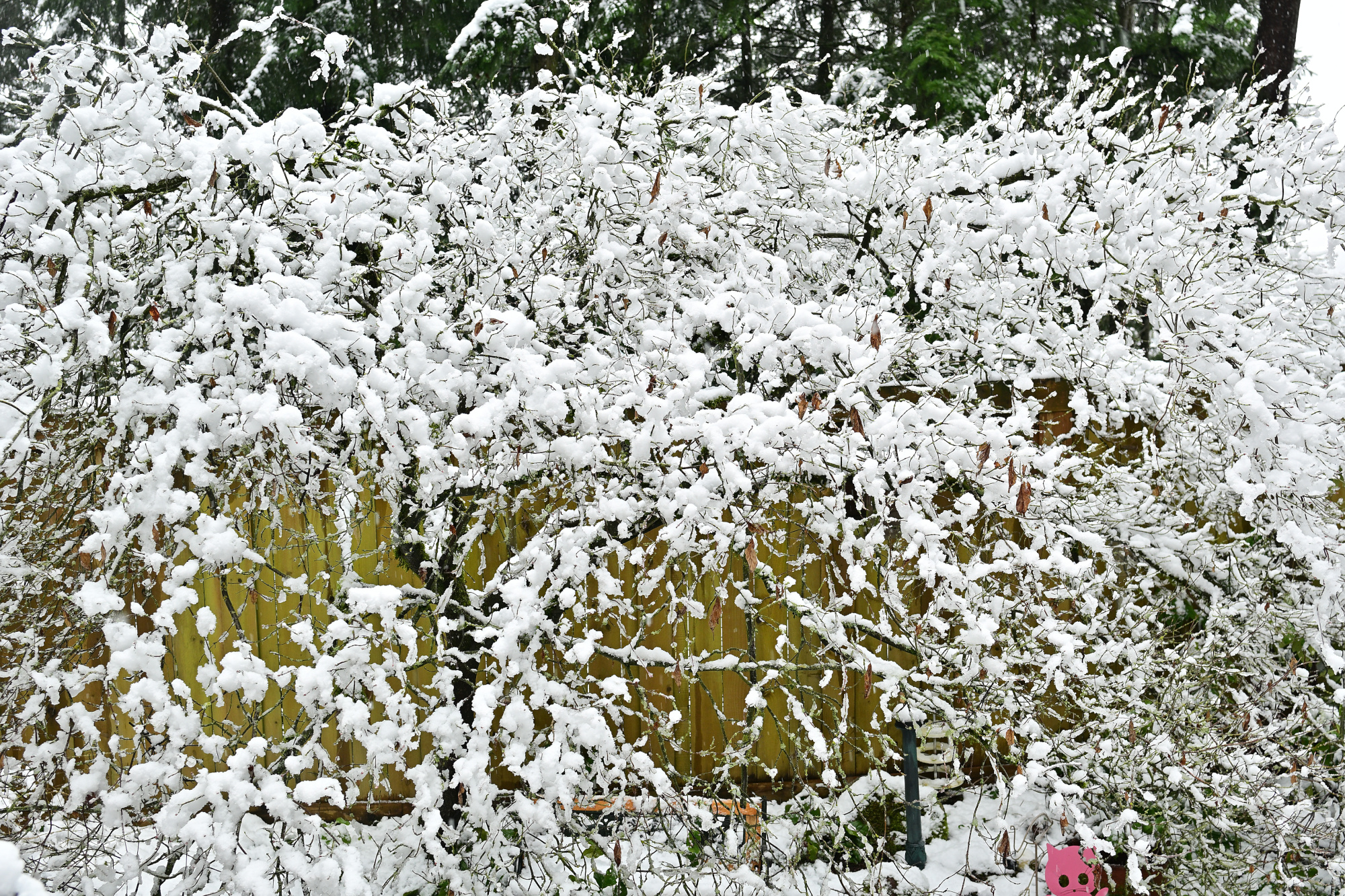
1/60s f/4,5 ISO 100/21° 16-50mm f/2,8 VR f=19mm/29mm
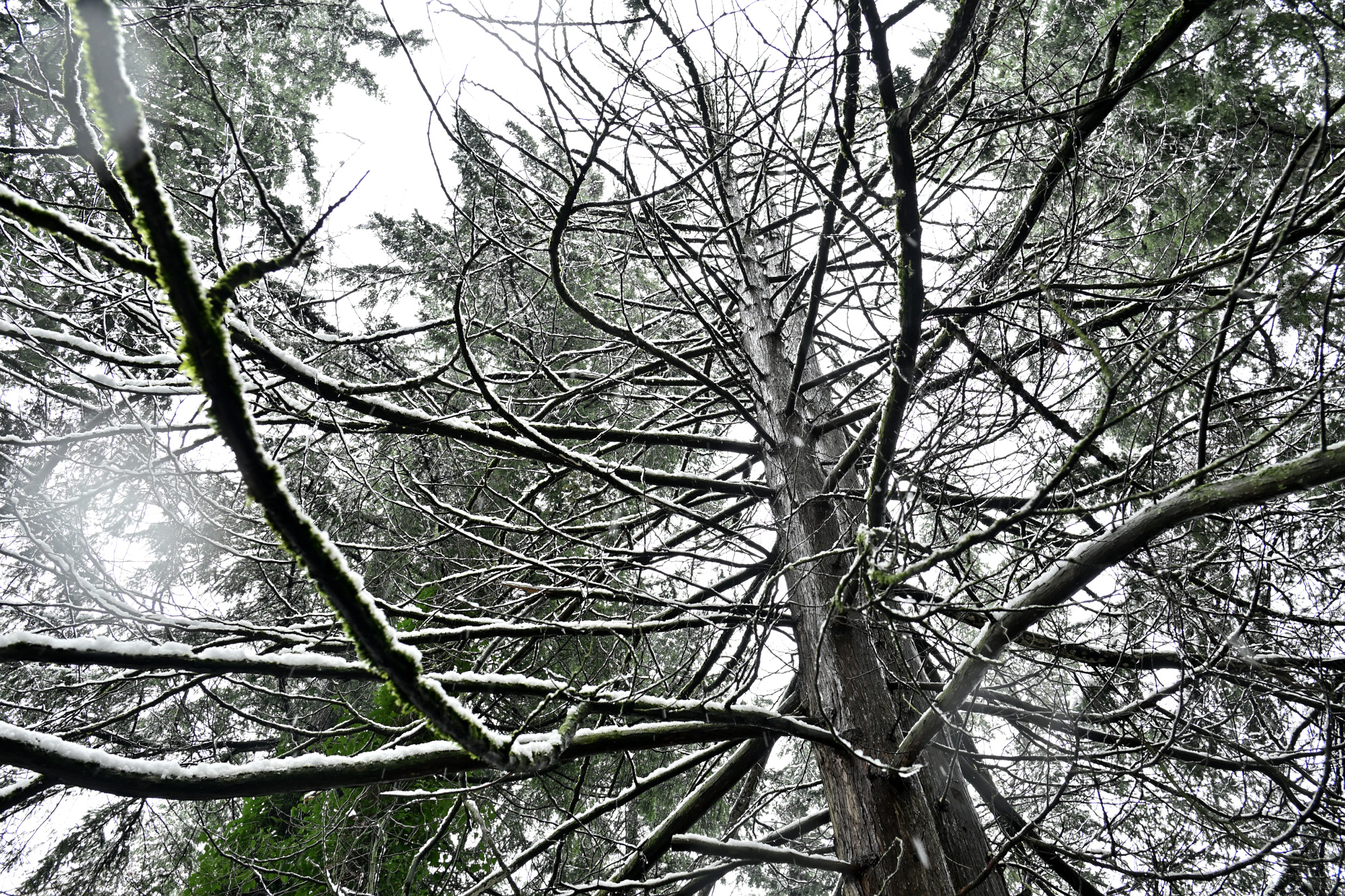
1/60s f/4,5 ISO 100/21° 16-50mm f/2,8 VR f=50mm/75mm

Diese Bilder sind Teil einer neuen Arbeitsweise.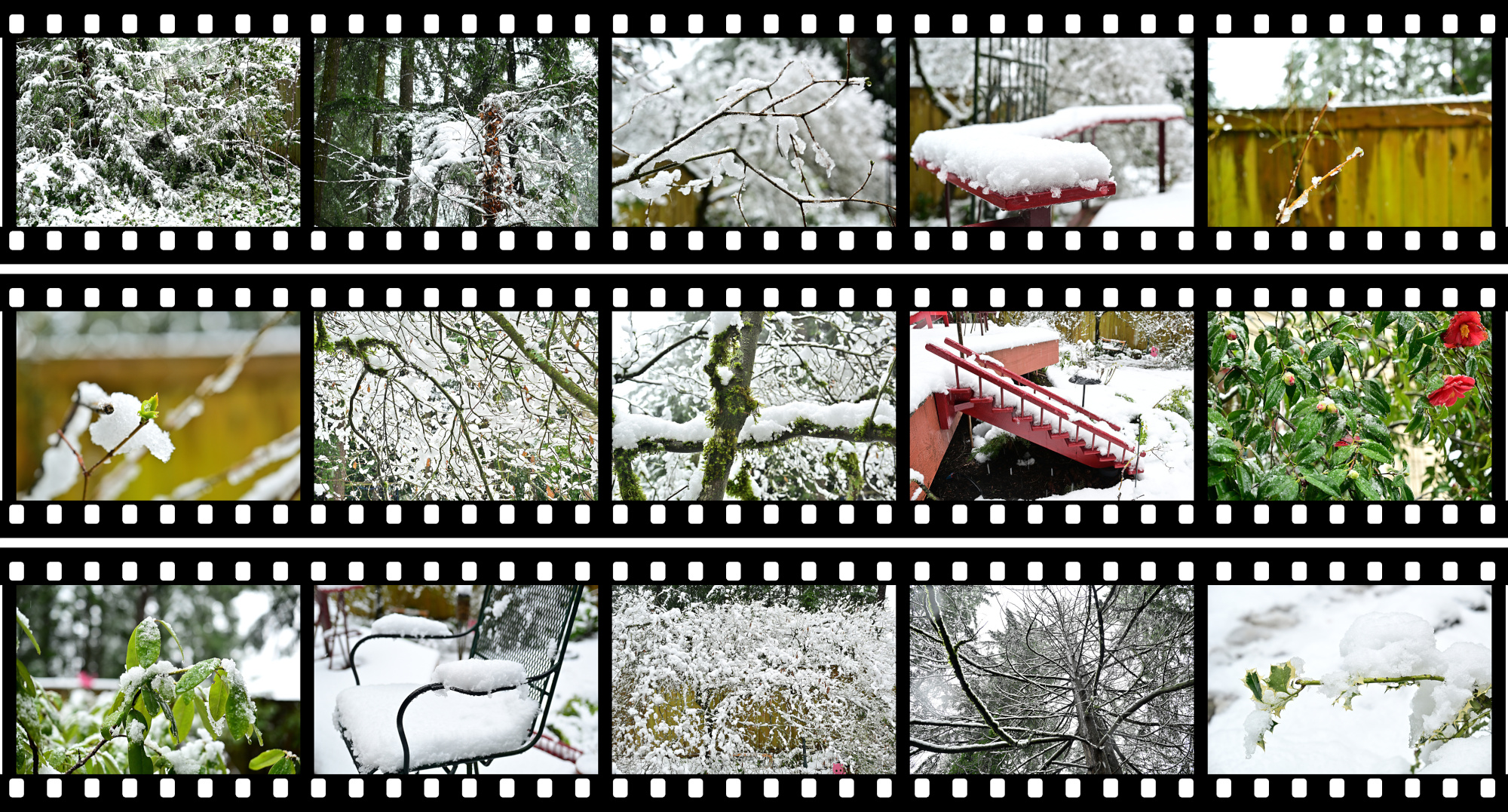
-
Lossless Exposure & Contrast Adjustment in JPEG10
Lossless Tonal Adjustments in JPEG's DCT Domain: Exposure Compensation and Multi-Band Contrast
Most JPEG workflows treat exposure (brightness) and contrast as inherently "lossy": decode pixels, apply curves, then re-encode. That approach works, but it always introduces an additional step of quantization error.
In this github fork of the IJG JPEG-10 code, I added two options to
jpegtranthat operate directly on quantized DCT coefficients:-exposure-comp EV-contrast DC LOW MID HIGH
Both are applied during transcoding, so they combine naturally with existing
jpegtranoperations such as rotation, flipping, cropping, marker copying, and progressive conversion.https://github.com/jurgen178/jpeg10
Download Windows x64 binary: jpegtran.zip
Quick Usage
jpegtran [standard options] [-exposure-comp EV] [-contrast DC LOW MID HIGH] input.jpg output.jpgExamples:
# Brighten by 1 stop
jpegtran -copy all -exposure-comp 1 input.jpg output.jpg

# Darken by 0.5 stops
jpegtran -copy all -exposure-comp -0.5 input.jpg output.jpg

# Contrast (uniform: DC=LOW=MID=HIGH)
jpegtran -copy all -contrast -1   -1   -1   -1   input.jpg out-contrast-u-1.jpg
jpegtran -copy all -contrast -0.5 -0.5 -0.5 -0.5 input.jpg out-contrast-u-0.5.jpg
jpegtran -copy all -contrast  0.5  0.5  0.5  0.5 input.jpg out-contrast-u+0.5.jpg
jpegtran -copy all -contrast  1    1    1    1   input.jpg out-contrast-u+1.jpg

# Contrast (band-specific examples)
jpegtran -copy all -contrast 0 0 0.6 0   input.jpg out-contrast-mid+0.6.jpg
jpegtran -copy all -contrast 0 0 0 0.4   input.jpg out-contrast-high+0.4.jpg
jpegtran -copy all -contrast 0 0.4 0 0   input.jpg out-contrast-low+0.4.jpg

# Combine: rotate 90°, brighten 0.5 EV, and add uniform contrast +0.5
jpegtran -copy all -rot 90 -exposure-comp 0.5 -contrast 0.5 0.5 0.5 0.5 input.jpg output.jpg
Both switches accept fractional values. Practical ranges:
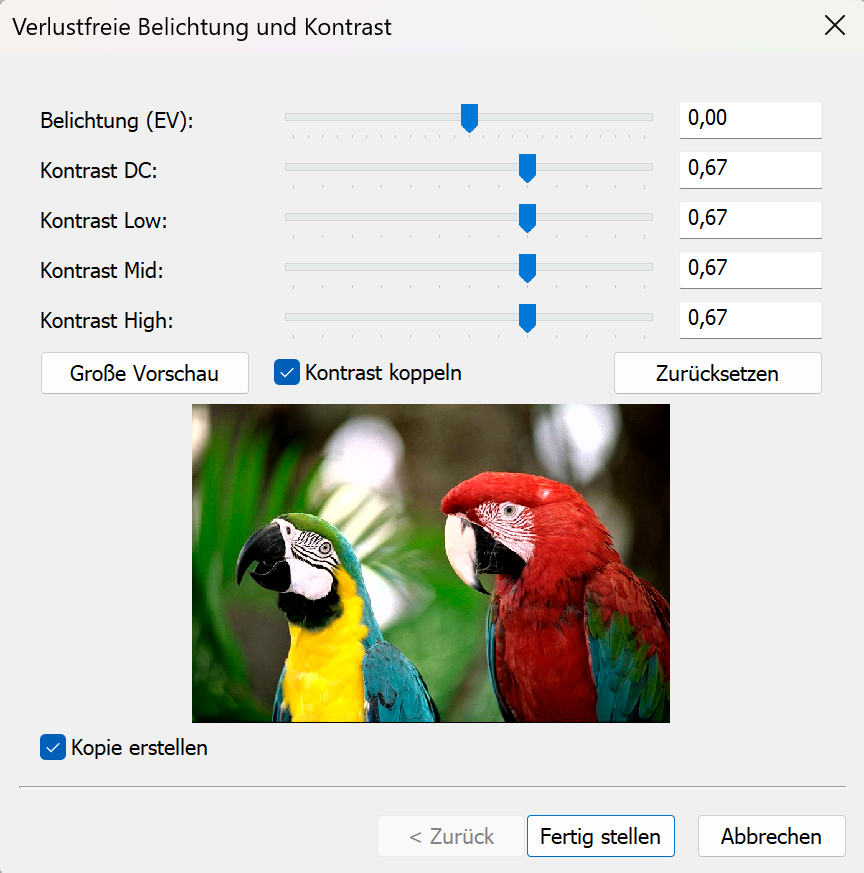
Option Practical range Neutral -exposure-comp EV-3 … +3 0 -contrast DC LOW MID HIGH-2 … +2 0 Integrated into cPicture with live preview:
Background: DCT Coefficient Basics
A JPEG image is encoded as a grid of DCT blocks (with 8×8 Elements in size). Each block has one DC coefficient and 63 AC coefficients. But each MCU might have more than one block depending on the color subsampling.
-
DC[0] represents the (level-shifted) average sample value of the block. The relationship to pixel mean is:
$$\mu = \frac{DC_\text{unquant}}{N} + \text{center}$$
where $N$ is the DCT block size of 8 and $\text{center} = 2^{\text{precision}-1}$ (e.g. 128 for 8‑bit).
-
AC[1..N²−1] represent spatial frequency components (texture, edges, contrast).
Both DC and AC are stored quantized: the actual stored integer is $\text{round}(\text{value} / Q_k)$, where $Q_k$ is the quantization step for coefficient $k$.
-exposure-comp EV— Exposure CompensationExposure compensation from -2EV to +2EV:

Concept
A photographic EV step corresponds to doubling (or halving) the amount of light. Applied in linear light:
$$\text{gain} = 2^{EV}$$
Because JPEG samples are gamma-coded (sRGB), pixel values cannot be multiplied directly. Instead:
- Estimate a representative level from the DC blocks.
- Compute the equivalent additive pixel-domain offset by applying the gain in linear light at that reference level.
- Translate the offset into a quantized DC delta.
- Add the delta to every DC coefficient.
Only DC is modified. AC coefficients are not modified, so local contrast and texture are preserved.
Reference Level — Log-Average
A geometric mean (log-average) of all block mean levels is used as the exposure reference:
$$\bar{L} = \exp\!\left(\frac{1}{B}\sum_{i=1}^{B} \ln(L_i + 1)\right) - 1$$
where $L_i$ is the intensity mean of block $i$ (clamped to $[0, \text{MAX}]$) and $B$ is the total number of blocks.
sRGB Linearisation
The gain is applied in linear light:
$$u_\text{ref} = \frac{\bar{L}}{\text{MAX}}$$
$$u_\text{ref,lin} = f_\text{lin}(u_\text{ref})$$
$$u_\text{new,lin} = \min(u_\text{ref,lin} \cdot \text{gain},\; 1.0)$$
$$u_\text{new} = f_\text{sRGB}(u_\text{new,lin})$$
The sRGB transfer functions used:
$$f_\text{lin}(u) = \begin{cases} u / 12.92 & u \le 0.04045 \\ \left(\dfrac{u + 0.055}{1.055}\right)^{2.4} & u > 0.04045 \end{cases}$$
$$f_\text{sRGB}(u) = \begin{cases} 12.92\,u & u \le 0.0031308 \\ 1.055\,u^{1/2.4} - 0.055 & u > 0.0031308 \end{cases}$$
Pixel-Domain Offset → Quantized DC Delta
$$\Delta_\text{samples} = (u_\text{new} - u_\text{ref}) \cdot \text{MAX}$$
Clamped to available headroom/shadow room to limit clipping, then converted to a quantized DC delta:
$$\Delta_{DC} = \text{round}\!\left(\frac{\Delta_\text{samples} \cdot N}{Q_0}\right)$$
where $N$ is the DCT block size and $Q_0$ is the DC quantization step.
Component Policy
Color space Components adjusted YCbCr, BG_YCC, YCCK Luma only (component 0) RGB/BG_RGB + subtract-green transform Green/base only (component 1) CMYK, all others All components For CMYK and YCCK the delta is computed in an inverted intensity domain ($I = \text{MAX} - \text{sample}$) so that +EV brightens and −EV darkens.
-contrast DC LOW MID HIGH— Contrast AdjustmentContrast from -1CV to +1CV:

Concept
This option provides four separate controls (all in stops):
DCcontrols the DC coefficient (block mean)LOW,MID,HIGHcontrol the AC coefficients in frequency order
All controls are interpreted as log2 gains (stops). For a value $x$, the gain is:
$$g(x) = 2^{x}$$
So +1 doubles, -1 halves.
DC
DC is scaled by:
$$g_\mathrm{DC} = 2^{DC}$$
and applied as:
$$DC' = \mathrm{clamp}(\mathrm{round}(g_\mathrm{DC} \cdot DC))$$
AC (low/mid/high weighting)
AC coefficients are processed in zigzag order (the JPEG natural order). Let $z$ be the AC position with $z = 1 \ldots A$, where $A$ is the number of AC coefficients.
Define a normalized position:
$$t = \begin{cases} \dfrac{z-1}{A-1} & A > 1 \\ 0 & A = 1 \end{cases}$$
Triangular weights:
- low weight fades out from low frequencies
$$w_\mathrm{low} = \max(0, 1 - 2t)$$
- mid weight peaks in the middle
$$w_\mathrm{mid} = 1 - |2t - 1|$$
- high weight fades in toward high frequencies
$$w_\mathrm{high} = \max(0, 2t - 1)$$
Per-coefficient exponent and gain:
$$v(z) = LOW\cdot w_\mathrm{low} + MID\cdot w_\mathrm{mid} + HIGH\cdot w_\mathrm{high}$$
$$g(z) = 2^{v(z)}$$
Applied to each AC coefficient:
$$AC'[z] = \mathrm{clamp}(\mathrm{round}(g(z)\cdot AC[z]))$$
If
DC = LOW = MID = HIGH = X, then all coefficients are scaled by the same gain $2^X$ (uniform contrast adjustment).Component Policy
Same as
-exposure-comp:- YCbCr/BG_YCC/YCCK: luma only
- RGB subtract-green: base/green only
- otherwise: all components
Ordering and Composition
Both
-exposure-compand-contrastare applied as a post step after any geometric transform (-rot,-flip,-crop, …). The tonal operations work on the final output coefficient arrays, so the order of switches on the command line does not matter.
Implementation notes
- Core implementation:
transupp.c:do_exposure_comp()anddo_contrast()transupp.h: adds new fields tojpeg_transform_info
- CLI parsing:
jpegtran.c
- Feature flags and parameters are stored in
jpeg_transform_infointransupp.h
Summary
-exposure-comp EVshifts brightness by changing only DC coefficients, with EV evaluated in linear light (sRGB transfer) at a log-average reference.-contrast DC LOW MID HIGHscales DC and AC coefficients, with AC gains varying smoothly over frequency order using low/mid/high controls.- Both run in the DCT domain and integrate naturally into the lossless-transformation workflow of
jpegtran.
Example pictures