-
Opel's 125th Anniversary: A Journey Through Time
Opel is celebrating its 125th anniversary, and I recently watched a documentary about its history: 125 Jahre Opel - Kultautos und Krisenjahre.
The documentary highlighted many significant milestones and innovations from Opel over the years, making it a great watch.
In one of the historic clips, a Citroën DS was seen driving past the entrance of the Opel facility. Being a big fan of the DS, I noticed it immediately. It was interesting to see such an iconic car from another brand. I was anticipating an Opel in this context!
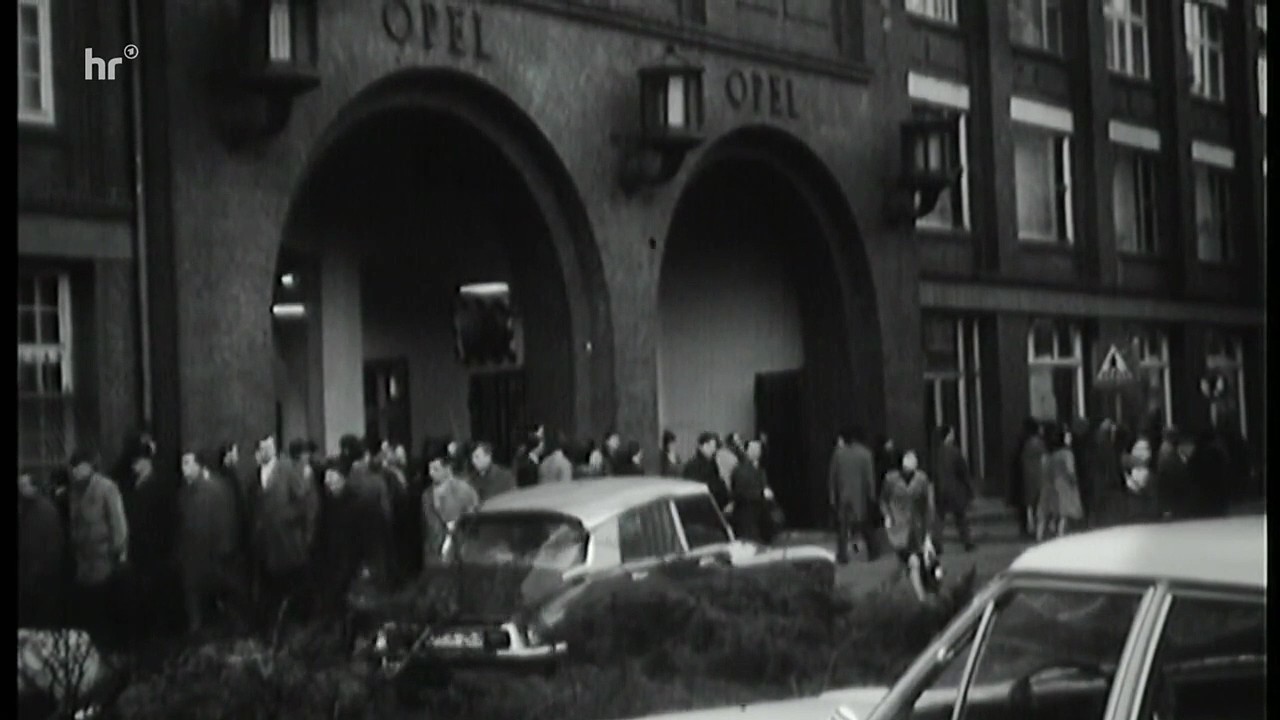
Historic clip:
This is where the clip with the Citroën DS was filmed: Marktstraße 35, 65428 Rüsselsheim am Main, Deutschland, Google Map
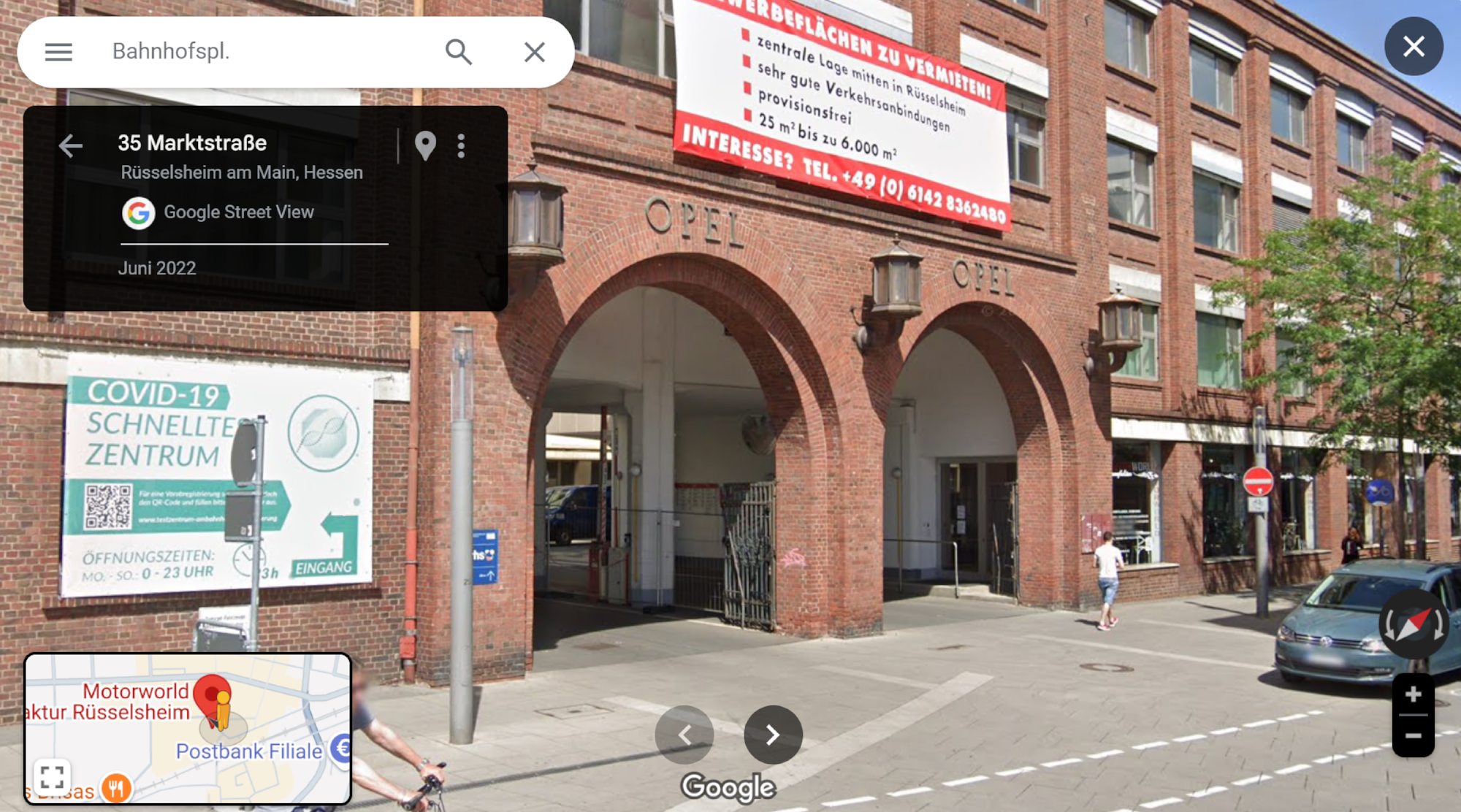
PS: Vier Rädder un eh Brett - Opel Kadett
-
Arduino Darkroom Timer
Precise timing is critical in analog photography, especially during the development process in the darkroom. This project presents a versatile darkroom timer built around the Arduino Uno R4 and Gamepad Input Shield, designed to support key photographic development tasks with tactile control and visual feedback. It features an 8x8 LED matrix for ambient illumination and implements five distinct modes: LED brightness adjustment, manual and timed enlarger control, chemical bath sequencing, and a general-purpose timer. Navigation is intuitive via joystick or button input, making it a practical and user-friendly tool for analog photography workflows.
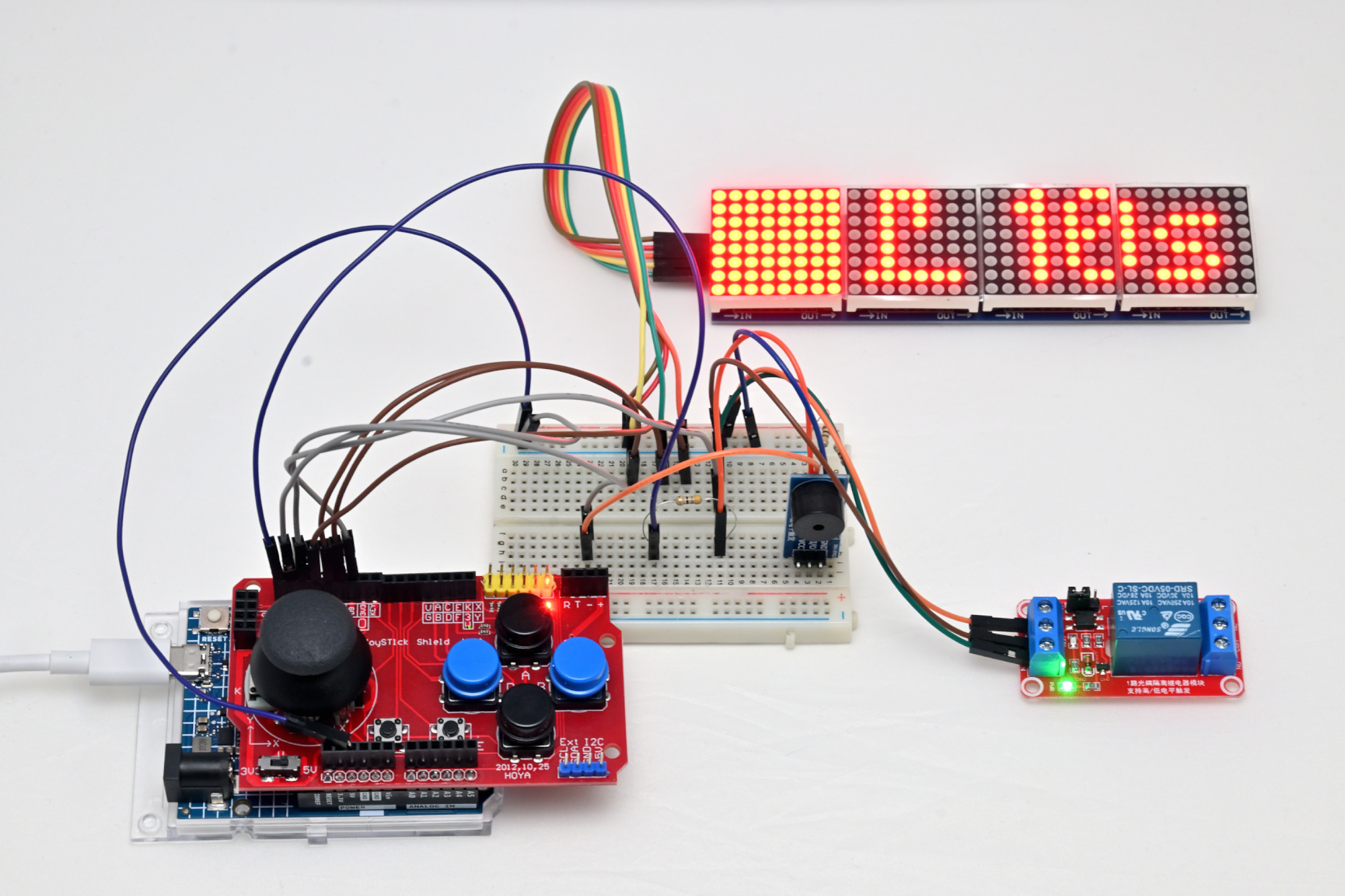
This project uses the Gamepad Input Shield and Arduino Uno R4. Wiring details are available in the source code. The joystick or up/down buttons are used to switch between tasks, while left/right buttons adjust the state or settings.
The first 8x8 LED block is used to illuminate the darkroom.The timer implements five tasks:
- LEDBrightnessTask: Adjusts LED brightness from 0 to 15.
- EnlargerOnOffTask: Manual control of the enlarger.
- EnlargerTimerTask: Timed control of the enlarger.
- DevelopStopFixTask: Three timers for develop, stop bath, and fix stages.
- GeneralTimerTask: A general-purpose timer starting from 0 seconds.
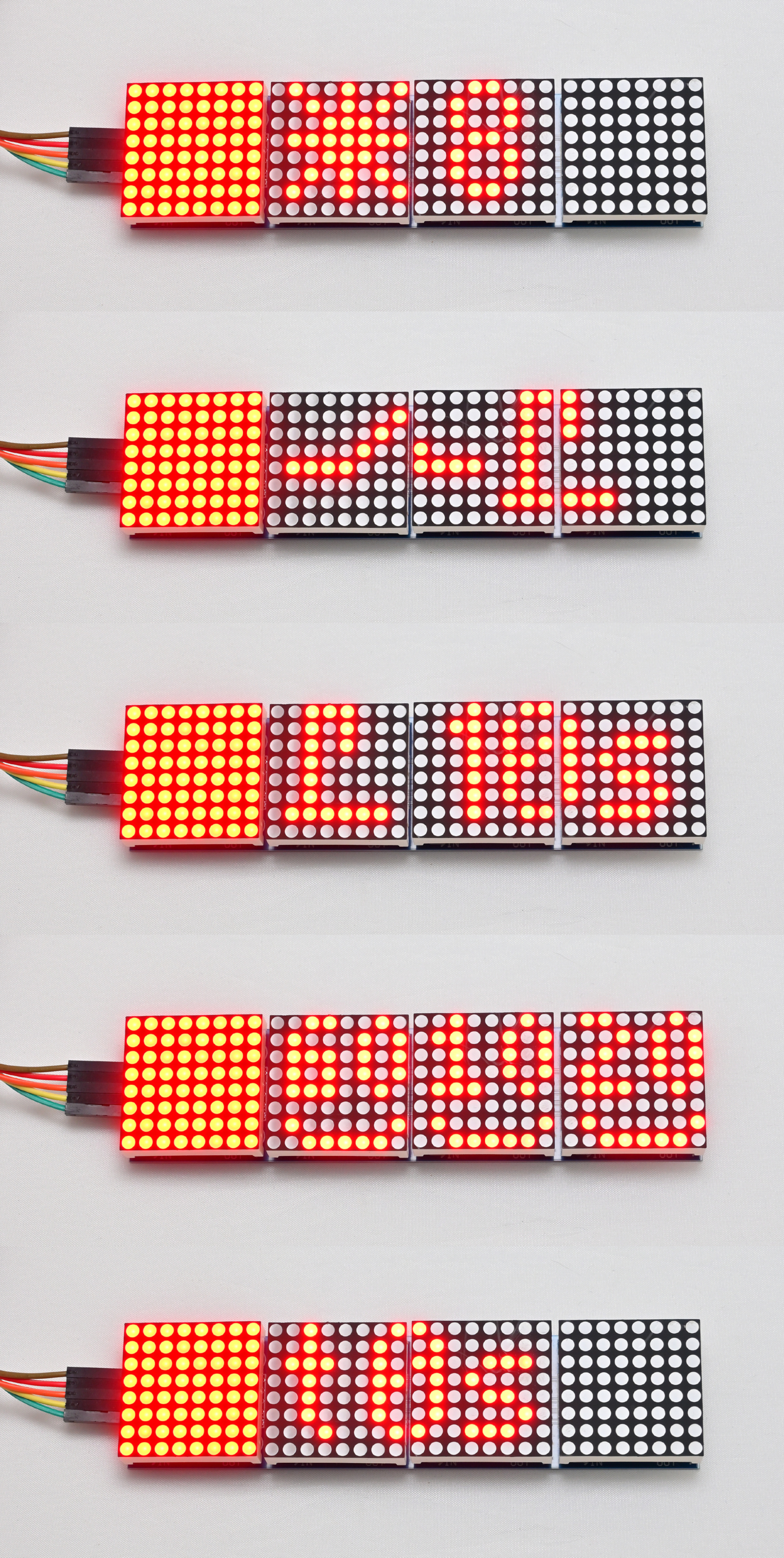
LEDBrightnessTask
Sets the brightness of the 8x8 darkroom illumination LEDs from min 0 to max 15.
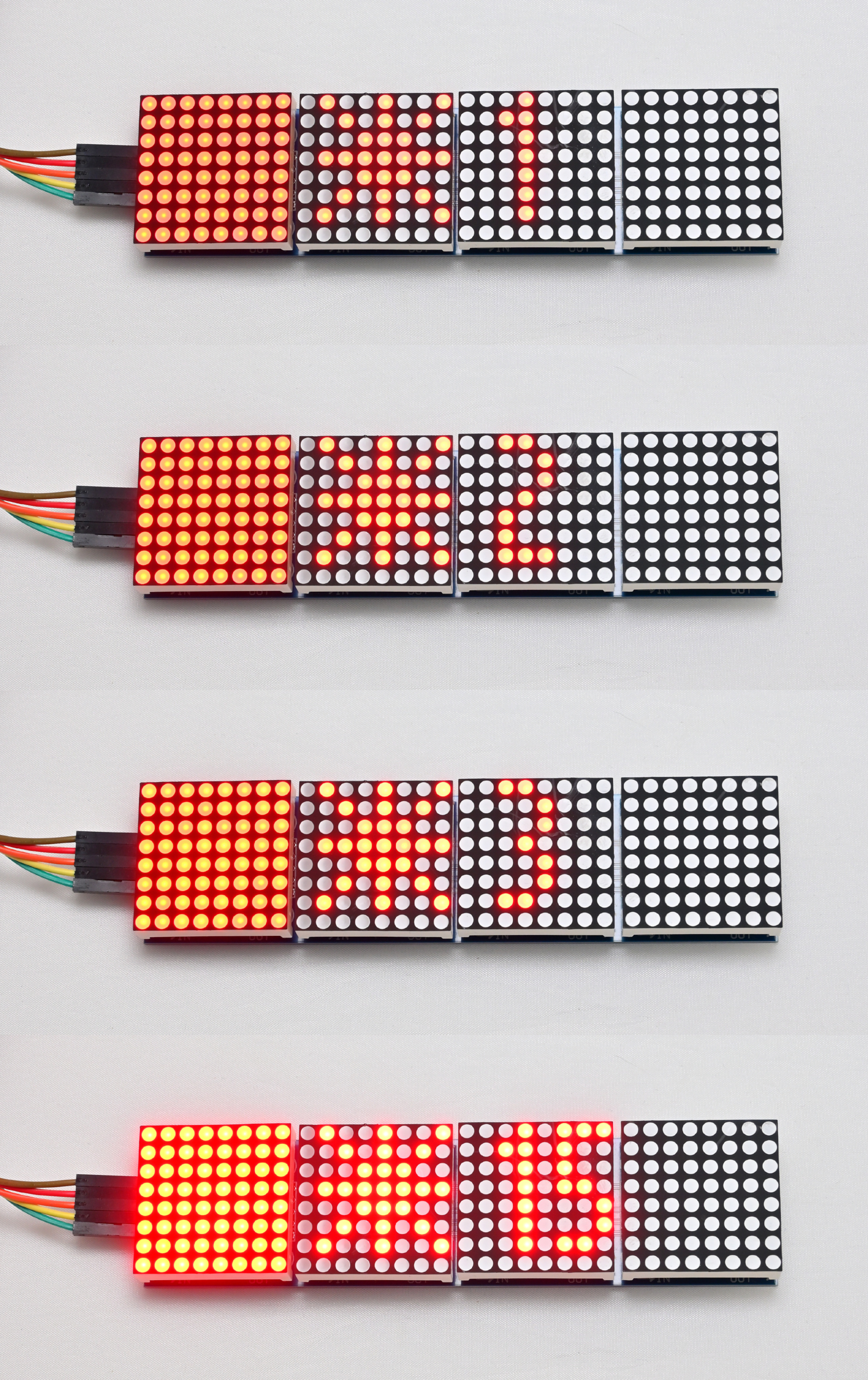
EnlargerOnOffTask
Manual enlarger switch switched on.
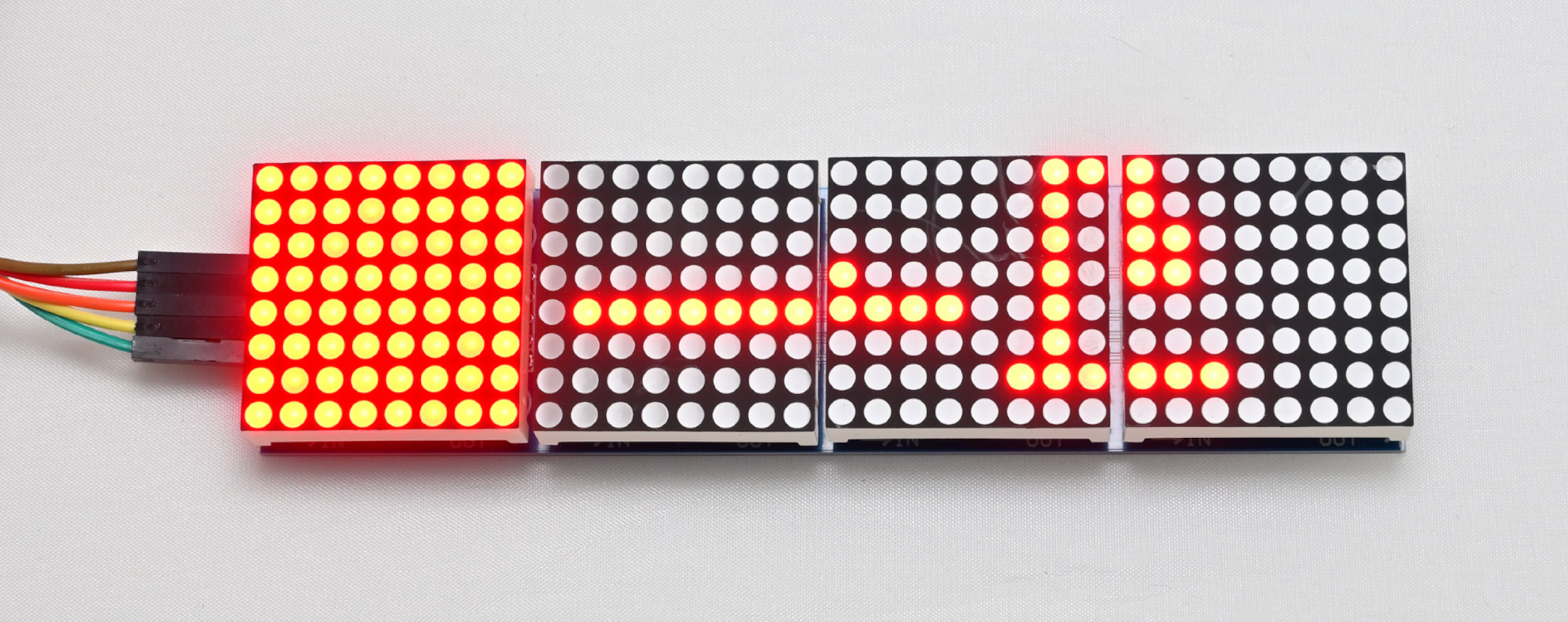
EnlargerTimerTask
Timed enlarger switch.
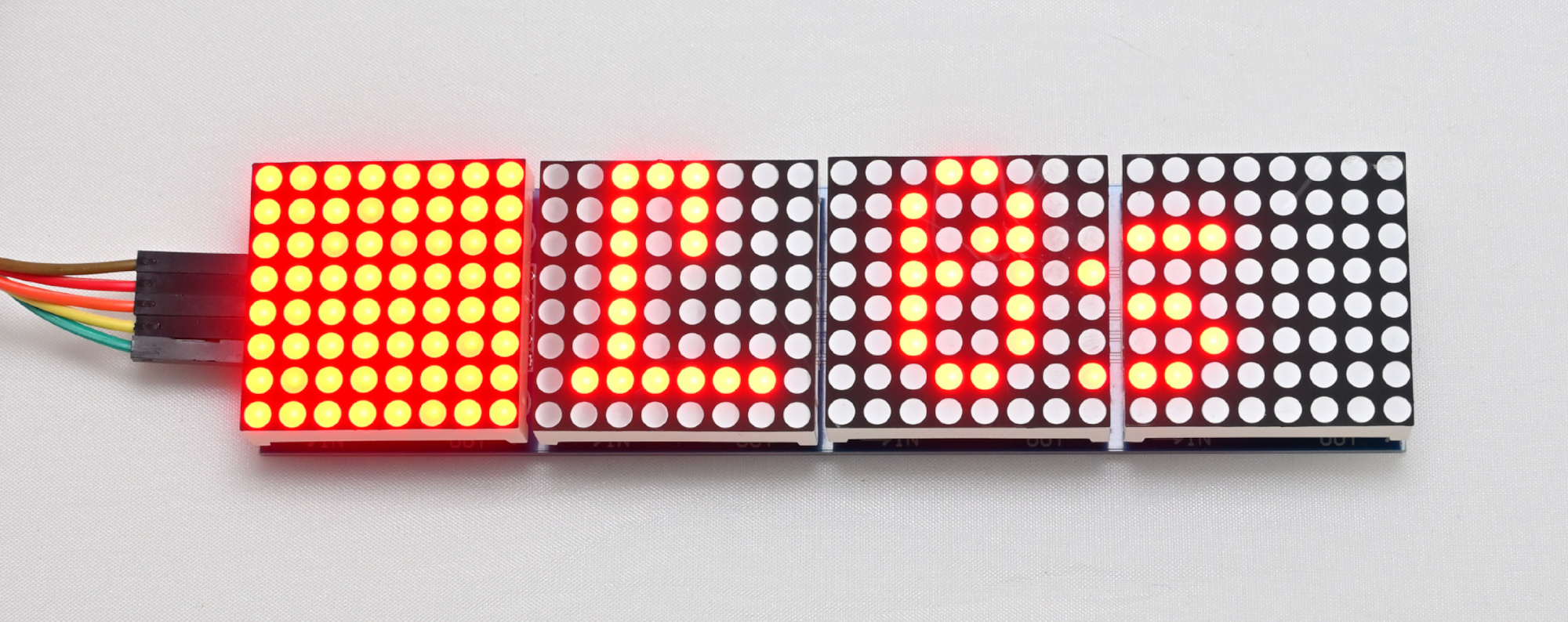
DevelopStopFixTask
3 timers for develop, stop bath and fix.
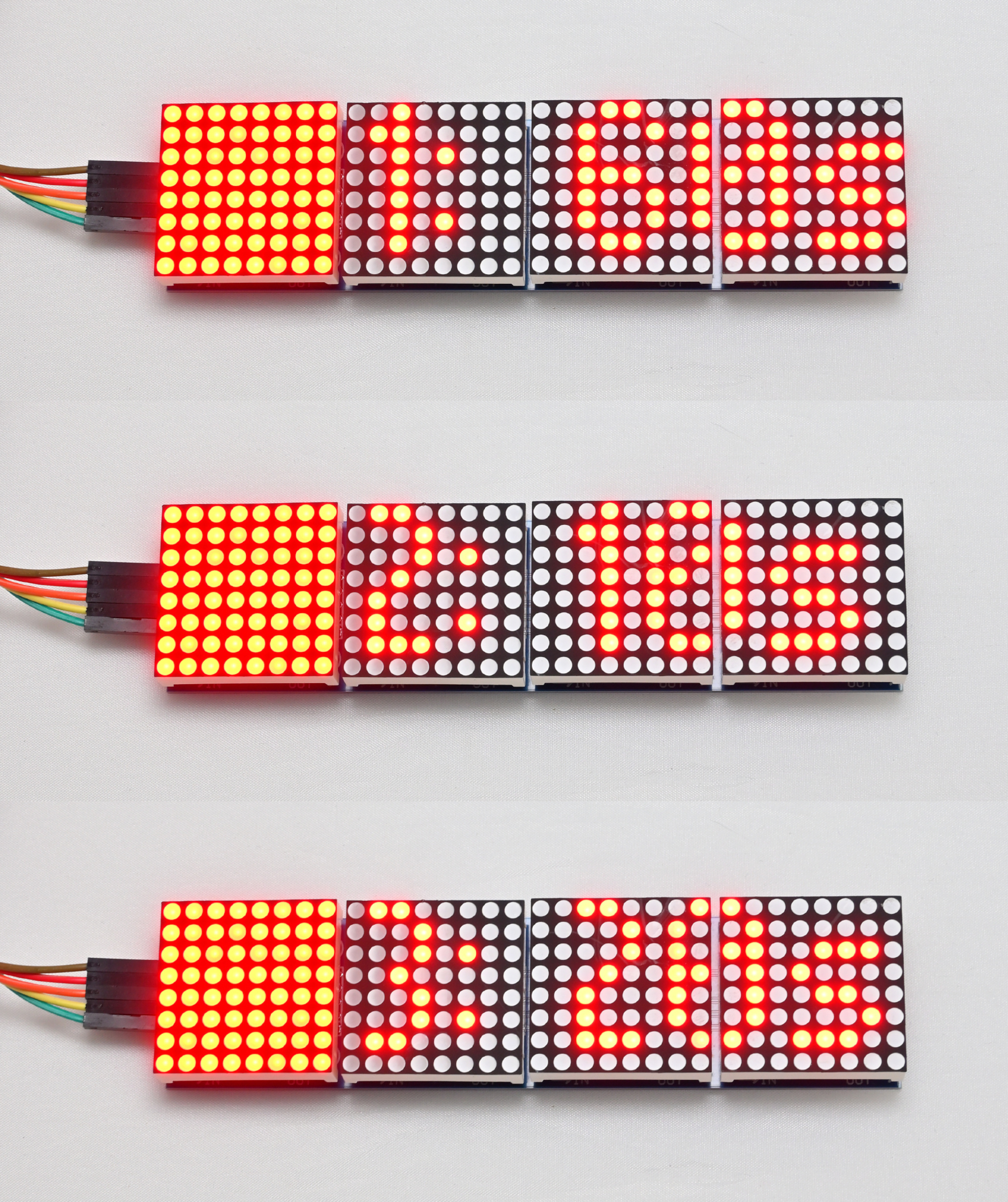
GeneralTimerTask
General timer starting from 0s.
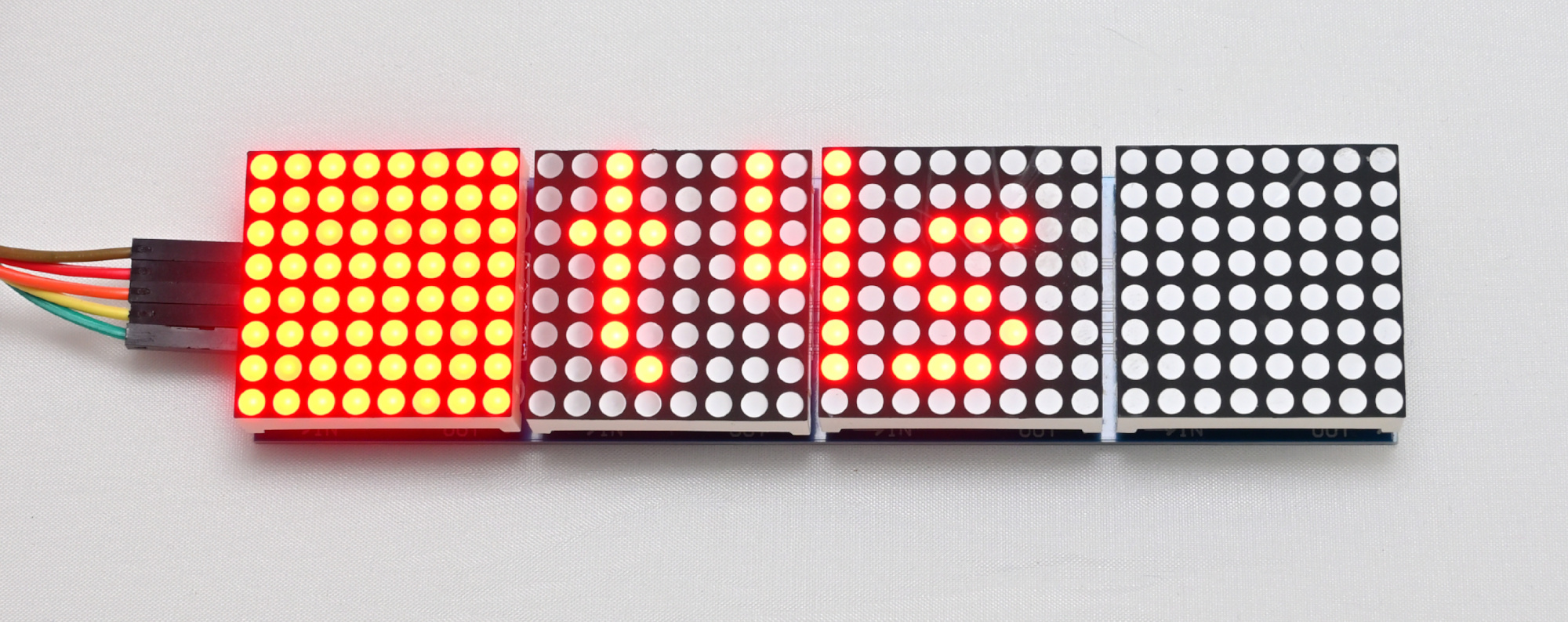
Arduino Darkroom Timer Github Project
This darkroom timer project combines modern microcontroller technology with the tactile simplicity of gamepad input to support essential analog photography tasks. Whether you are timing enlarger exposures or chemical baths, this tool offers consistent performance and flexibility for both amateur and professional darkroom enthusiasts. With five dedicated modes and intuitive controls, it provides a reliable and customizable solution for anyone working in a traditional darkroom. The open-source design invites further experimentation and adaptation. Whether you are refining your workflow or building your own version.
-
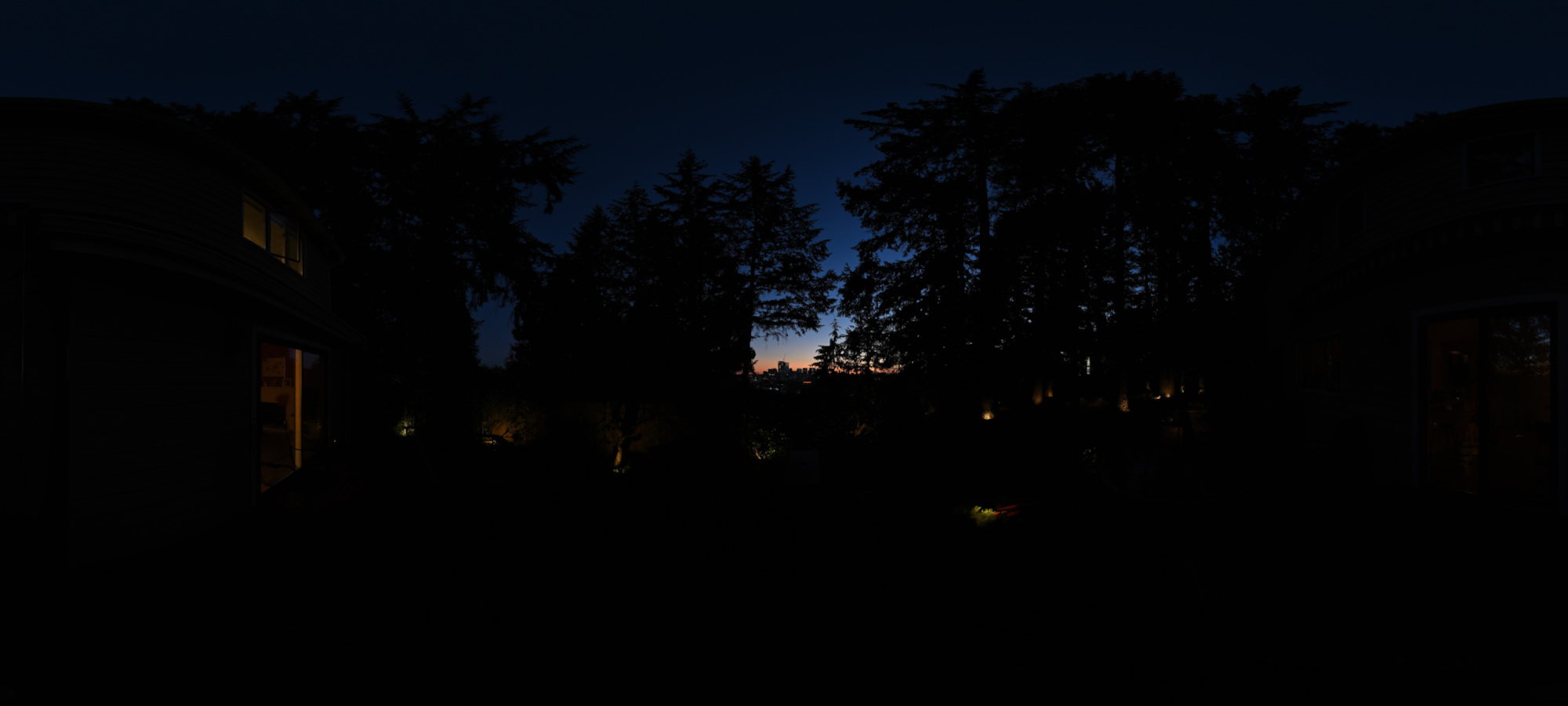
Autumn Equinox Sunset ♎
This is the sunset that occurs closest to the Autumn equinox, which is the point in the year when the sun crosses the celestial equator heading southward, marking the transition from summer to fall. This event results in equal lengths of day and night, creating a unique and balanced twilight experience.
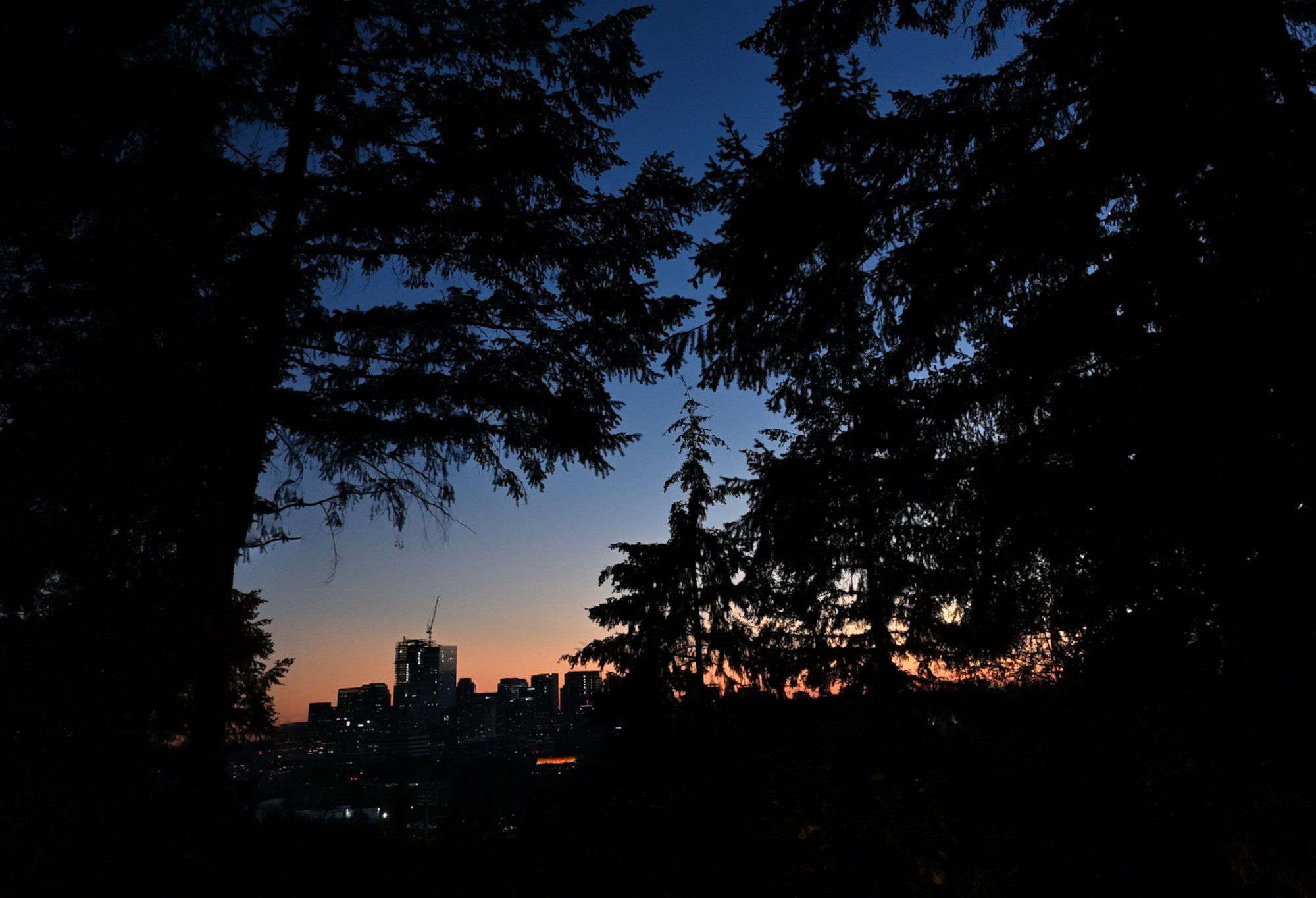
But with so many trees around, the experience is limited to a narrow field of view towards the sunset. Nevertheless, the experience remains wonderful.
This panorama is the September 2024 Equinox contribution for the 'September Wrinkle' event of WorldWidePanorama.Interactive Panorama Equinox-Sunset
The Making
Automated control points are not an option here because the individual images are predominantly black:
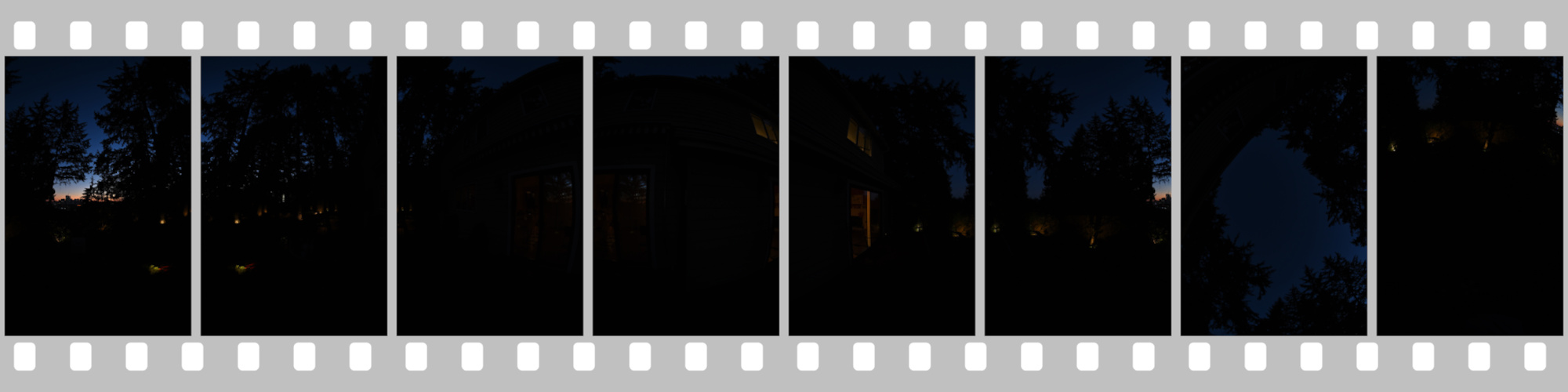
There are 6 pictures taken every 60°, including Zenit and Nadir (6+Z+N). To establish the control points, the brightness in PTGui was increased by +5EV.
Without precise control points, a 360°×180° panorama can become warped and distorted. It might seem that creating panoramas with large areas of uniform dark color would be easier, but unfortunately, there are no shortcuts in this process. Accurate control points are essential for maintaining the integrity of the image.
-
Liquid Diet Menu
The common lunch menu is something we all know. But how about this Room Service Menu:
Order up
-
Analog Photography
Start of a new journey.
📷 Nikon F2A - Nikkor AI-S 35-70mm f/3.5
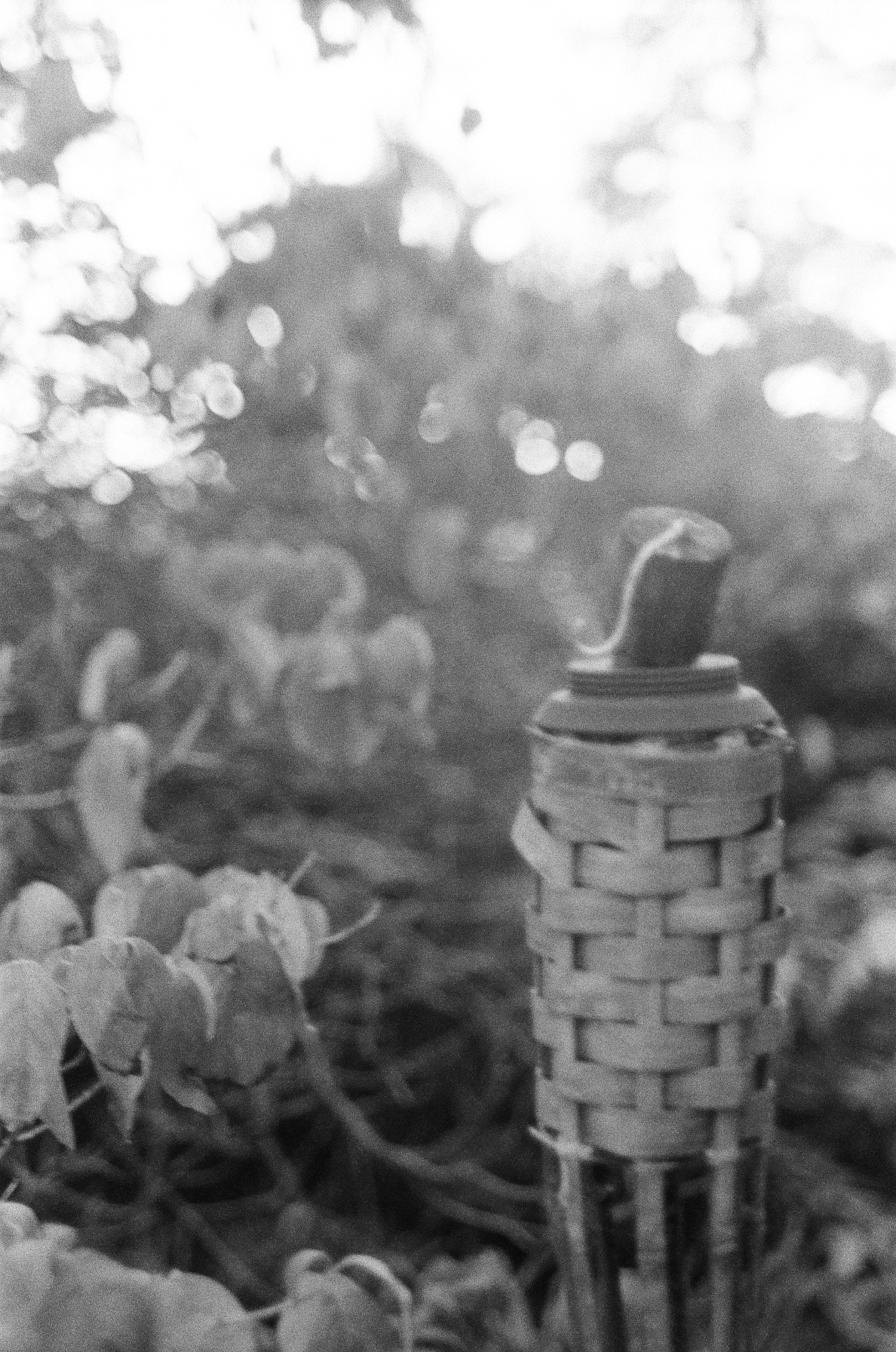
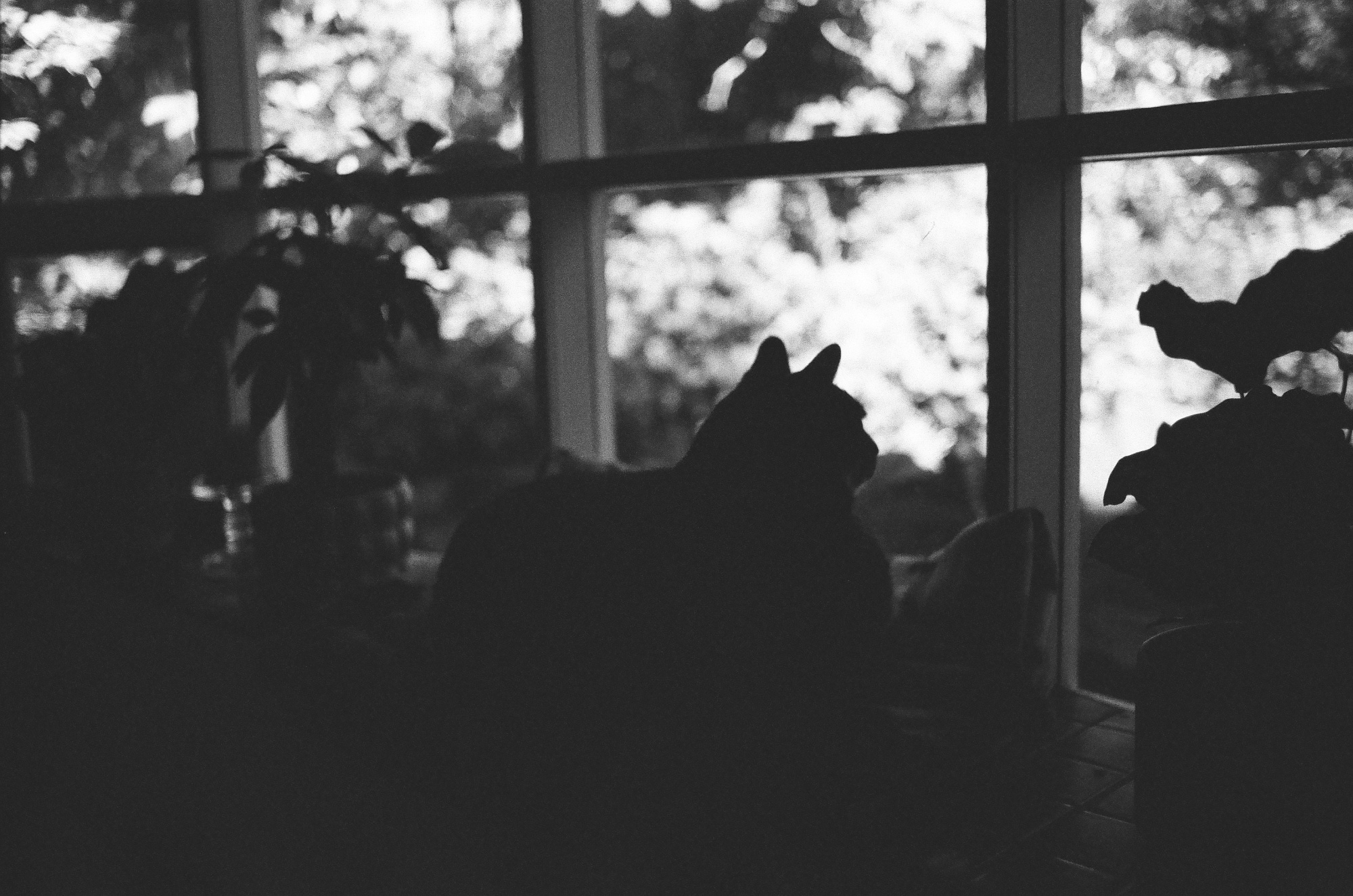
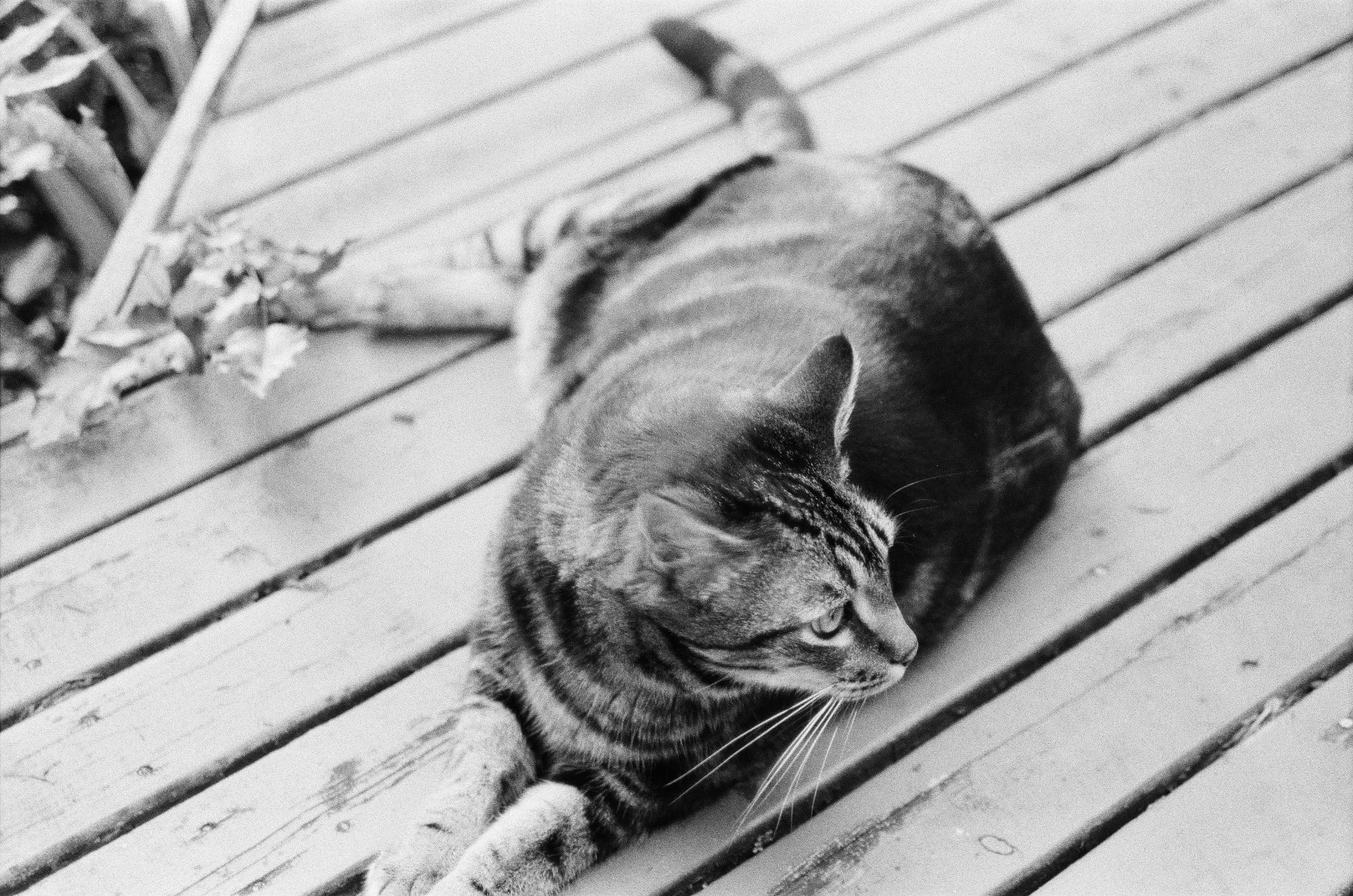
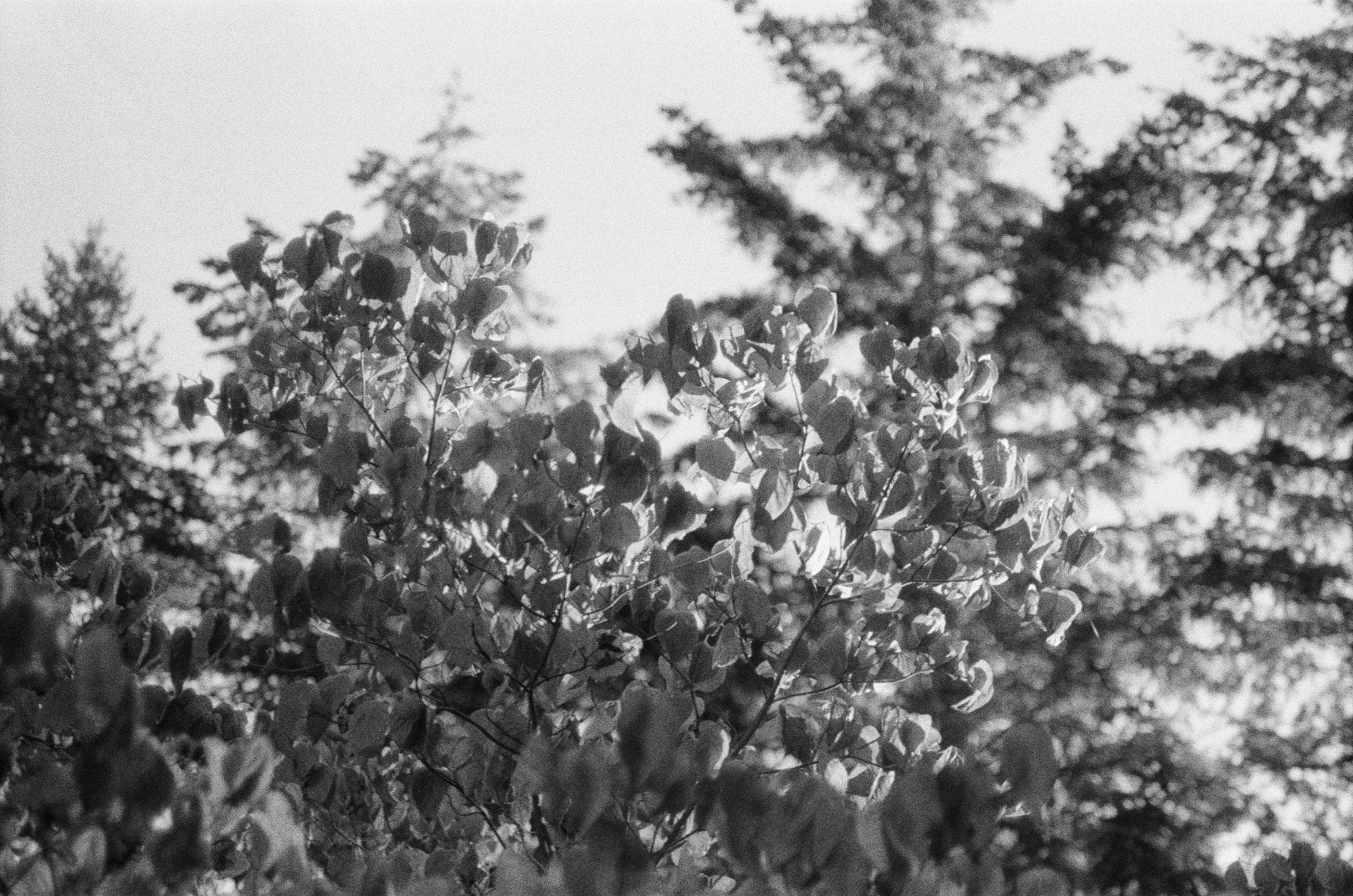
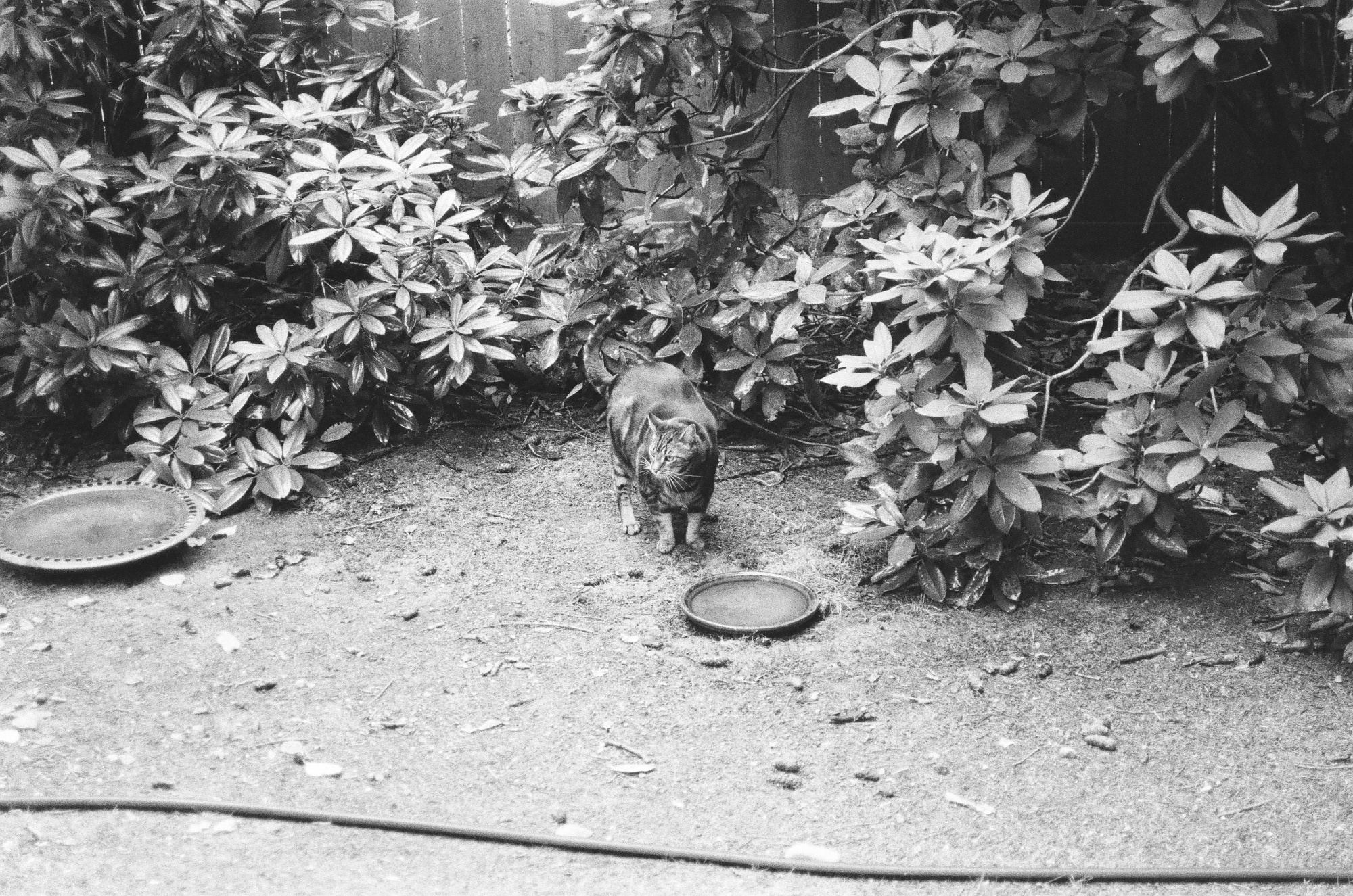
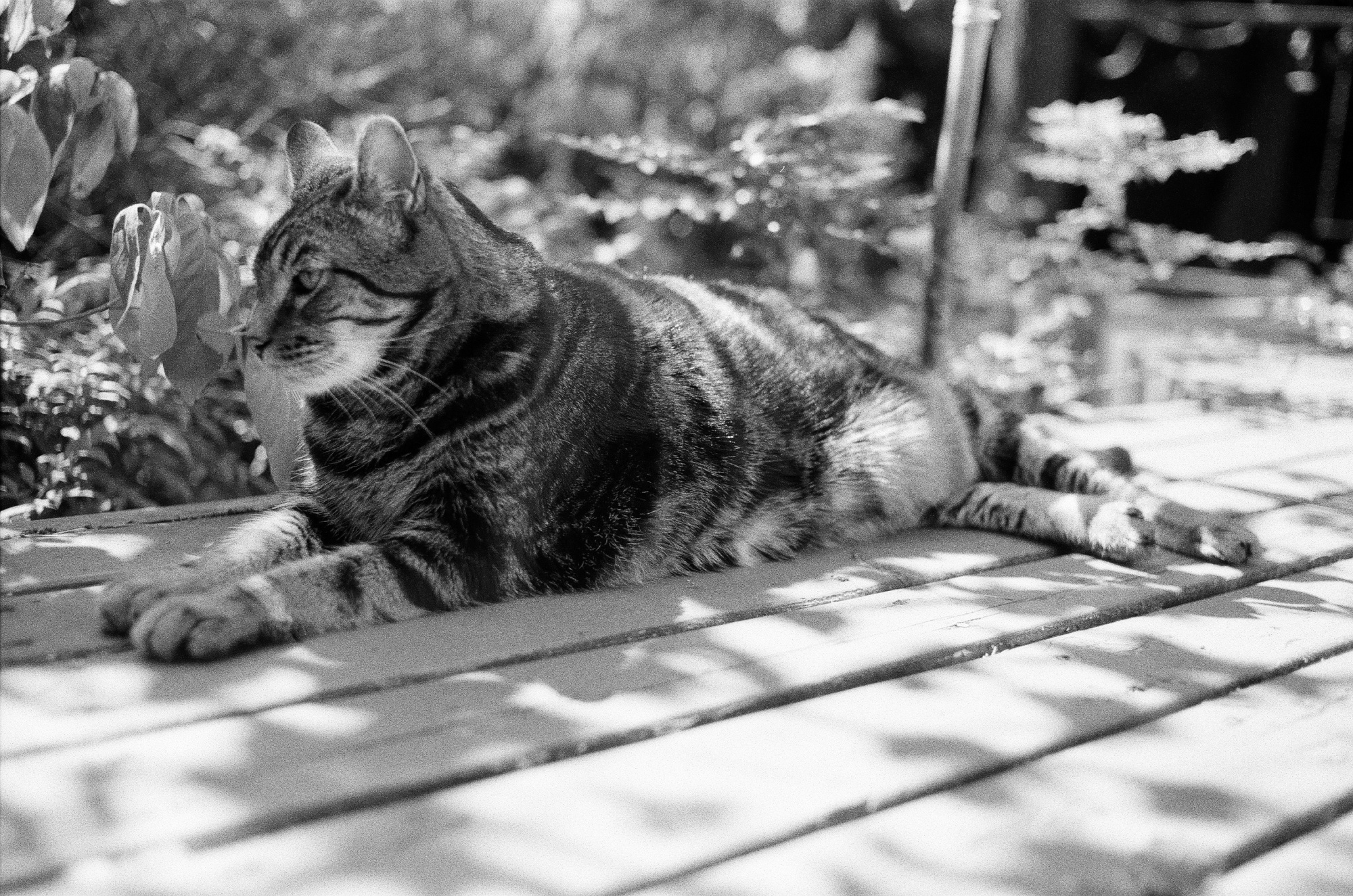
- Black&White Film, Ilford HP5 Plus 400
- Color Slide Film, Kodak Ektachrome E100
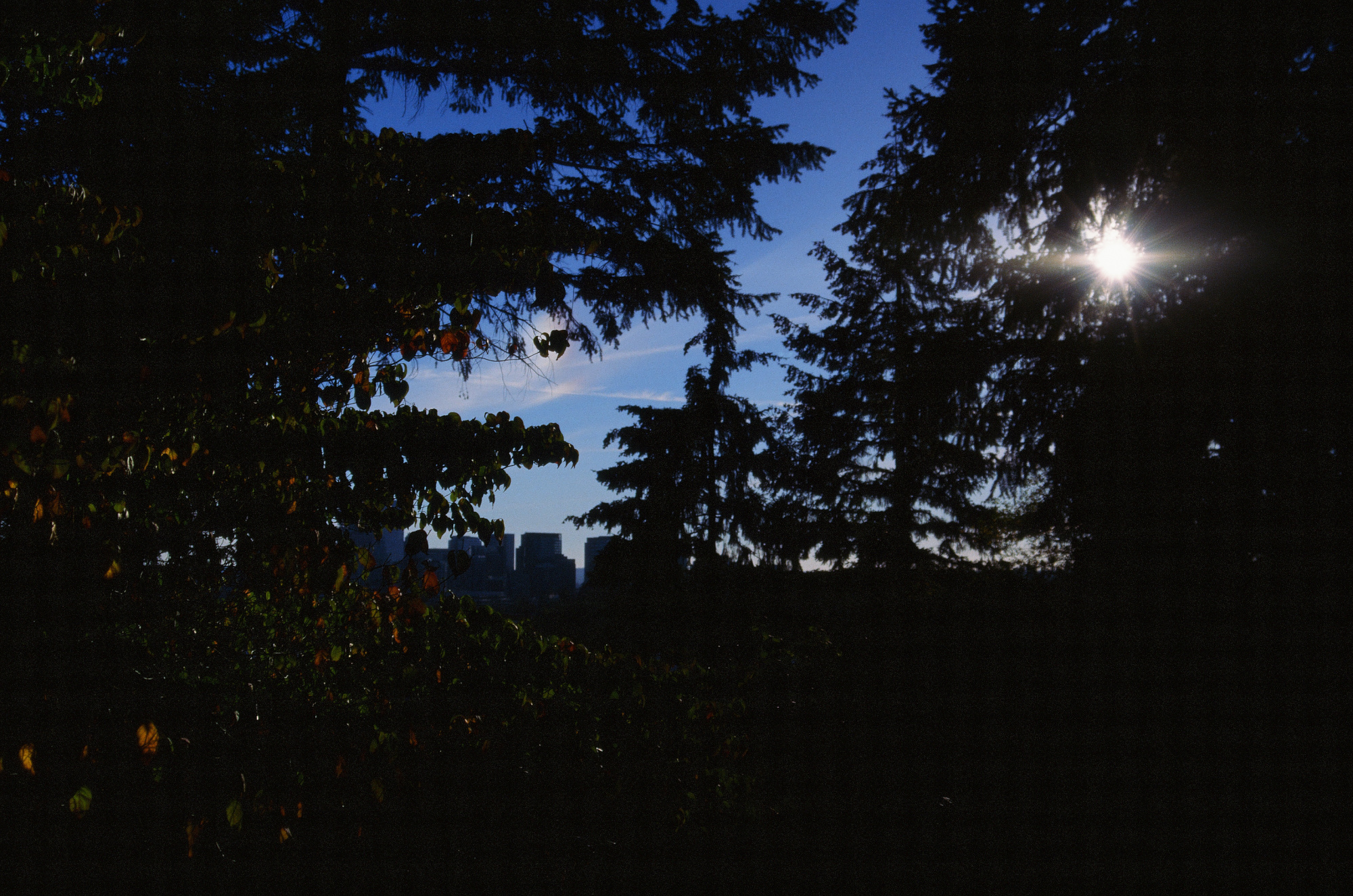
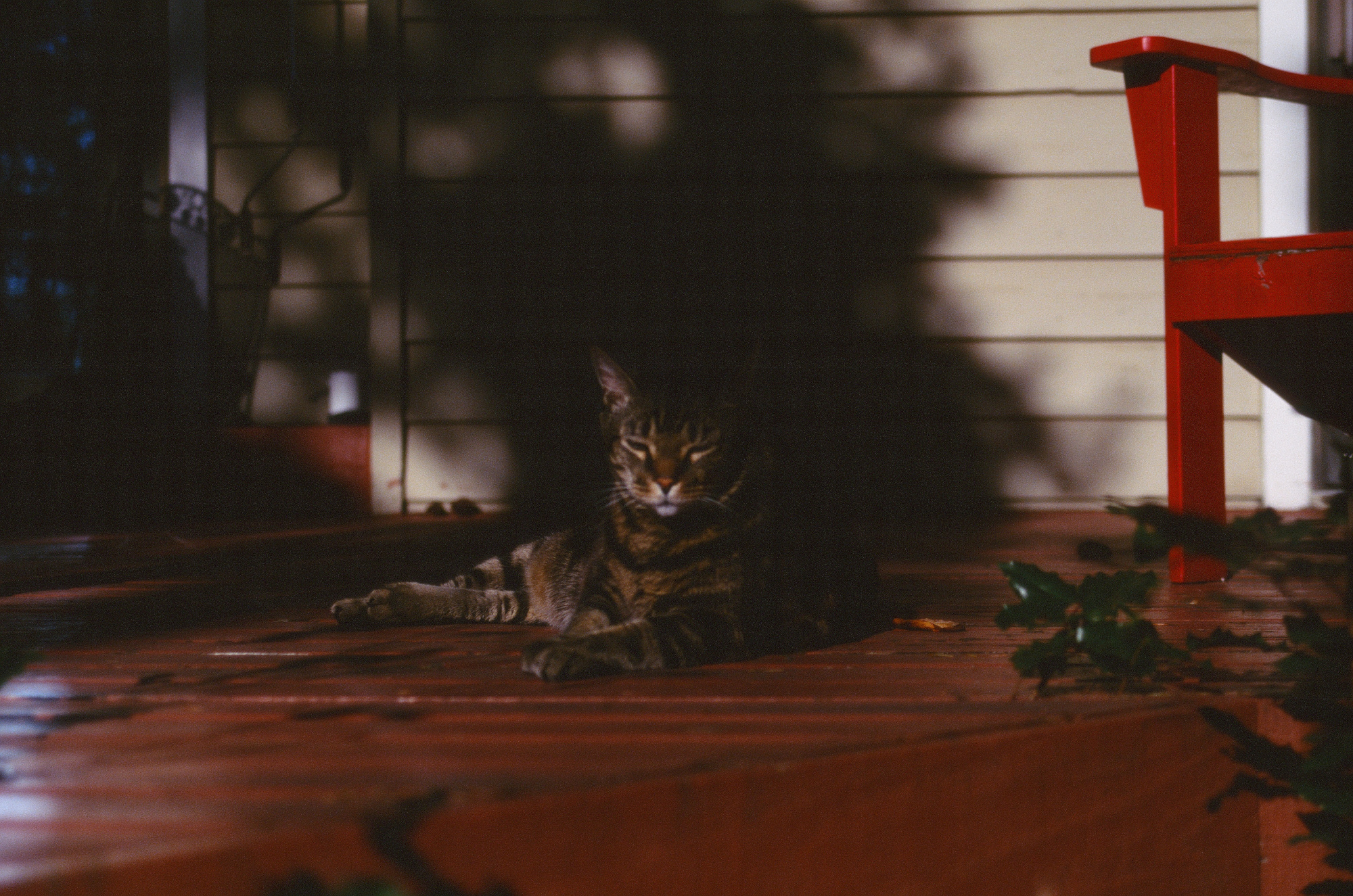
- Color Negative Film, Kodak Portra 400
- Also used: Nikkor AI 35mm f/2 for bright moments, and Zenitar Fisheye 16mm for a broader perspective when things get interesting.
🎞️ Films sourced from Film Photography Store 1
📷 Camera and Nikkors sourced from eBay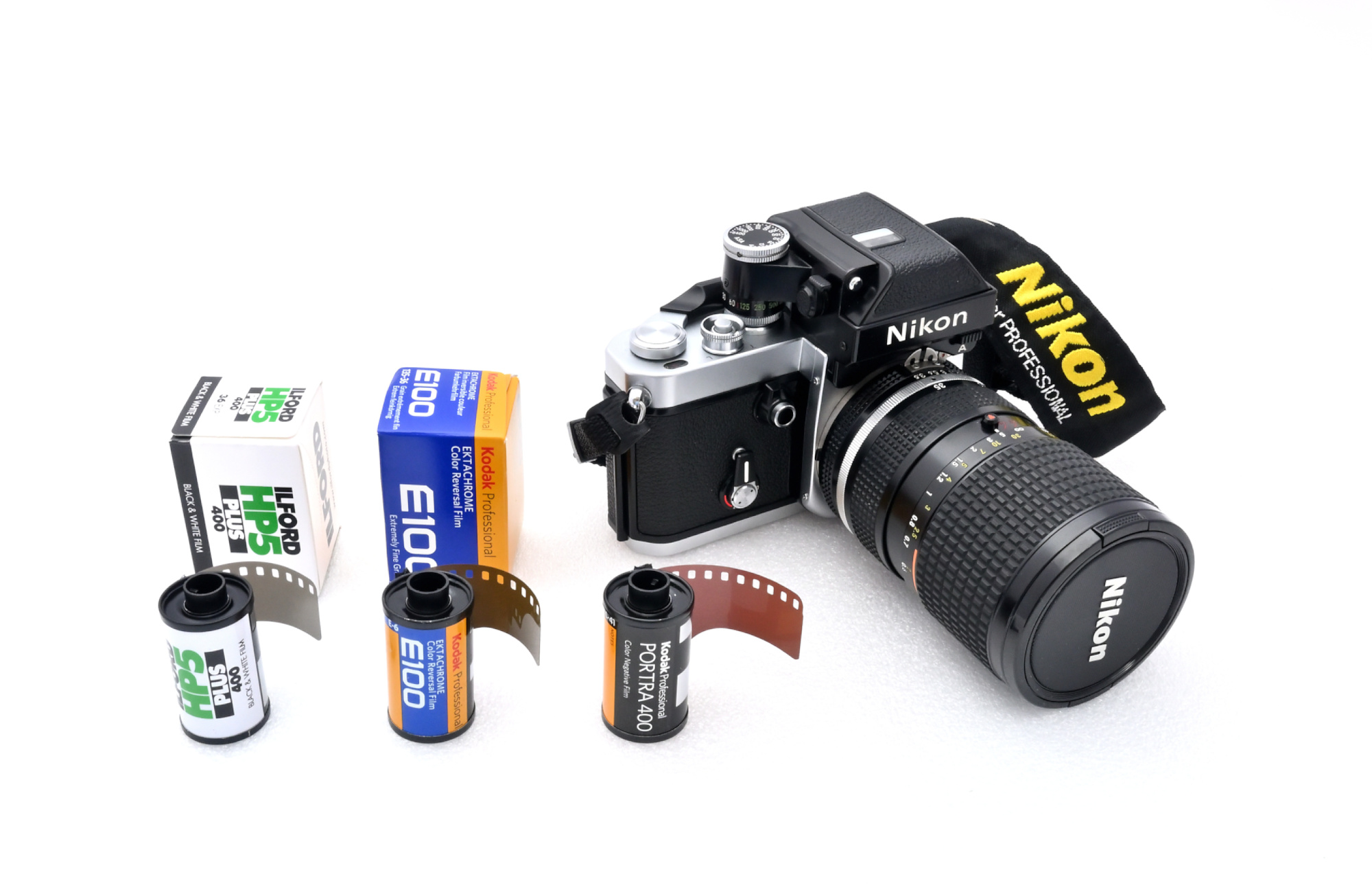
Lab Scans
🧪 Developed and scanned by The Darkroom 1 using the 'Enhanced' scan option (available choices: 'Standard', 'Enhanced', 'Super Scan').
The scans are saved as sRGB JPEGs and include a standard EXIF header with the following metadata in one APP1 marker:
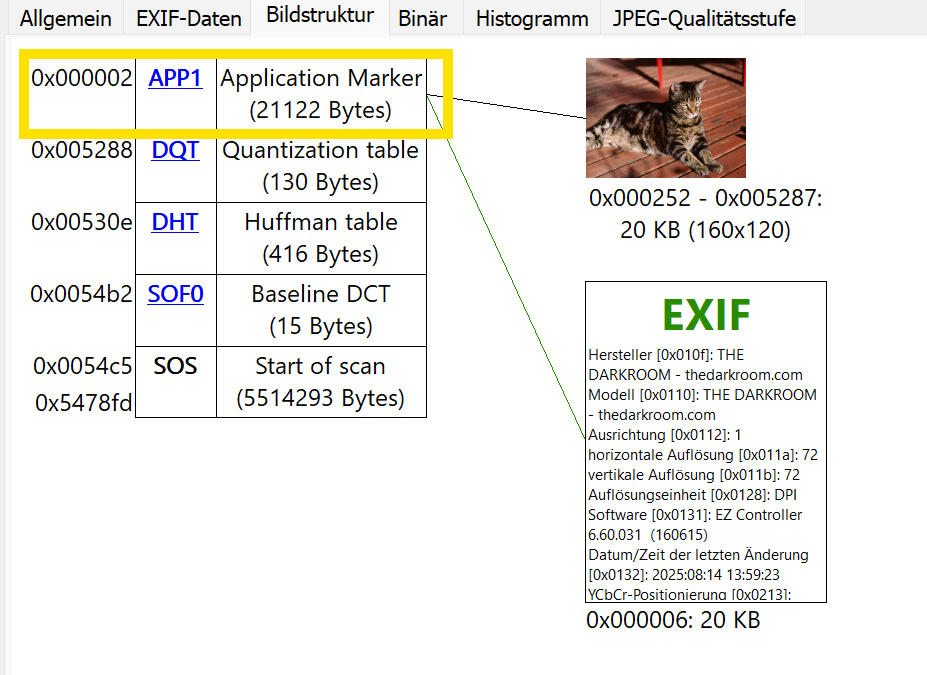
- Image dimensions 3089×2048
- Scan date
- Embedded thumbnail: 160×120 pixels
- Resolution marker: Standard 72 DPI
- EXIF Version 2.20
- EXIF Tag 0x0131 ('Software'):
EZ Controller 6.60.031 (160615)
The JPEG quality level corresponds to luminance and chrominance settings of 97, resulting in an average file size of approximately 5 MB.
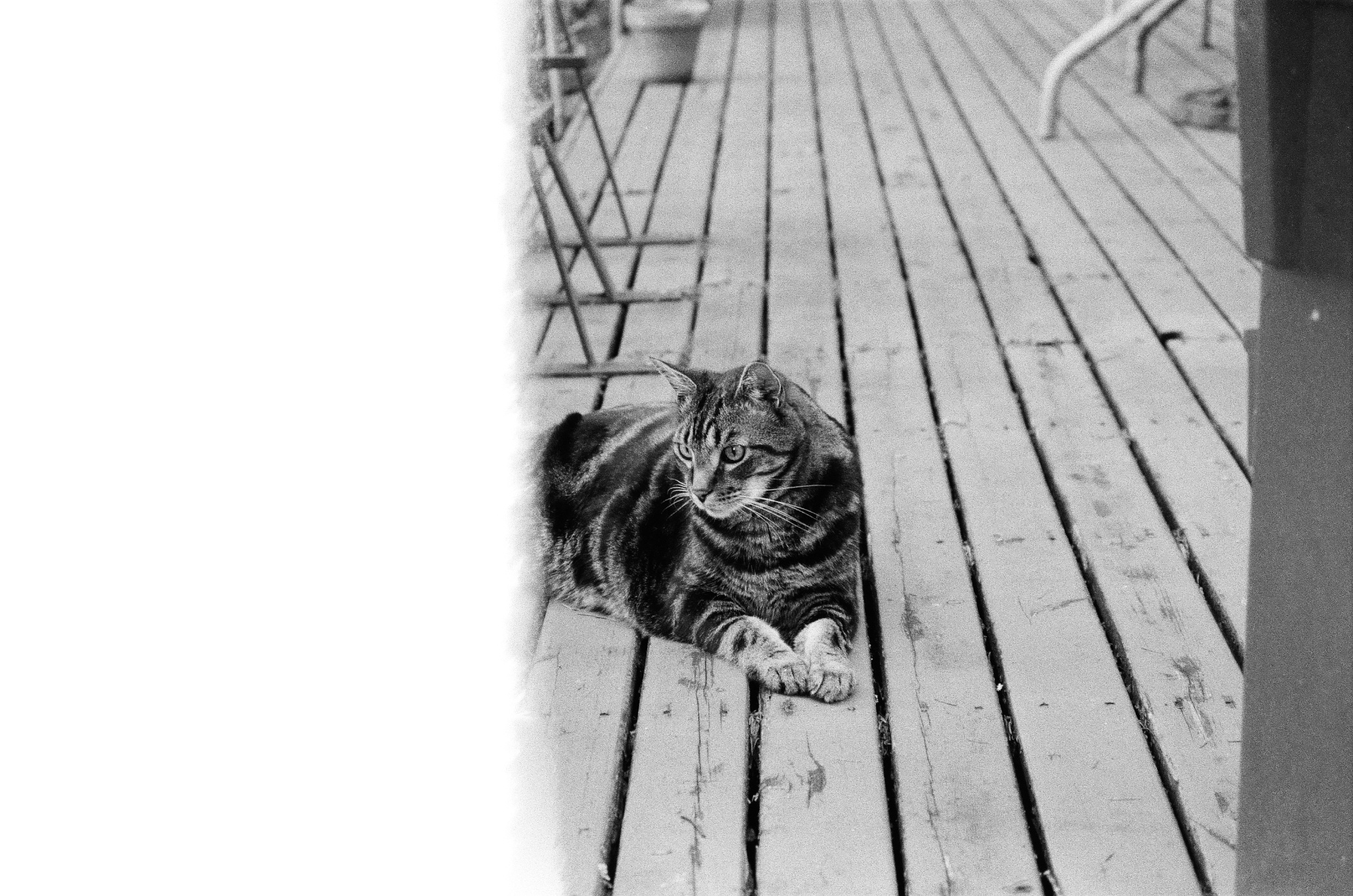
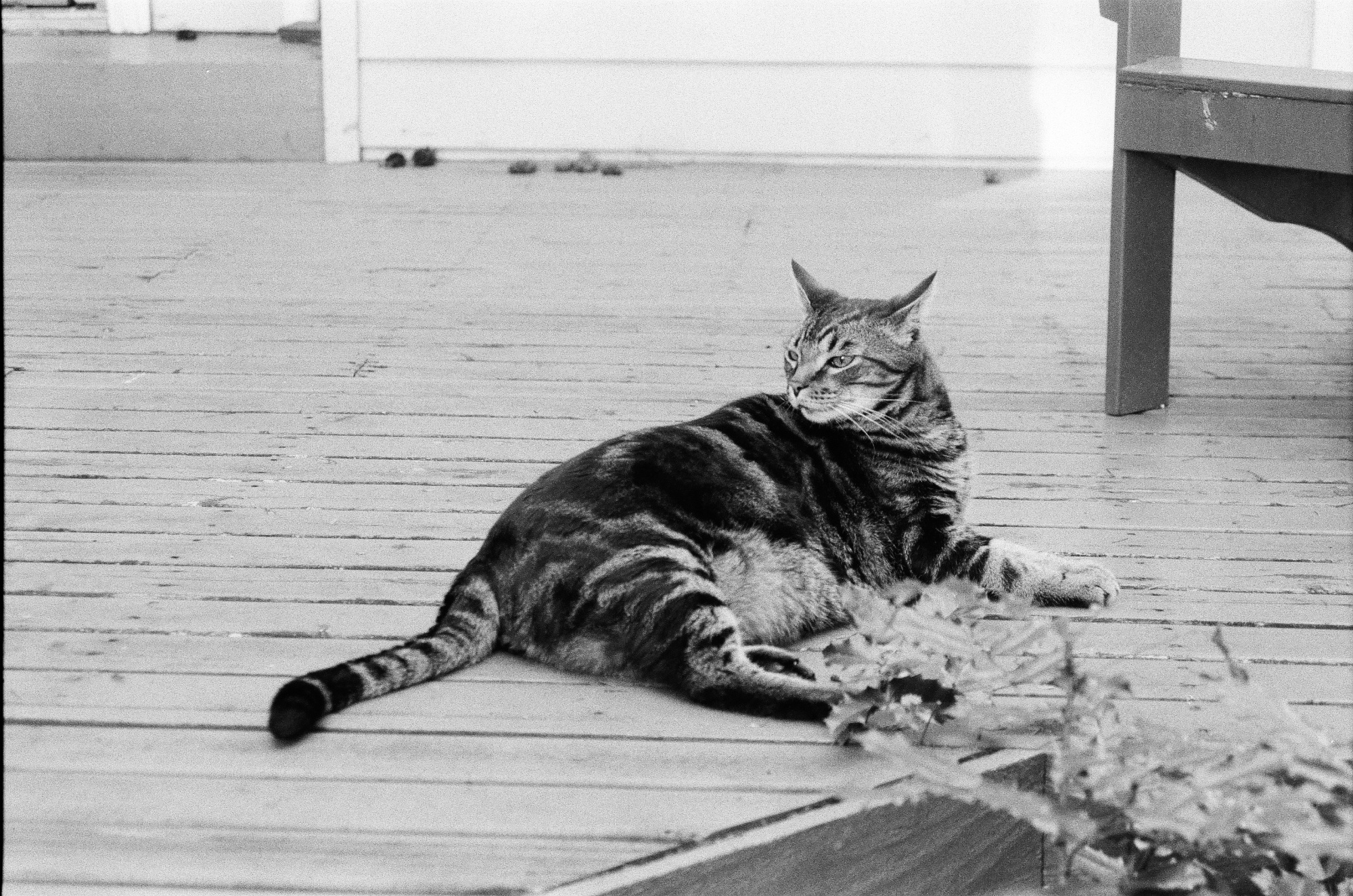
Black&White Film, Ilford HP5 Plus 400
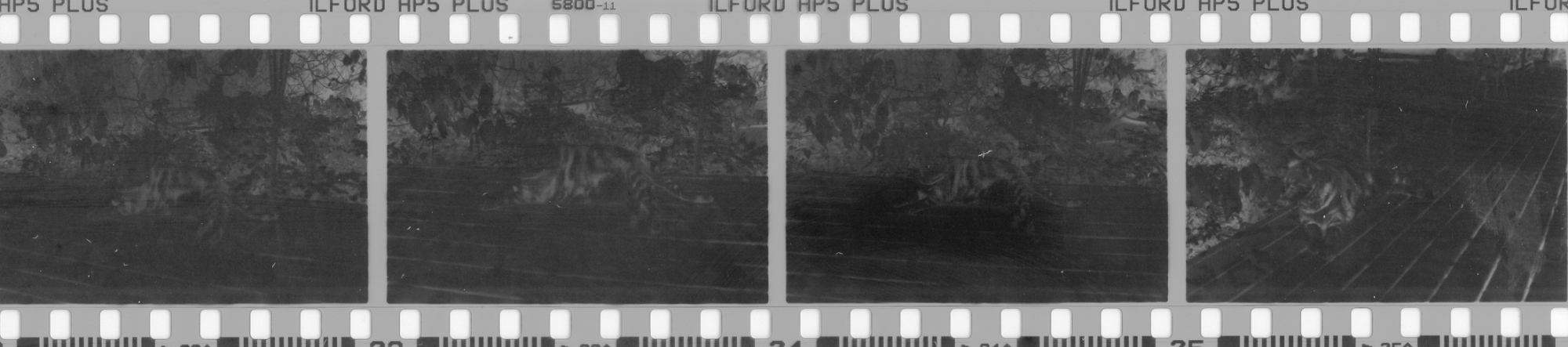

A promising start.
Color Slide Film, Kodak Ektachrome E100


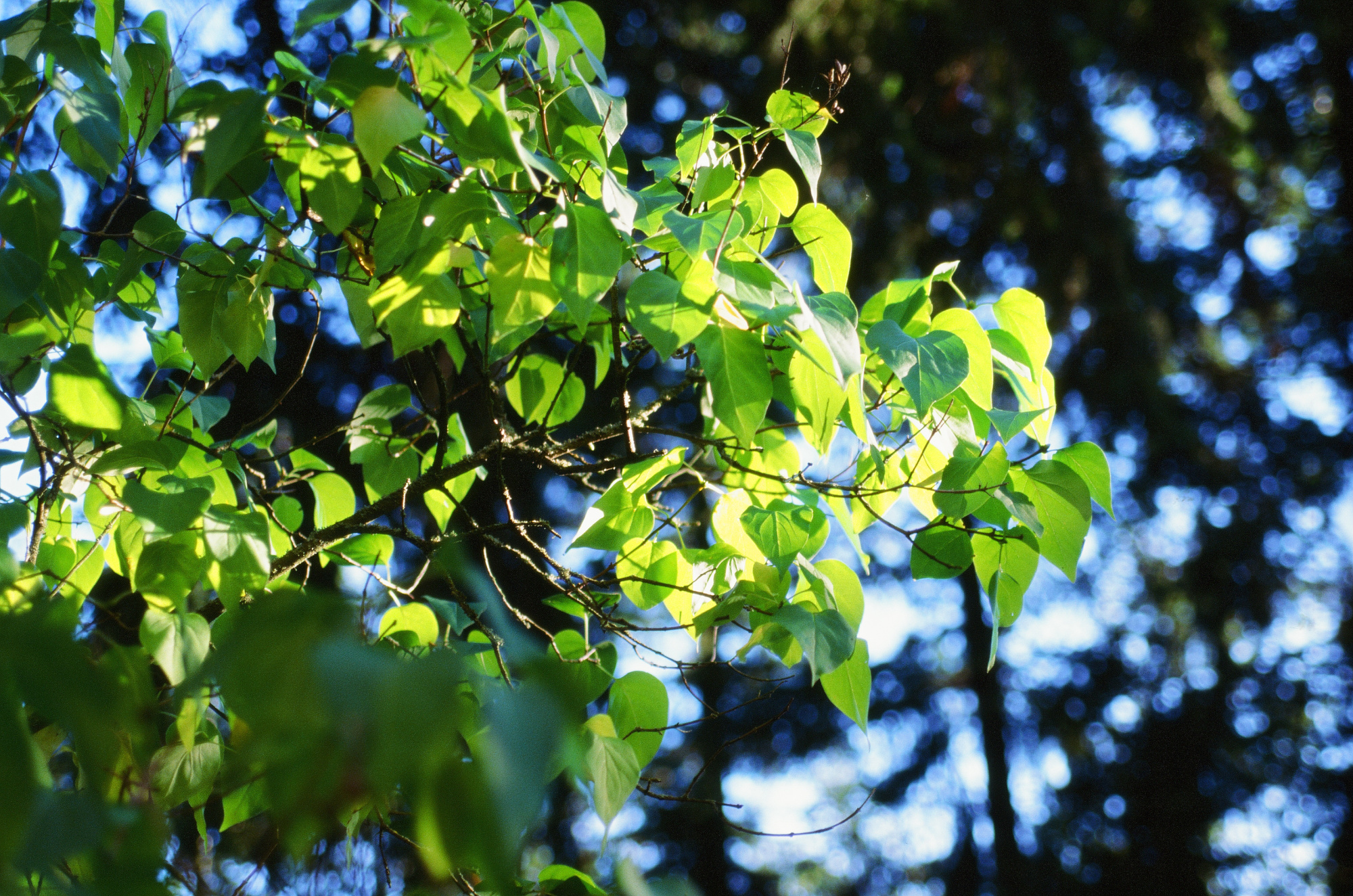
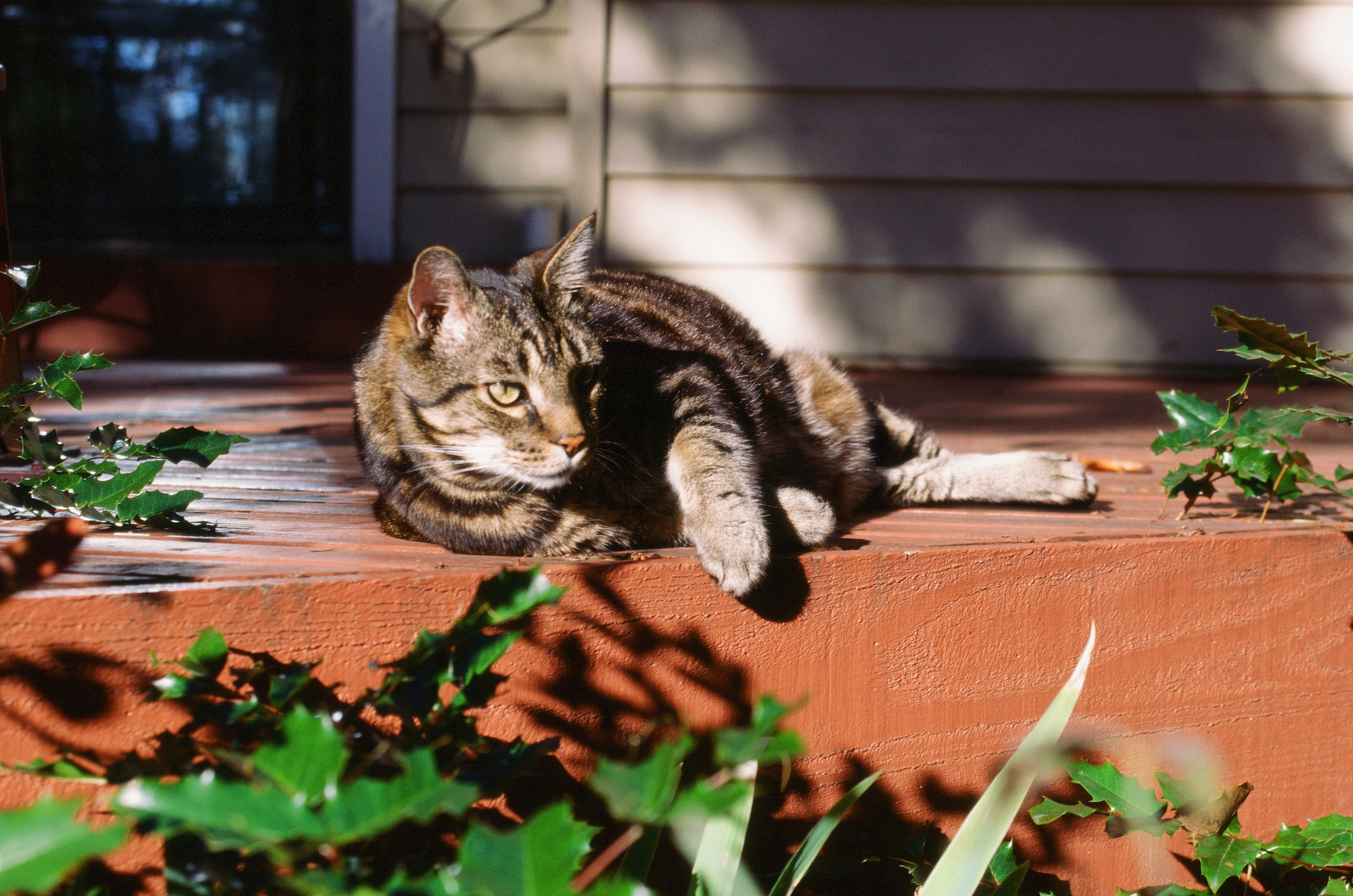
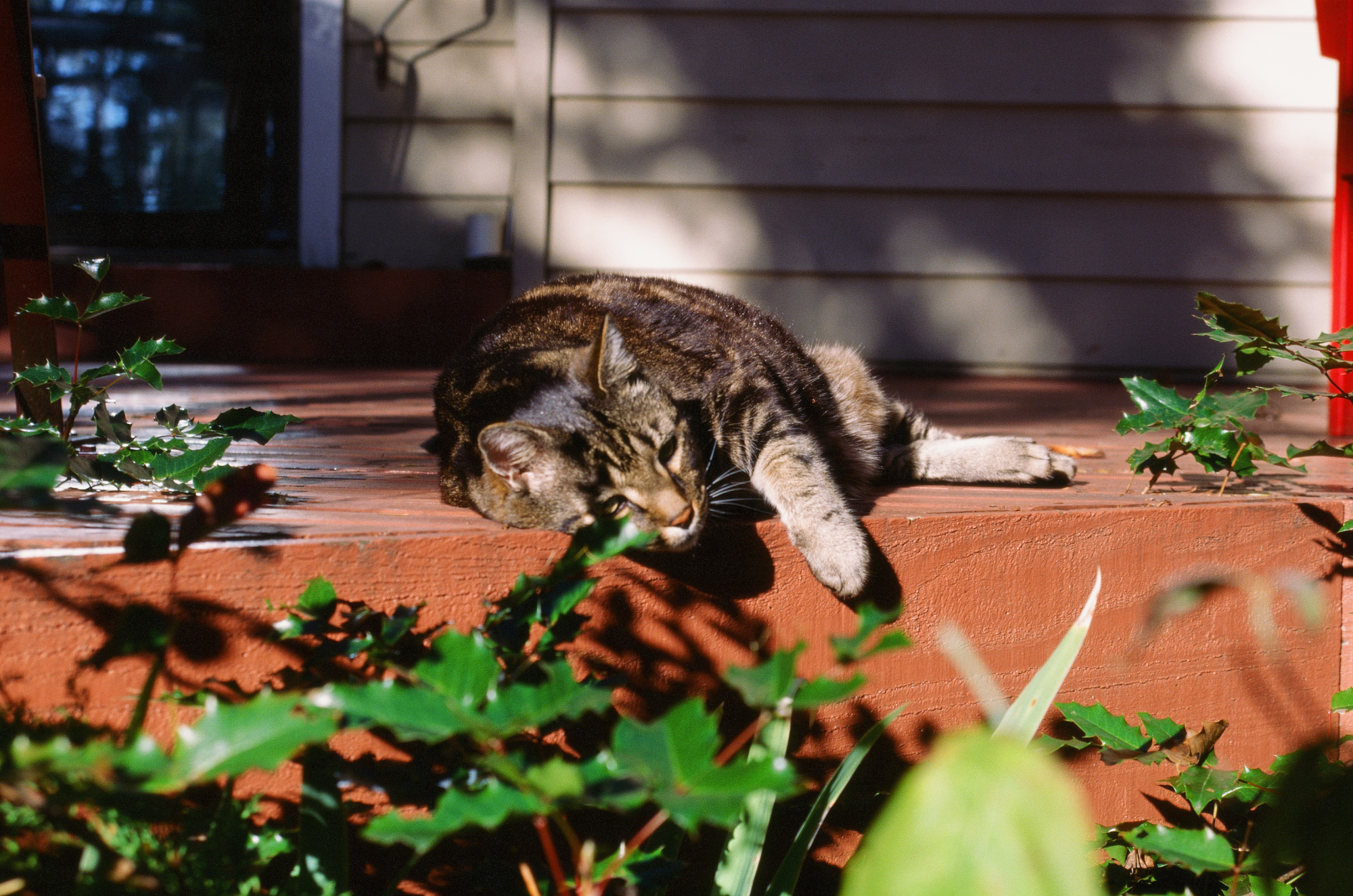
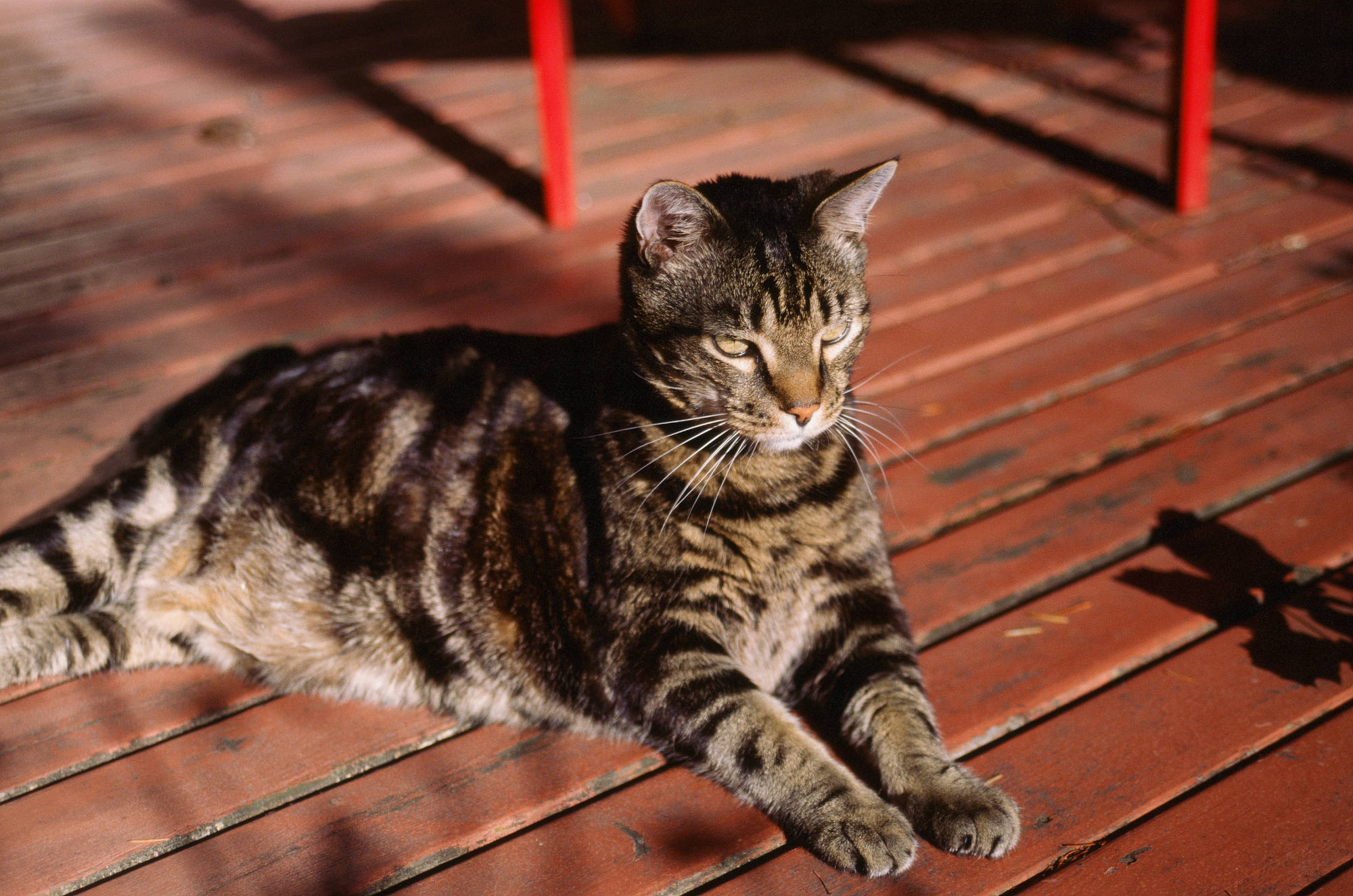
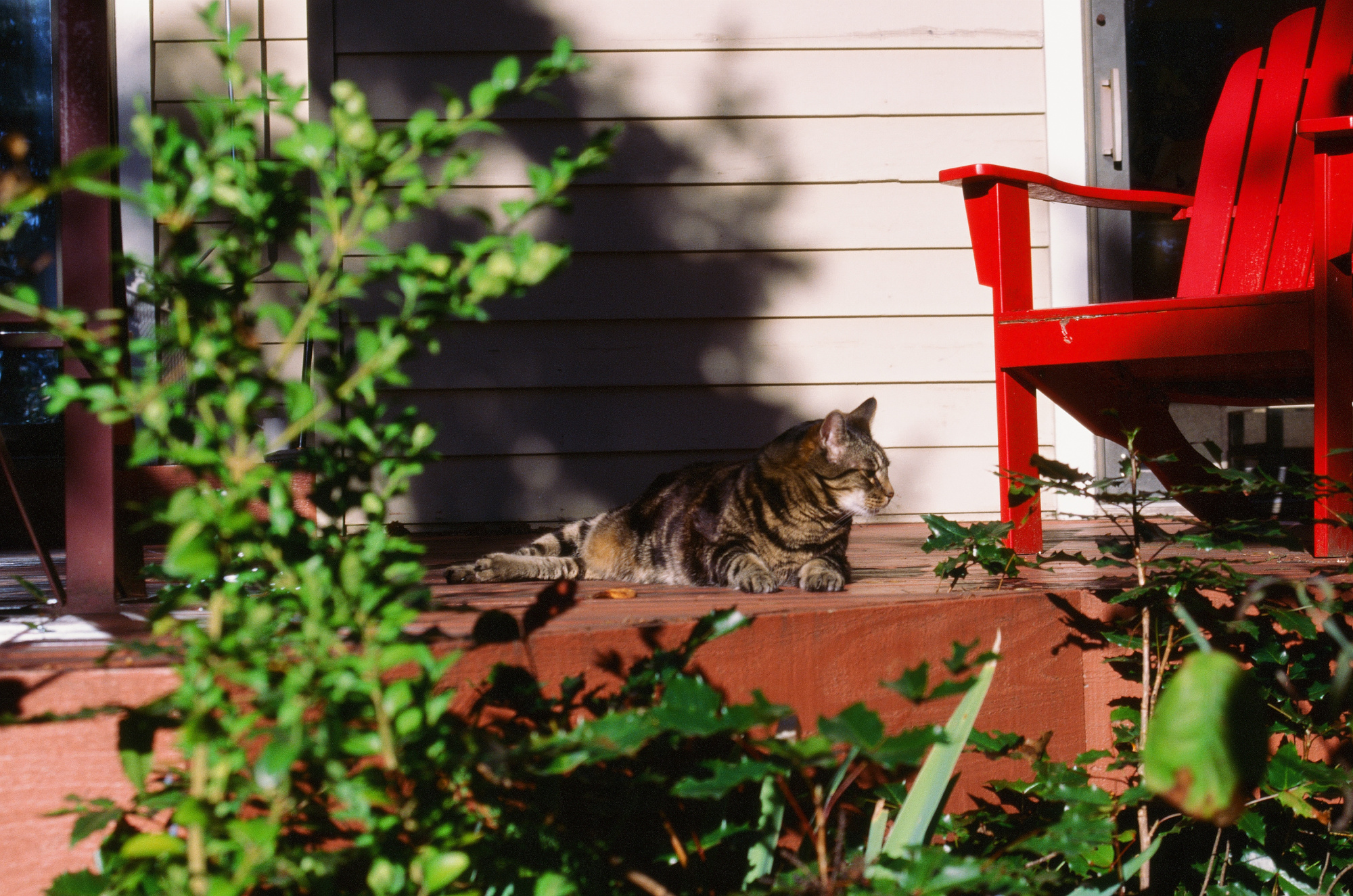
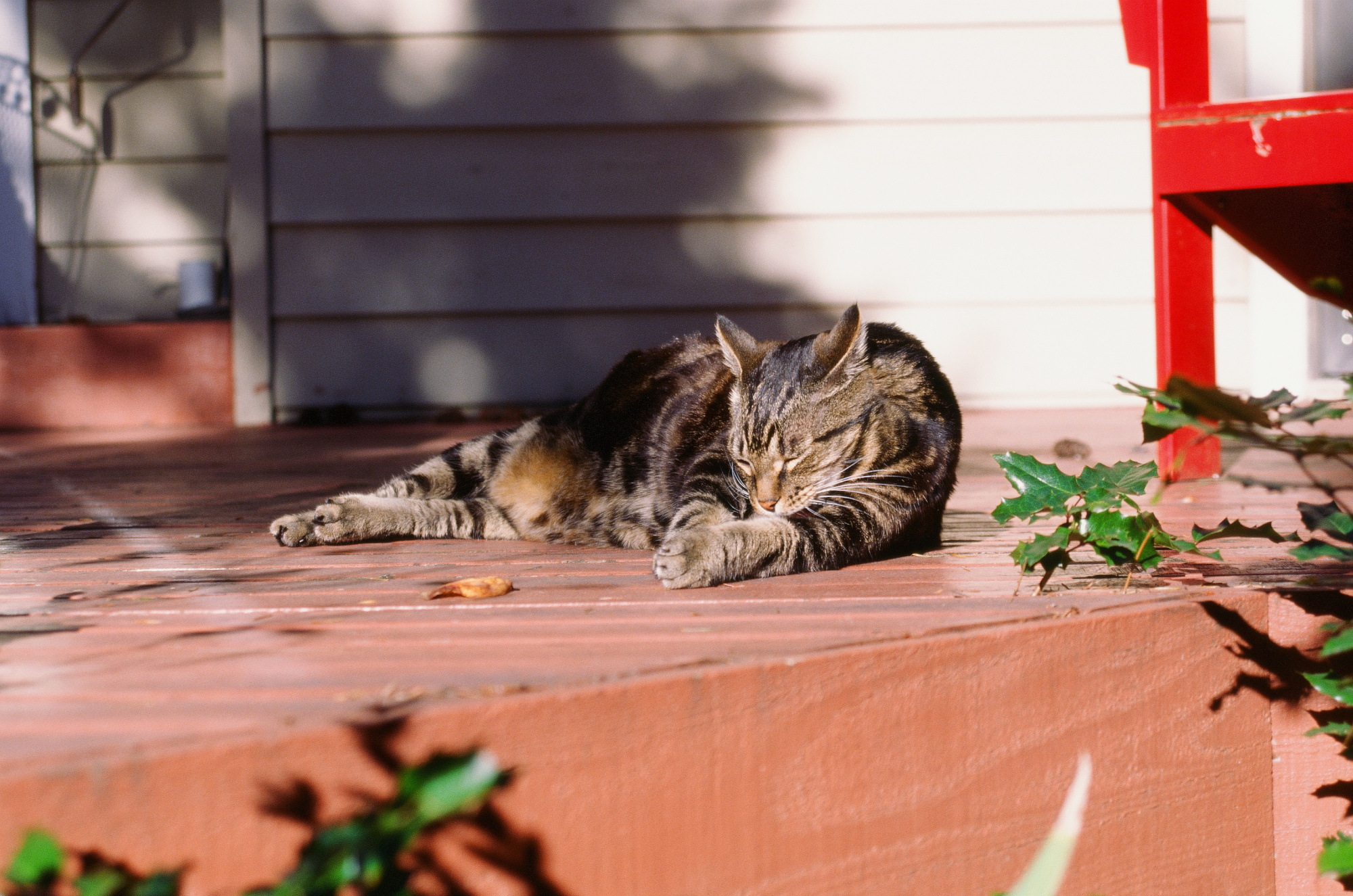
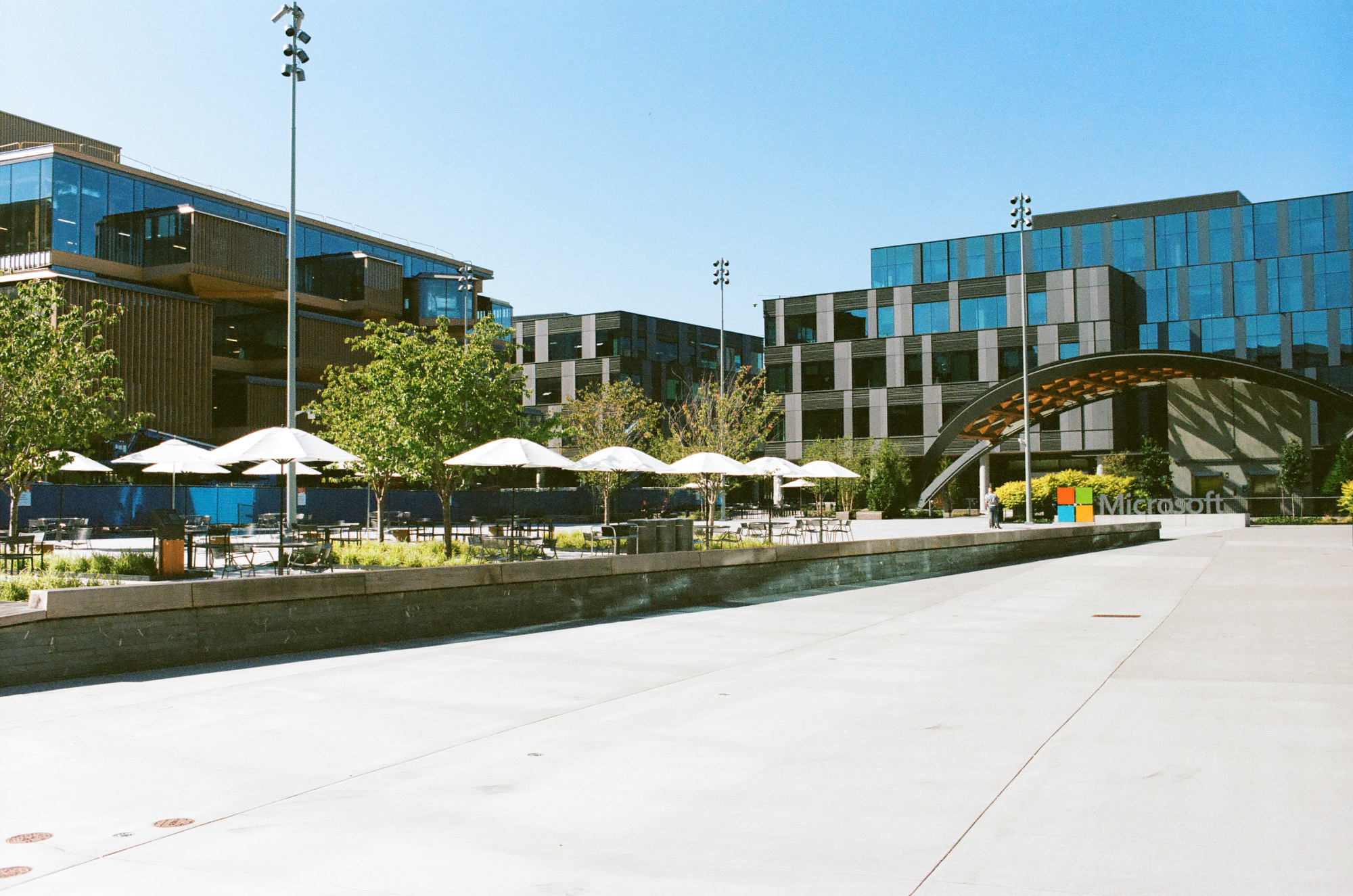
Color Negative Film, Kodak Portra 400
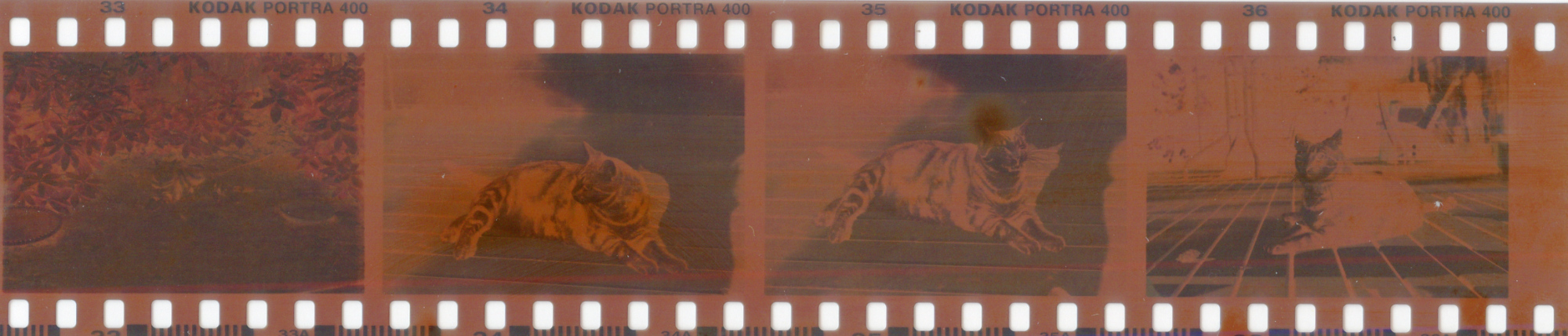
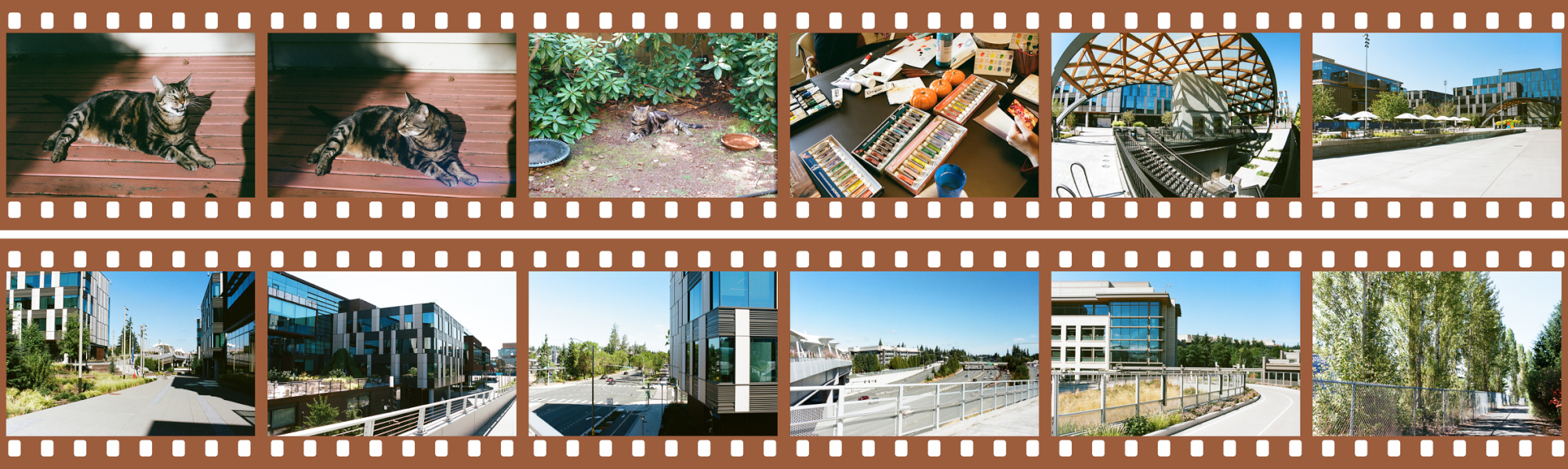
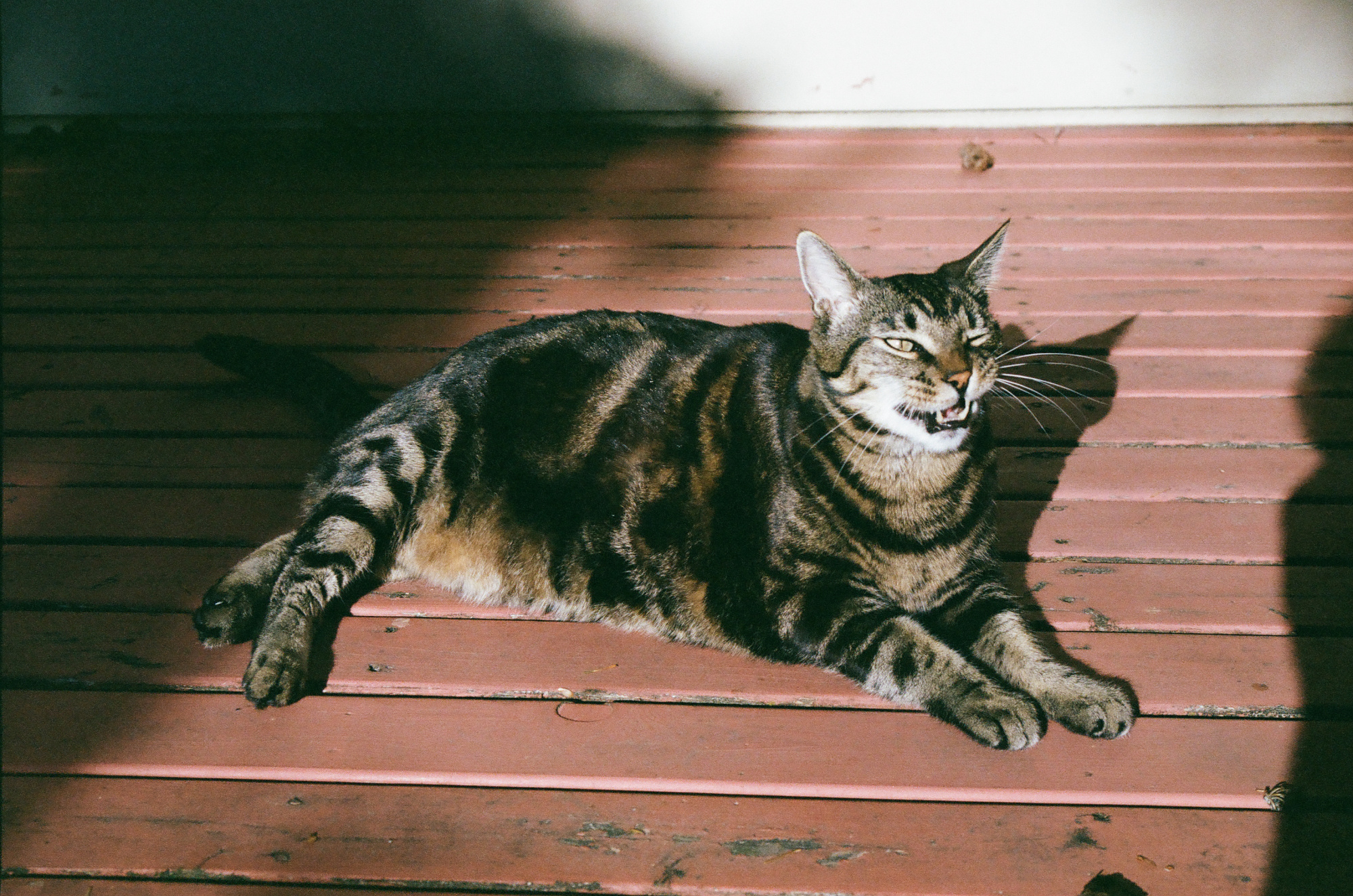
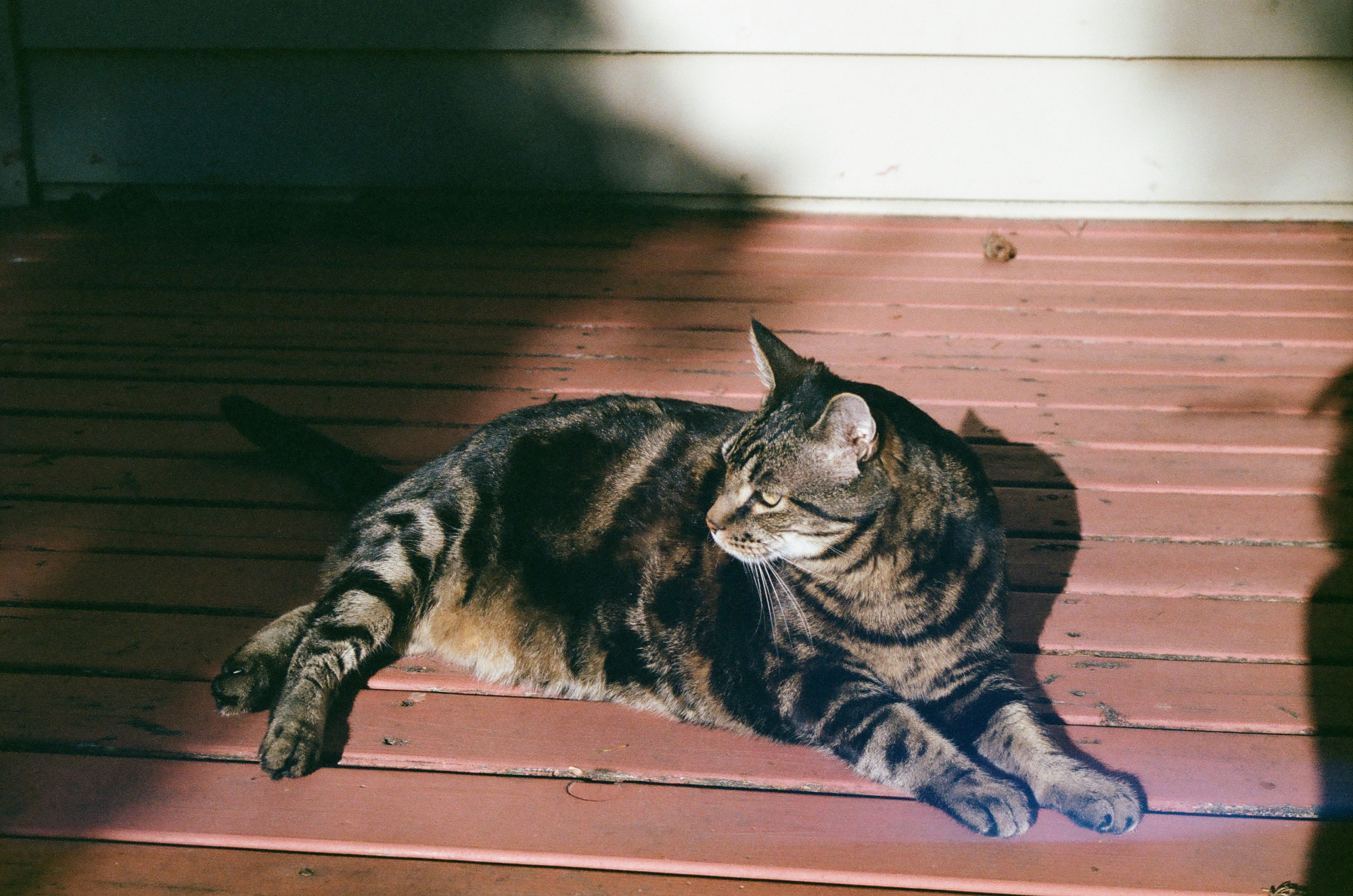
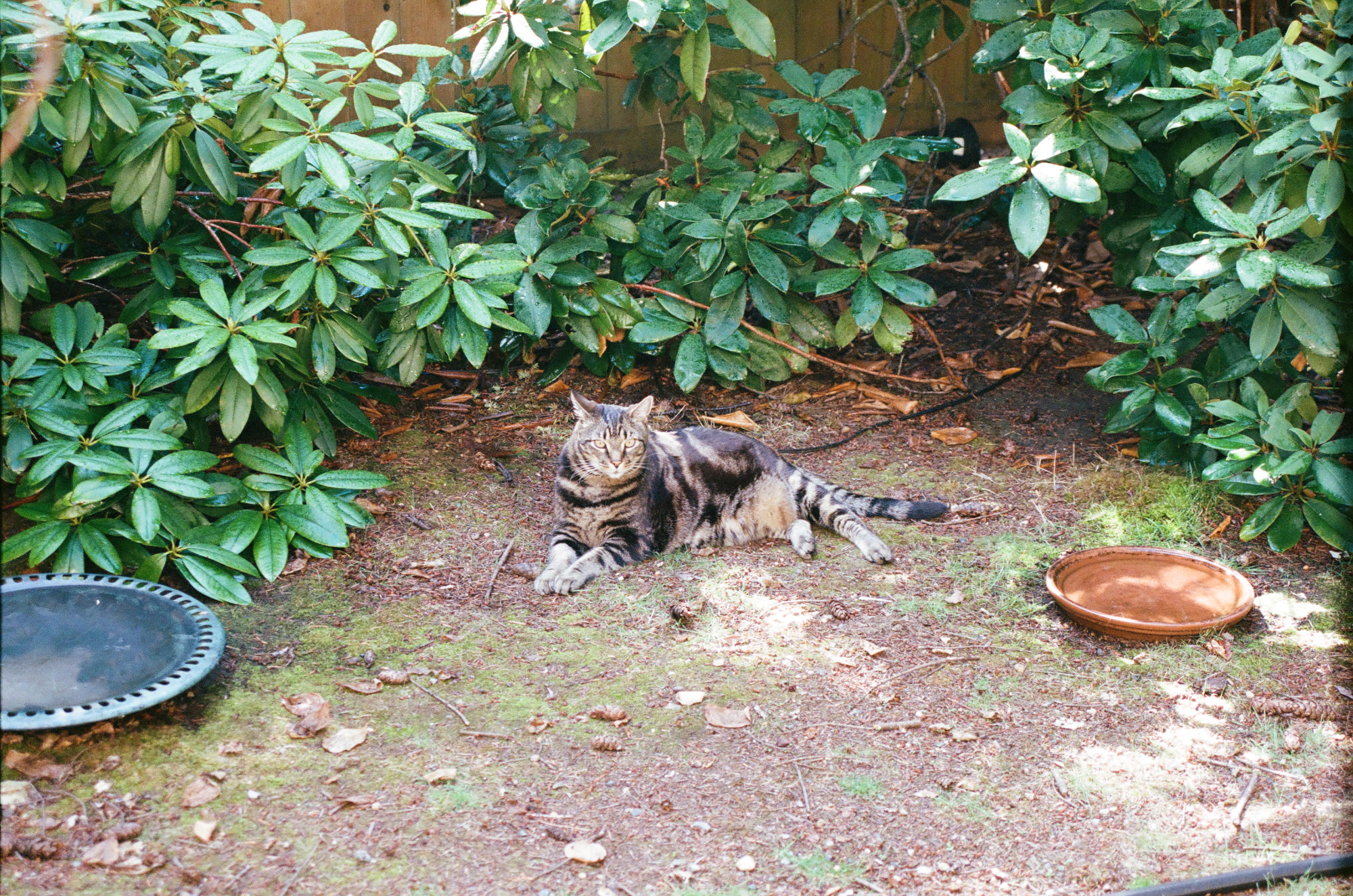
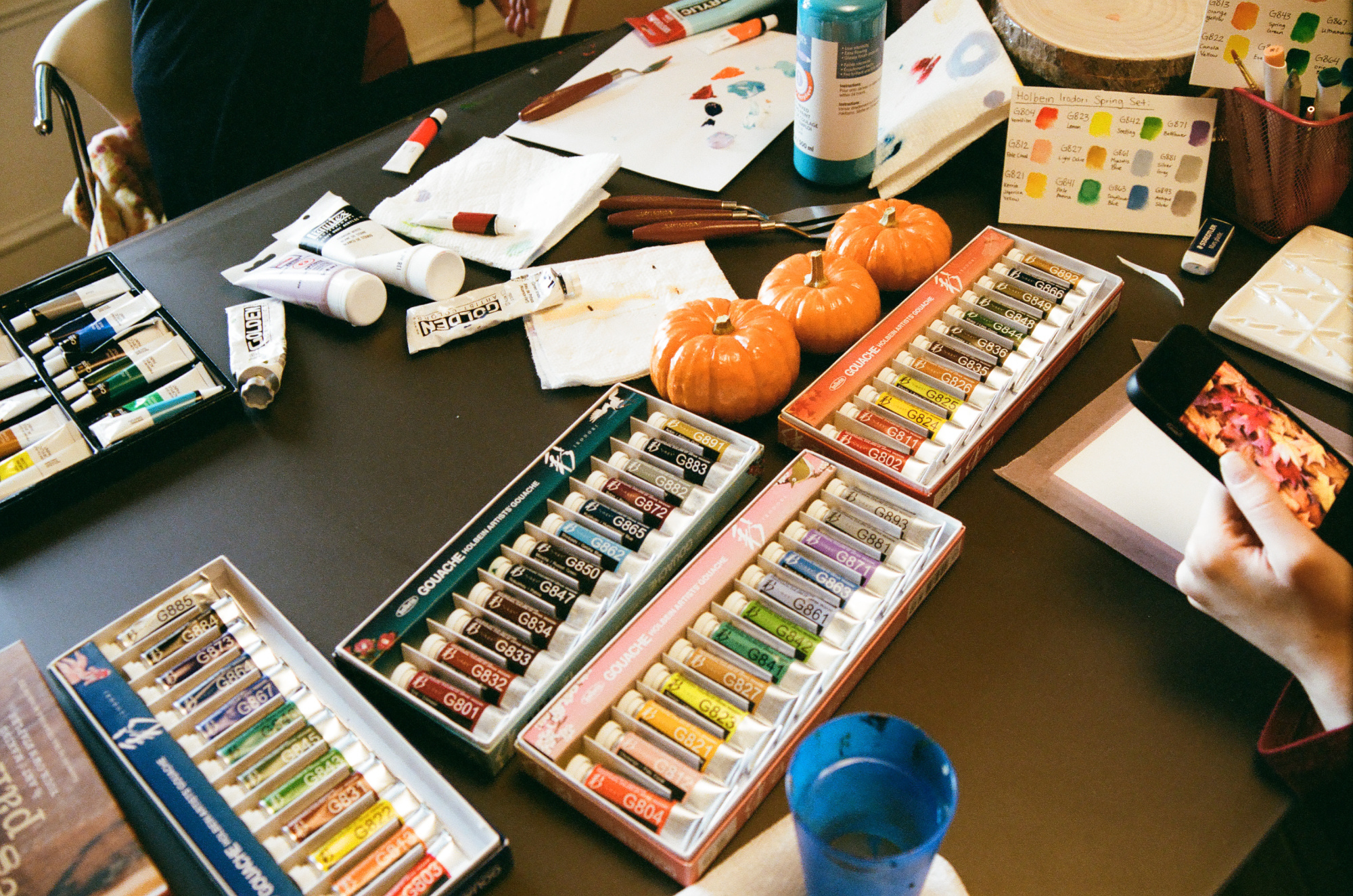
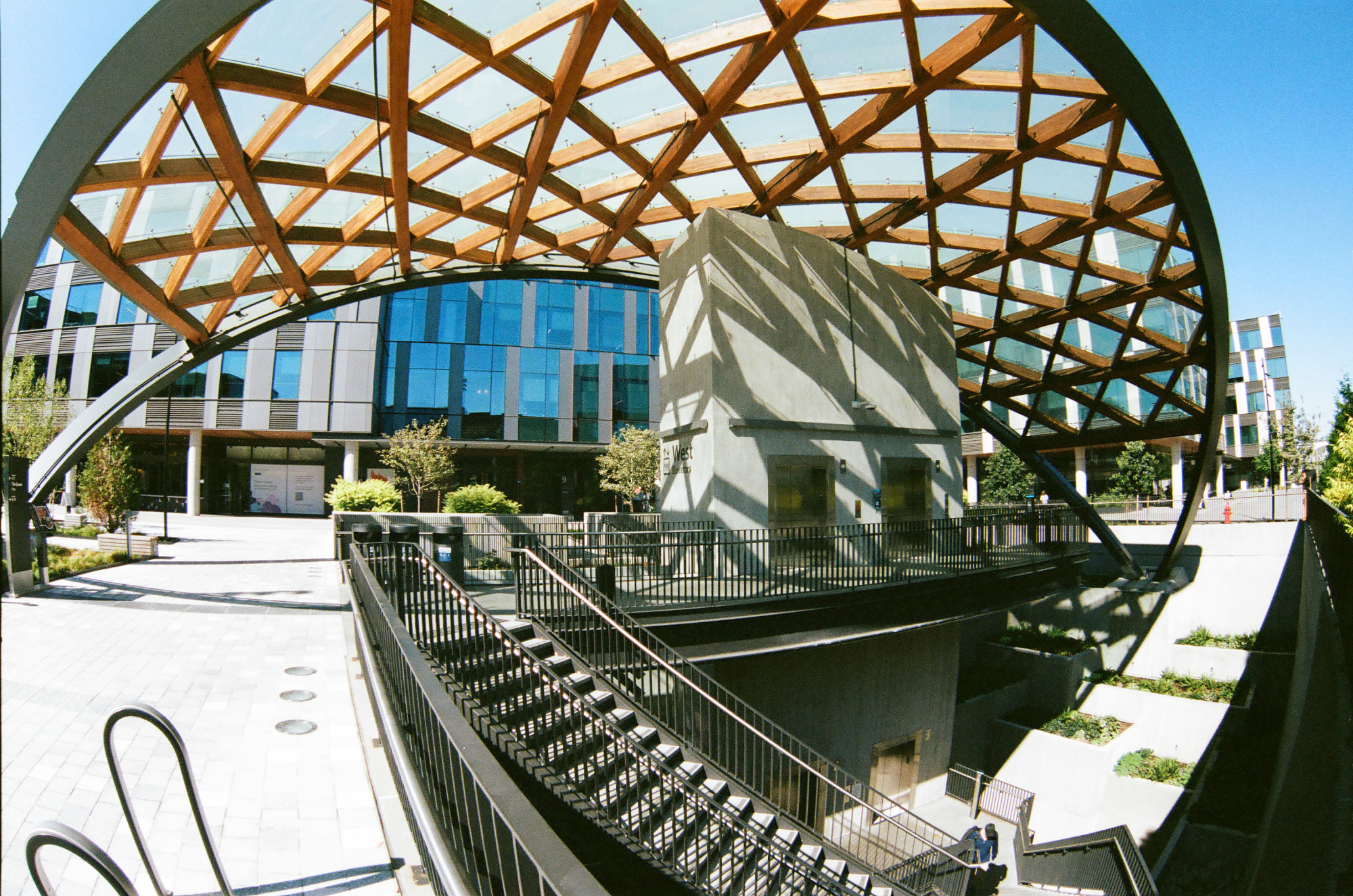 ^
^
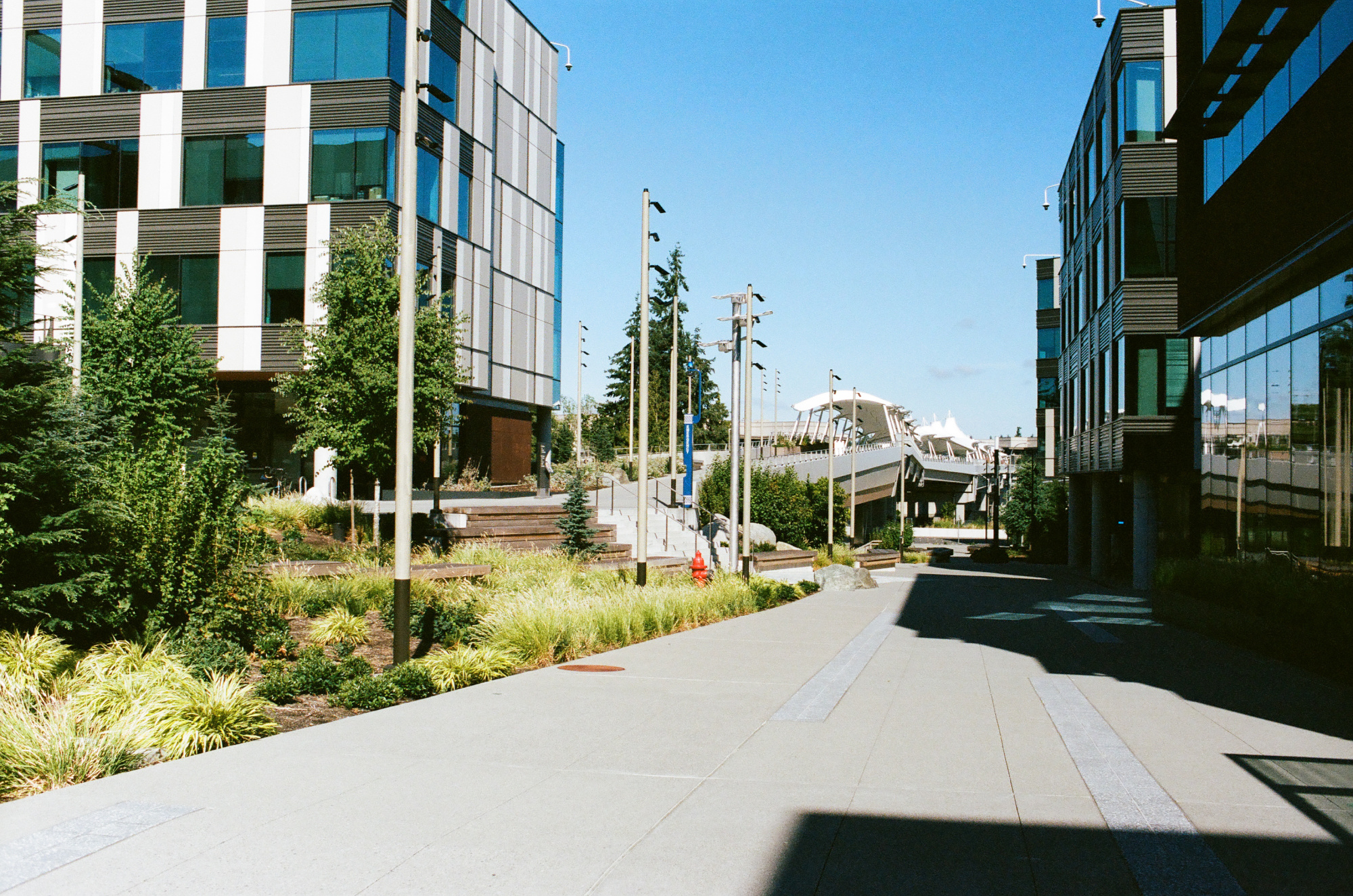
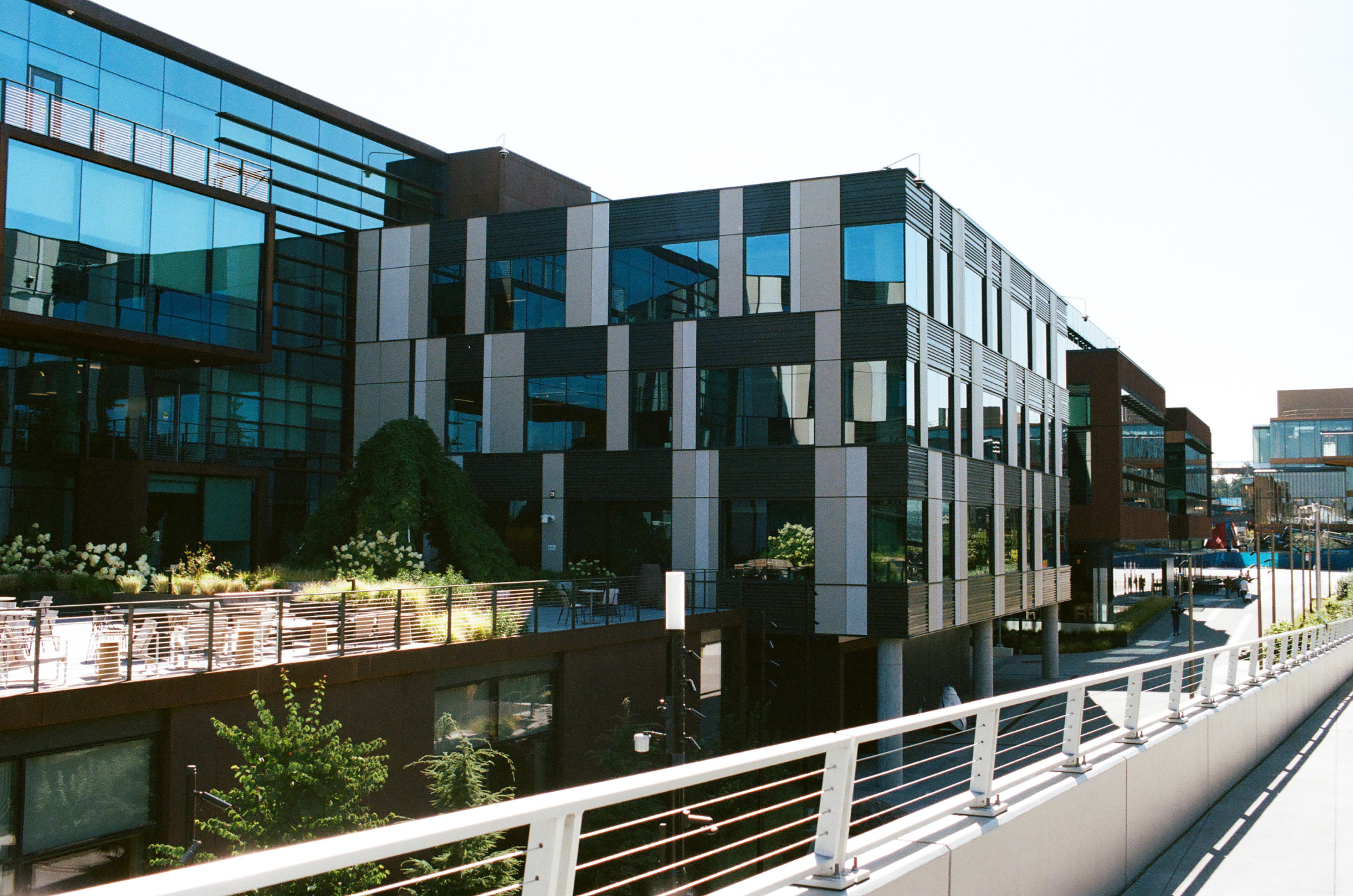
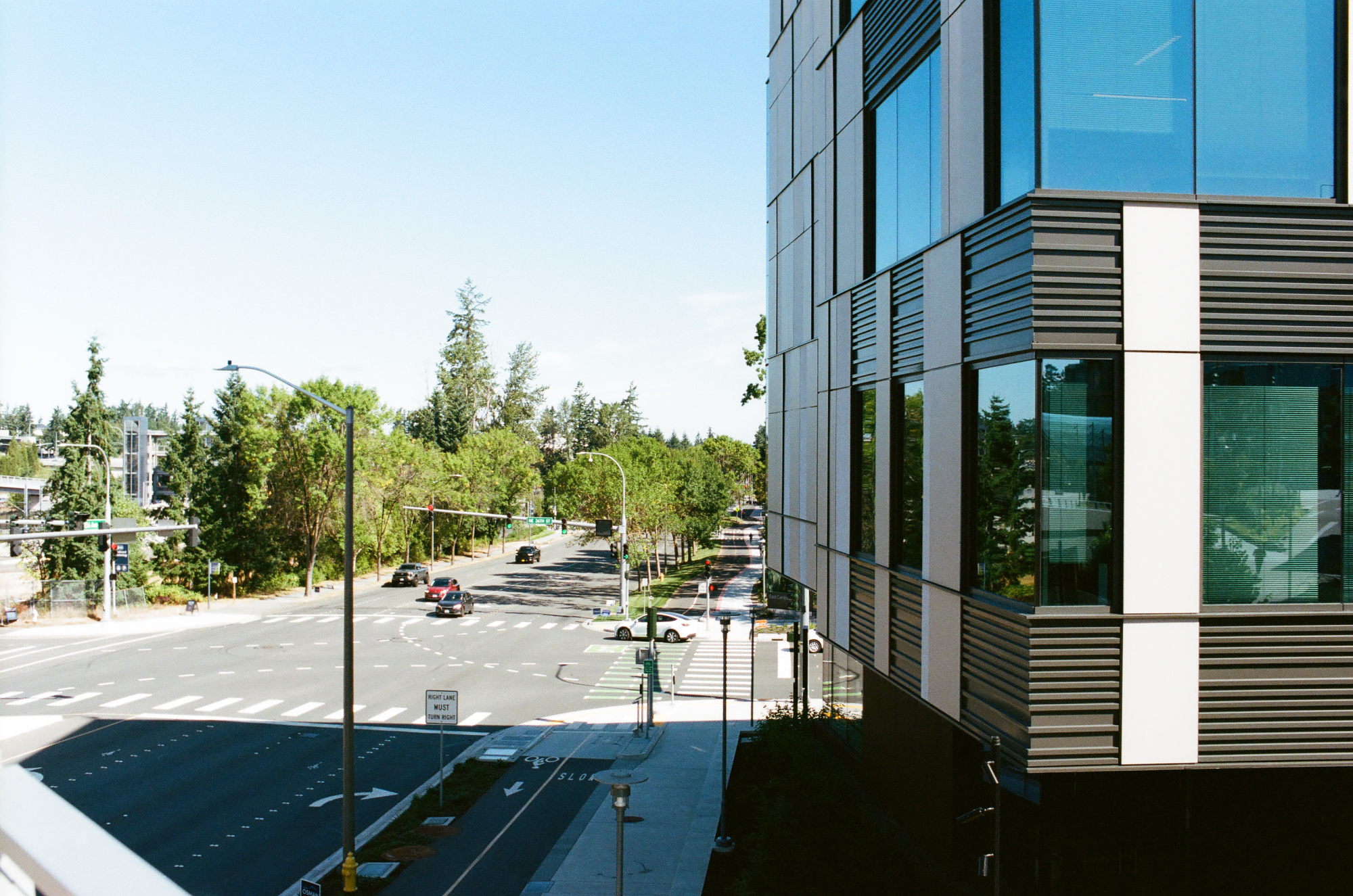
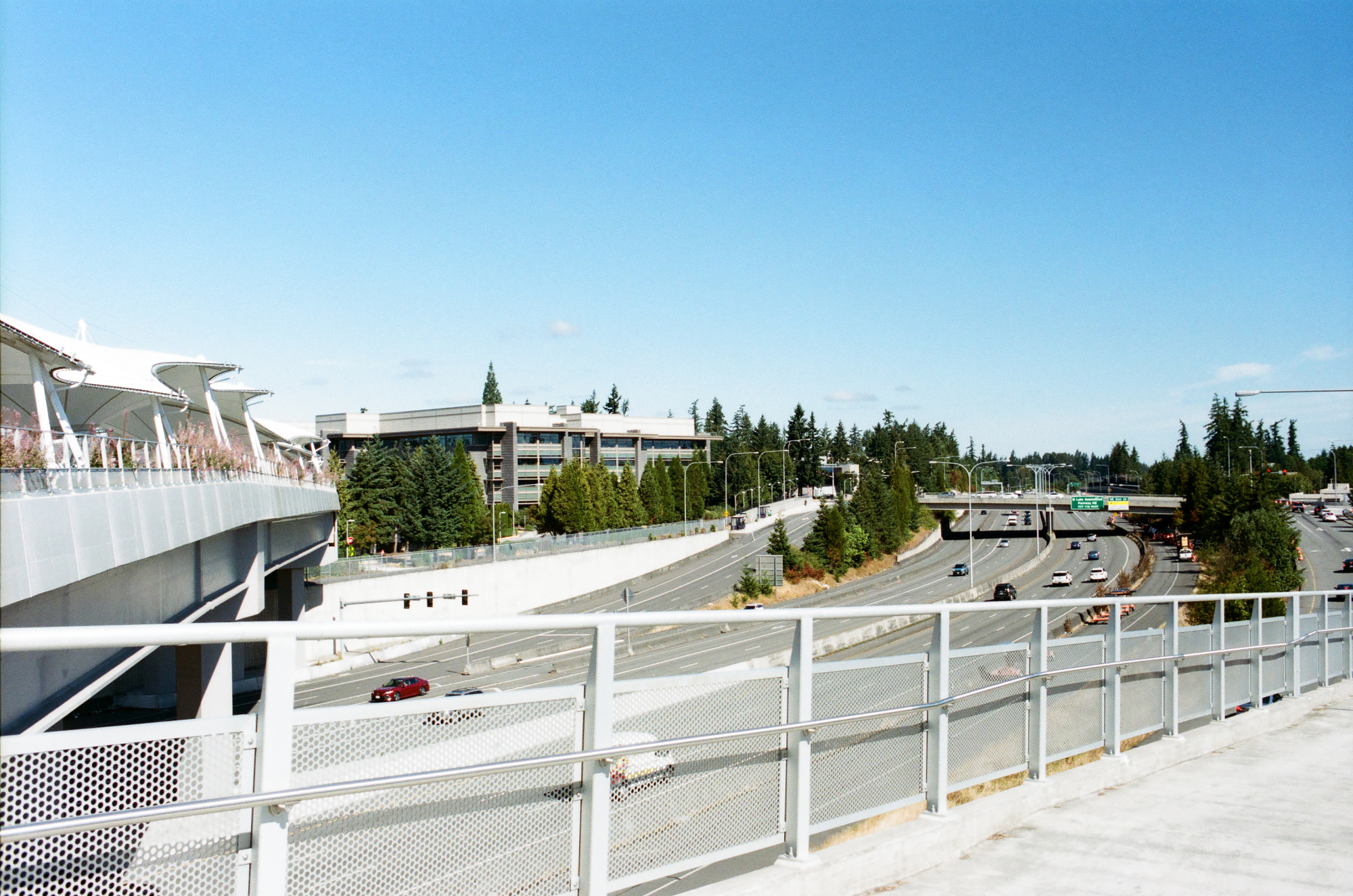
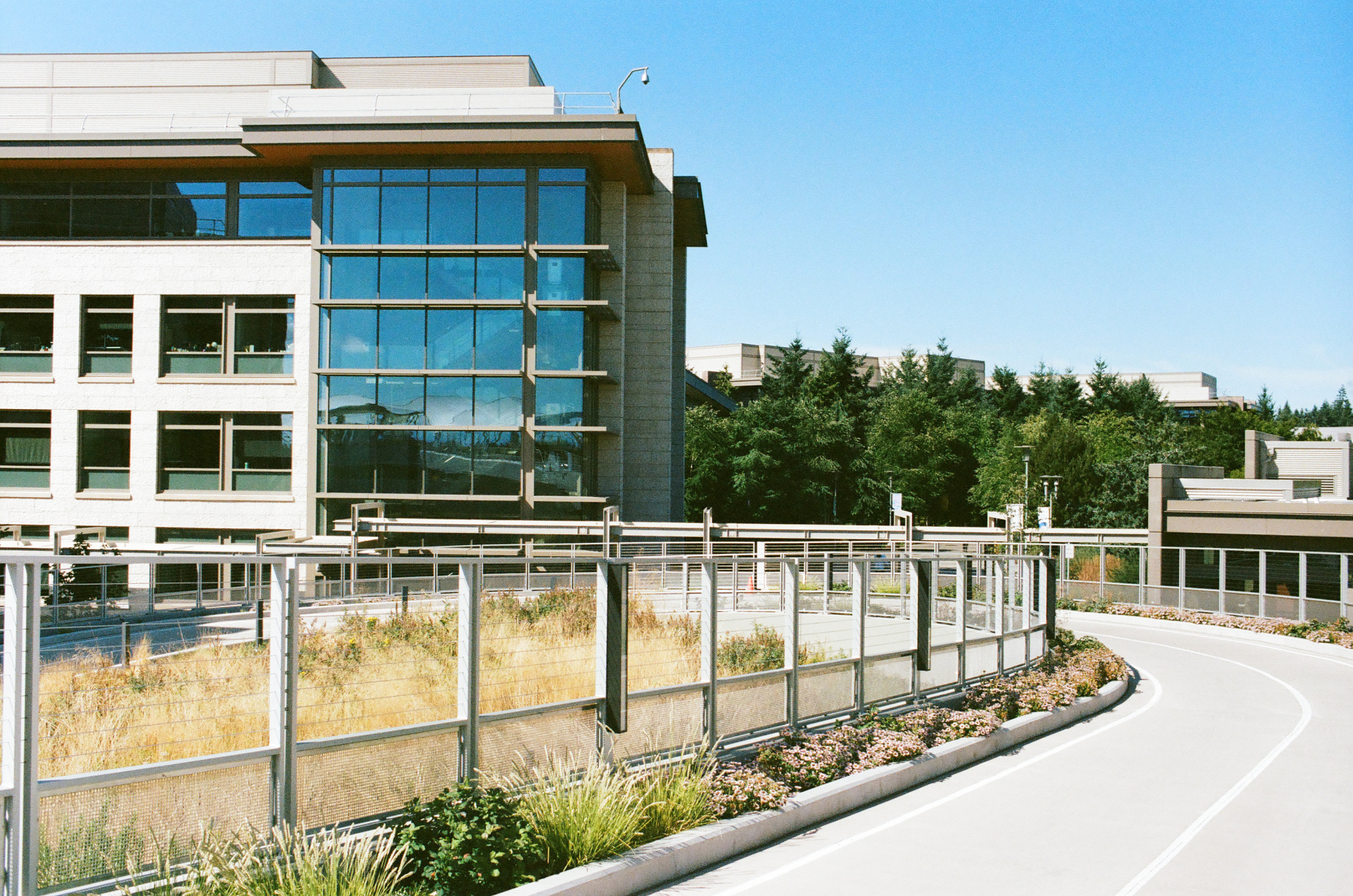
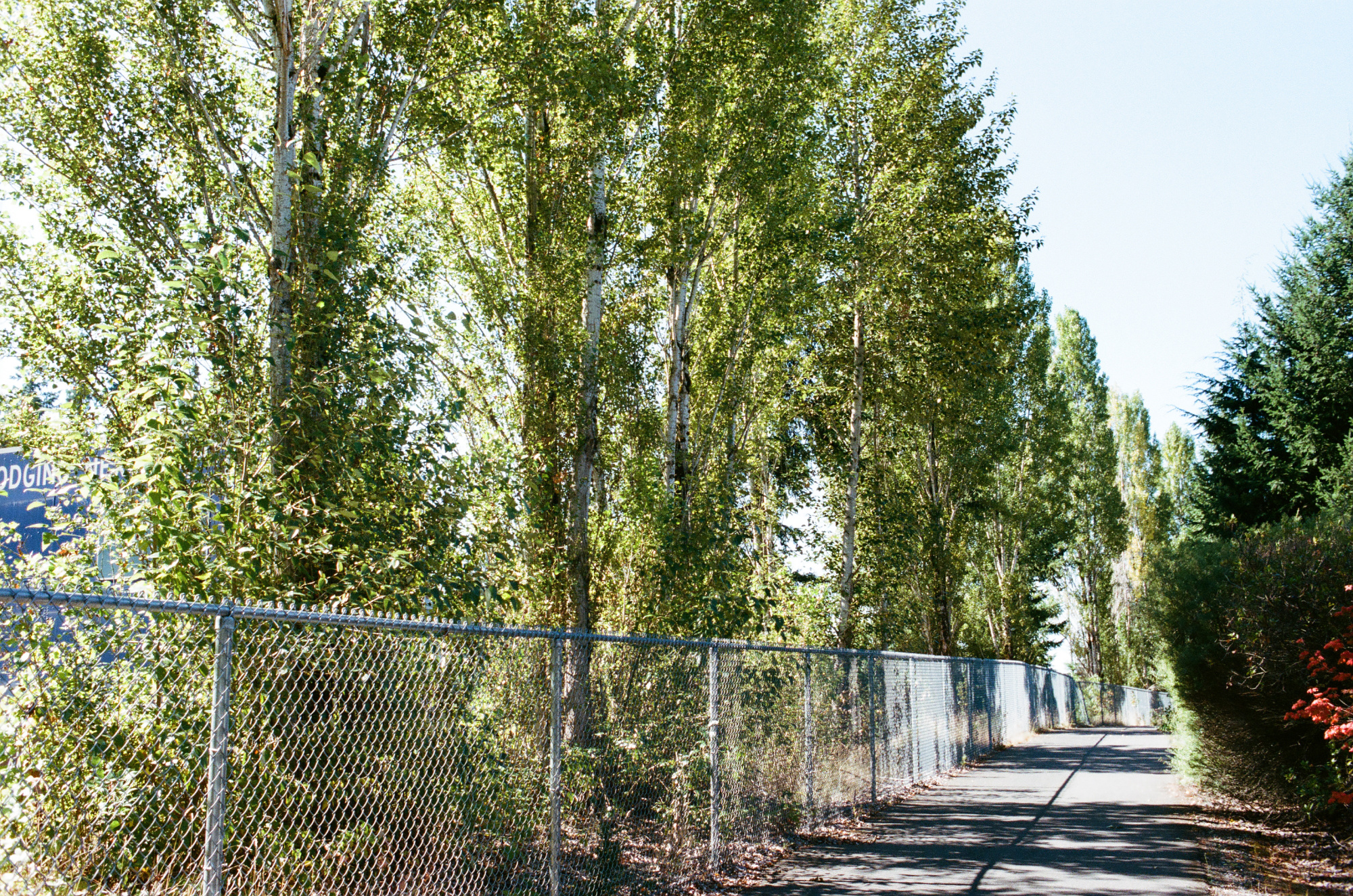
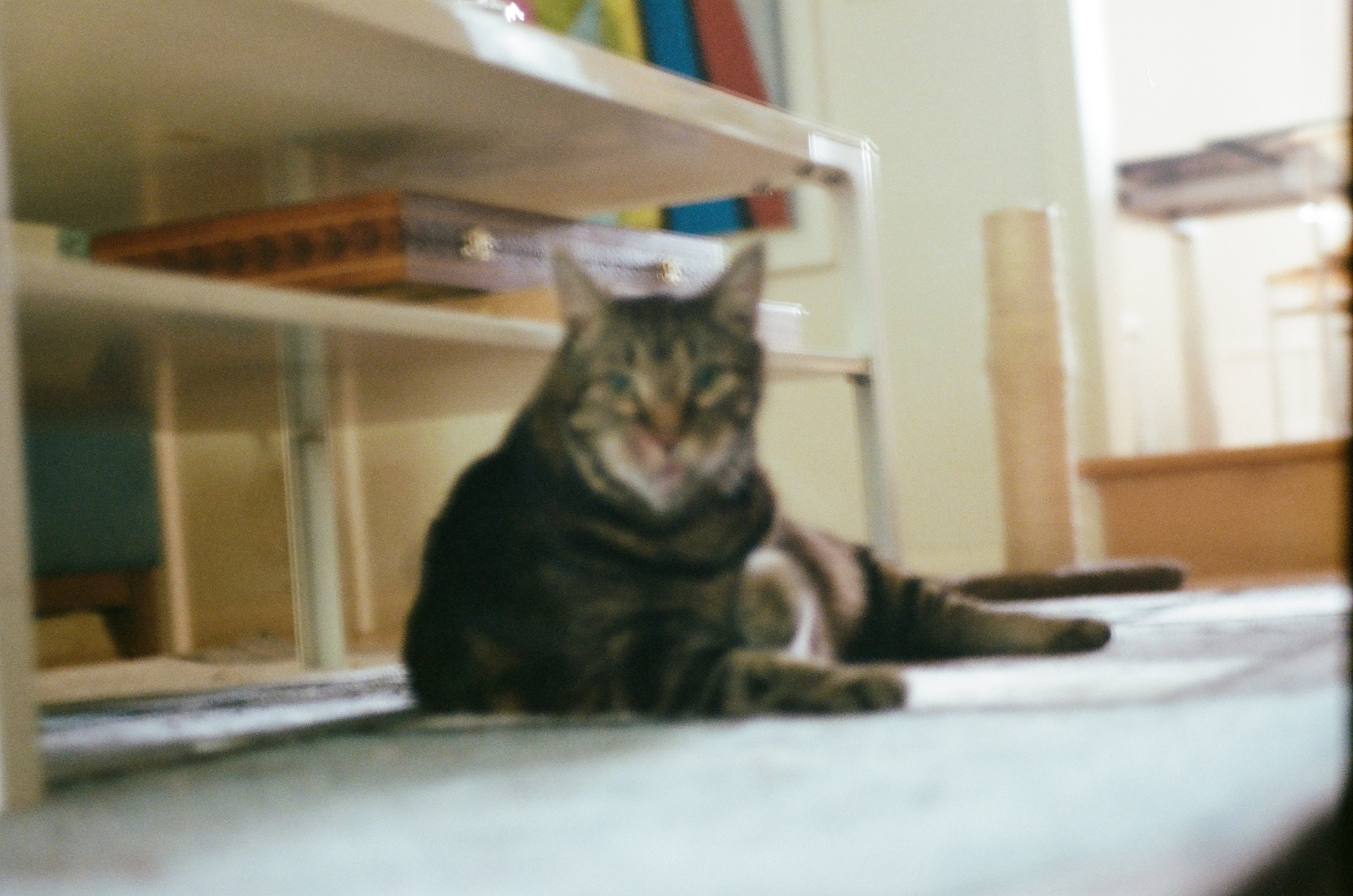
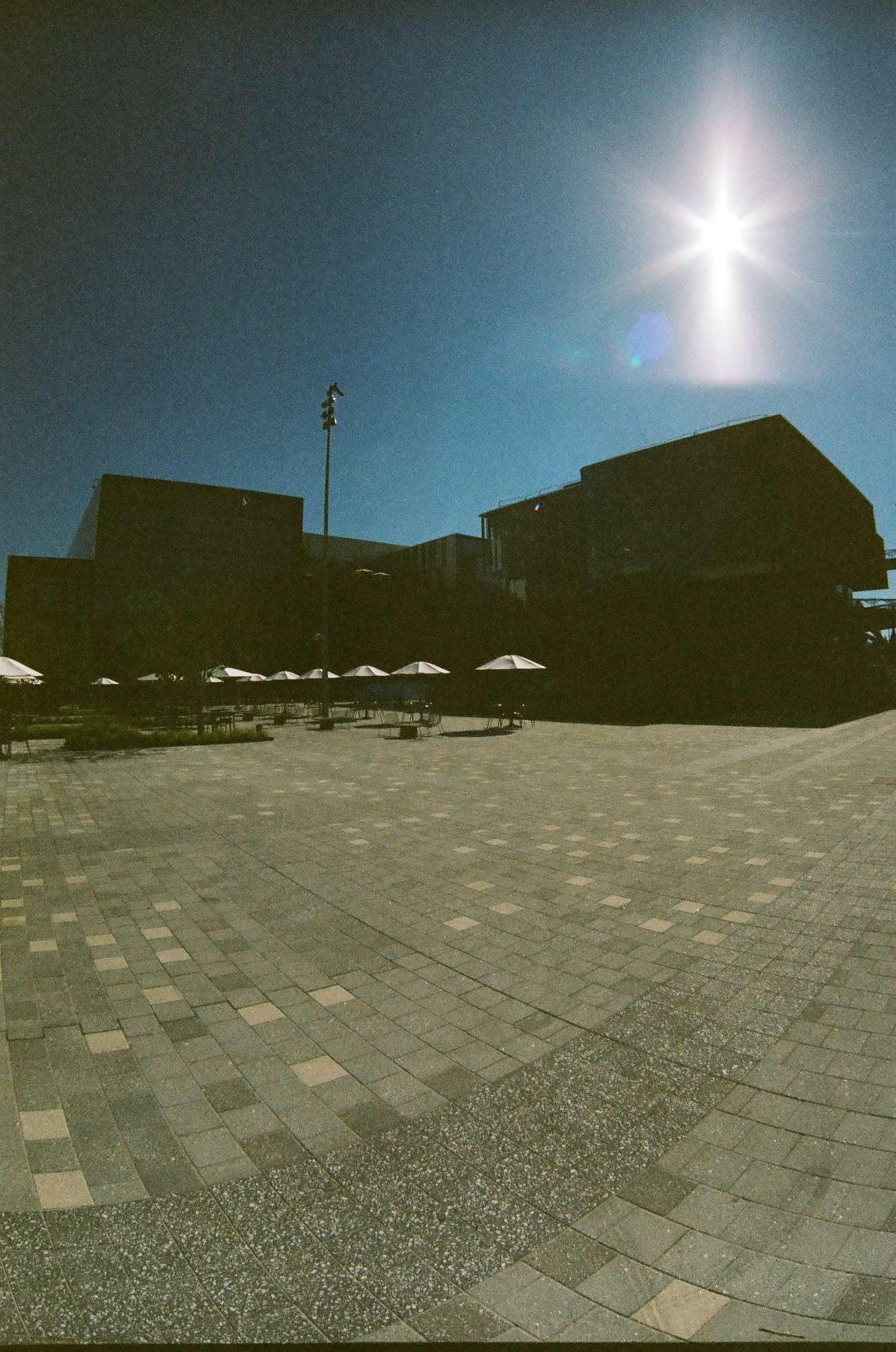
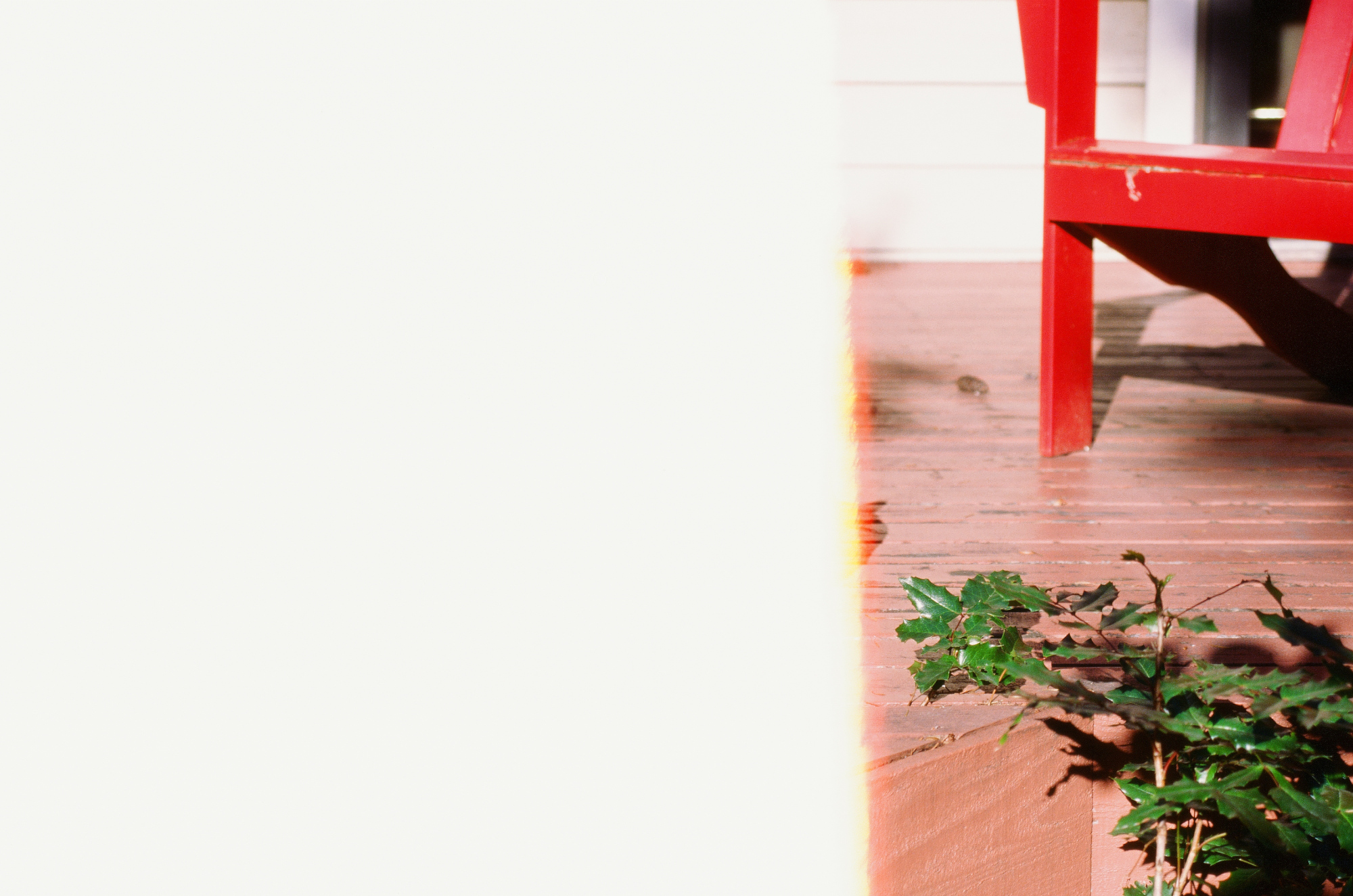
And finally, these masterpieces boldly redefined blur and questionable exposure as forms of artistic expression. Some even chose to exist only halfway, lingering at the threshold of beginning or end.