-
CJ750 M5 Wheel Bearings
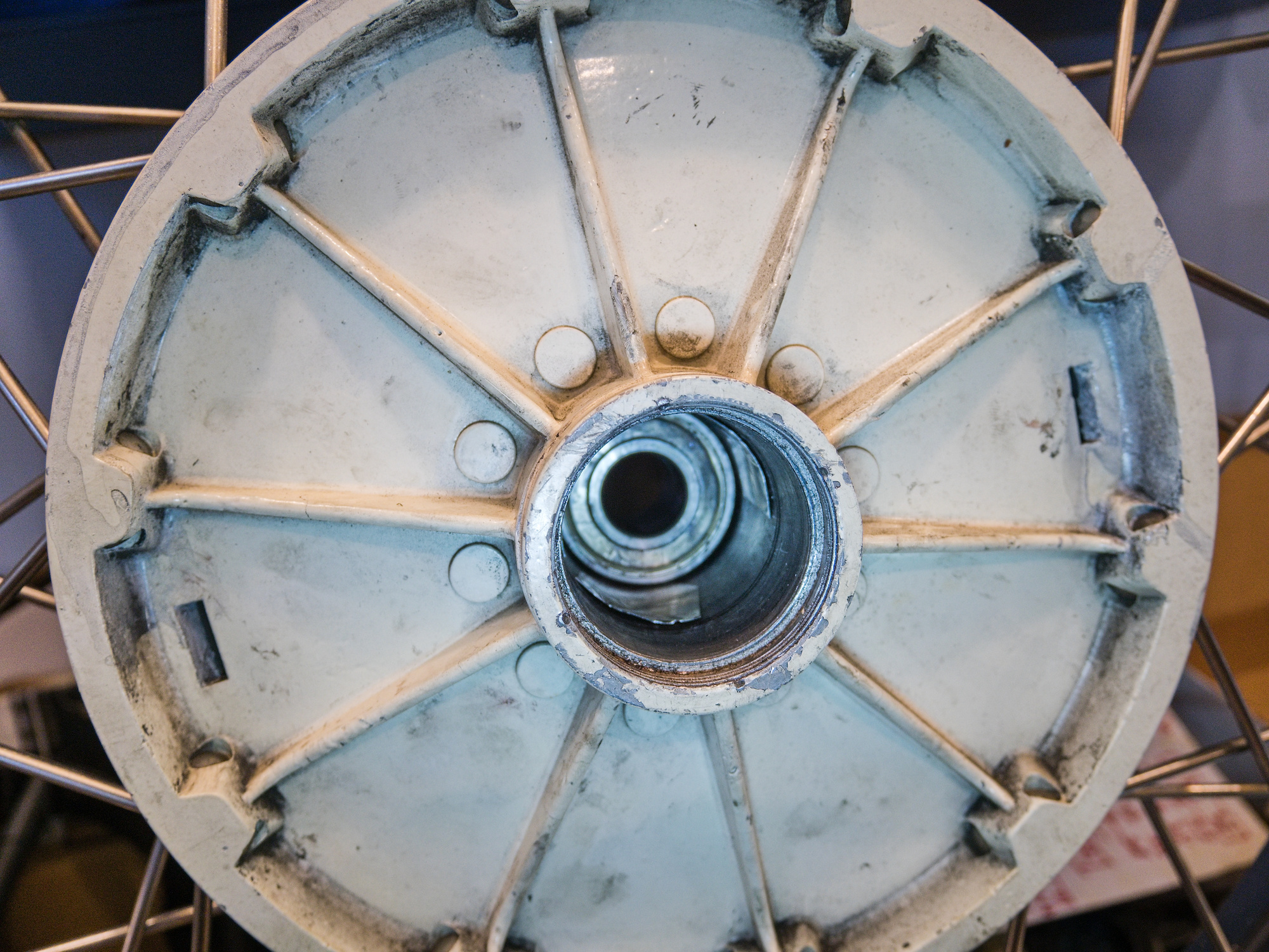
The most critical part in the wheel is the spacer. It is build from stamped out sheet metal and machined to be glued on to the pipe (made out of 1"x0.12"x0.76" DOM Mild Steel Tube A513 the same as for the distance bushing).
If the spacer is not machined exactly 90° at the end, the bearings and the hub will wear out quickly and can make squeaking noises.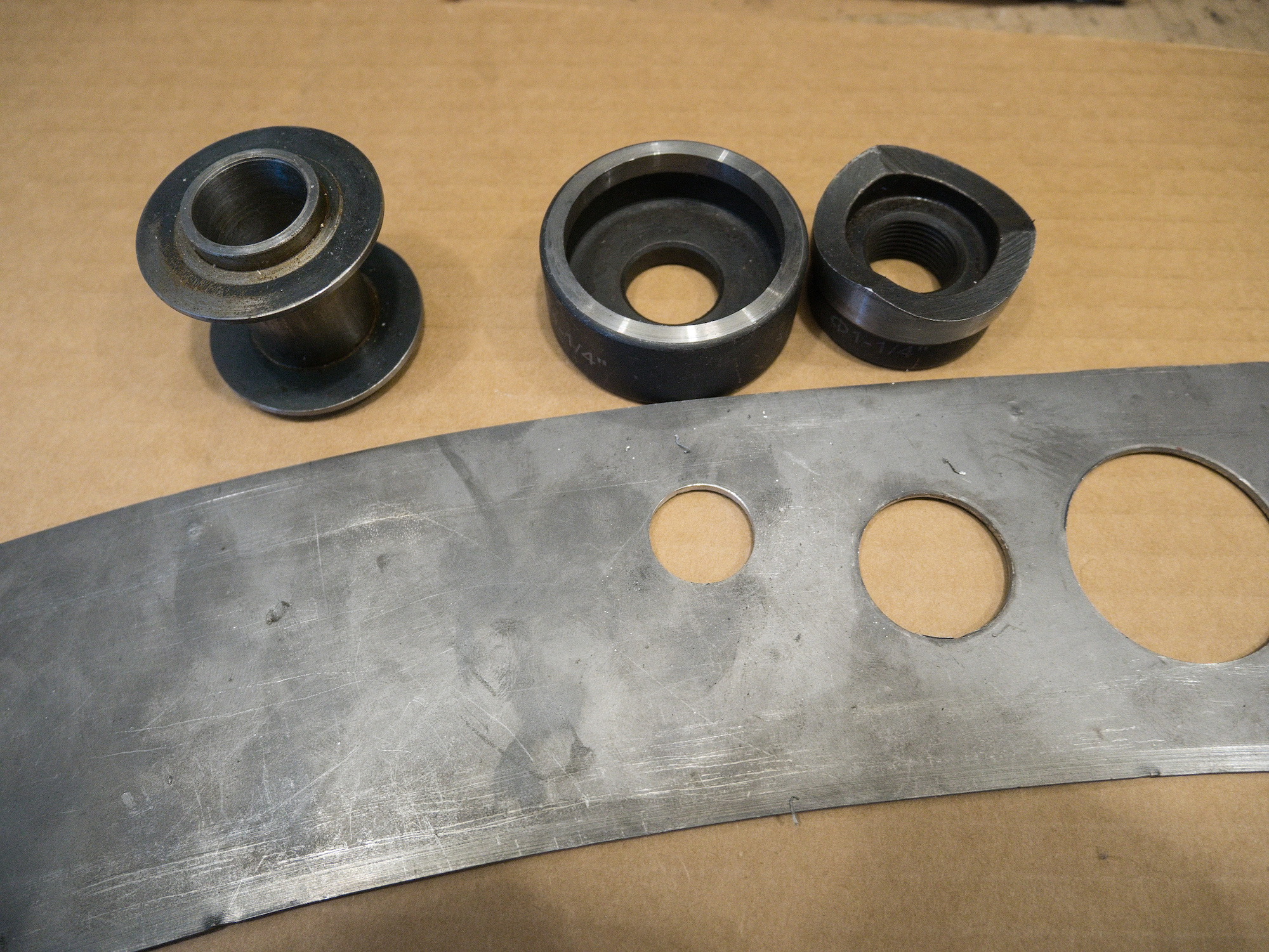
The parts.
Bushing - Bearing - Spacer - Bearing - Bushing - Cap Nut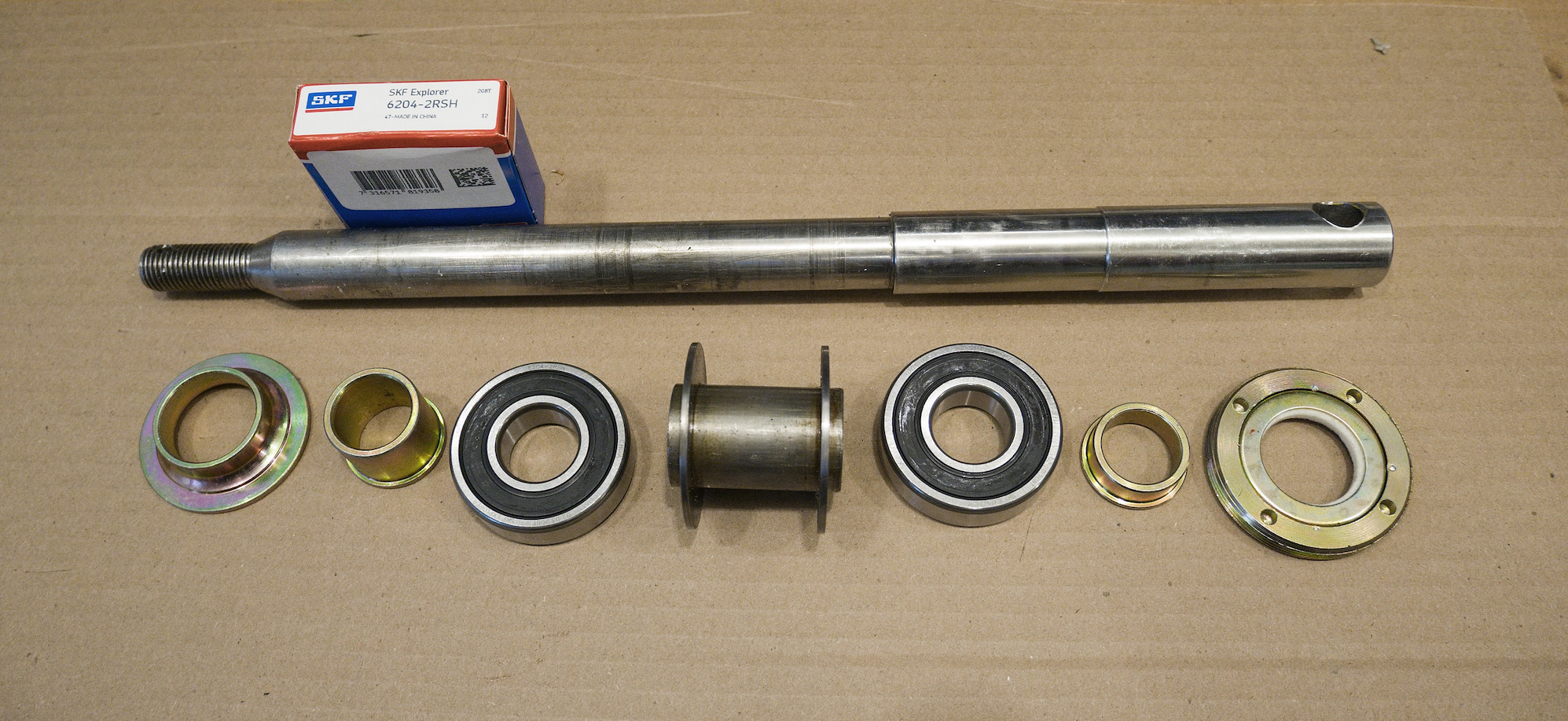
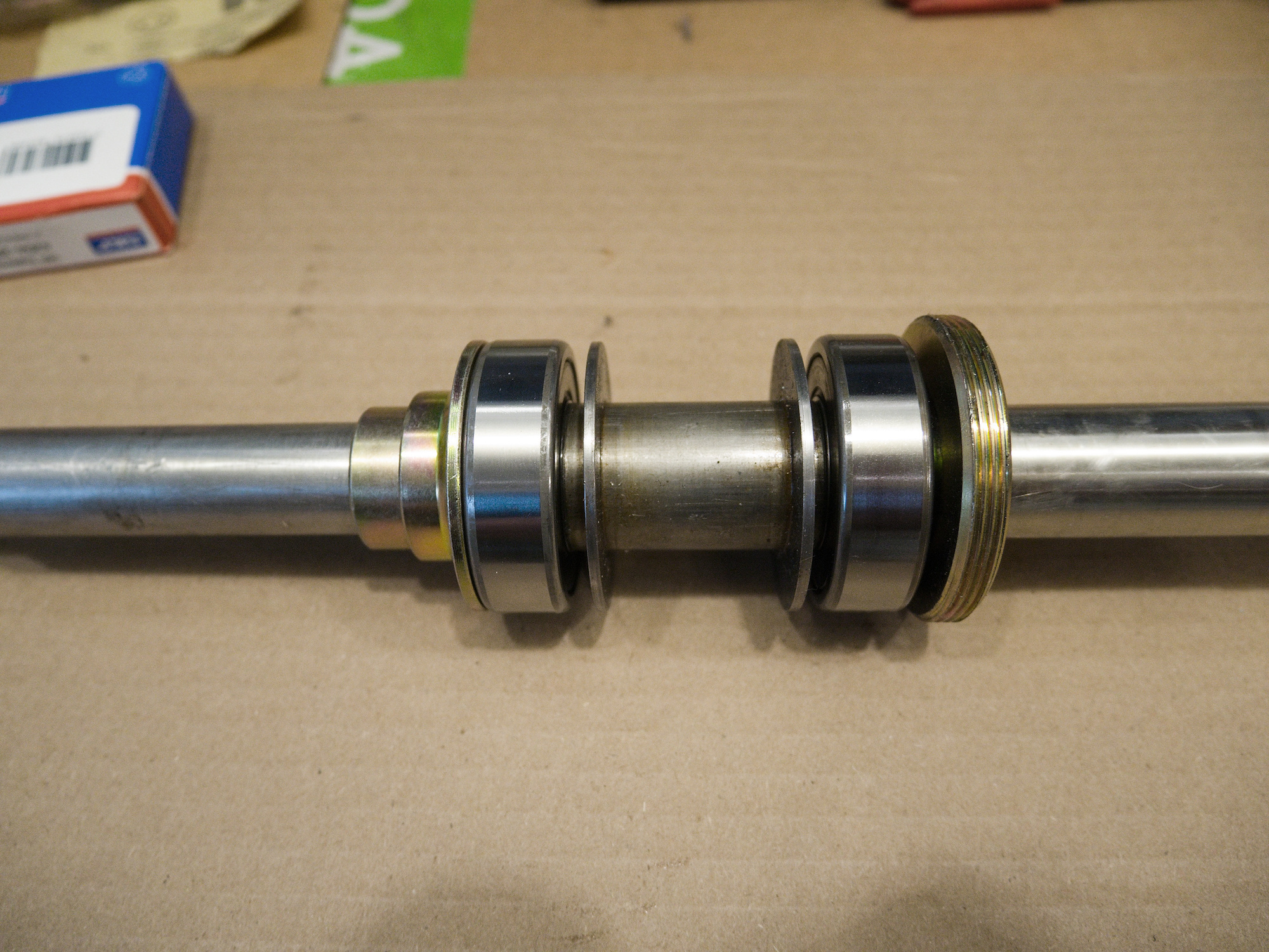
It is important that the spacer has the correct size. If it is too small, the bearings are not fixed to each side and can slide, which can cause wear. If it is too large, the cap nut might have only one thread to hold which could break.
To check for a good fit, use a round plastic with the same dimension as the bearing. The plastic replacement for the bearing can easily slide out. It is not pressed in as the metal bearing is, which allows the spacer to be removed for adjustments.
Use anti seize paste on the nut.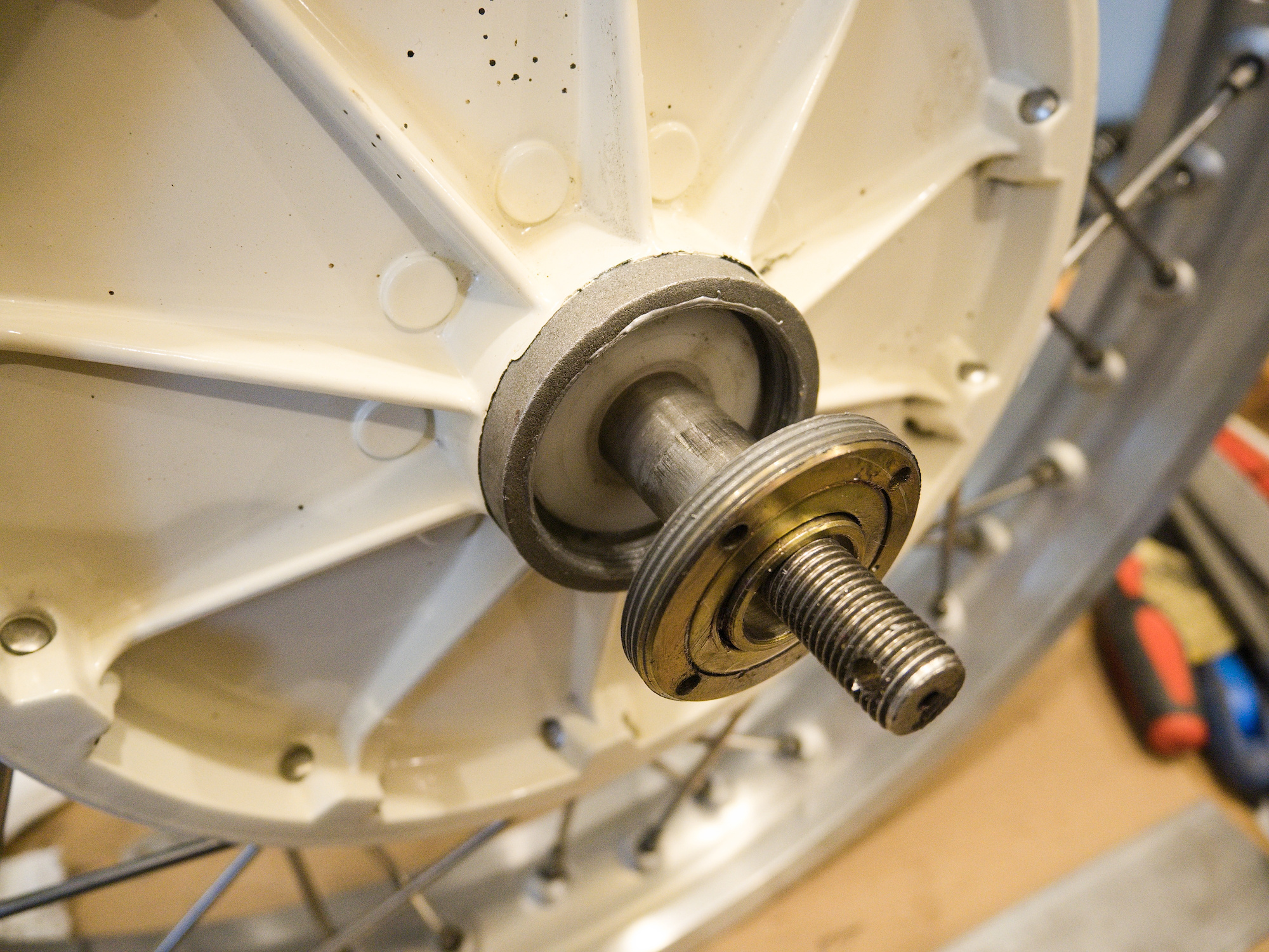
To fix a worn out wheel hub you can add shims to hold the bearing in place.
Do this only for the spare wheel and not for the active wheels.
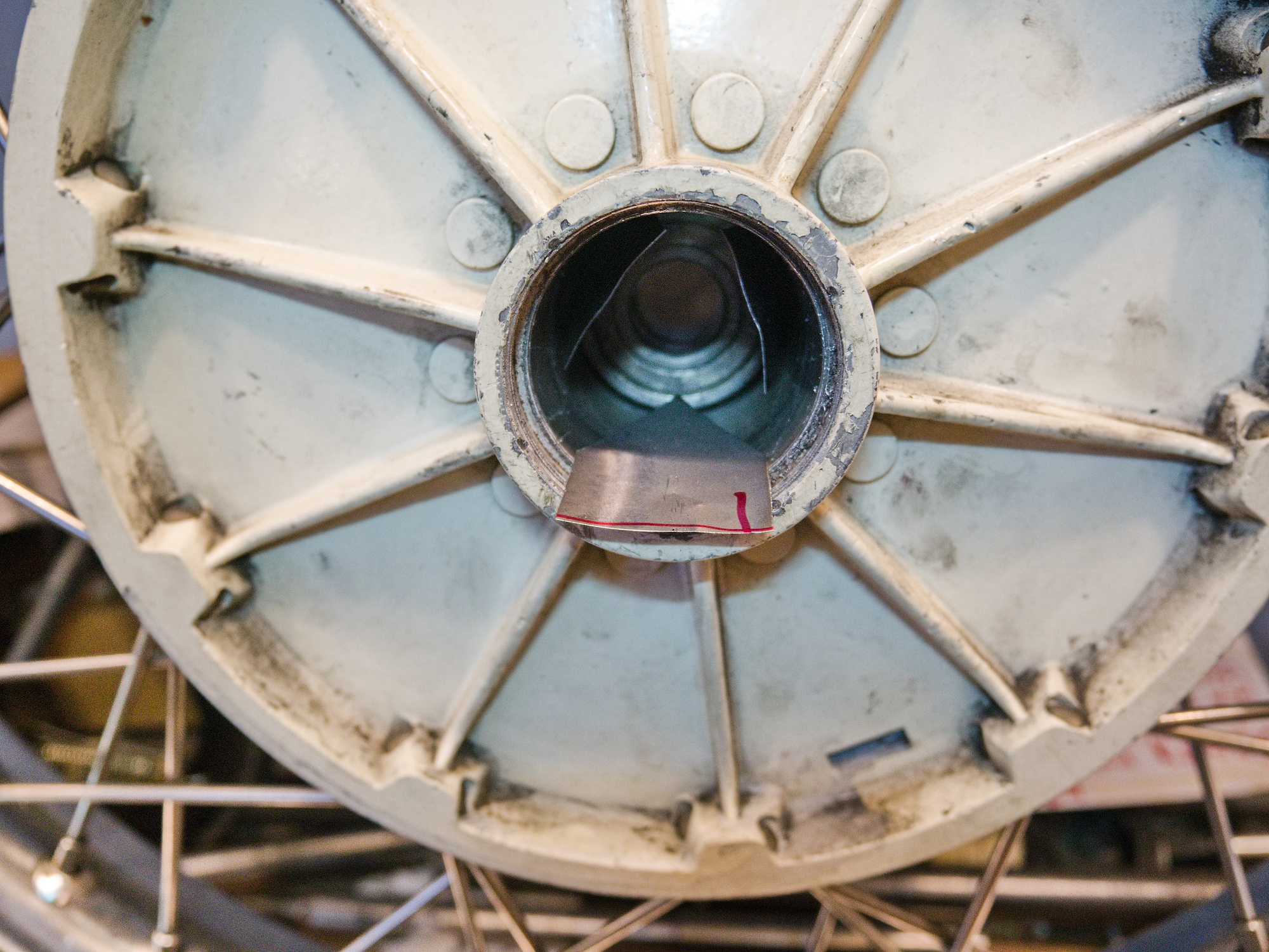
Do not put one large shim to one side. It will off-center the bearing.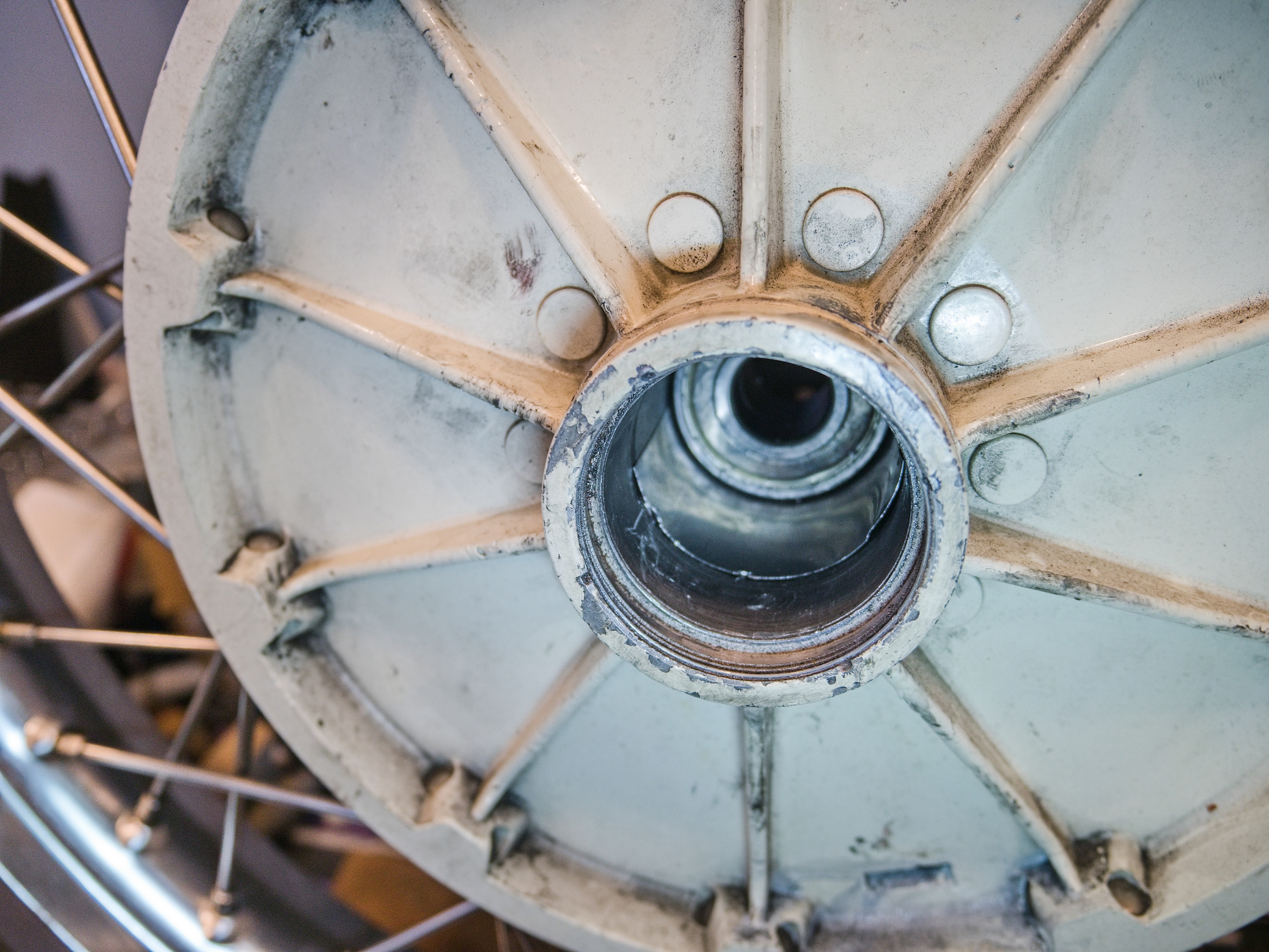
If possible, try to slide three smaller shims at each 120° position.
-
Final Drive Rebuilt for CJ750 / M72 - Assemble The Pinion Gear and Finalizing
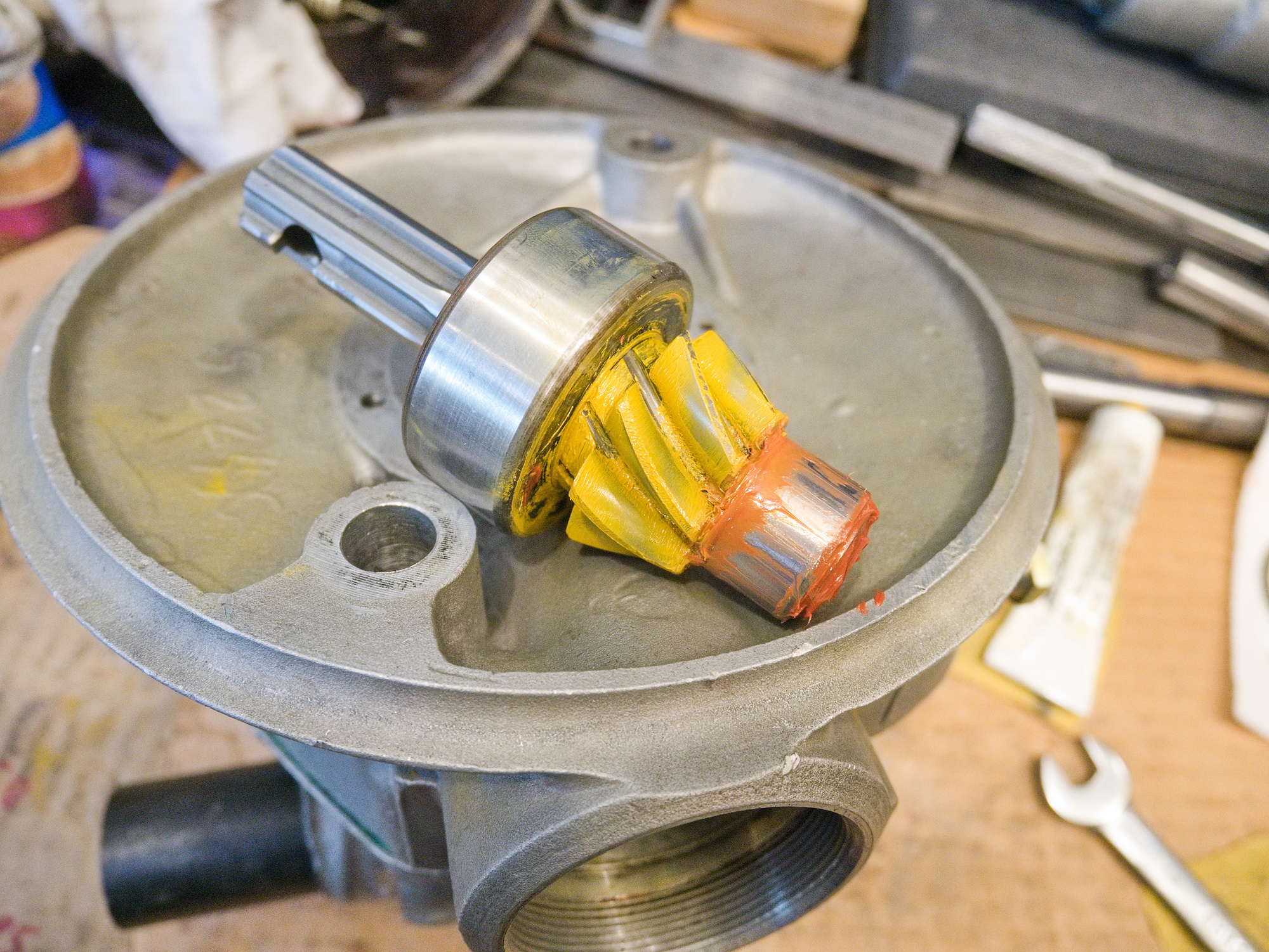
To install the pinion gear, warm up the casing and press in the pinion gear using the old pinion gear as a guide. If you do not have a press, you can carefully tap it in. It does not take much force to get the bearing in.
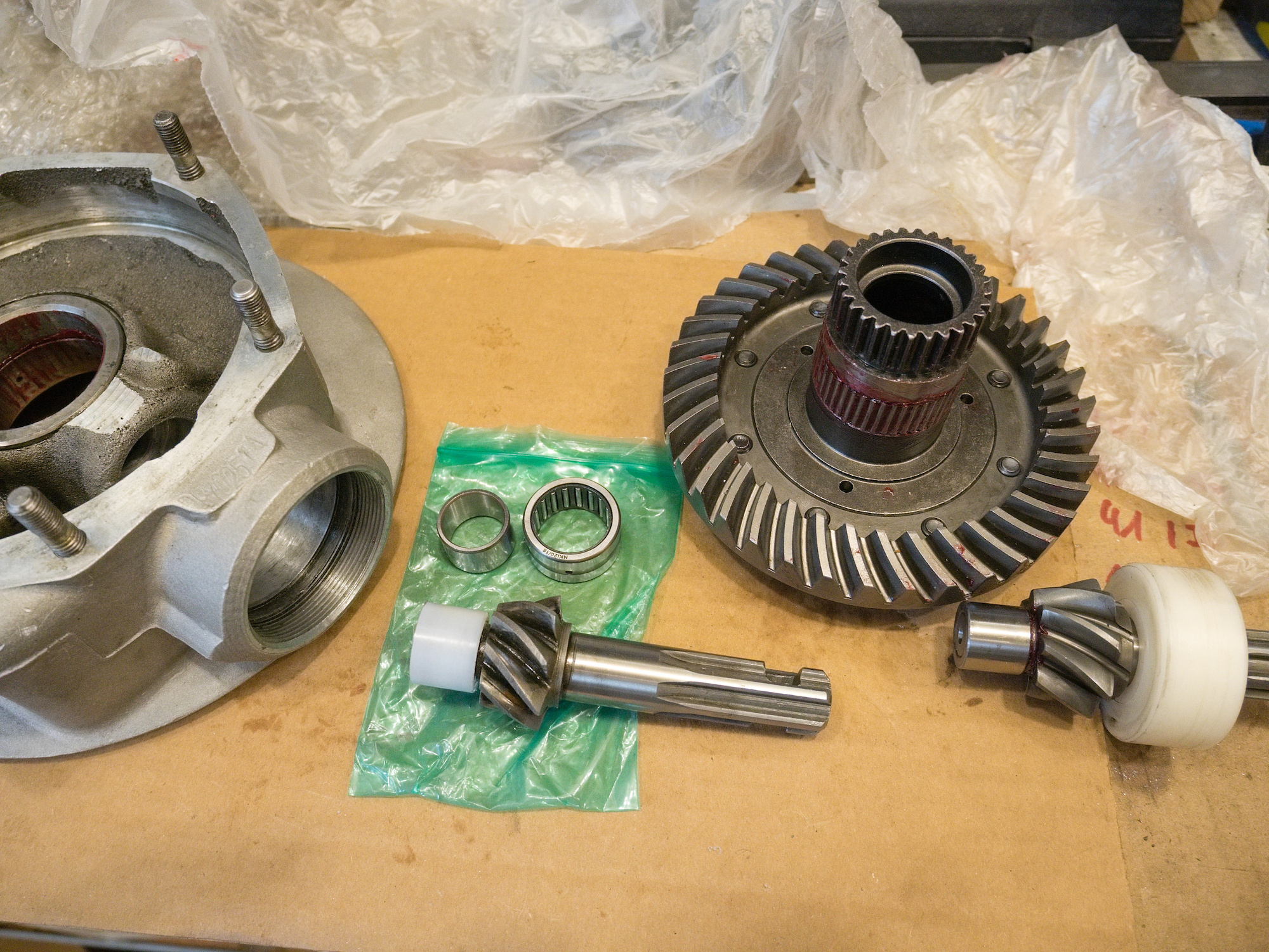
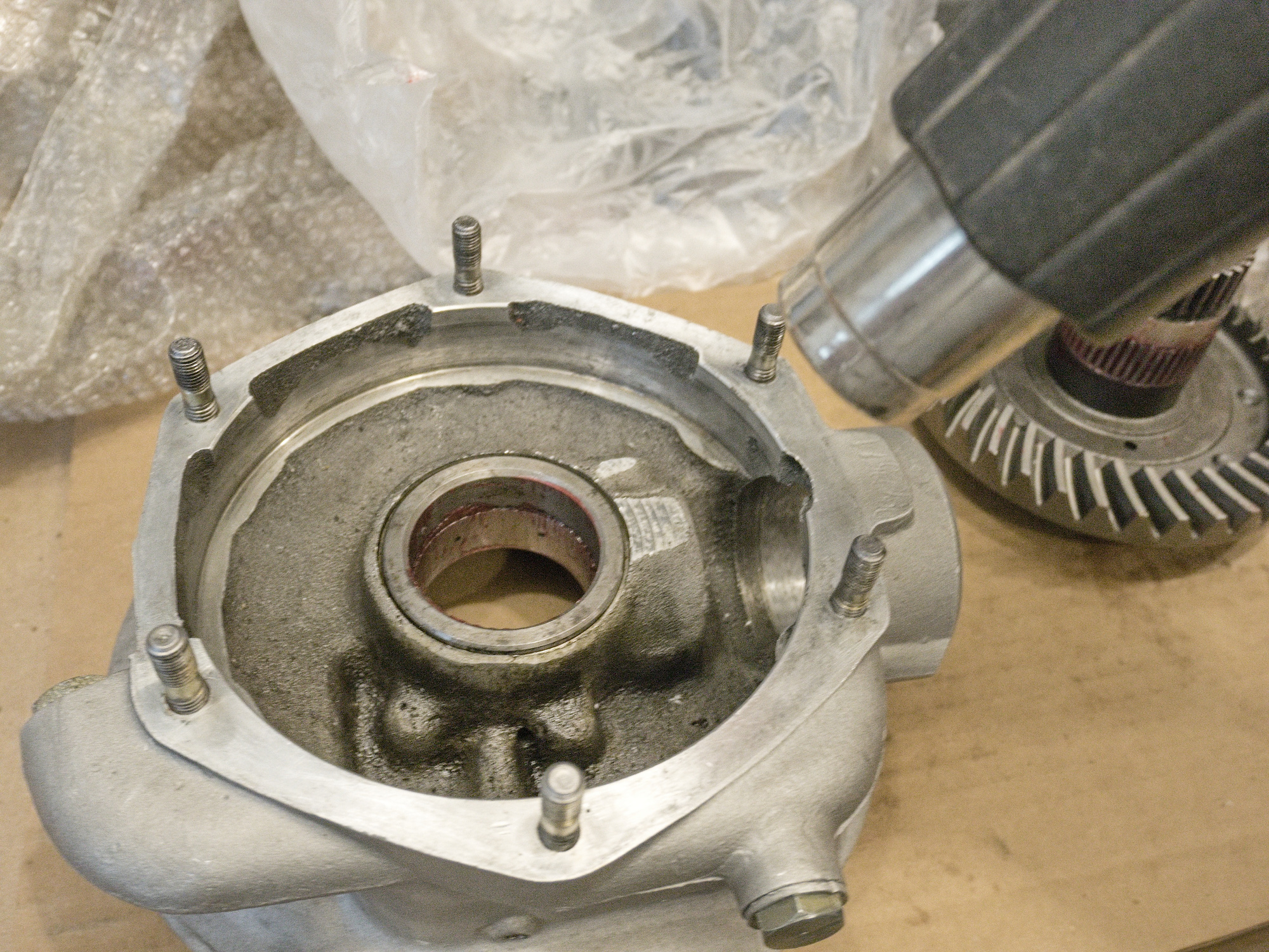
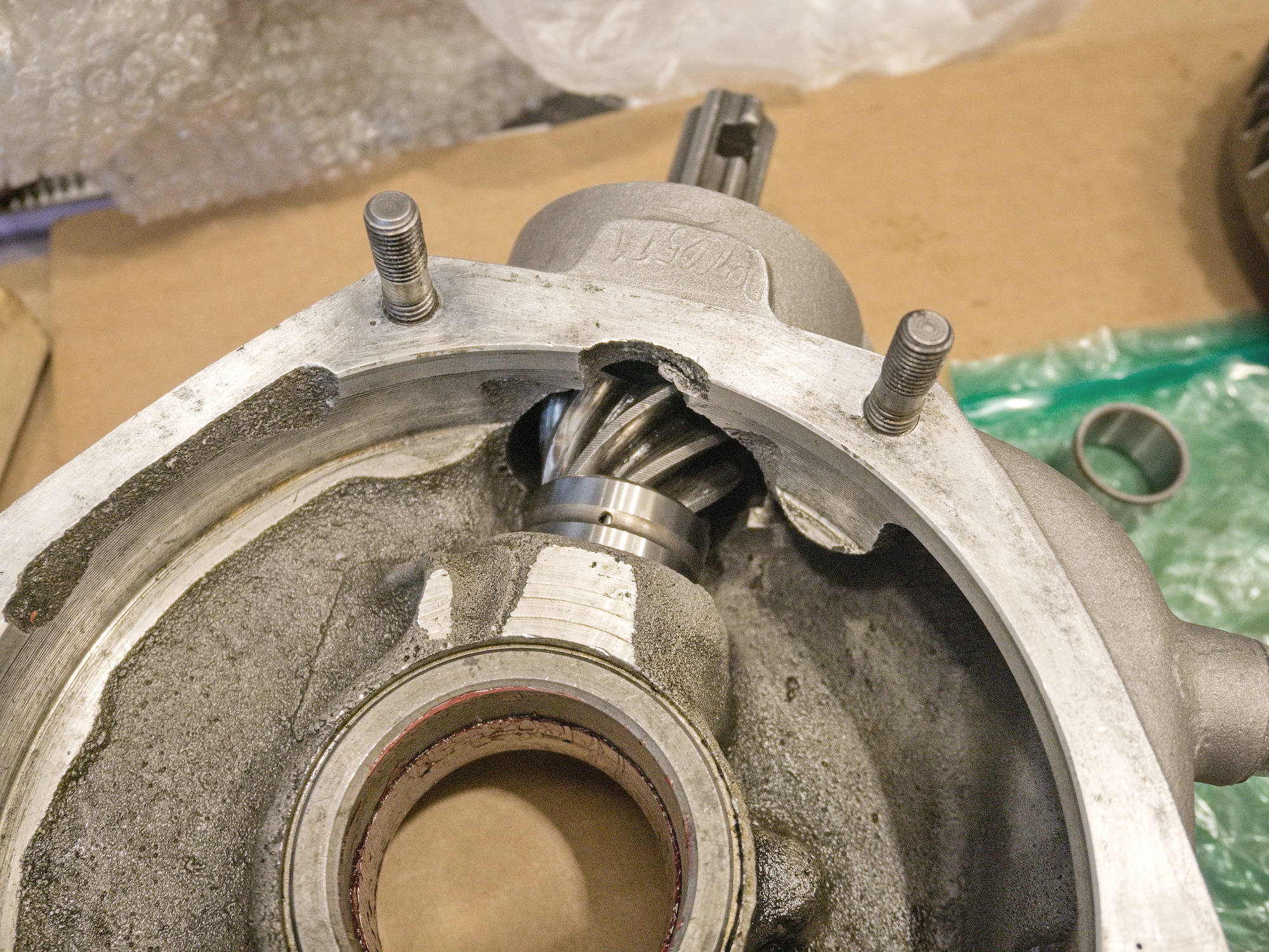
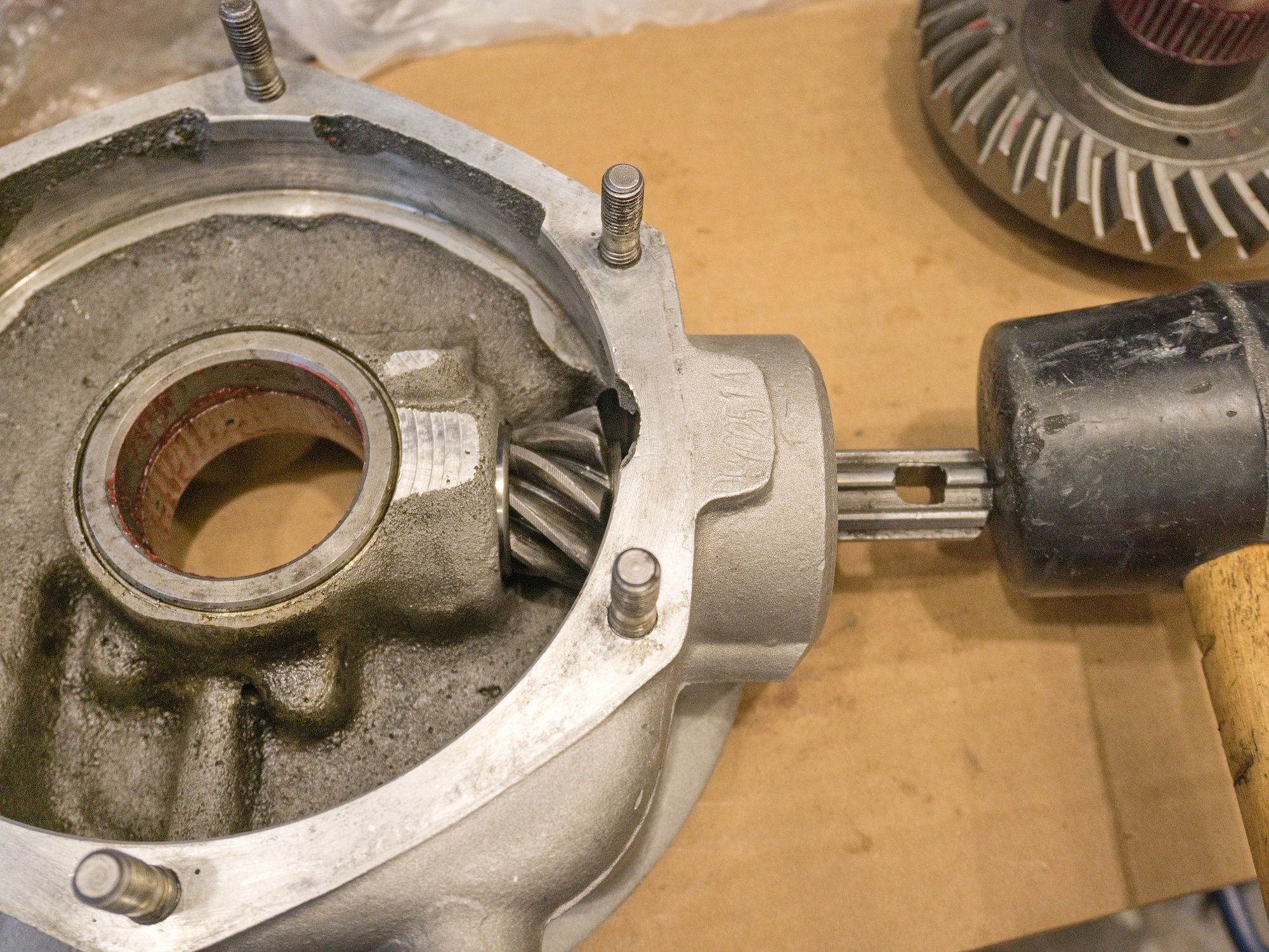
The new pinion gear seems to be a bit longer than the old one. Had to grind off the end of the shaft.
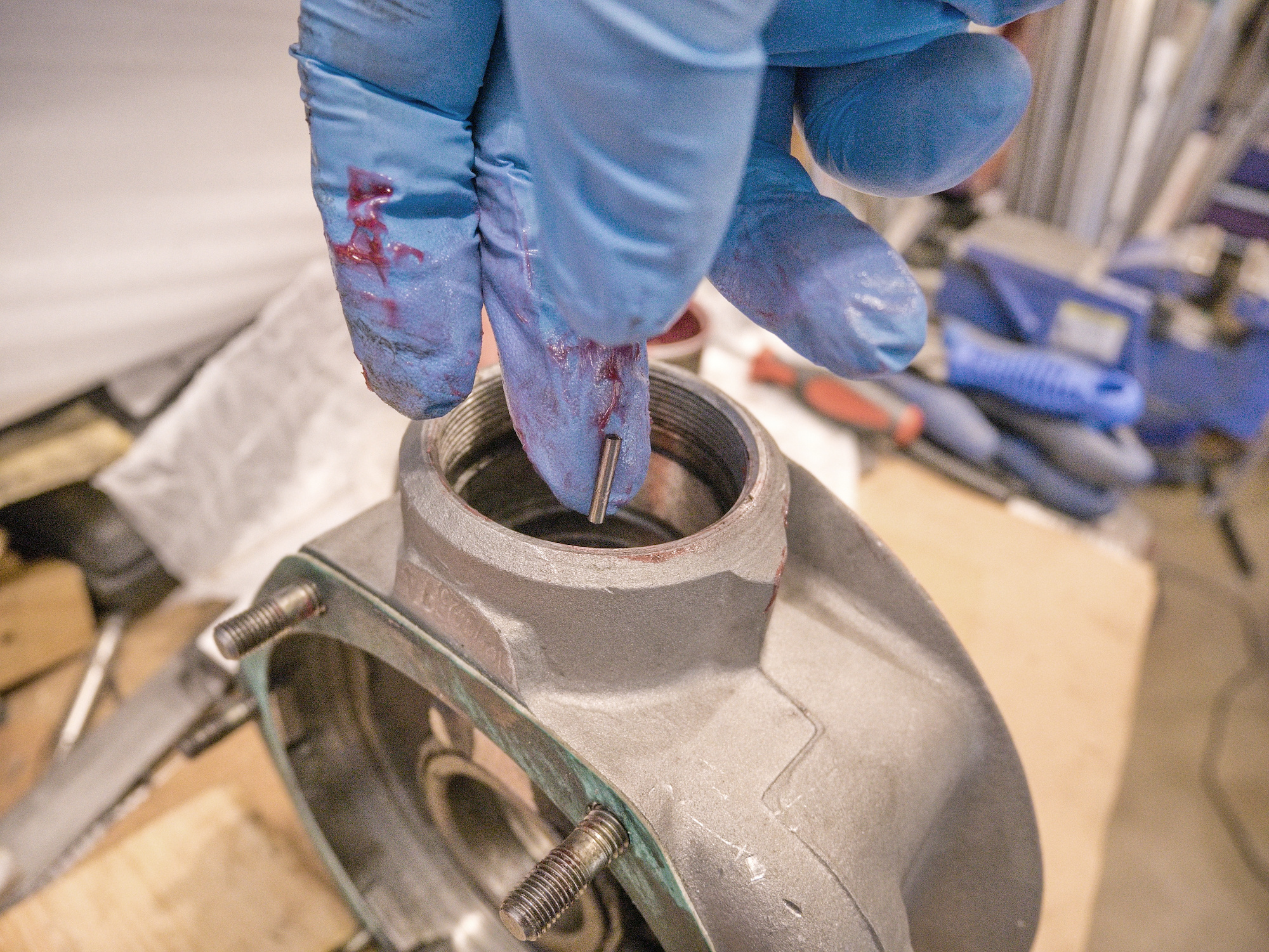
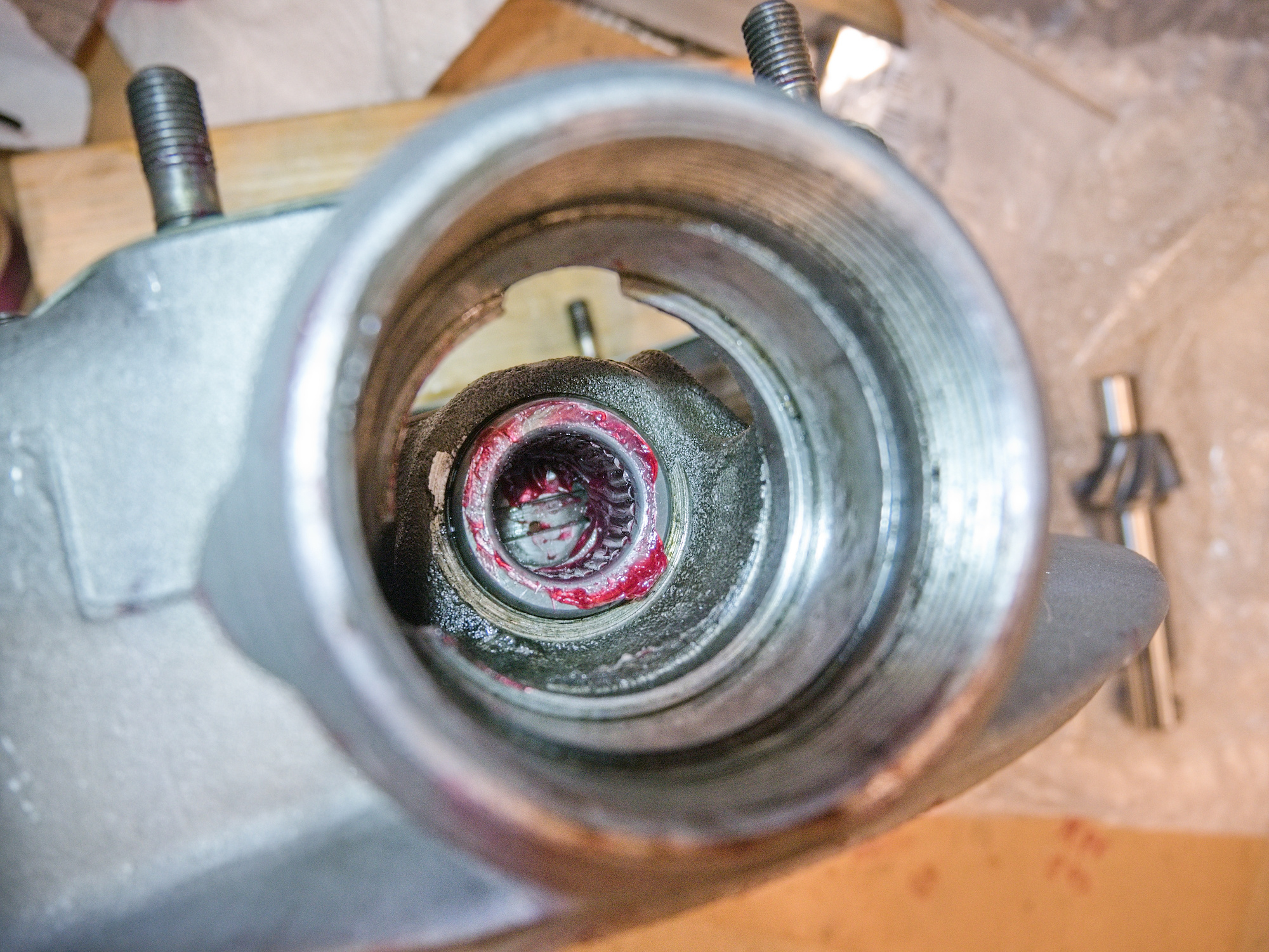
Insert the needles of the needle bearing using sticky grease. Be sure the bearing hole is clean.
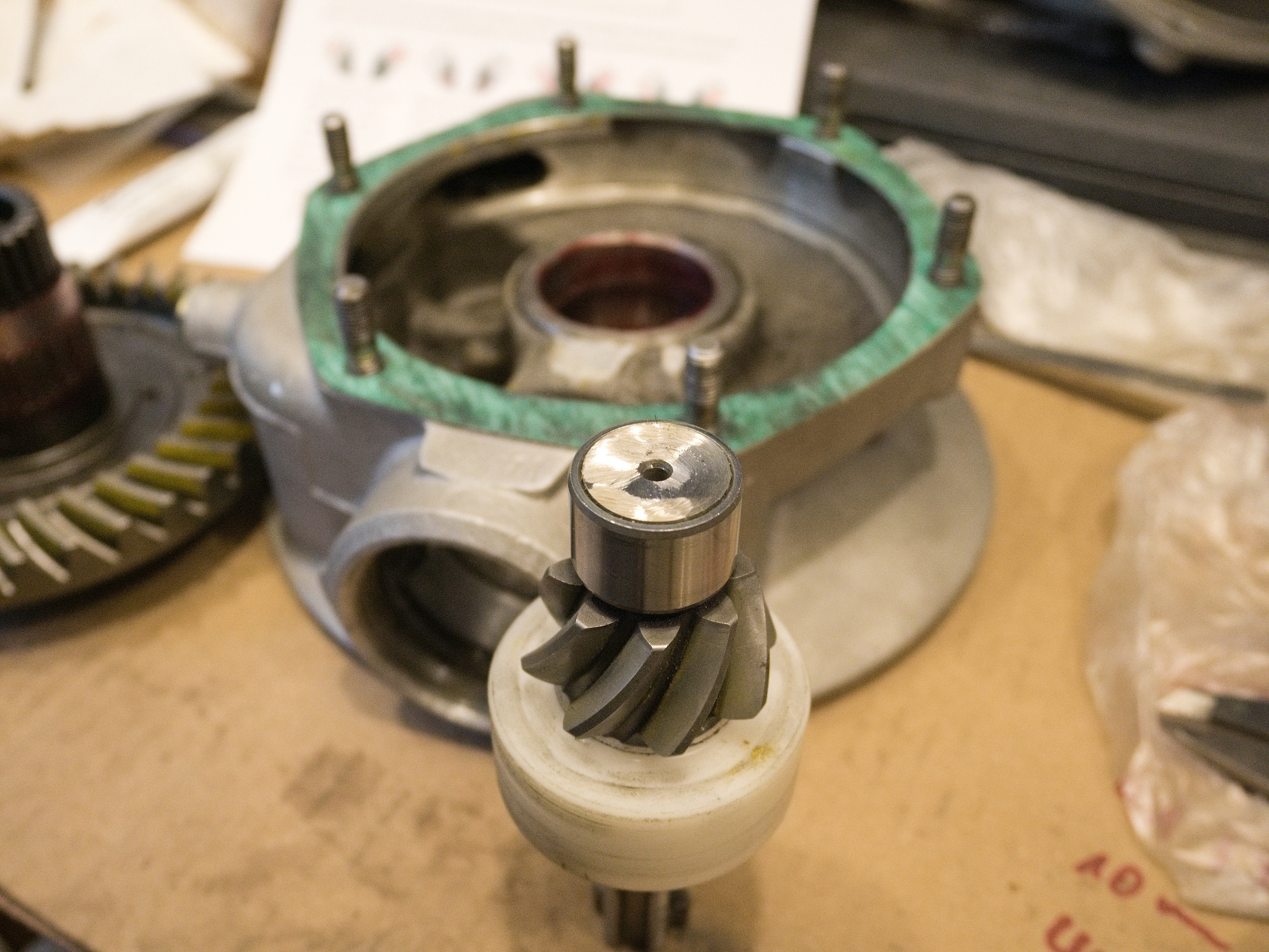
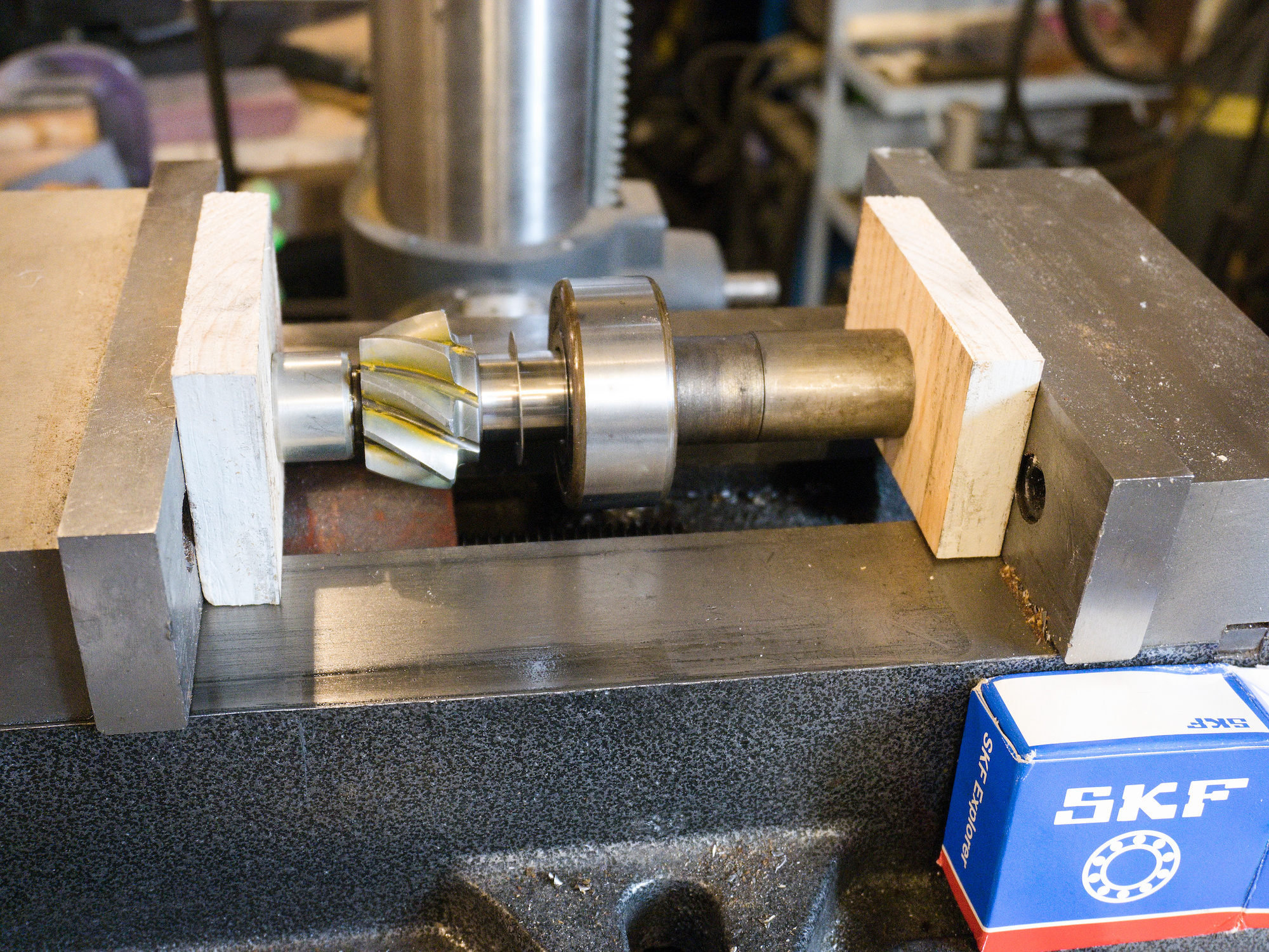
The 3304 bearing need to get pressed on to the pinion gear shaft. I do not have a press, so I used the machine vise. Used a 0.3mm shim between the bearing and the gear.
Everything is ready to assemble. The bearing nut (large yellow colored nut on the right) needs to hold the pinion gear without any play. Use those star shaped washers in case.
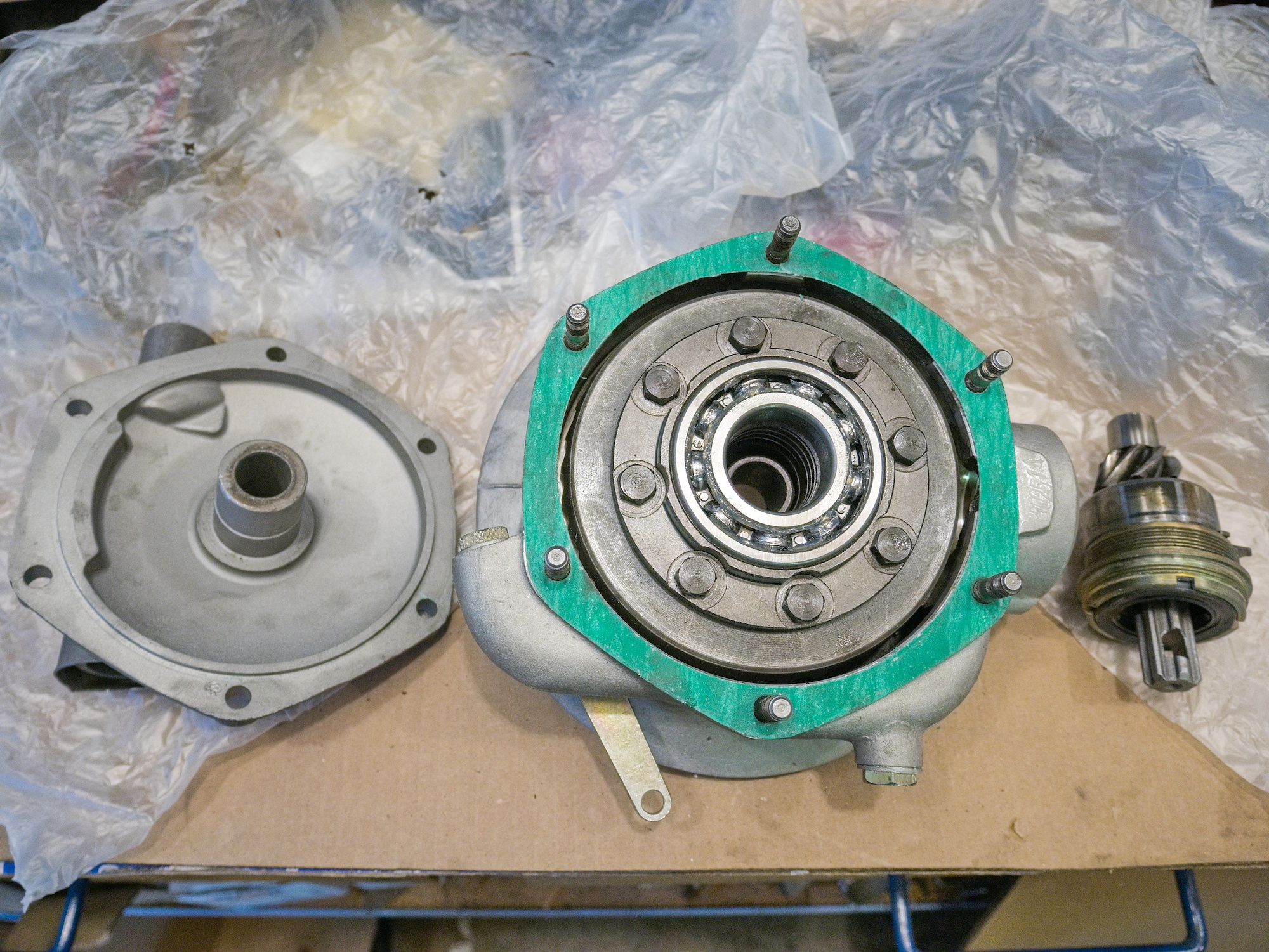
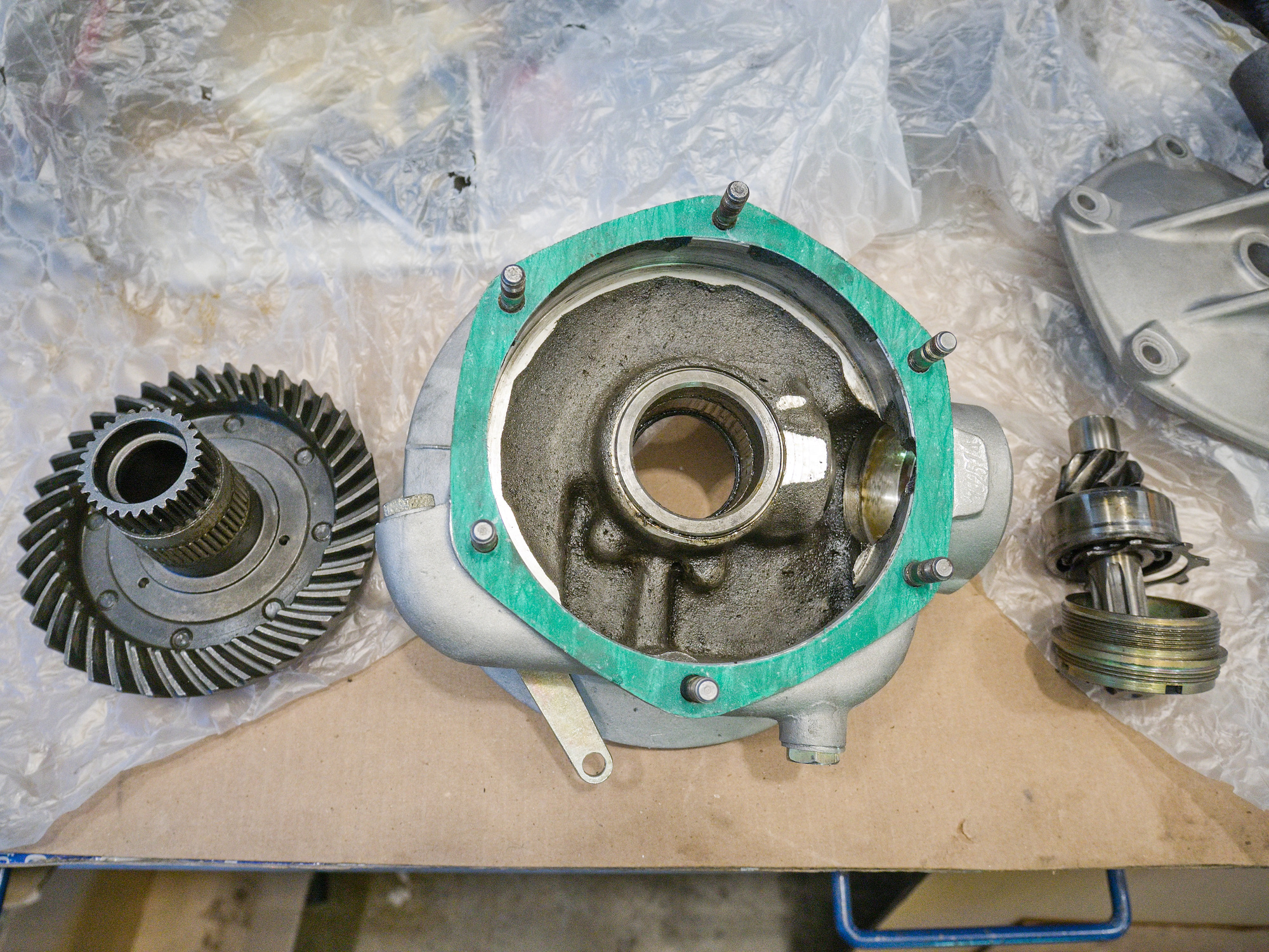
Be careful to secure the hub to not damage the main seal and to not block the drain hole by misaligning the seal.
Check if the main rubber seal has the correct seat at the bearing surface of the hub and the spring is in place. This is one of the main reasons for leaking FDs.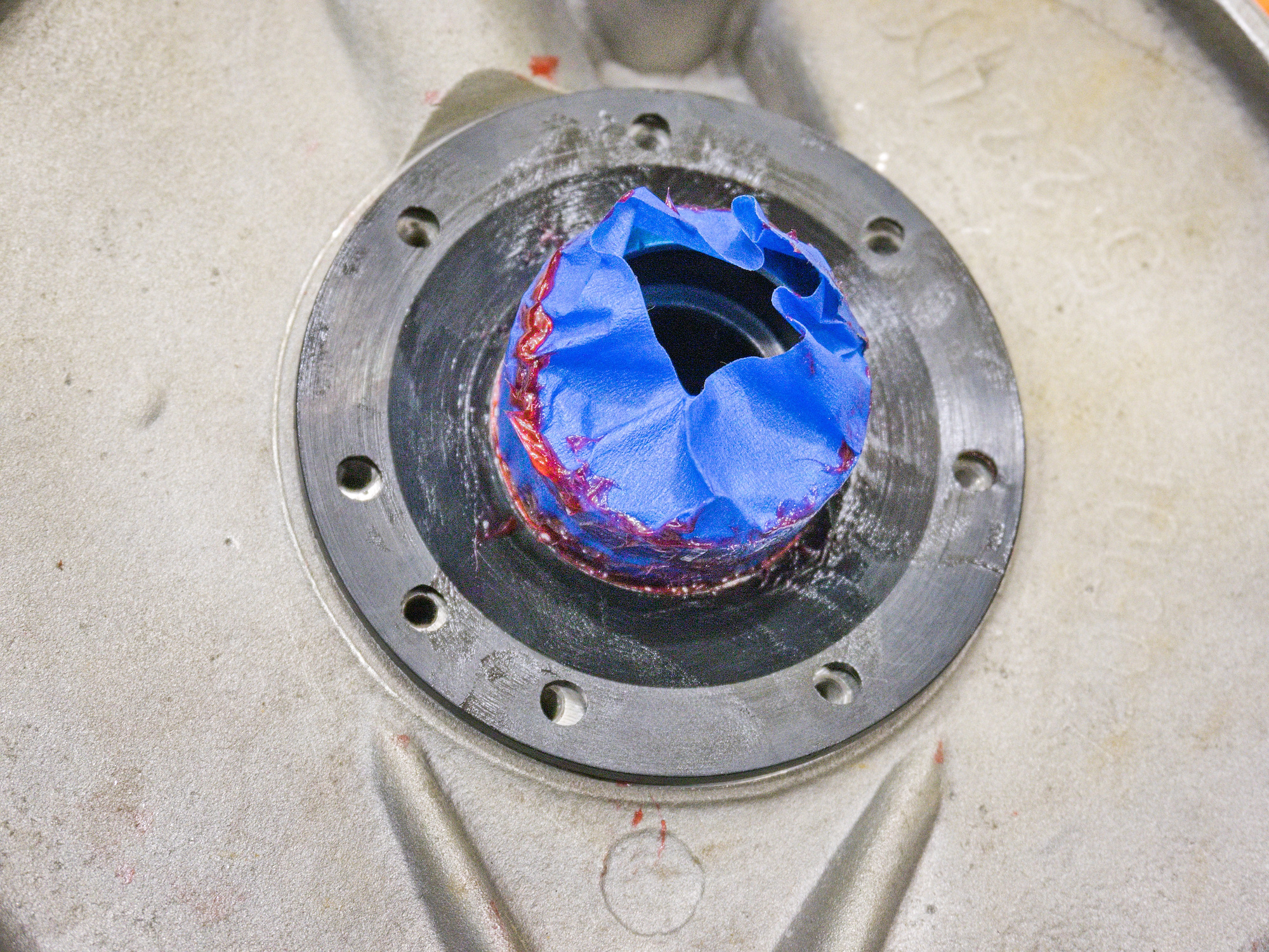
The final drive is assembled and can be installed.
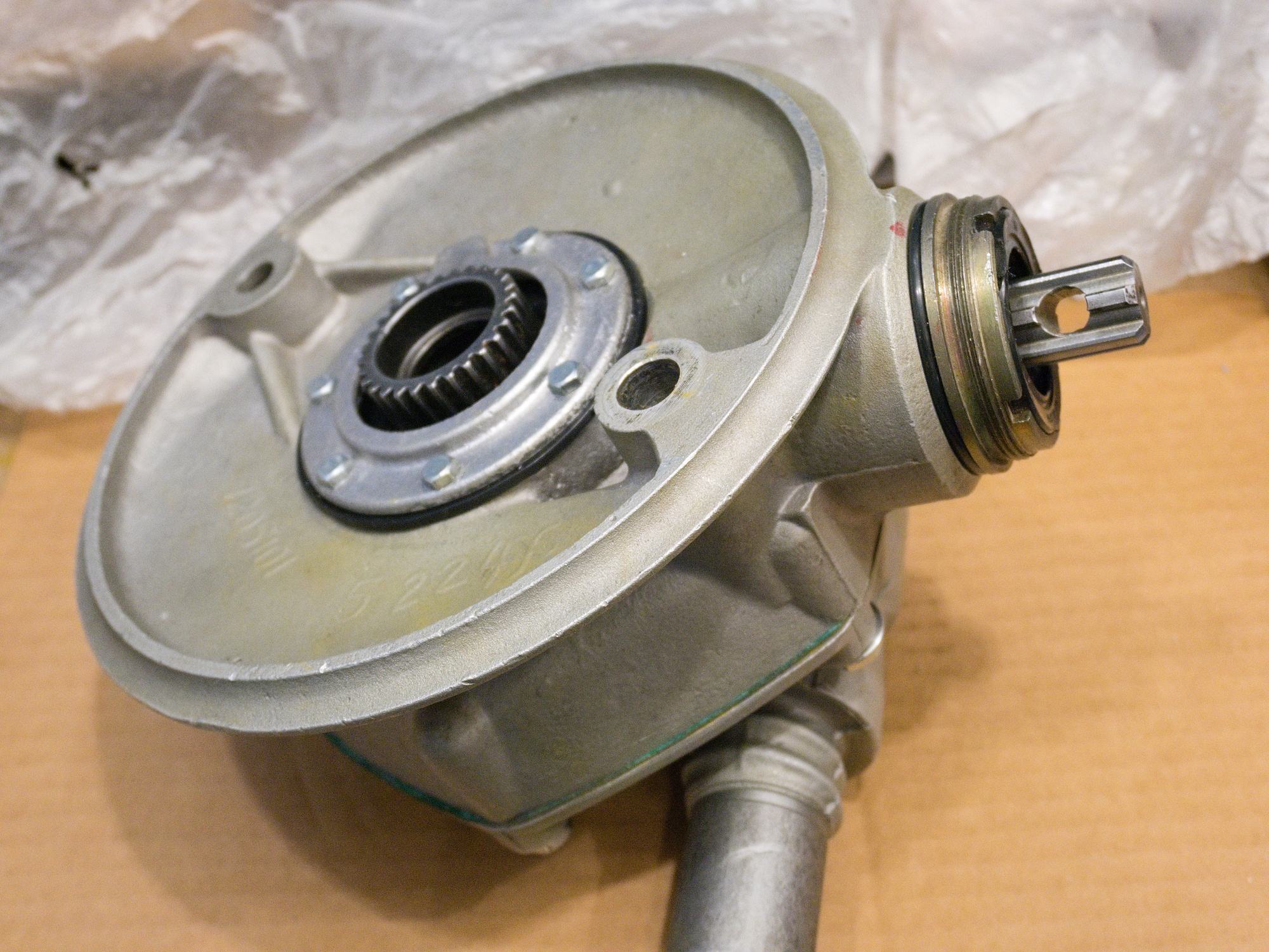
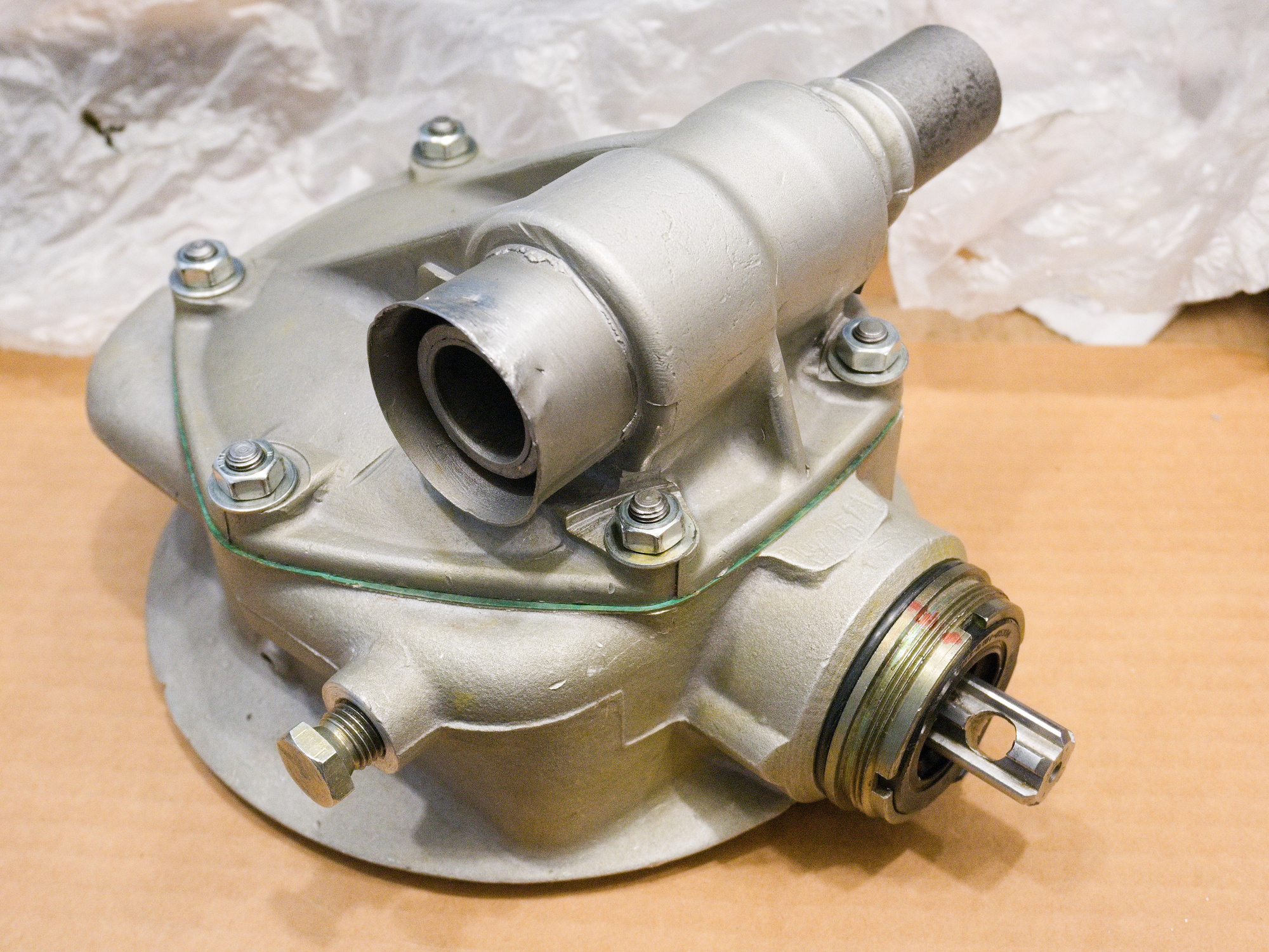


New final drive in service.
Very quiet and does not get hot after a longer ride 😺
-
Final Drive Rebuilt for CJ750 / M72 - A New Axle
The reason for a side-to-side play in the rear wheel is because of the play between the wheel bearing and the axle. The bearing inner diameter is 20mm, and the outer axle diameter is about 19.95mm.
For the new final drive, I will make a new axle out of 4140 steel to have a transition fit. The bearing should slide without play on the axle.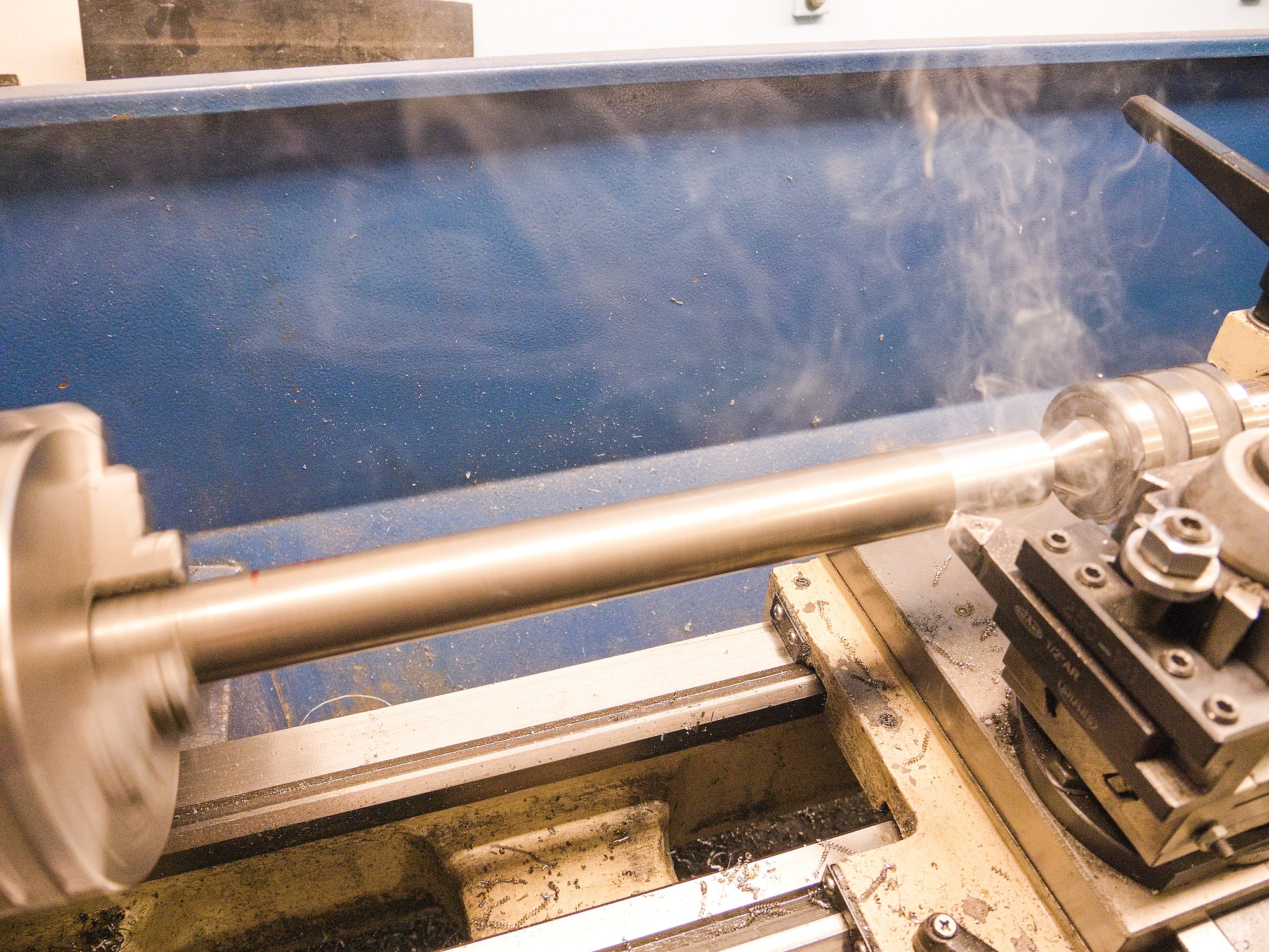
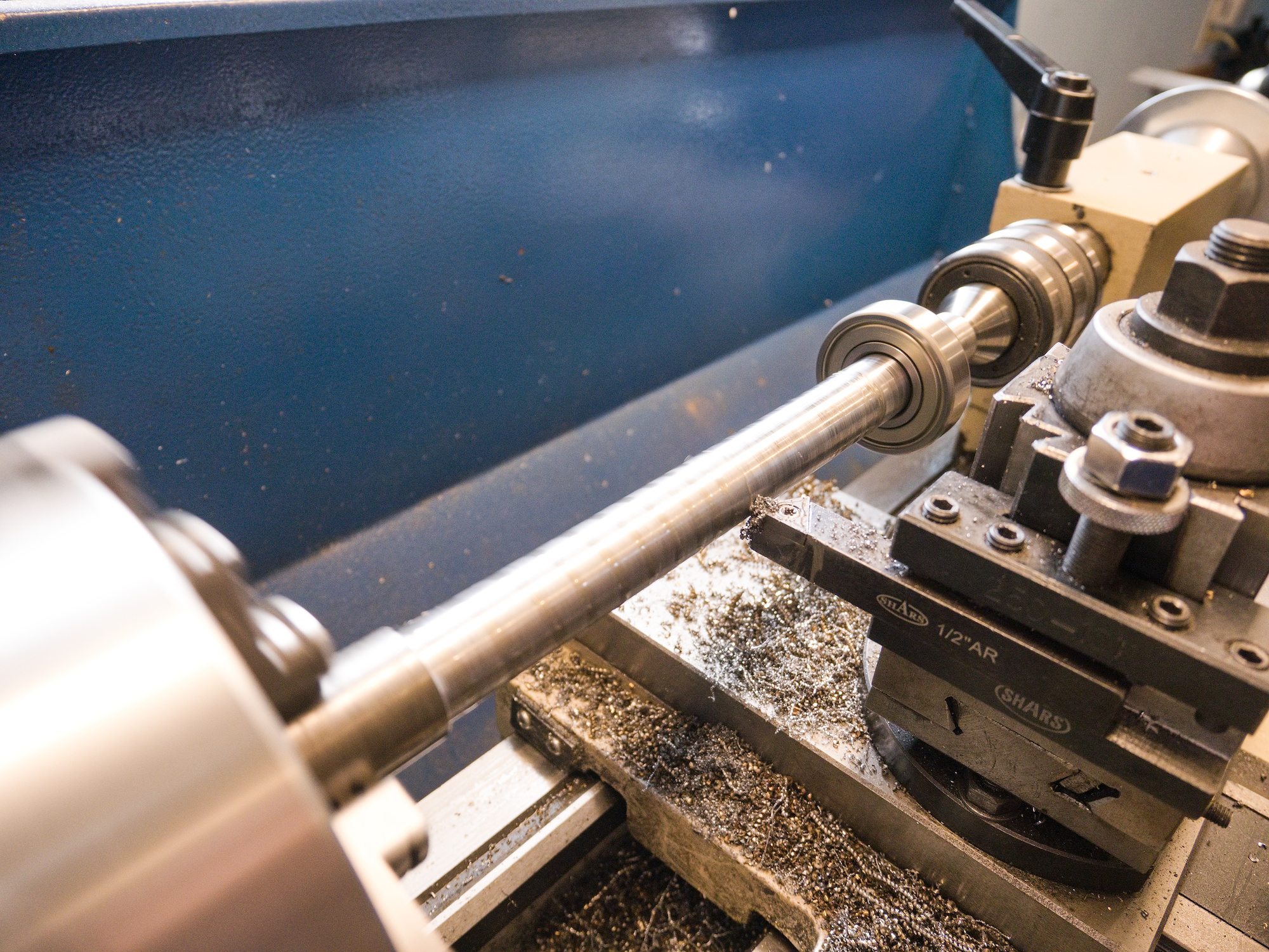
To center the hole for the split, the drill is positioned to have the ruler horizontal.

Top one is the new axle.

To make the access to the nut easier, I made the axle a bit longer and made a large distance washer.
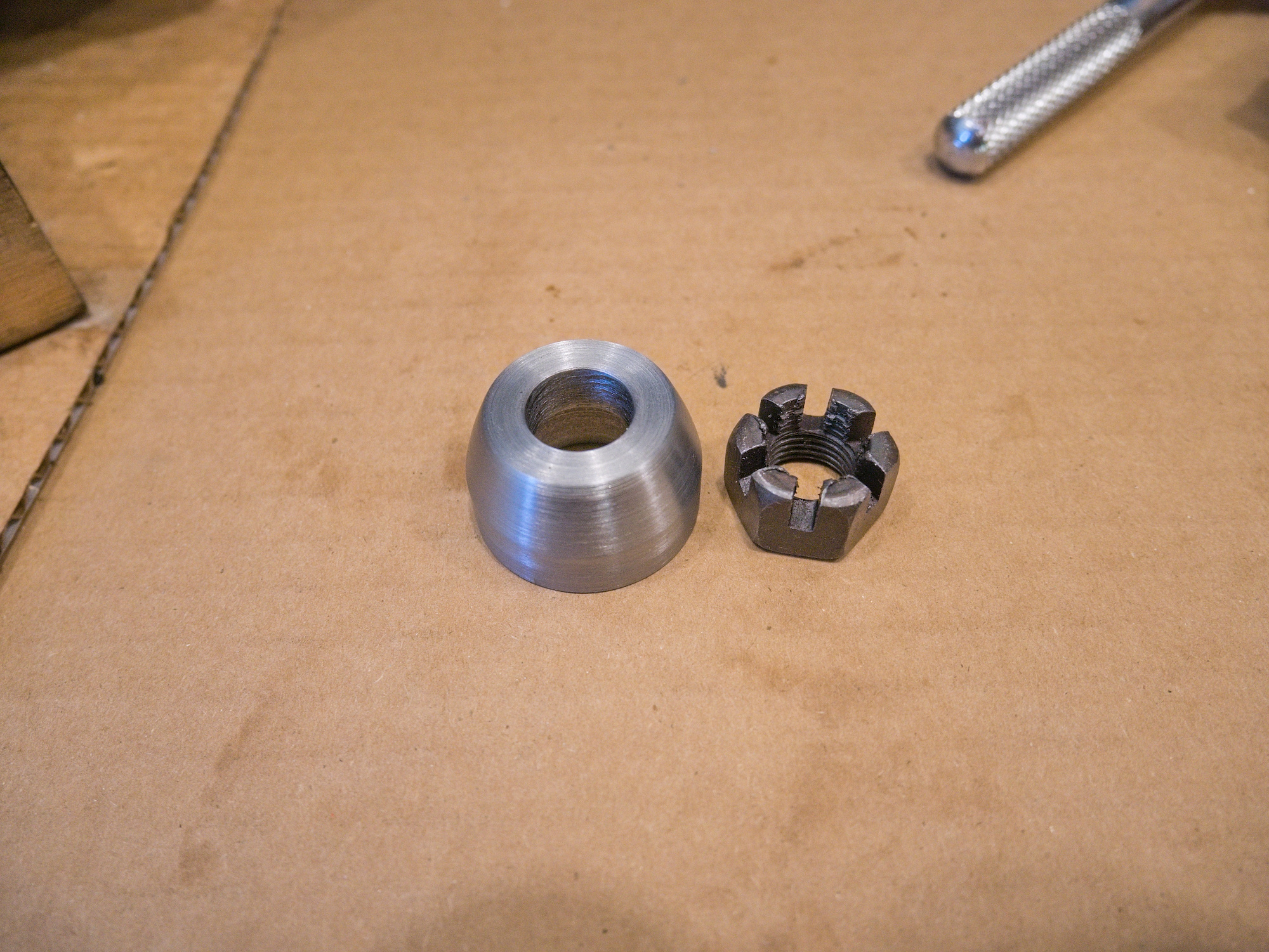
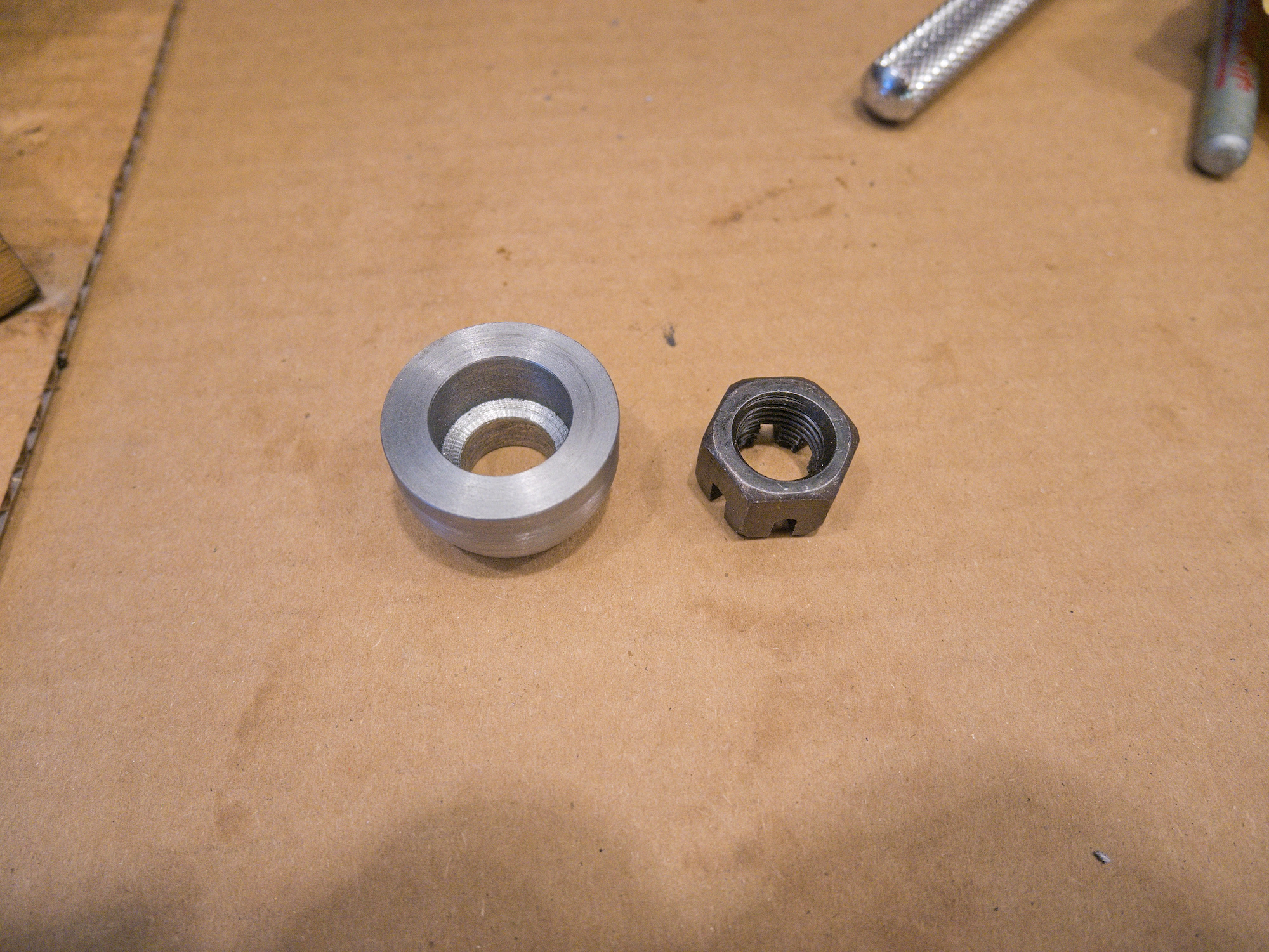
Make the distance washer the same color as the nut.
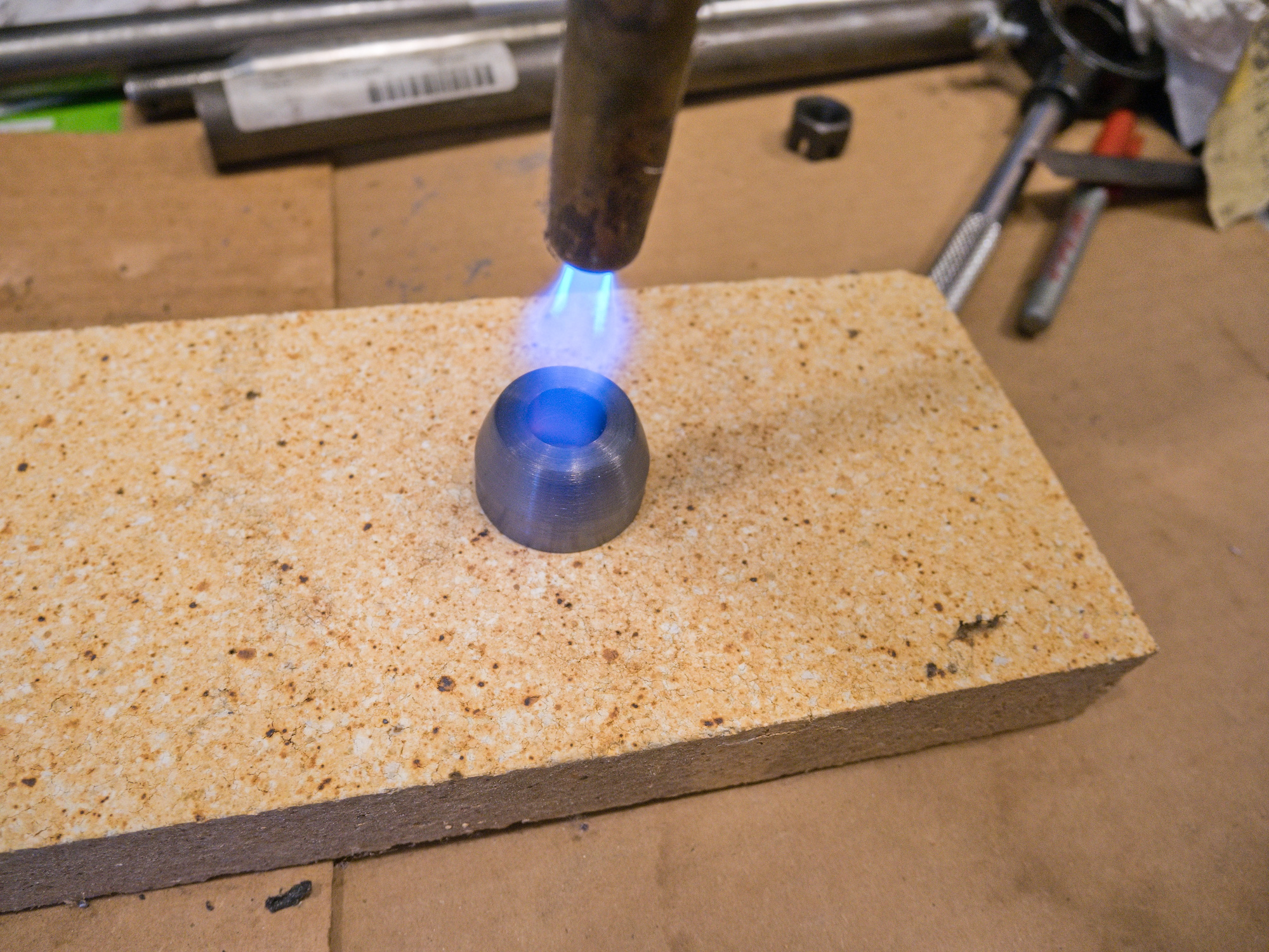
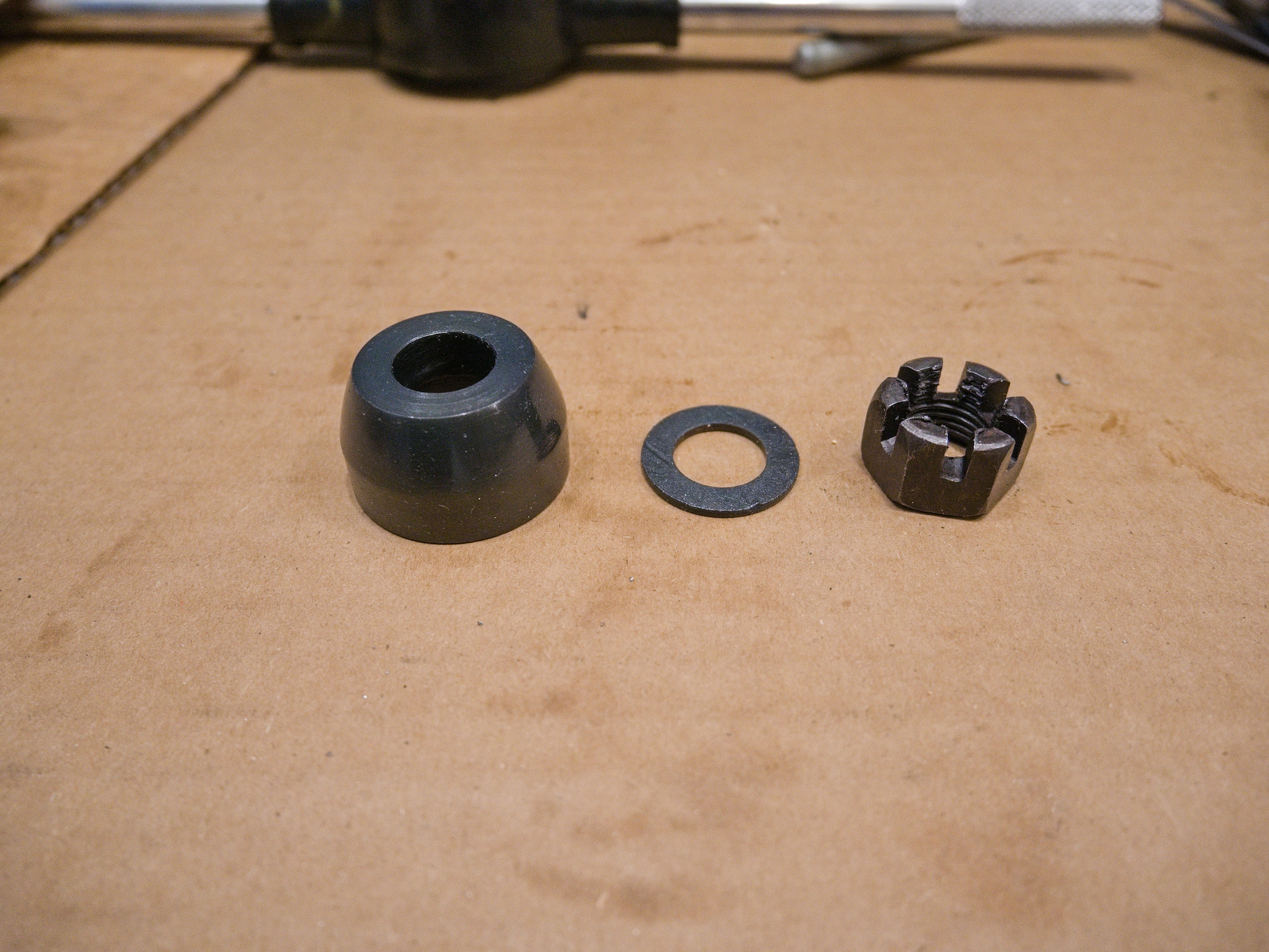
Test fit. No wheel play and the axle easily slides in and out.
Passed.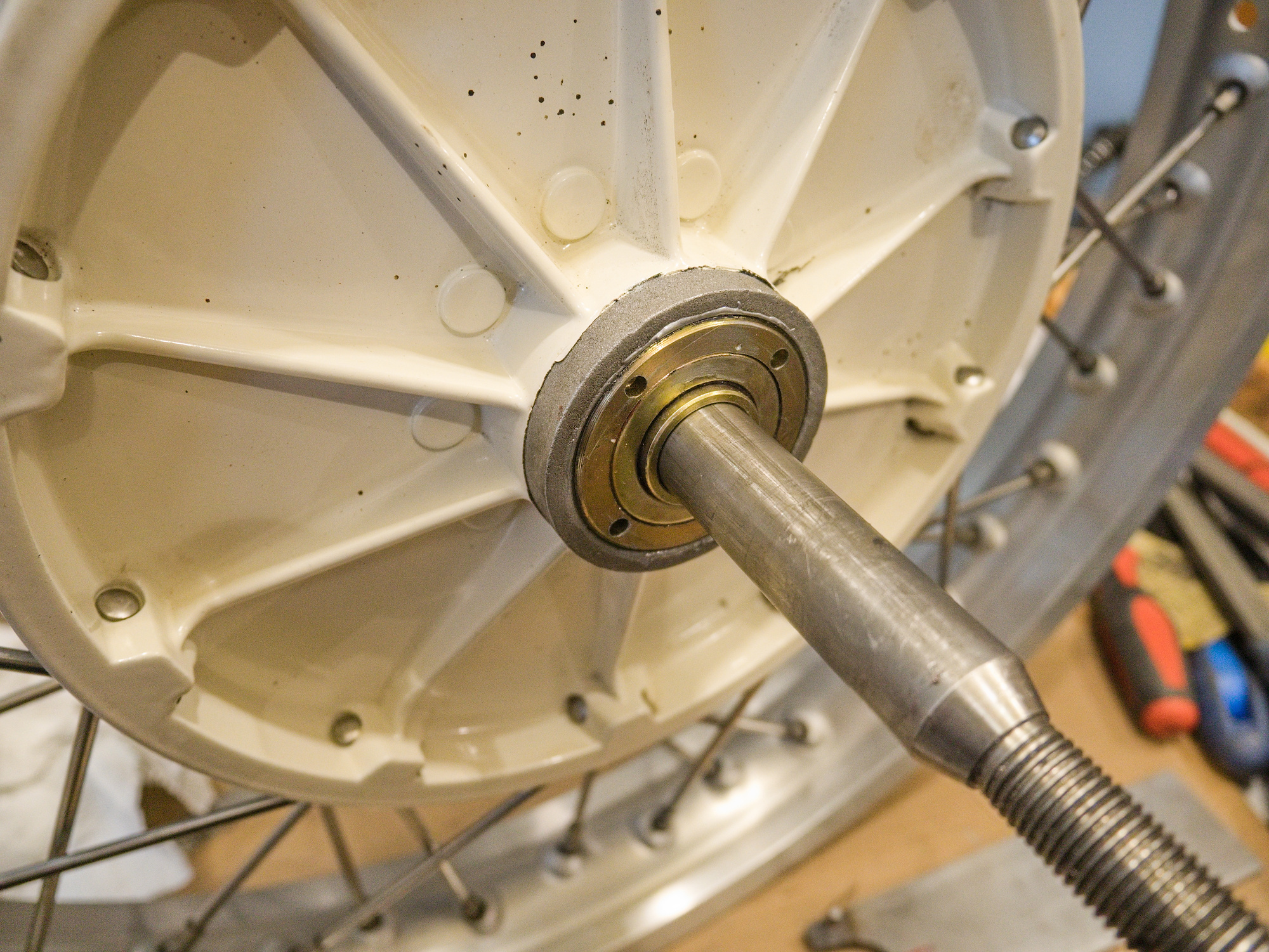

Easy access to the nut.

-
Final Drive Rebuilt for CJ750 / M72 - Brake Cam
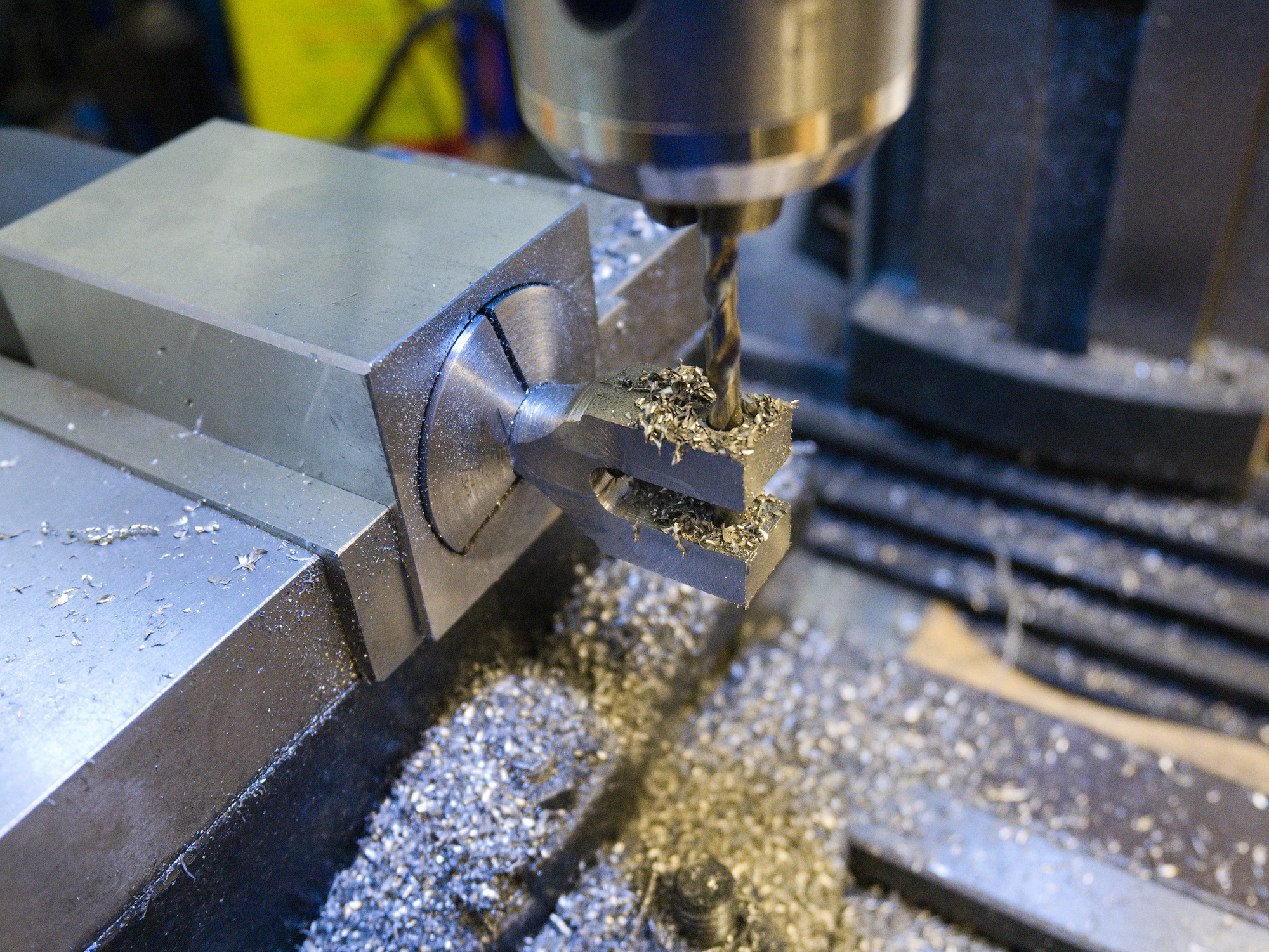
To support the wider brake pads used along with the M5 wheels on the CJ750, the existing brake cam and holder gets replaced.
Using plastic placeholders to get the correct size for a good fit.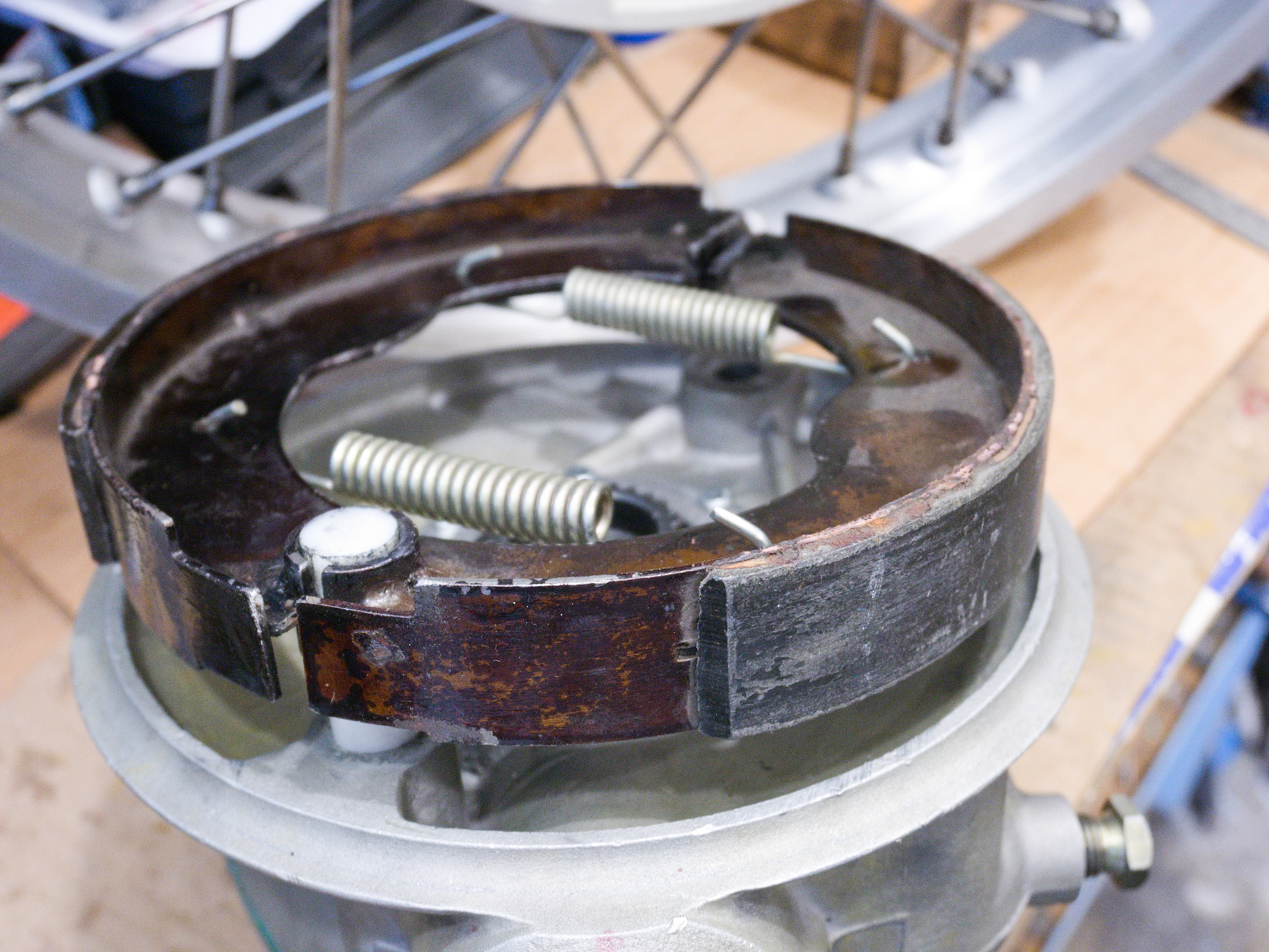
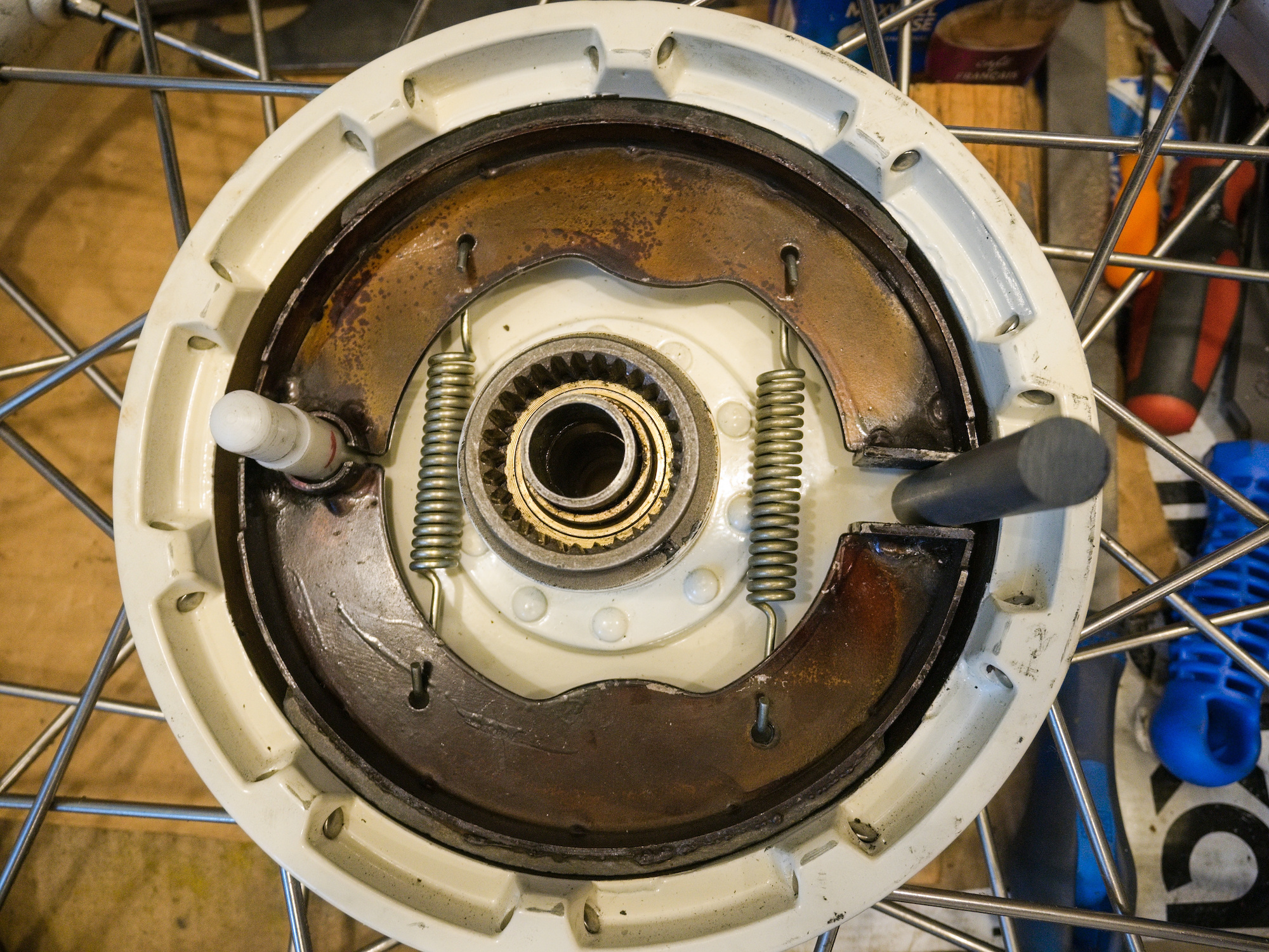
The brake cams are made out of 4140 steel.
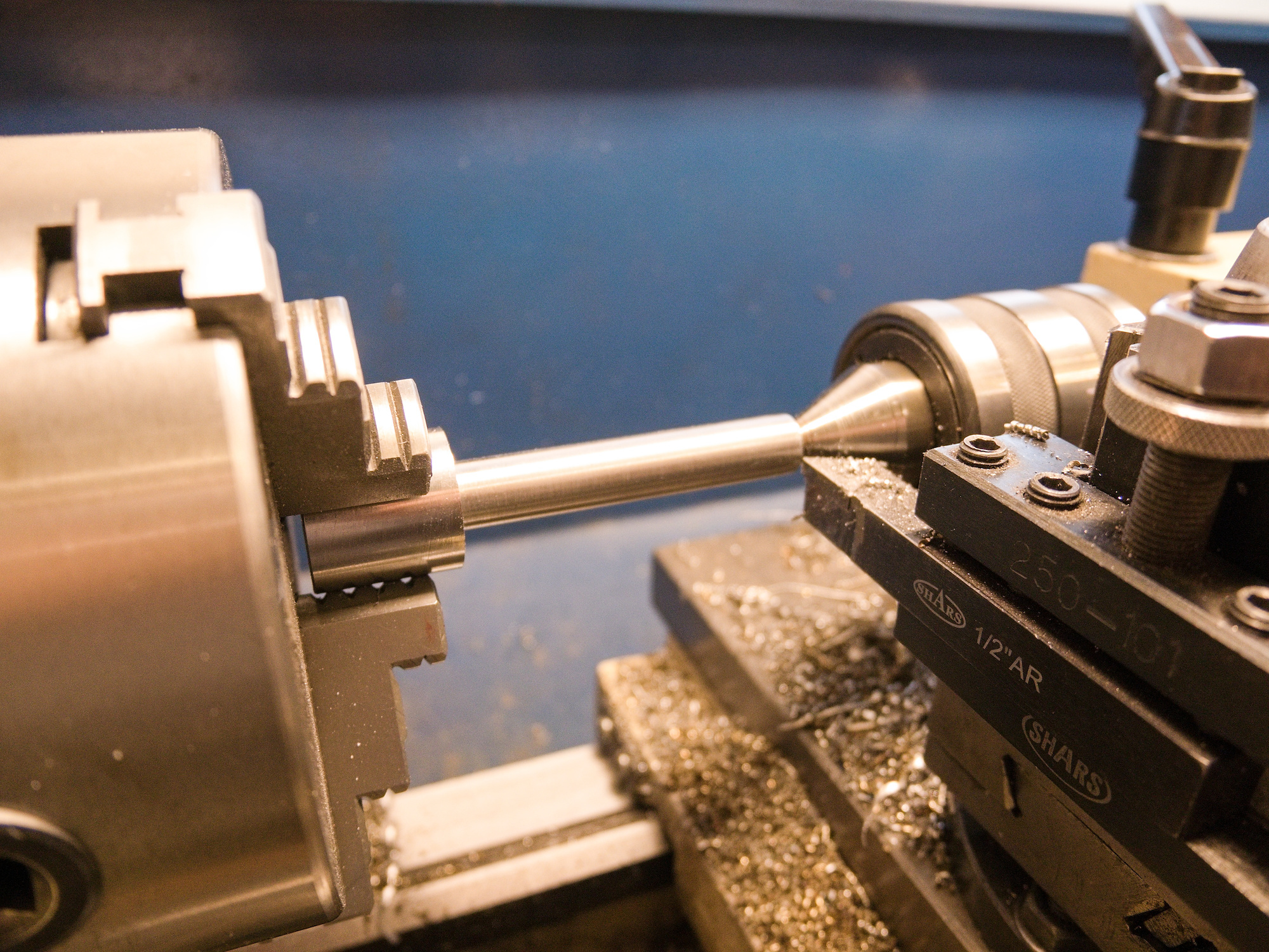
Transitional fit for no-play brake cams.
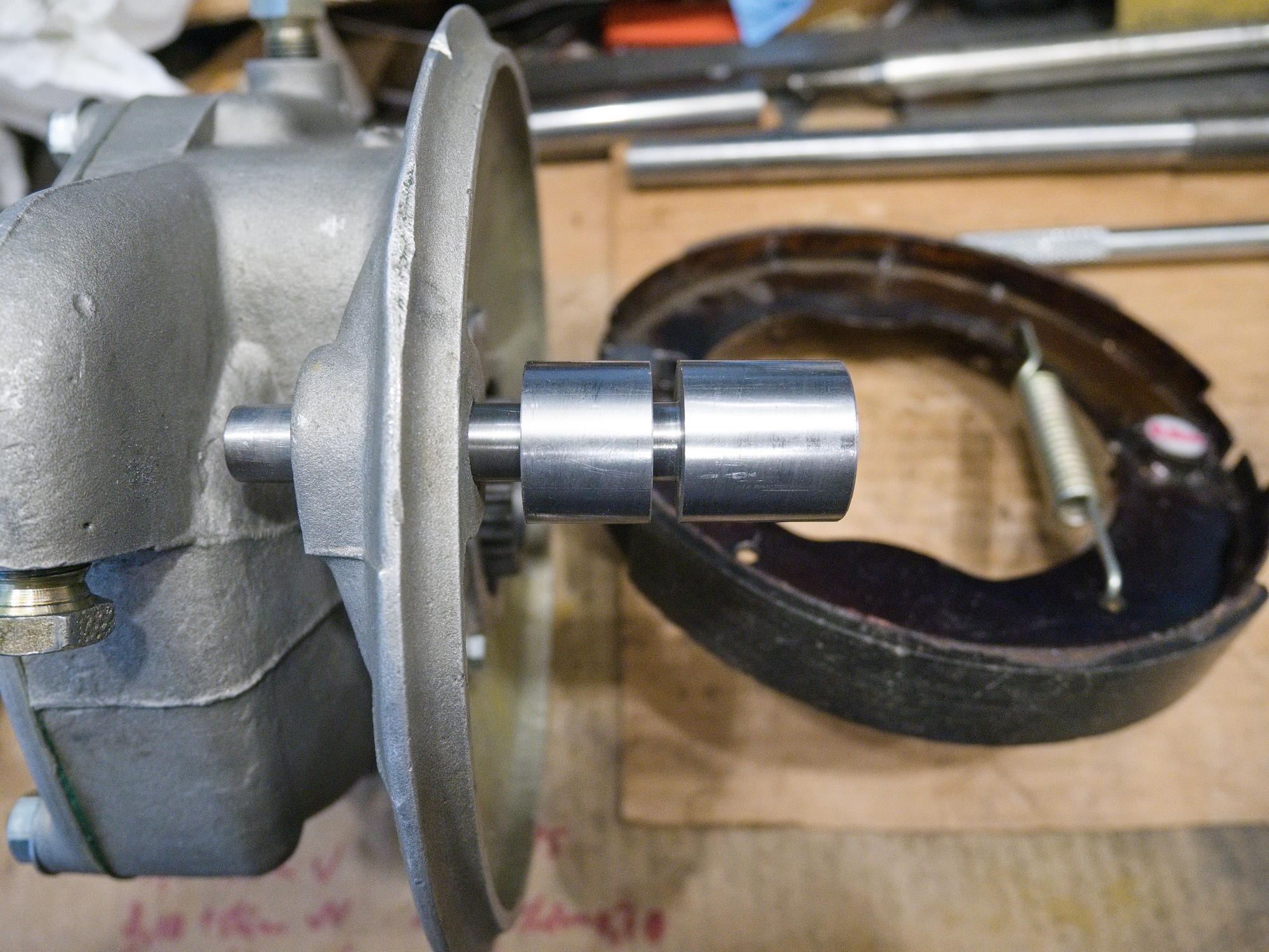
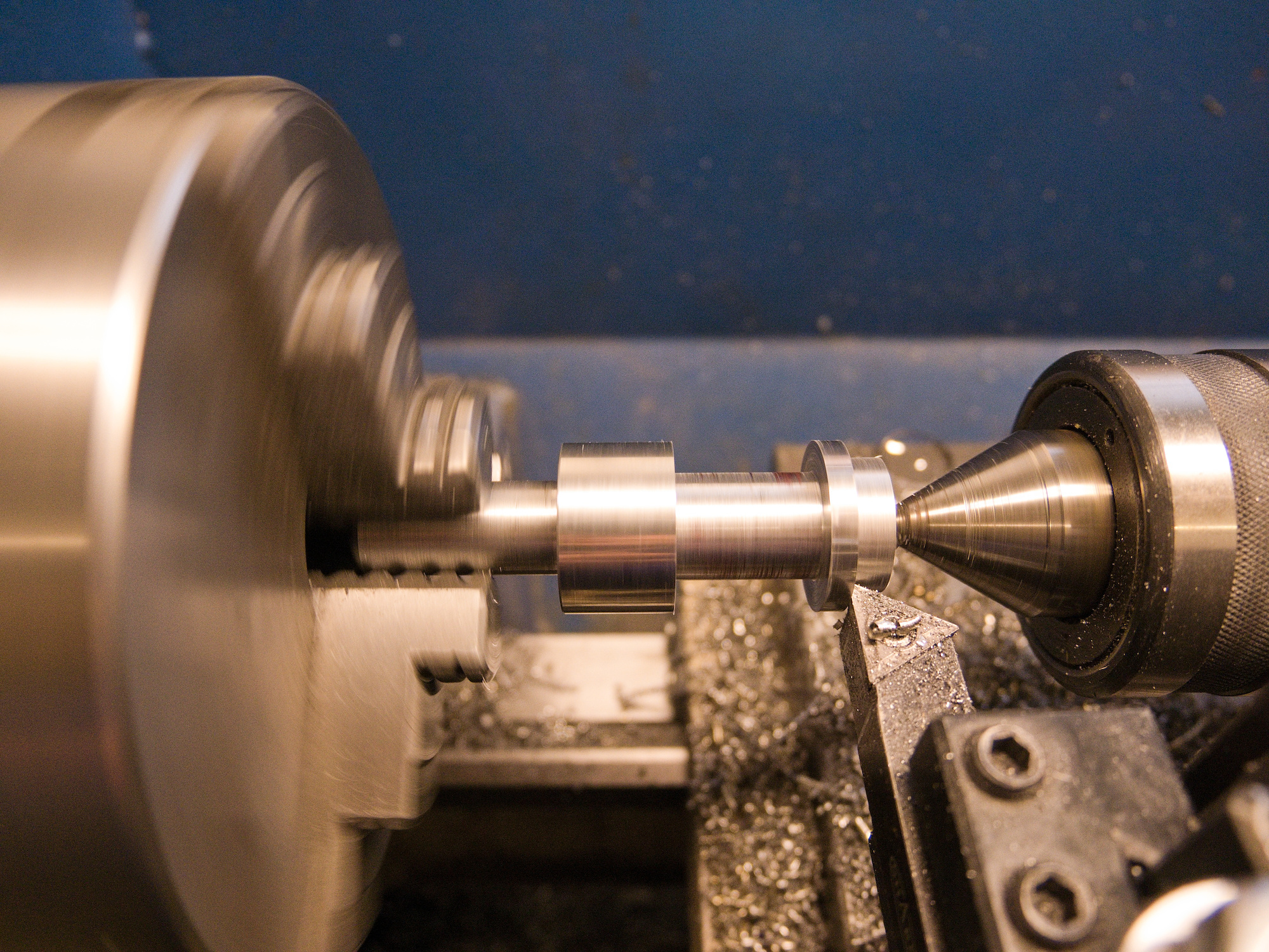
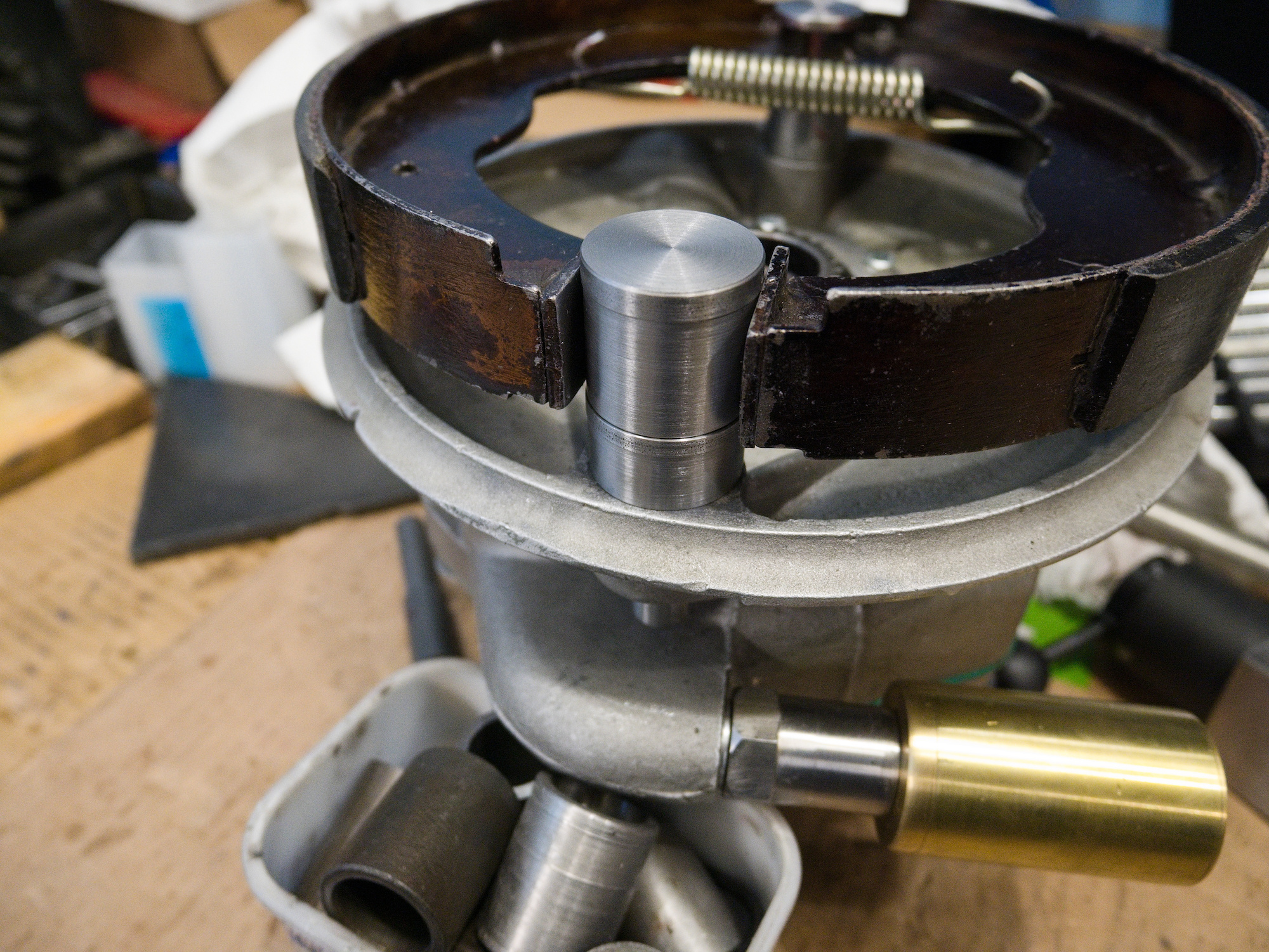
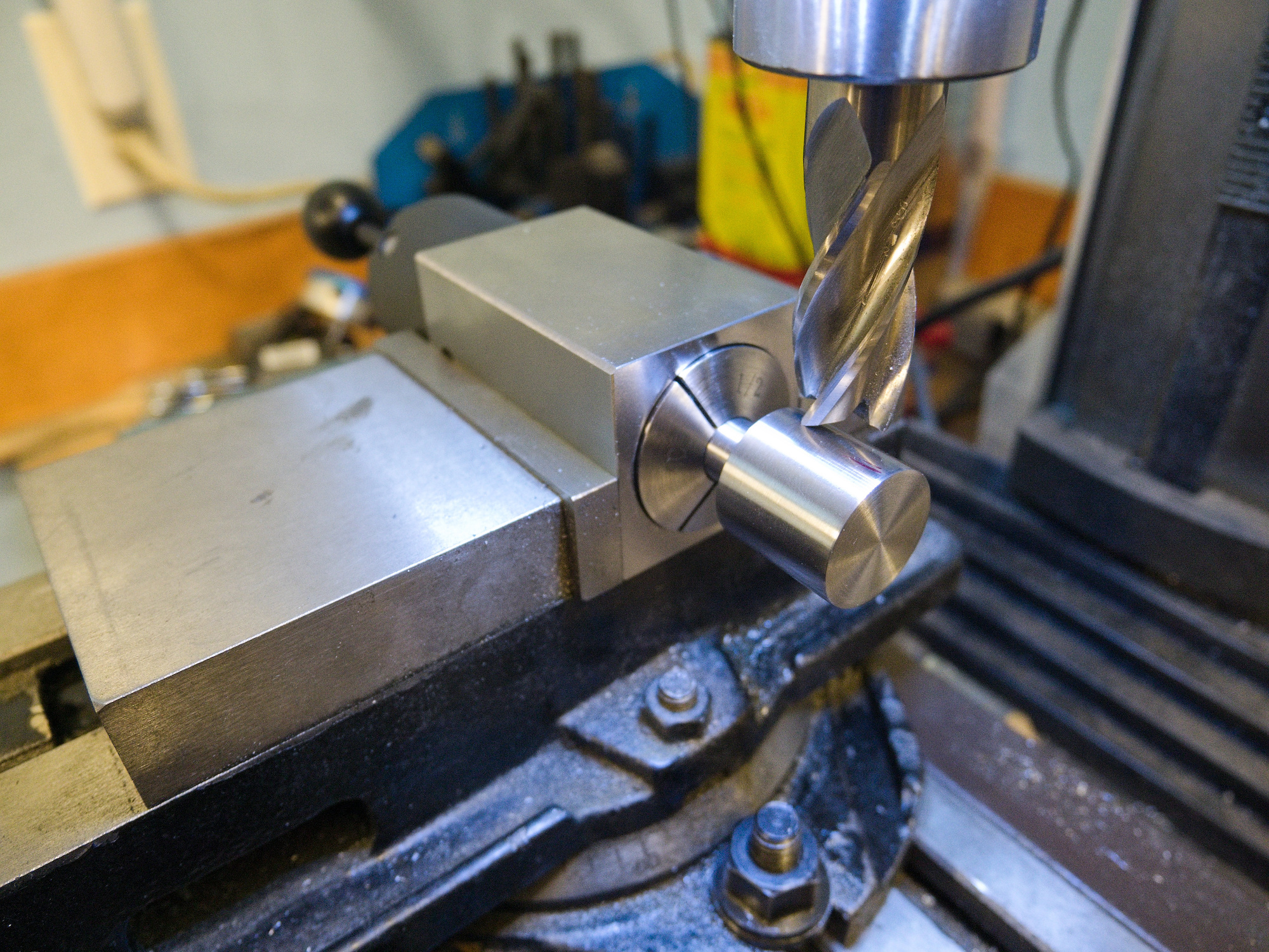
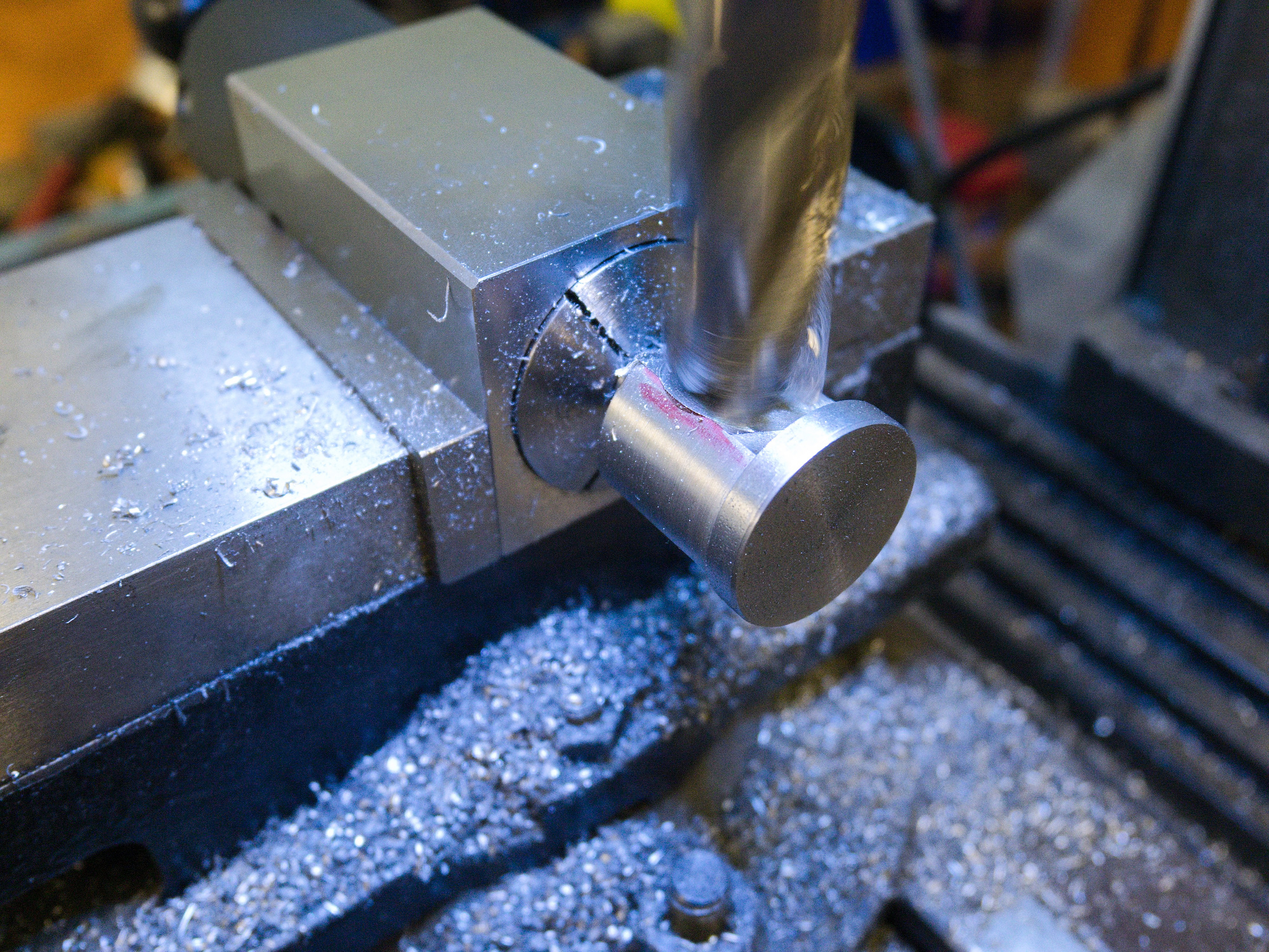
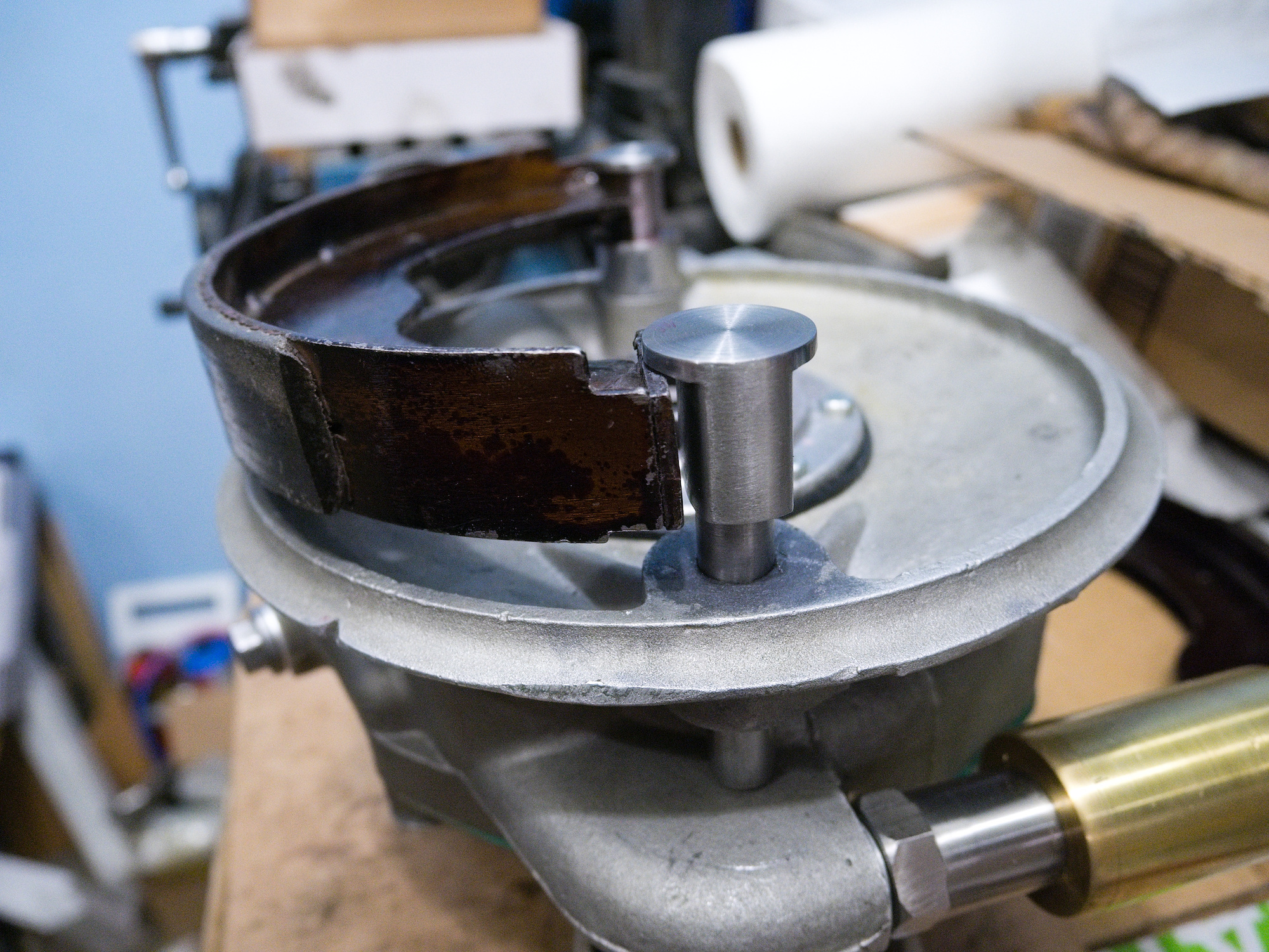
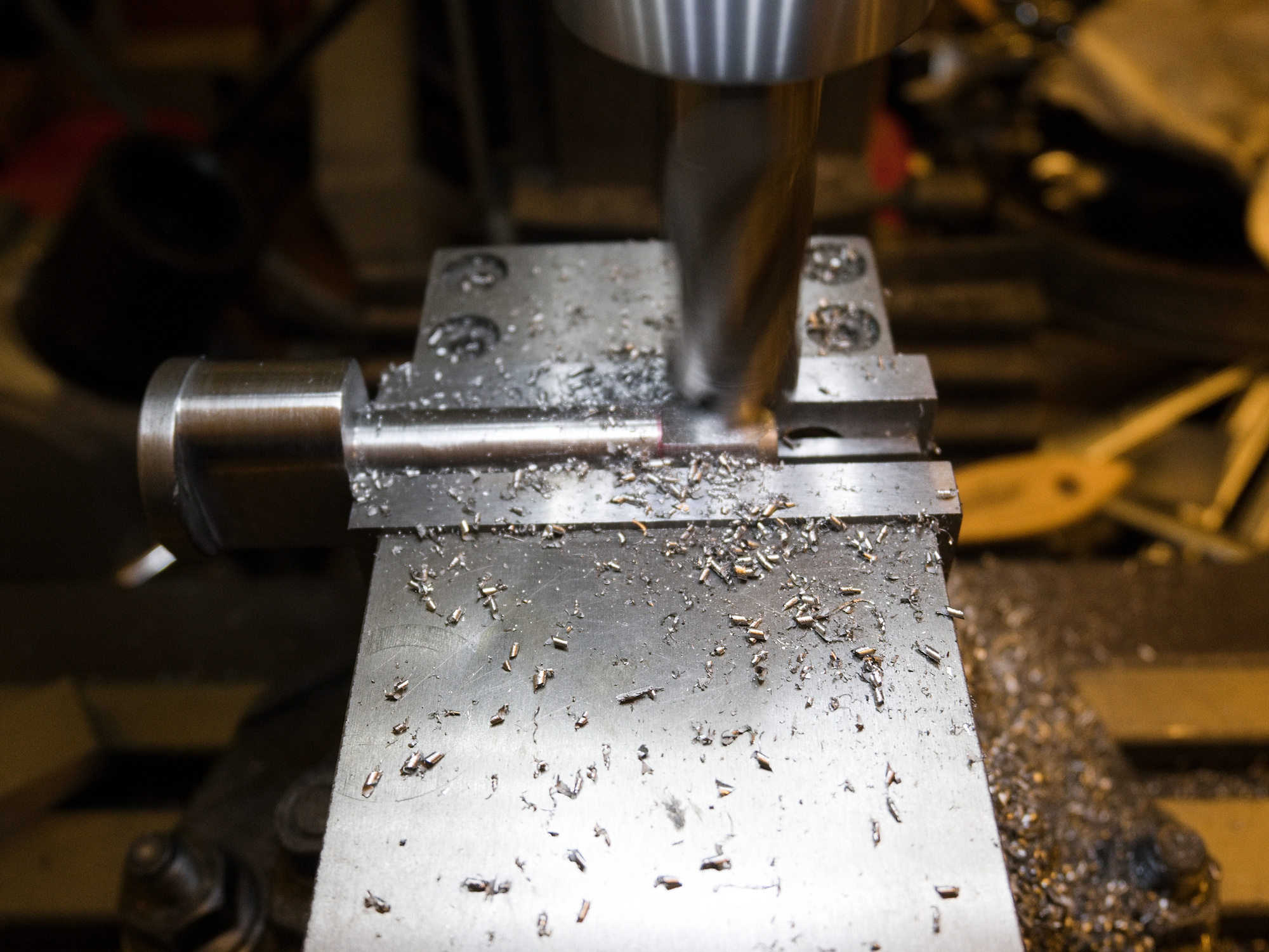
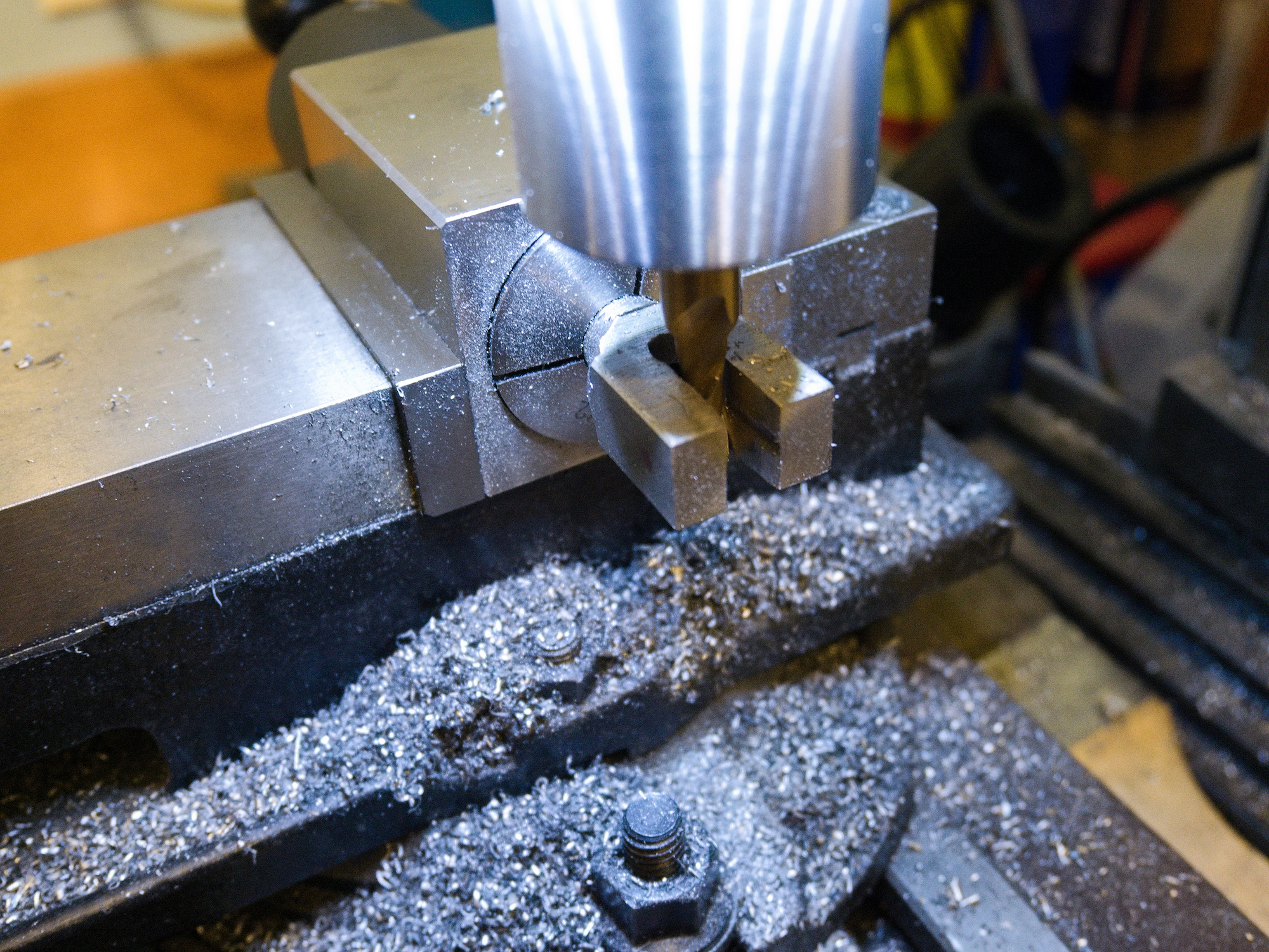
The new brake cam set.
The leading edge of the cam is rounded with a file.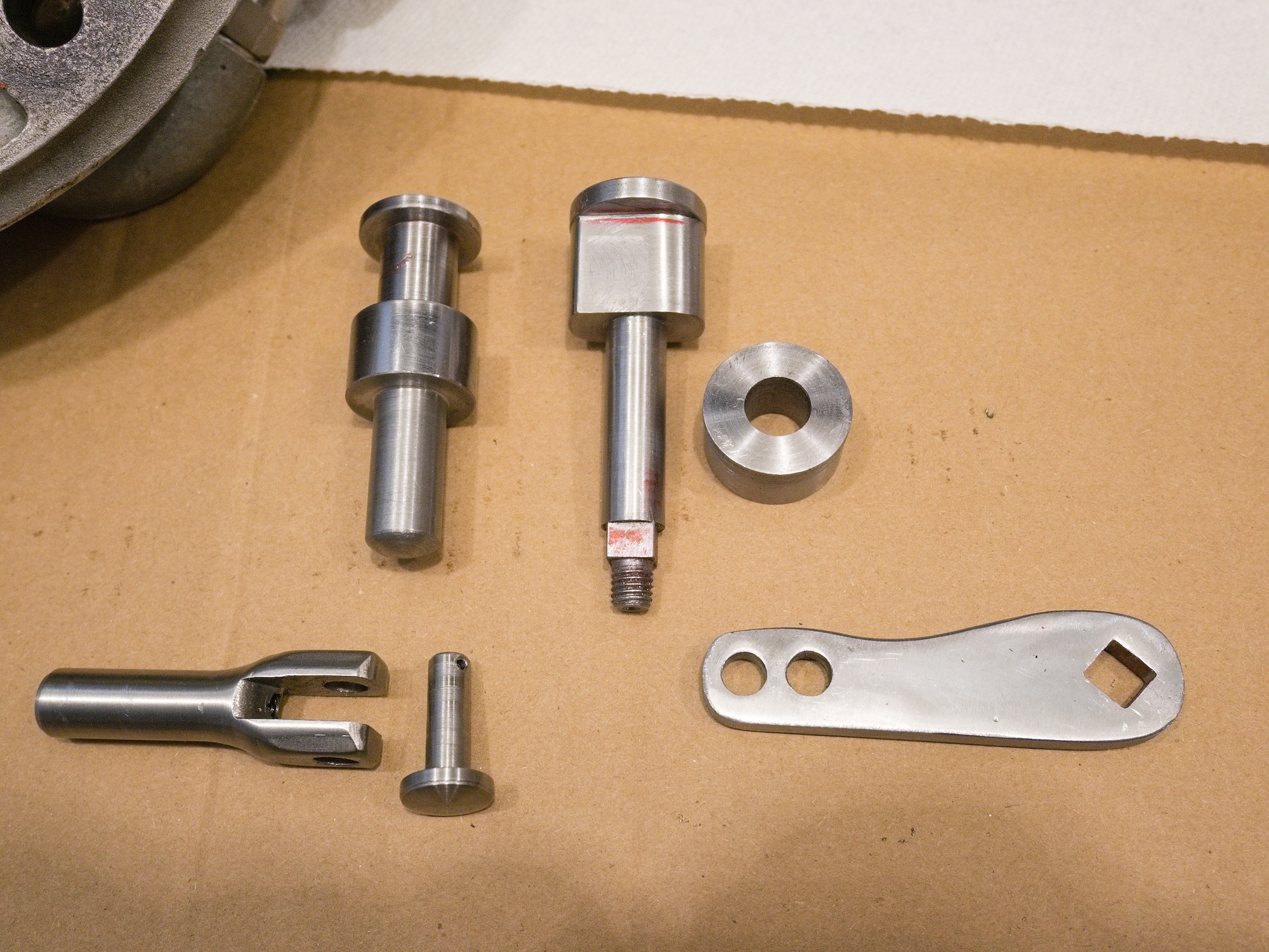
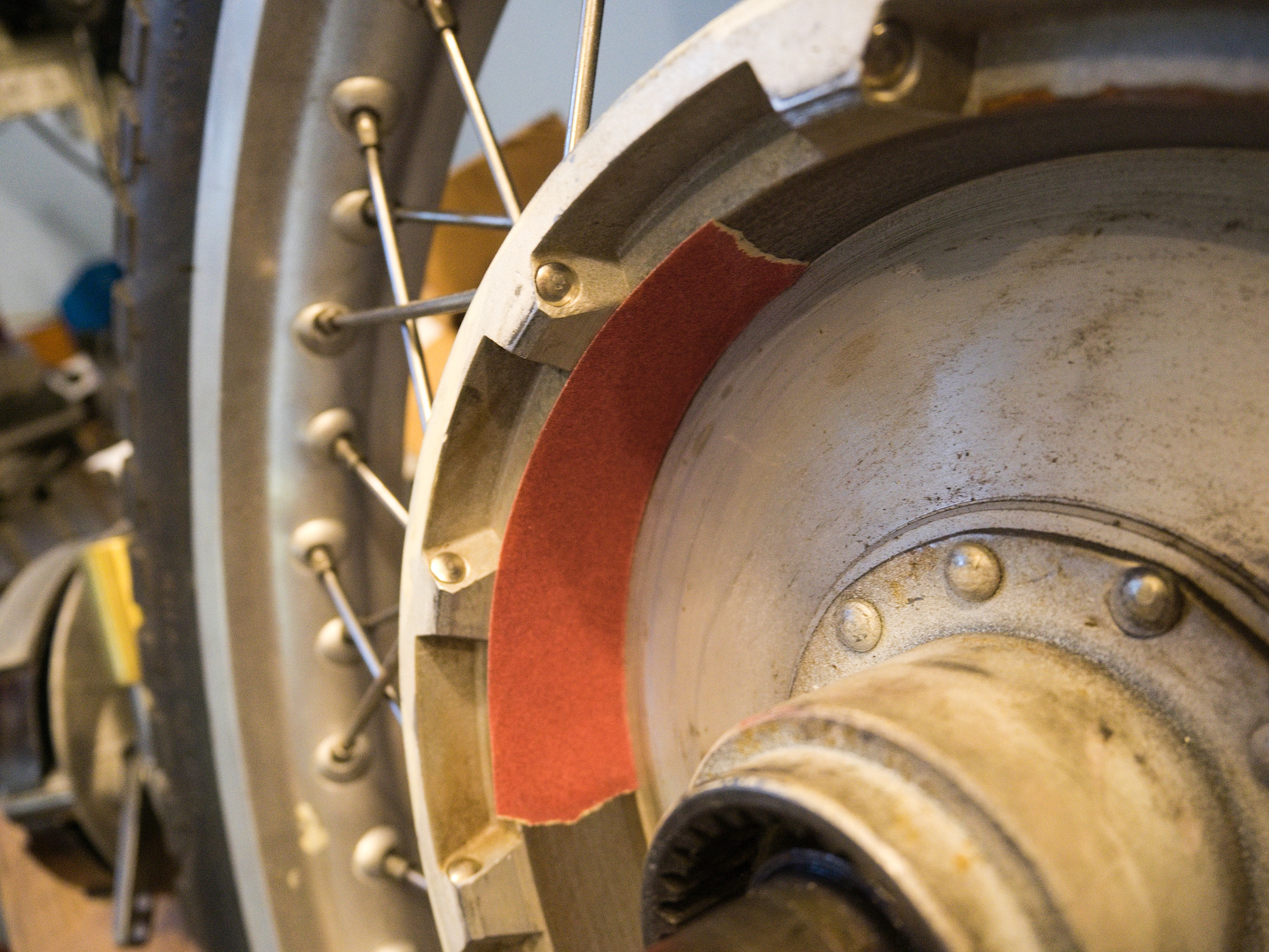
The final drive is inserted and rotated a few times. This aligns both brake pads with the self-adhesive sandpaper to maximize braking power. The sandpaper is then removed and the inside is cleaned with brake cleaner.
-
Final Drive Rebuilt for CJ750 / M72 - Gear Contact Pattern
The distance from the ring gear to the pinion gear is set by shims between the cover and the bearing. Often the hub with the bearing is pressed on to the cover, making adjustments with different shims difficult.
For this reason, the tubular holder in the cover is made for a perfect fit without the need for a press. Very careful sanding with a fine grid paper will get a transition fit.
The pinion gear will always push out the ring gear towards the cover. Along with the o-ring in the drive shaft, additional push is provided to keep everything in place.
The gear compound at the top of the shaft is to check for any contact with the hub. Often a common source for noise.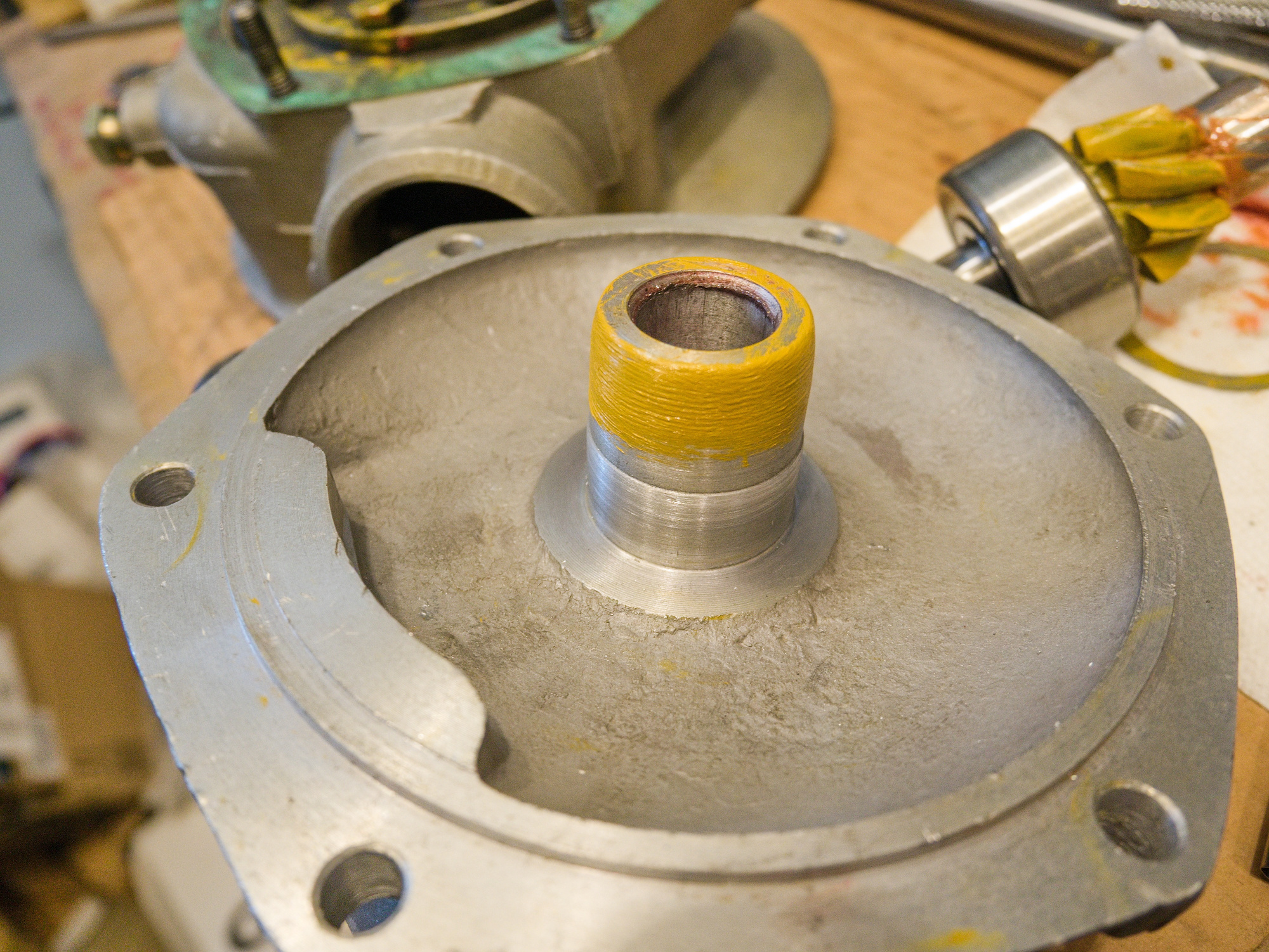
The 1-3/8"x1-7/8" Arbor Shims are used to space the ring gear. The M52x42x0.2 shims are used to space the pinion gear. The M52 shims were sold in a pack of 125 only.
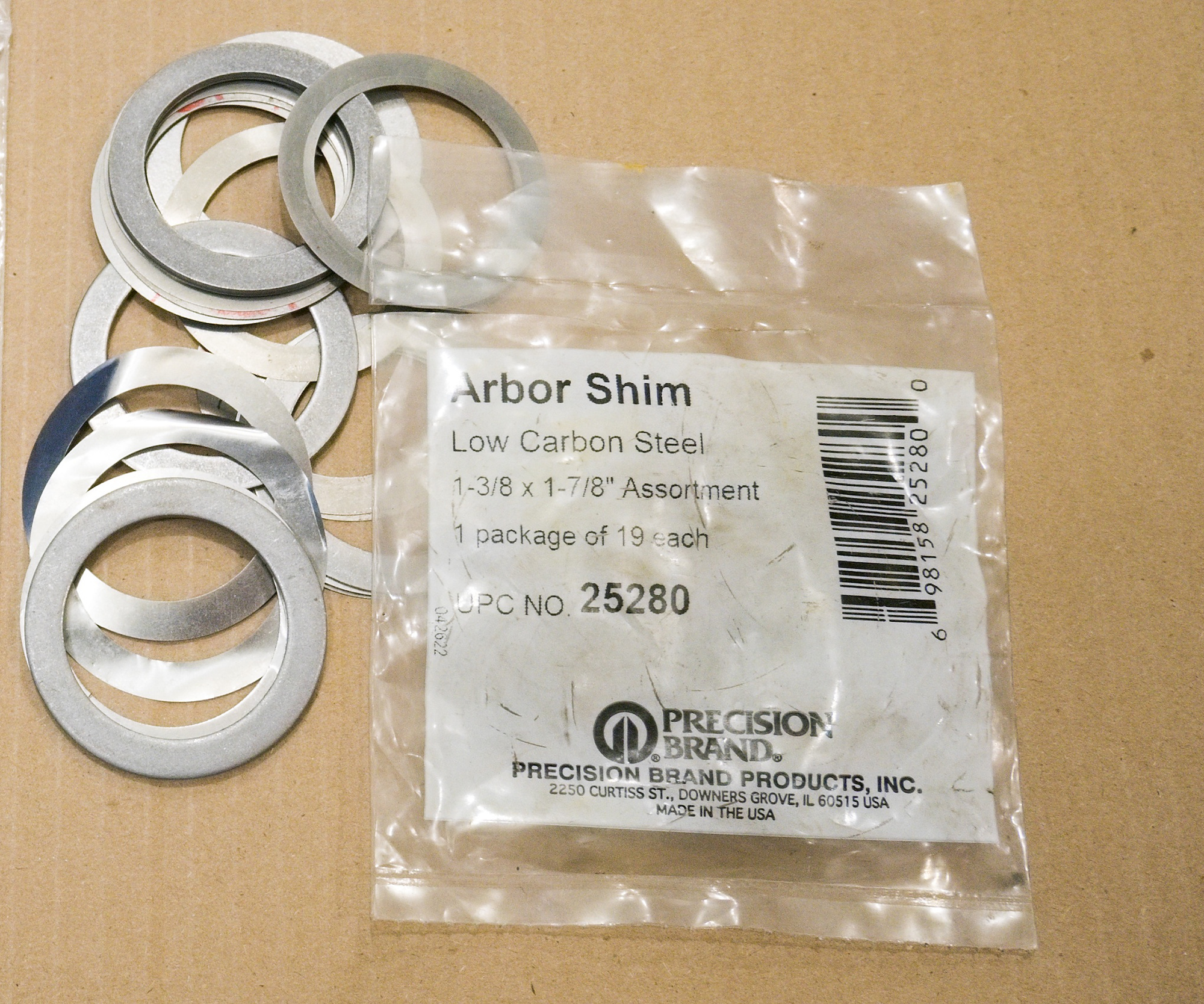
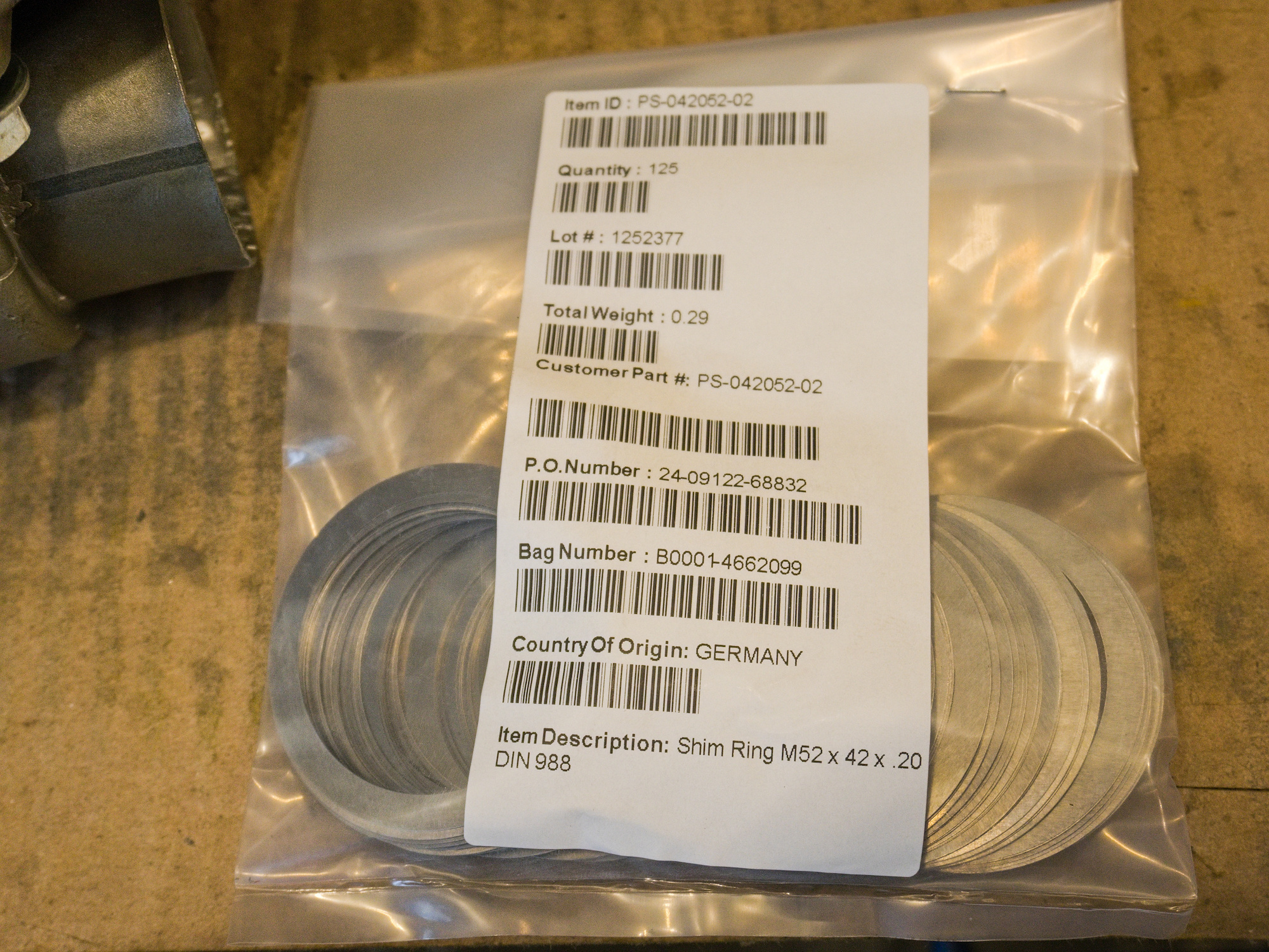
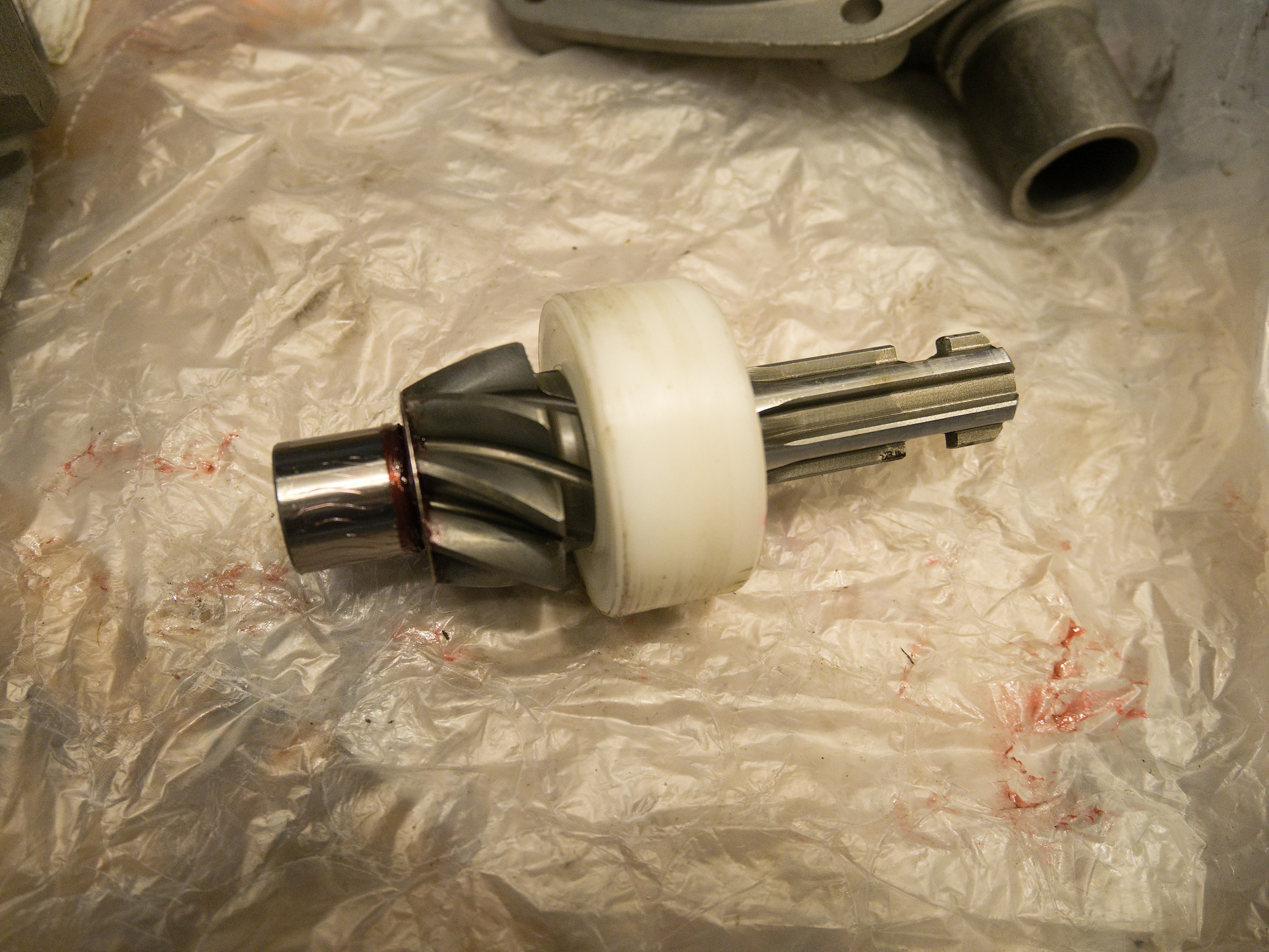
To make the pinion adjustment easier, a plastic replacement for the bearing with a undersize is used to allow quickly sliding the pinion gear in and out.
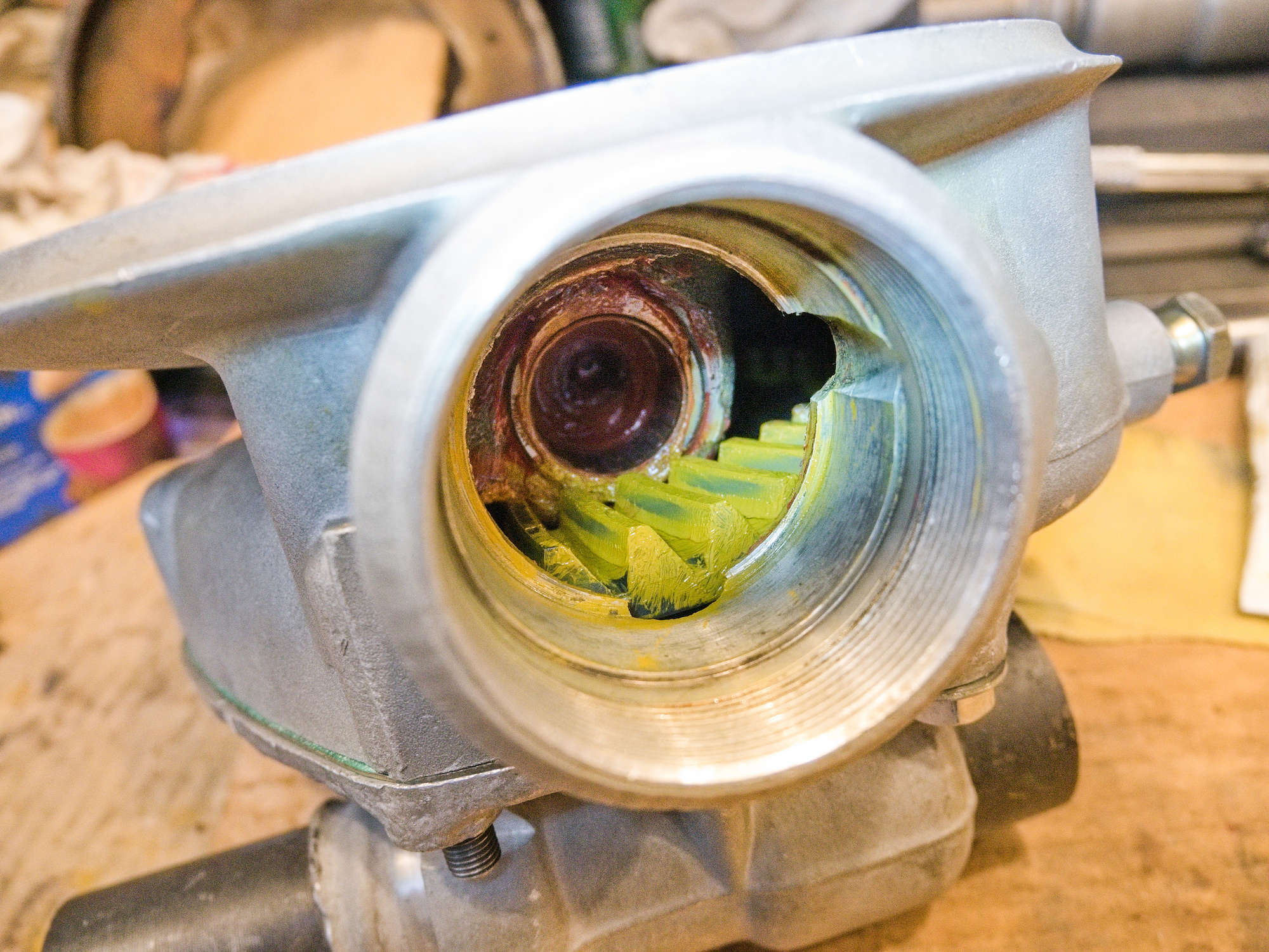
Gear compound is used to see the contact pattern.
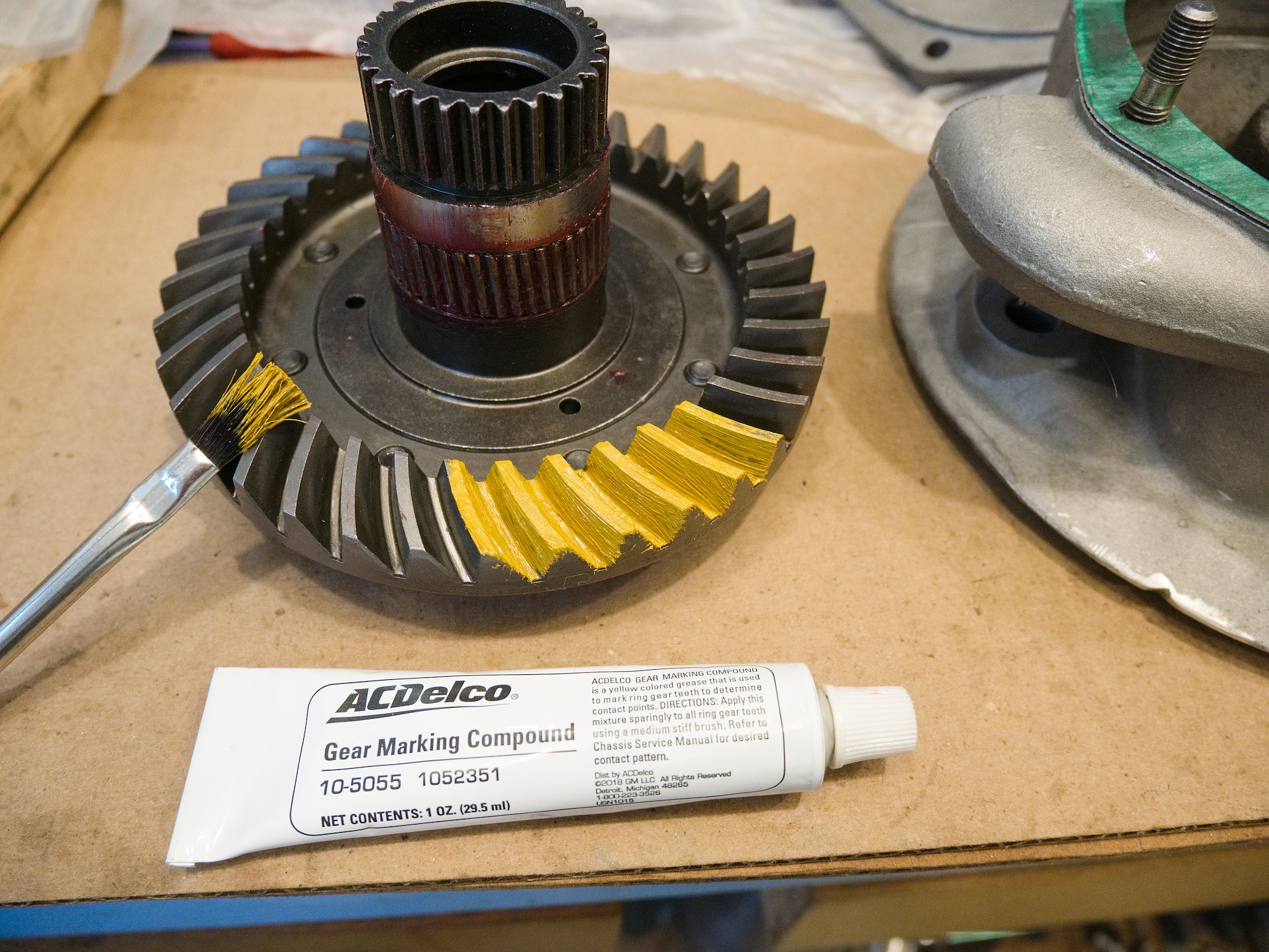
The contact pattern gets visible once the gear is rotated. Apply some pressure to the ring gear when rotating the pinion gear to get a clear pattern.
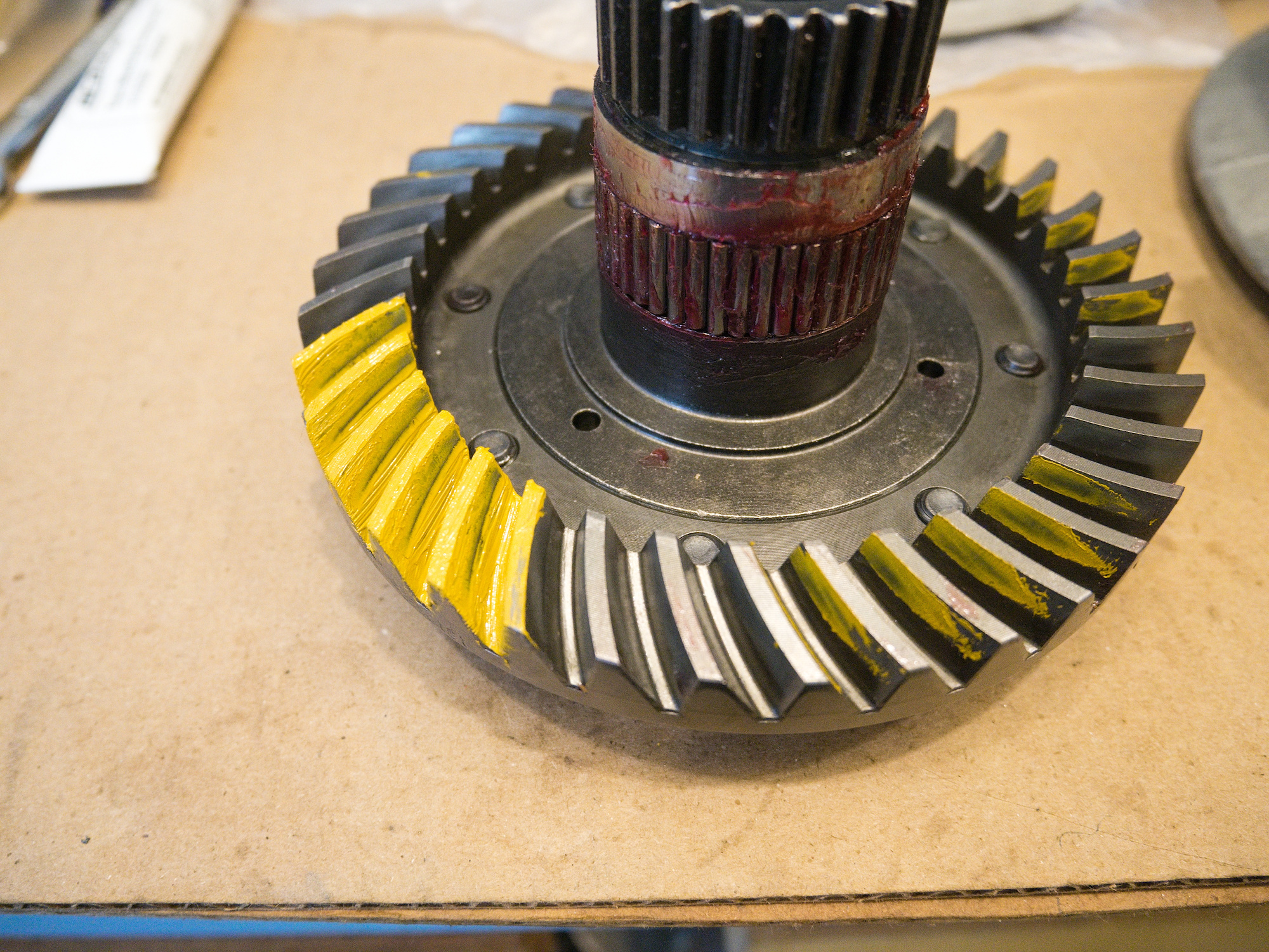
Rotate forth and back to get a pattern for the cruise and drive side.
This is the drive side. Needs adjustment.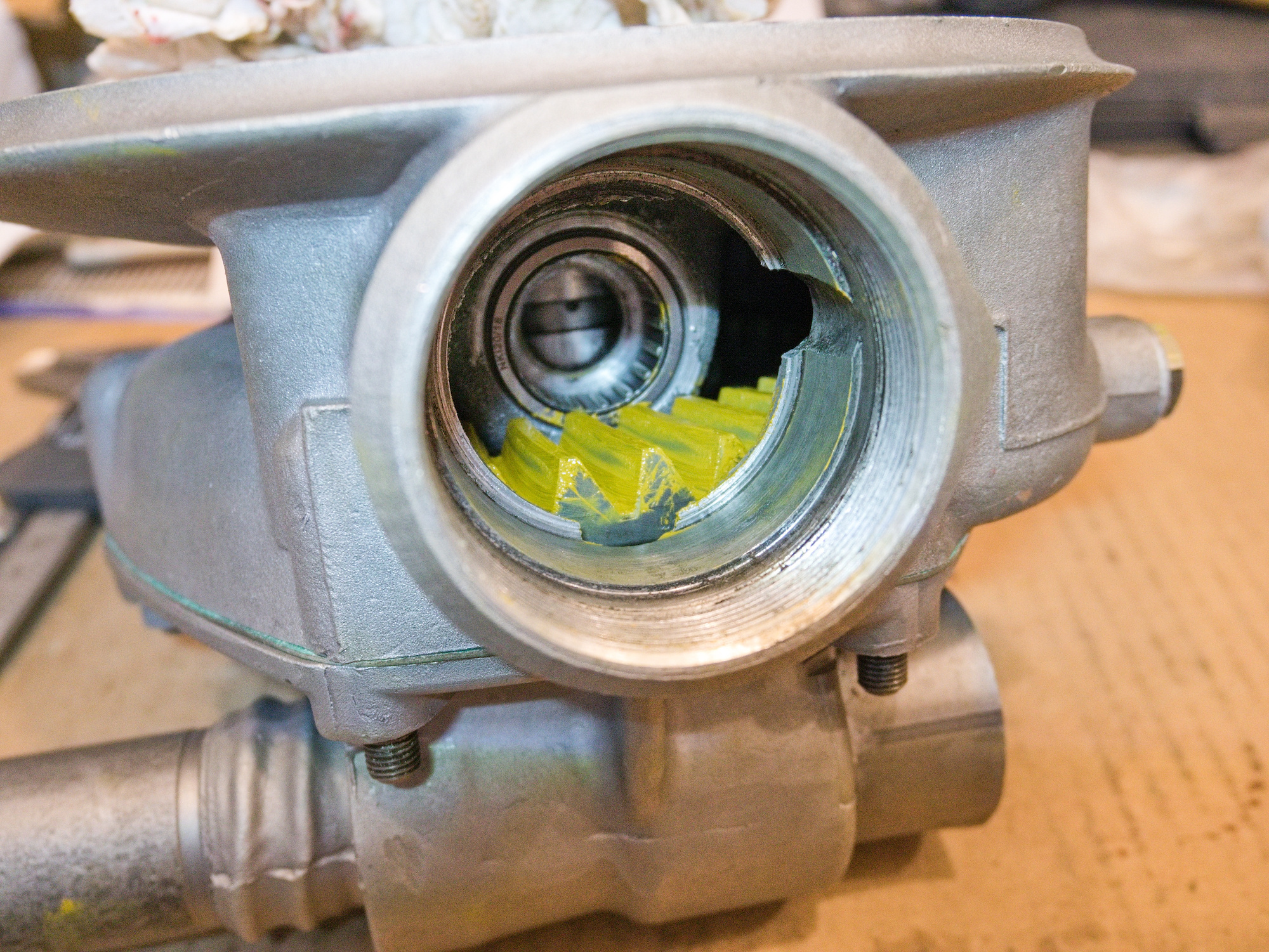
This is the cruise side. Also not acceptable. The distinctive bottom line must not appear. The pattern should be uniform and gradually fade out.
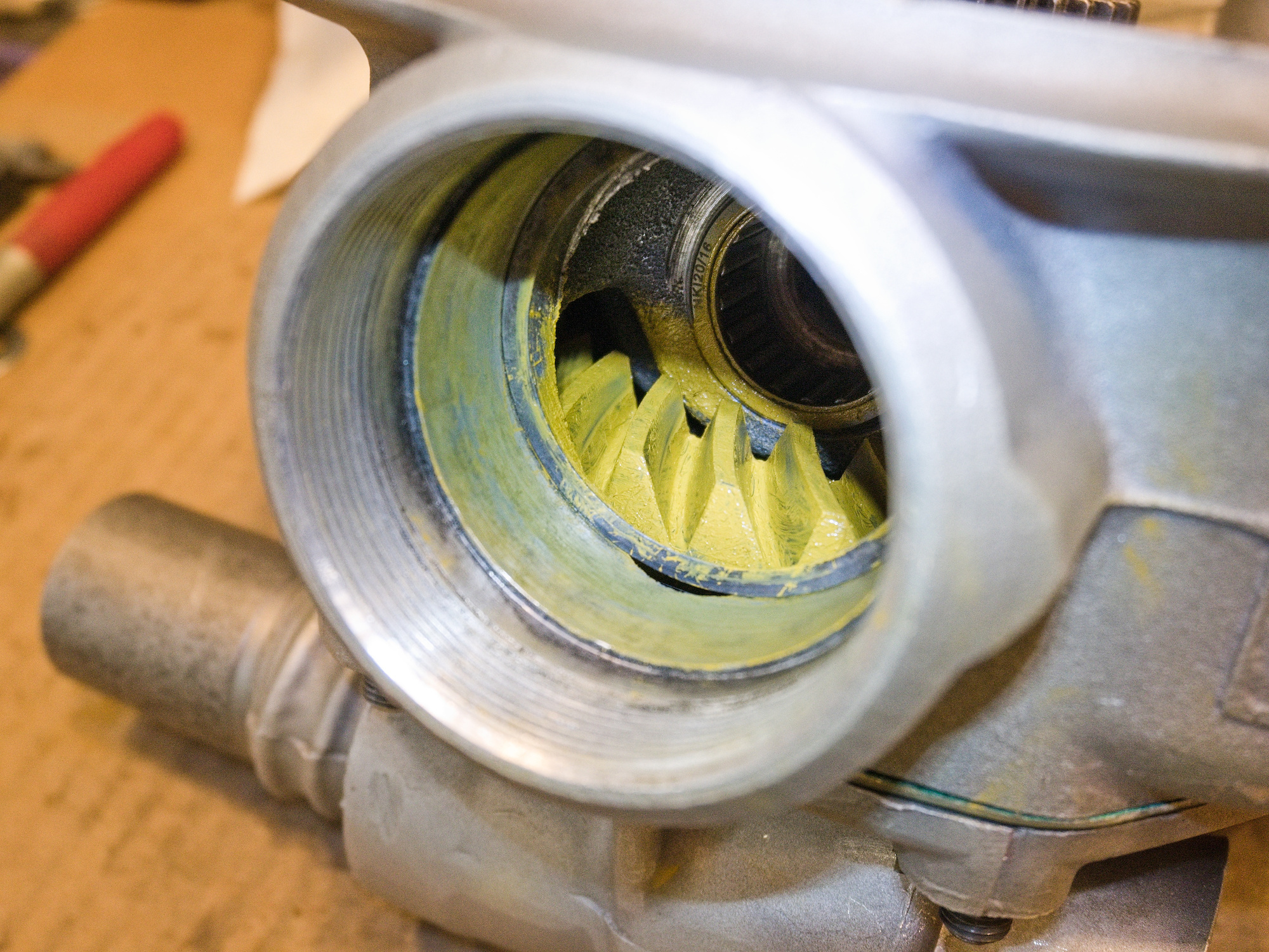
Guide to adjust the contact pattern.
Search for contact pattern to get more detailled guides on how to adjust the gears.
Using the contact pattern guides, move the ring gear by adding or removing 1-3/8"x1-7/8" Arbor shims between the cover and the hub bearing, and move the pinion gear by adding or removing M52x42x0.2 shims between the housing and the bearing.
Acceptable contact pattern for the drive side.